Manifesting change: AdGuard Ad Blocker on MV3 moves from prototype to beta
In mid-2021, AdGuard began developing a new ad-blocking extension designed to comply with the constraints of Manifest V3. Despite challenges from the API’s early and unfinished state, we have successfully adapted our Ad Blocker to operate effectively under these new conditions. Check out our blog to learn more about how this journey began.
Important to know
The beta has replaced the prototype in the Chrome WebStore and will stay available there.
With the full release, the MV3 version will become the main one and replace our old extension. If you want to know when the release is coming, follow us on social media.
After the MV3 release, the old beta extension will be renamed to AdGuard Ad Blocker MV2. We will continue to support it until Google phases it out, as they said in the Chrome blog.
The main question: Is MV3 extension as good as MV2?
MV3 extension effectively blocks ads and trackers and seamlessly manages social widgets, banners, and video ads. Most users won’t notice any operational differences.
Now, let’s get to the technical details.
Changes in beta: inside and out
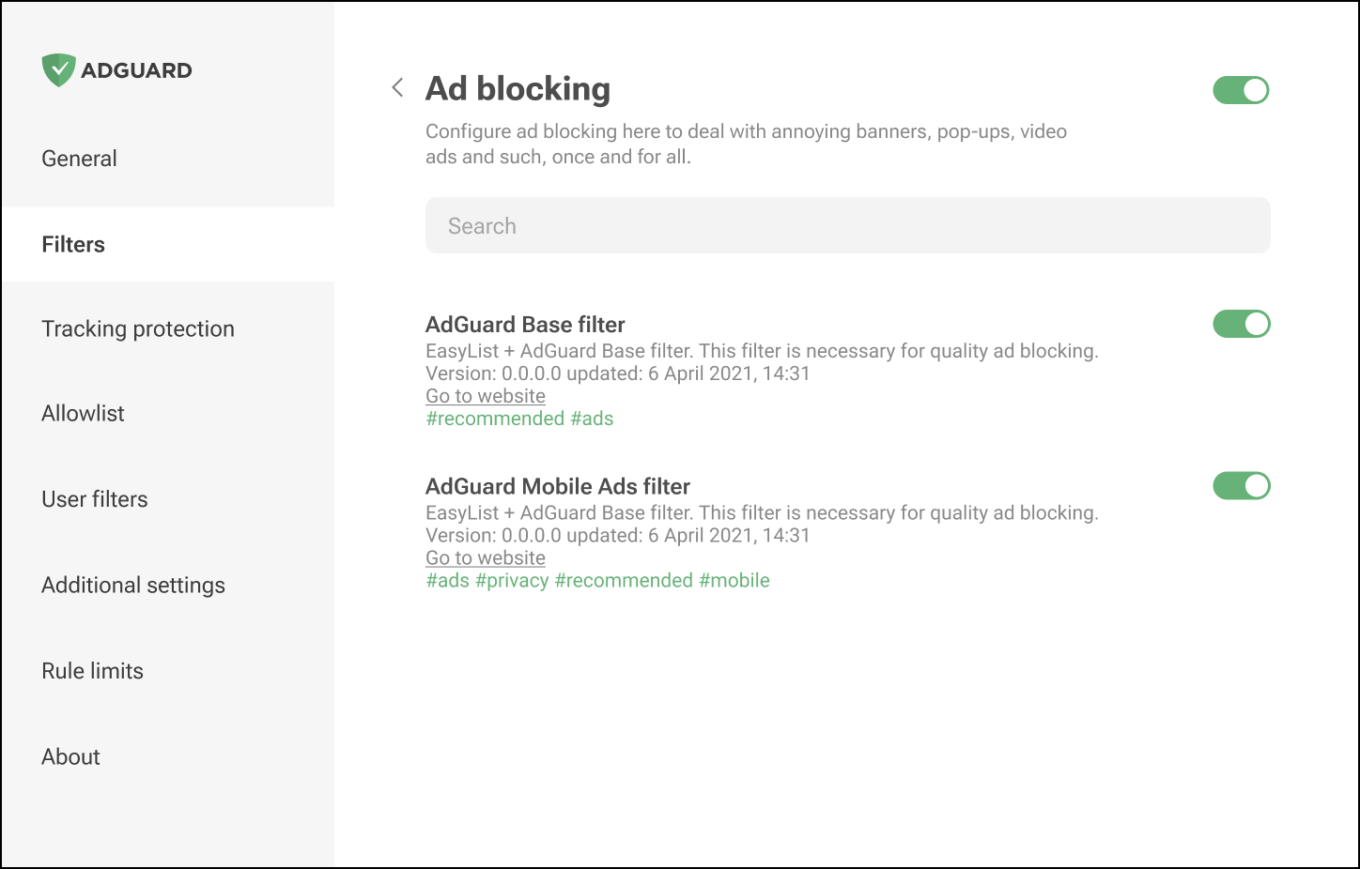
- Improved UI: We have switched to a UI similar to our good old MV2 extension
- Notifications: Due to the new API’s rule limits, users may see frequent notifications when they exceed these limits. The notifications will look like this:
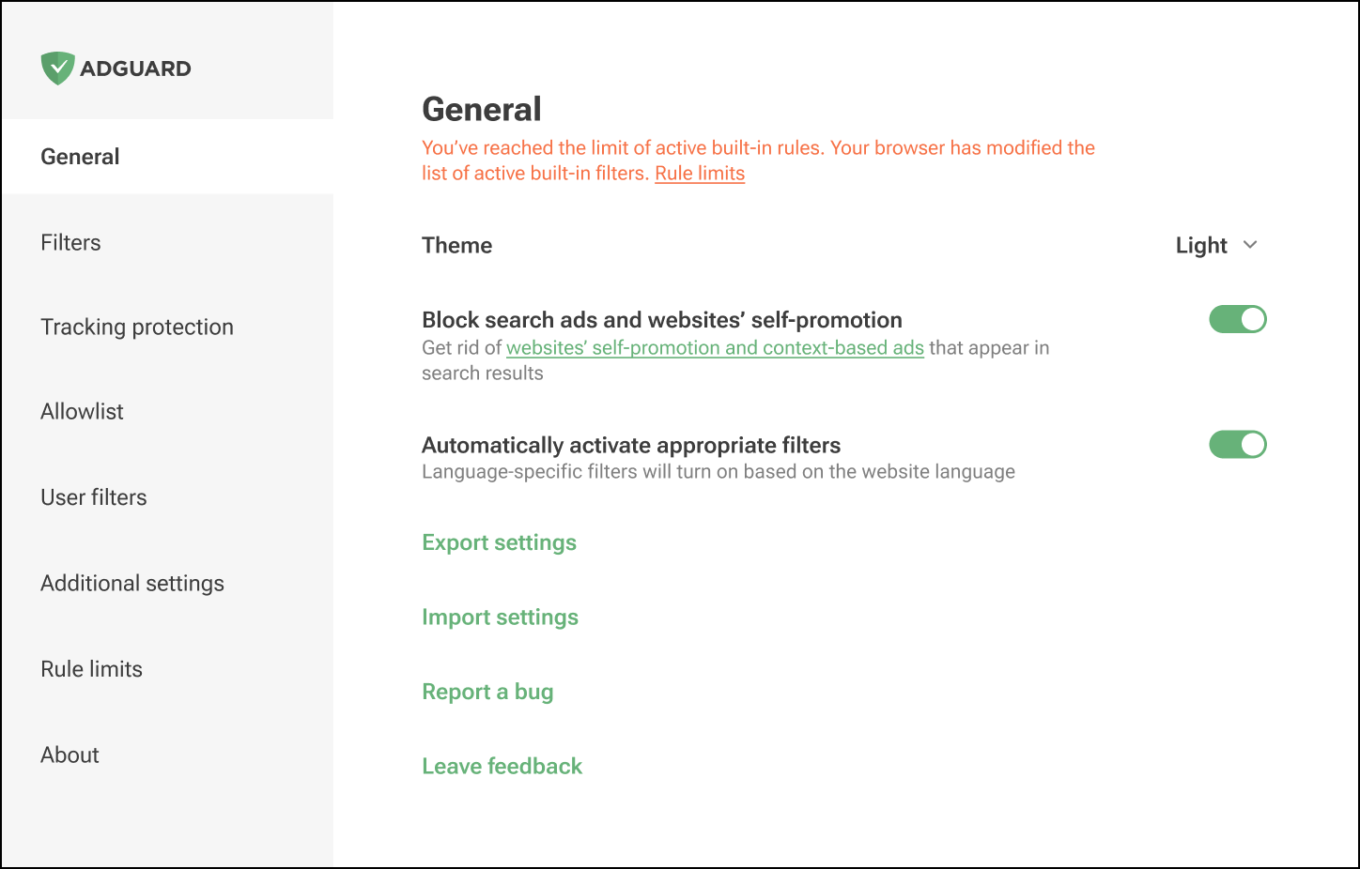
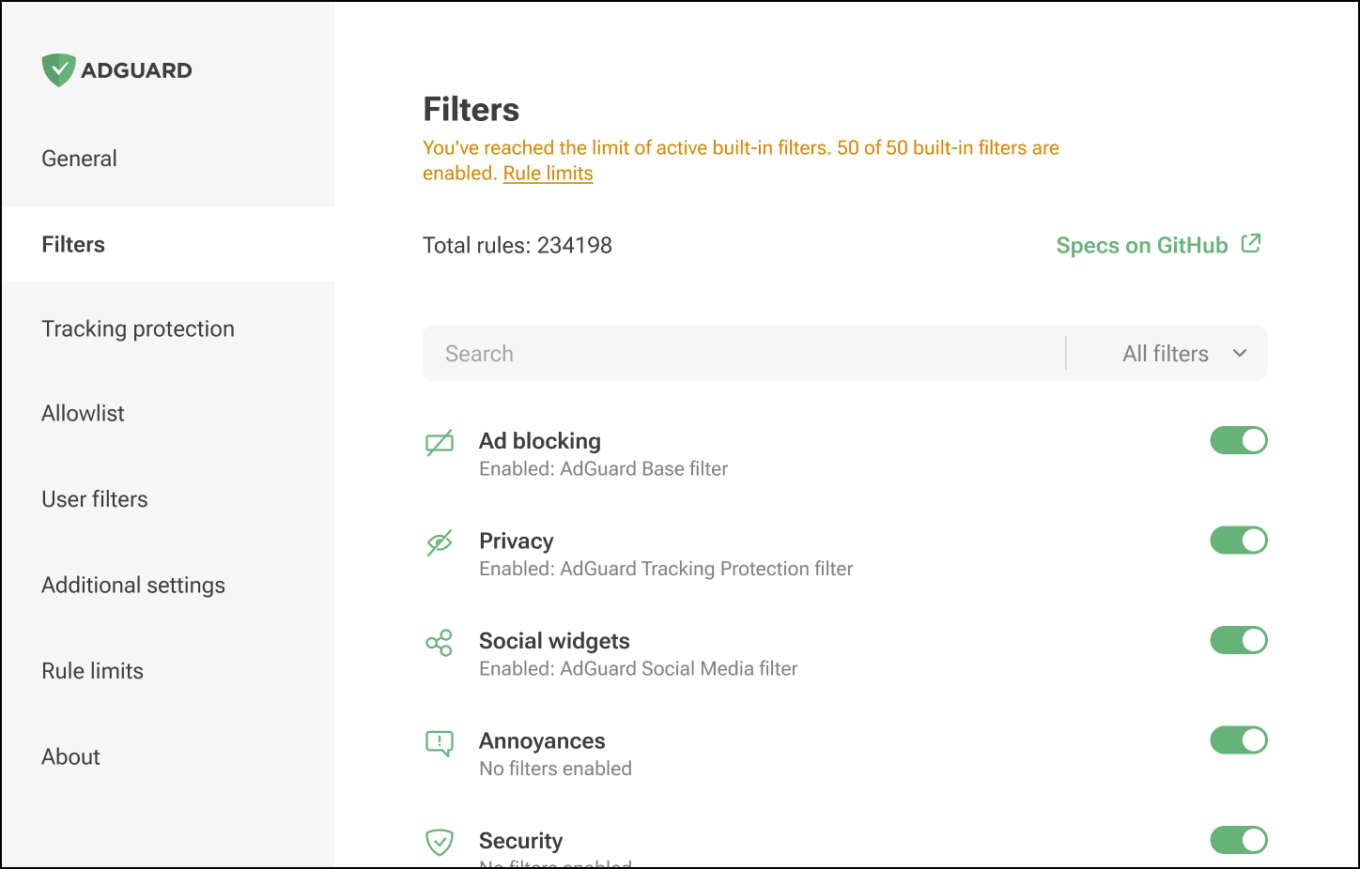
Why this is happening: Manifest V3 divides rules into static (built-in) and dynamic, with strict limits.
Static rules: 30,000 rules per extension, with a cumulative limit of 330,000 for all extensions installed by a single user.
For regexp rules, the limit is 1,000 per extension.
The maximum number of simultaneously enabled filters is 50.
Dynamic rules: a strict cap of 5,000 rules. This limit also includes 1,000 regexp rules.
If this limit is exceeded, only 5,000 converted rules will be applied in the following order: first user rules, then allowlist, and finally — custom filters.
Converted rules are rules that have been transformed to DNR format using declarative converter. During this conversion process, some rules may overwrite others (
badfilter), some may be combined (removeparame), resulting in a list of rules with a slightly different order.From this list of converted rules, we will only use 5,000 rules. The rest of them will be displayed in the editor, but not applied.
The current situation is an improvement from the prototype stage, and we express our gratitude to the W3C group for considering our feedback in issues such as:
- Adjusting the maximum number of static rule-sets and enabled rule-sets
- Increasing the maximum number of dynamic rules to 30,000
For now, we are operating with 5,000 rules instead of 30,000 as we are in the process of categorizing the rules to fit within these limits. Further updates on this will be provided in future releases.
Some suggestions and solutions are still under discussion, with outcomes pending in issues like:
- Providing a way to register a “page script”
- Declarative Net Request proposal: disable individual static rules
- Adding support for wildcards in
initiatorDomainsandexcludedInitiatorDomainsfields - Allowing other redirection rules to be applied to the resulting request
Internal changes
No auto and manual filter updates. The options Auto-update filters and Check filters update are no longer available in the Filters tab. Since some of the rules are now applied in DNR form, we can’t update filters on request, only through the full process of updating the extension along with the review in the stores.
However, when we implement the differential updates, the users will be able to update the filter lists when there is a change in them.
Service worker functionality. Chrome has implemented a workaround so that service worker doesn’t go to sleep. Why is this important?
When the service worker is inactive, it affects the way rules are applied, with a few seconds of delay and glitches. The Chrome workaround helps with this problem, but it is not a foolproof solution. Chrome can always remove the workaround and the glitching will return. We are working on our own solution to reduce the glitching delay to a minimum, but it will still be more noticeable and slower than it was in MV2.
Limitations. Limitations are placed on the network rules: some types of rules cannot be implemented in MV3, or can only be implemented with restrictions. For example, allowrules are not supported for certain modifiers. Some modifiers are not supported at all, e.g.
$header,$content, and$redirect-rule. More details about the restrictions are described on GitHub.
Certain features could not be adapted to the strict environment of MV3, including:
The Tracking protection tab (formerly known as Stealth mode) is missing the Cookies section, along with Self-destruction of first-party cookies and Self-destruction of third-party cookies since we cannot set the TTL of cookies using declarative rules.
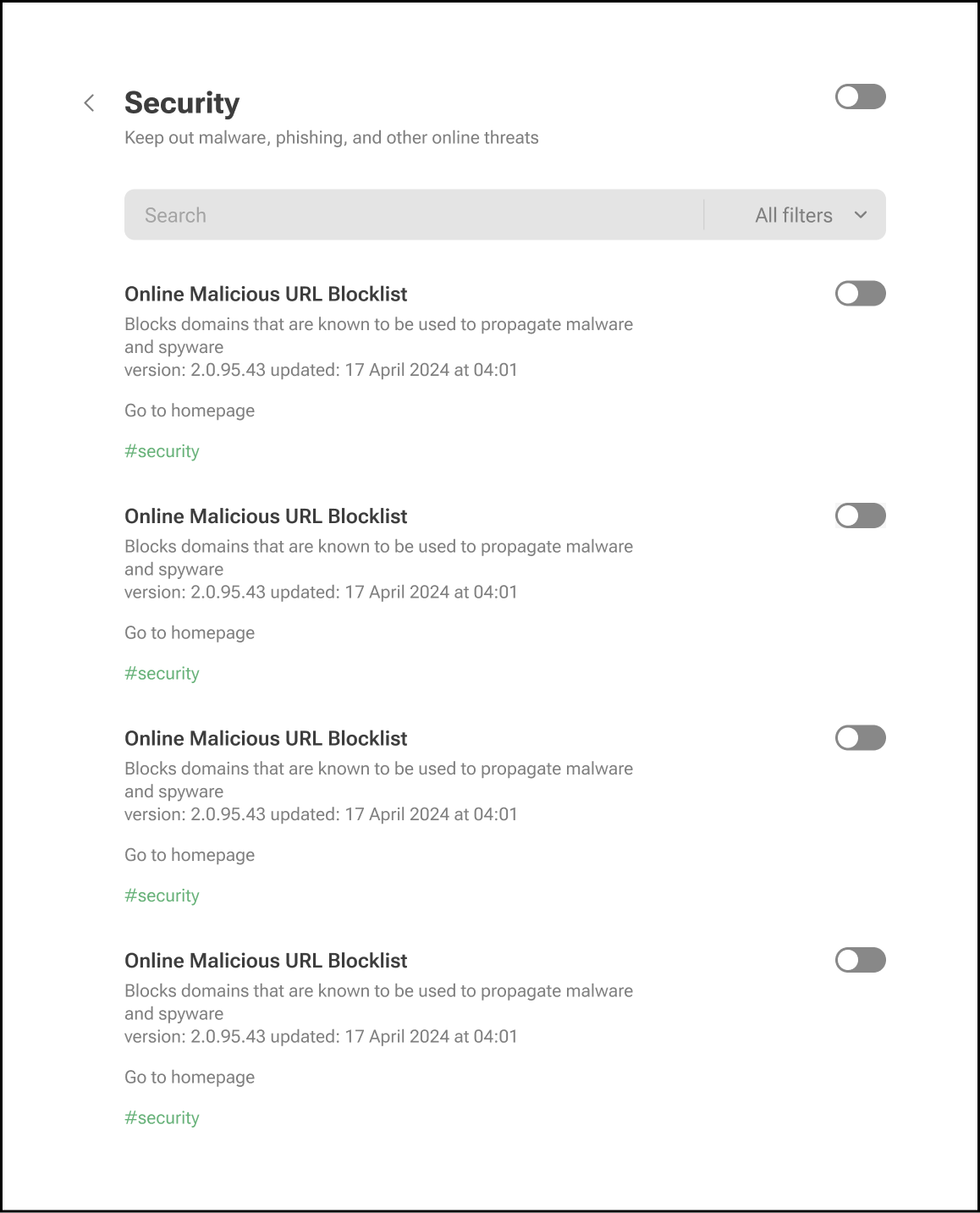
There is no longer a separate section for Phishing & malware protection in the general settings. To protect yourself from malicious websites and scams, enable the appropriate filters in the Security tab.
- We are currently updating the Filtering log and Statistics sections, which are not yet included in this beta version. As a result, the Clear statistics option is temporarily unavailable in Additional settings. However, both sections will be restored in the release version. If you need filtering log, just stay with the prototype version for now.
What is coming in the release version?
Filter management. The filters will be updated together with the extension, so the option for manual or automatic updates will be removed. You can still check for extension updates and receive notifications in both the beta and release versions.
In the future, we want to implement differential filter updates, similar to our MV2 extension. When we add this, the manual and automatic update options will return.
Filtering log. The filtering log will make a comeback in a modified form. Due to DNR restrictions, we can’t show exactly which rule worked, but we will provide an “approximate rule that was triggered” based on our engine. For precise information, you’ll need to install the “unpacked” form of the extension in your browser yourself. That is, you need to clone our repository, “build” the extension, switch the browser to Developer mode, and only in this case you will be able to use the tools for debugging filters.
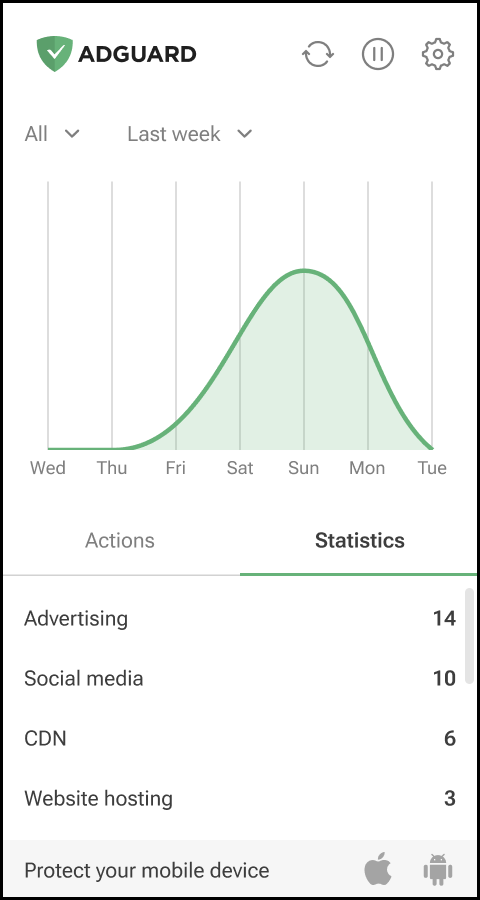
Statistics. The new stats screen will resemble the query log in AdGuard DNS. It will display a categorized list of URLs by company, sorted by type, and show the requests sent. All data is handled on the client side, and we do not store any request information. We only show which request was sent to which company.
You can try out this extension by installing it from the Chrome WebStore. Feel free to share your feedback on GitHub.


















































