Apple is accused of ‘stealing from street musicians’ with new Patreon requirements. Is it really?
Apple has historically received less bad press than Google — the sleek interface and reputation of a privacy champion as opposed to Google’s ruthless data collector has played its role. But now Cupertino has also landed in hot water, and the reason for that is its closed iOS ecosystem.
Notoriously, Apple device owners can only upload apps (at least officially) from Apple’s own App Store. The idea of sideloading — meaning downloading apps from third-party app stores or installing them directly from .IPA files provided by developers — has been off the table for a long time. Even though now the EU has pressured Apple to allow sideloading under the Digital Markets Act (DMA), the company isn’t letting go easily. Apps still have to go through a “notarization” process, ensuring that Apple remains the gatekeeper of app distribution and keeping the control firmly in its grasp.
A recent display of Apple’s tight grip and its potential impact on both users and developers is the case of Patreon. This app, which lets creators support their work without relying on ad revenue, like from YouTube, will face Apple’s 30% cut on in-app purchases starting in November 2025. According to Patreon, Apple made it an ultimatum — if it does not comply with the rules, it will be banished from the app store.
“Unfortunately, Apple is requiring us to switch over to their in-app purchase system for all iOS transactions or else risk being kicked out of the App Store altogether – and their in-app purchase system is not built with our same level of creator-first flexibility, if creators on Patreon continue to use unsupported billing models or disable transactions in the iOS app, we will be at risk of having the entire app removed from their App Store.”
In a nutshell, Apple is pushing Patreon to implement a new feature which would make all transactions between creators and their supporters go through its billing system. To make the transition easier for creators, Patreon has developed an optional tool for the iOS app that can automatically raise subscription prices to cover Apple’s 30% fee. This adjustment ensures that creators will earn the same amount per membership as they do on other platforms. However, creators are not required to use this tool. While the automatic price increase is set as the default, they also have the option to keep their prices unchanged and absorb the 30% fee themselves.
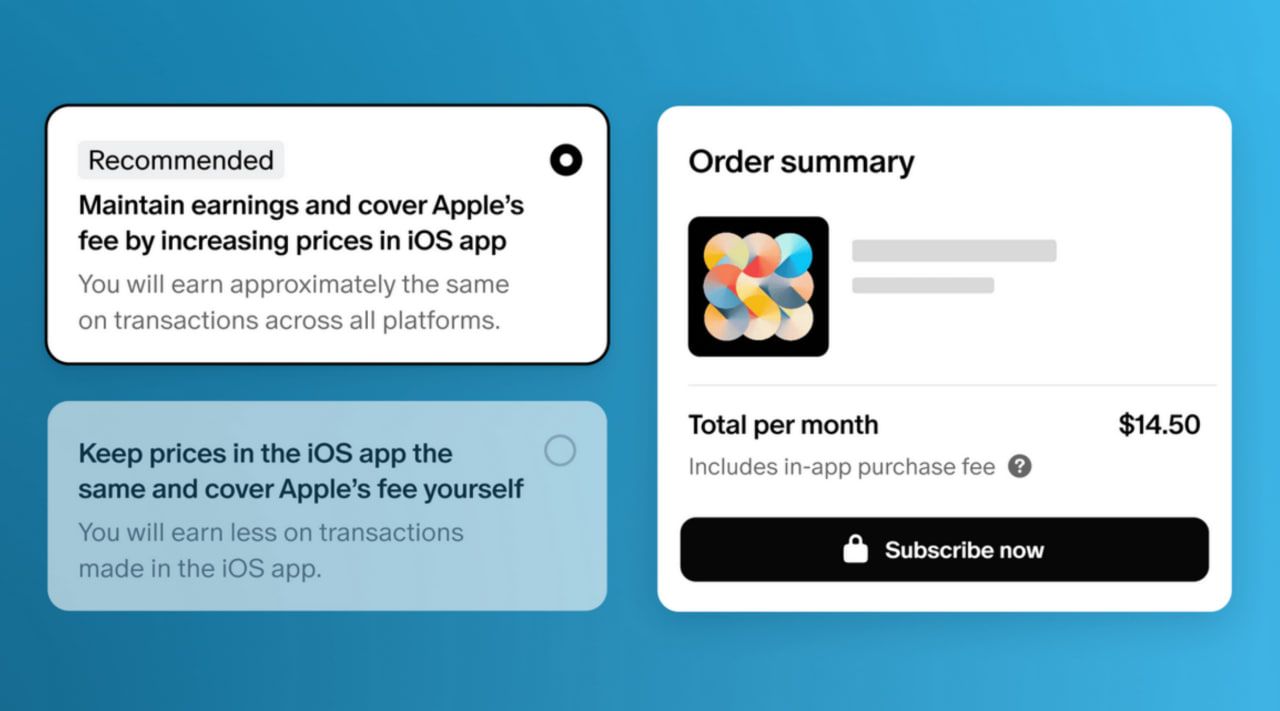
Describing both options as not ideal, Patreon noted that the inevitable price increase only applies to the company’s iOS app. It won’t affect existing members — those who have signed up before November 2025 — and won’t affect prices on the web and in the Android app.
A storm of criticism
Patreon users are neither the first nor the last to be impacted by Apple’s fee structure, but this particular case has struck a nerve and a chord with many. Perhaps this is because Apple is seeking a share of what are essentially donations — and donations, by their very nature, are meant to be free from such commercial encumbrances. This move feels particularly controversial, as it seems to intrude on the spirit of charitable giving and voluntary support.
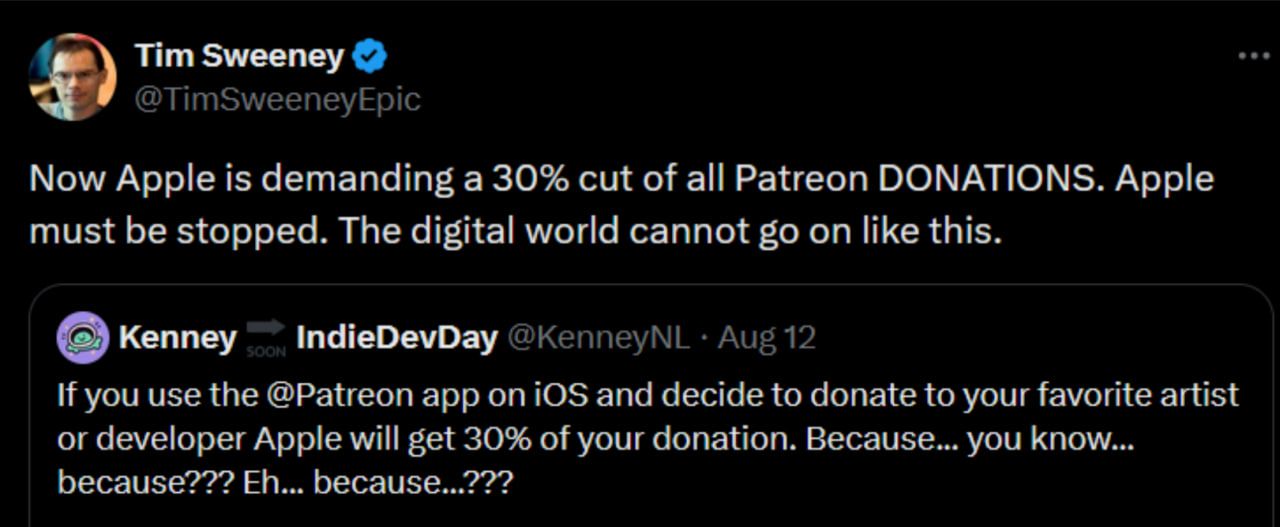
Tim Sweeney from Epic Games was among the first to voice his disapproval.
“Apple must be stopped. The digital world cannot go on like this,” Sweeney said on X.
Epic Games has been in a long-standing battle with Apple ever since Fortnite was pulled from the App Store four years ago. It’s only recently made a return, but only in the EU and through Epic’s new mobile store. This change is thanks to the DMA, which, as we’ve mentioned before, pushed Apple to slightly open up its walled garden.
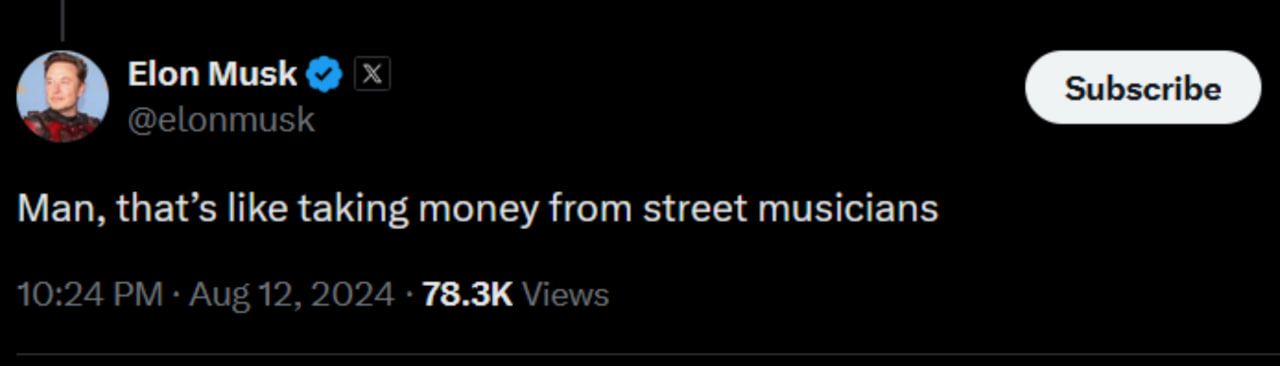
Another staunch critic of Apple’s way, Elon Musk, accused Apple of doing something akin to “taking money from street musicians.”
Some have started calling on Patreon users to switch to other payment methods to avoid doing Apple’s bidding.

What it takes to get Apple to acquiesce
Apple has been pushing back against changes and strongly resisting any efforts by regulators to dismantle its walled garden. The company argues that easing its control over the ecosystem would have disastrous consequences for security — that’s been their main argument. But in some cases, Apple’s resistance seems more about protecting its own interests than about security concerns.
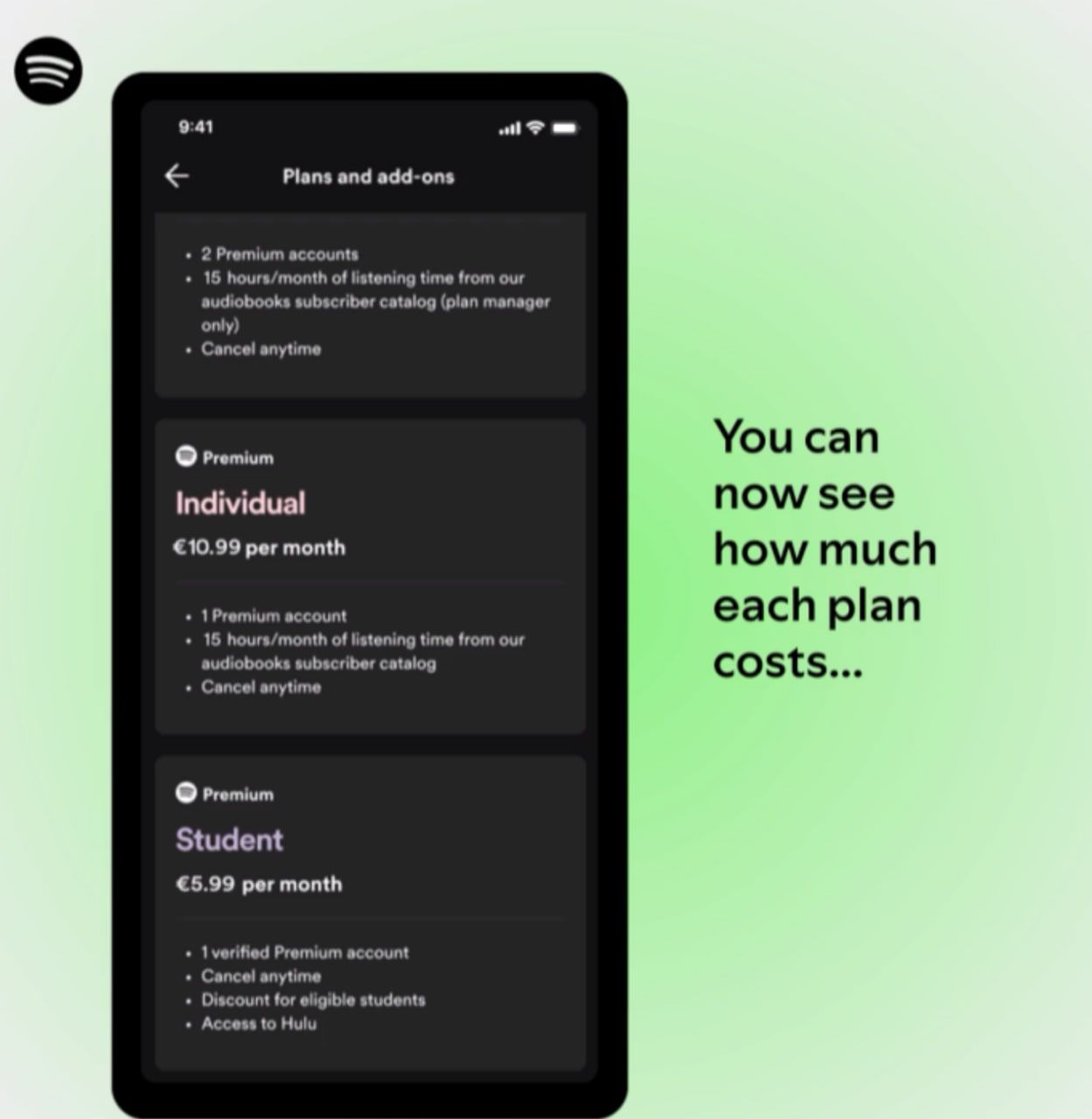
For instance, Spotify announced last week that EU iPhone users would finally be able to see the company’s promotional offers straight in the Apple’s App Store. That has been a thing on Android and other operating systems for years.
“While this is progress, it’s only a small step in the long march towards giving iPhone consumers basic product experiences they expect and deserve in their apps – experiences that users of other phones already enjoy.”
Apple was forced to make this change — it took a whole court to make the company give some ground. Spotify decided to enroll in the “music streaming services entitlement” program that Apple introduced after being fined €1.84 billion by the EU in March for “abusing its dominant position” in the market.
The European Commission found that Apple’s actions constituted abuse by preventing app developers from informing iOS users about alternative, often cheaper, services available outside the App Store. This choice comes instead of agreeing to Apple’s newly proposed developer terms. These new terms would let EU developers link to external payment options but would still enable Apple to collect a share of those off-platform sales. Spotify has condemned these terms, labeling Apple’s approach “unfair and exploitative.”
Spotify described the victory as “small,” and it is indeed so — Cupertino has shown time and again that if it is to give some leeway, it would do so only under duress. And there is more ground to be gained by developers. Currently, Spotify and other music streaming services in the EU remain unable to offer users an option to click a link to purchase an app due to the ongoing restrictive fees imposed by Apple.
In conclusion
Overall, Apple’s tight grip on its iOS ecosystem is causing major headaches for both users and developers. The company’s strict rules and hefty fees are hurdles to innovation and fairness. Even though regulators like the European Commission are making some headway — like pushing for better app visibility and limited changes — the progress is slow and often comes only after lengthy legal fights. The latest controversy around Patreon’s fee structure shows just how damaging Apple’s approach can be, especially when it impacts donations meant to be free from such fees. As the struggle continues, AdGuard plans to launch a petition to push for global sideloading of apps, aiming to open up the app marketplace and challenge Apple’s dominance.


















































