Over 20,000,000 of Chrome Users are Victims of Fake Ad Blockers
According to the PageFair 2014 report, Google Chrome is a major driver of adblock growth. 20% of users discovered ad blocking by browsing “available browser extensions”. Given how popular ad blocking is, it is quite a lot. This also explains why "cloning" wide-spread ad blockers has become so popular among online crooks. Seven months ago big news broke: 37,000 users were tricked into installing a fake Adblock Plus extension.
What if I told you that thanks to poor Chrome's WebStore moderation the situation is much worse, and in reality over 20,000,000 users are affected and tricked into installing fake malicious ad blockers?
I must say the problem is not new. It's been a while since different "authors" started spamming Chrome WebStore with lazy clones of popular ad blockers (with a few lines of their code on top of them). That's how users could end up installing some "Adguard Hardline" or "Adblock Plus Premium" or something like that. The only way of fighting this stuff is to file a trademark violation abuse to Google, and it takes them a few days to take a clone down.
They got smarter now. Just look at the search results. All the extensions I've highlighted are simple rip-offs with a few lines of code and some analytics code added by the "authors". Instead of using tricky names they now spam keywords in the extension description trying to make to the top search results.
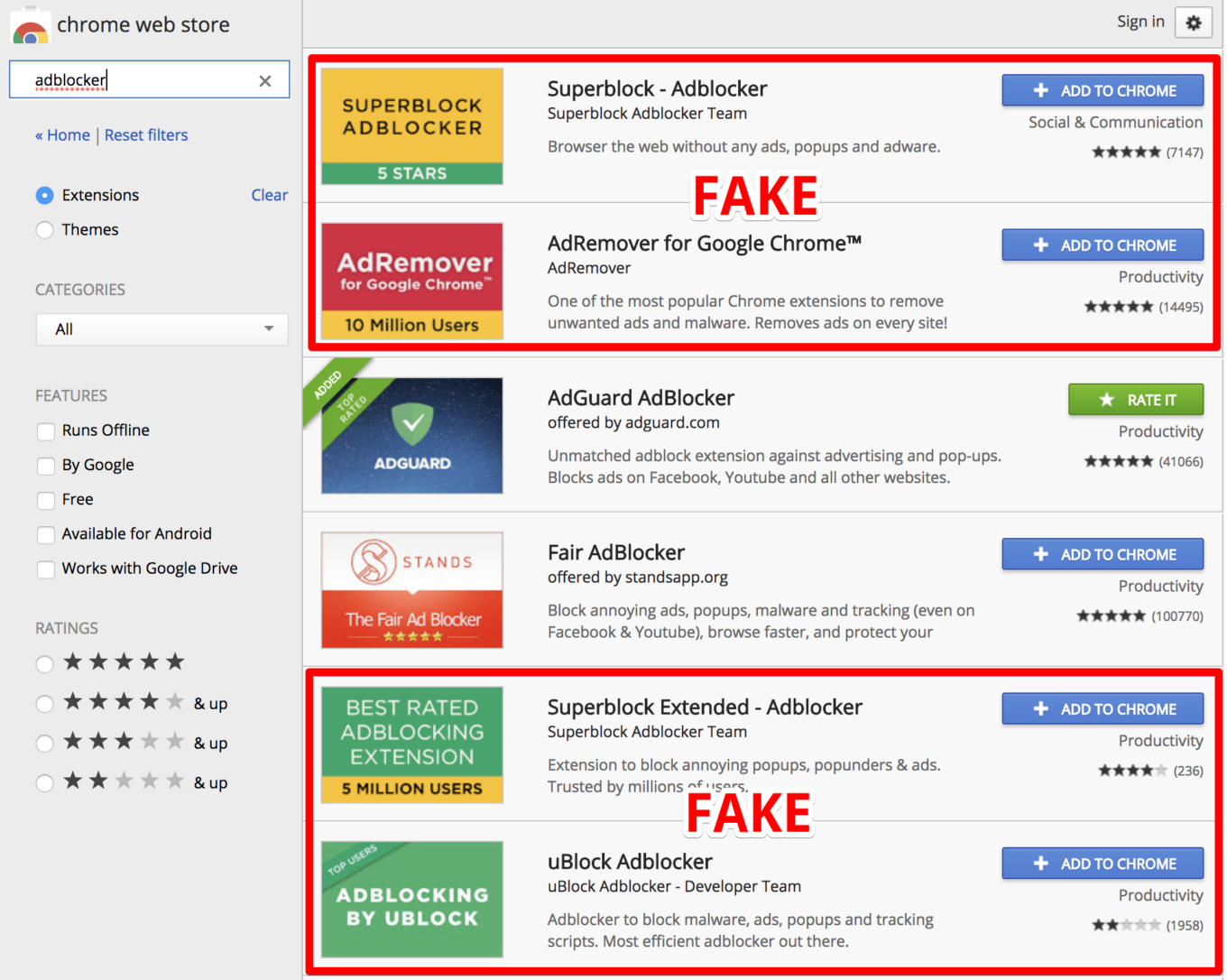
Apparently, being in the top is enough to gain trust of casual users. For instance, take a look at the stats of one of them:

So I've decided to take a deeper look inside of this so-called "AdRemover". The following section is full of technical details and if you are not interested, just skip it to the next section where I'll explain how it works in normal language.
All shades of hiding scripts
There was one file added compared to the original code of the AdBlock extension, the coupons.txt file: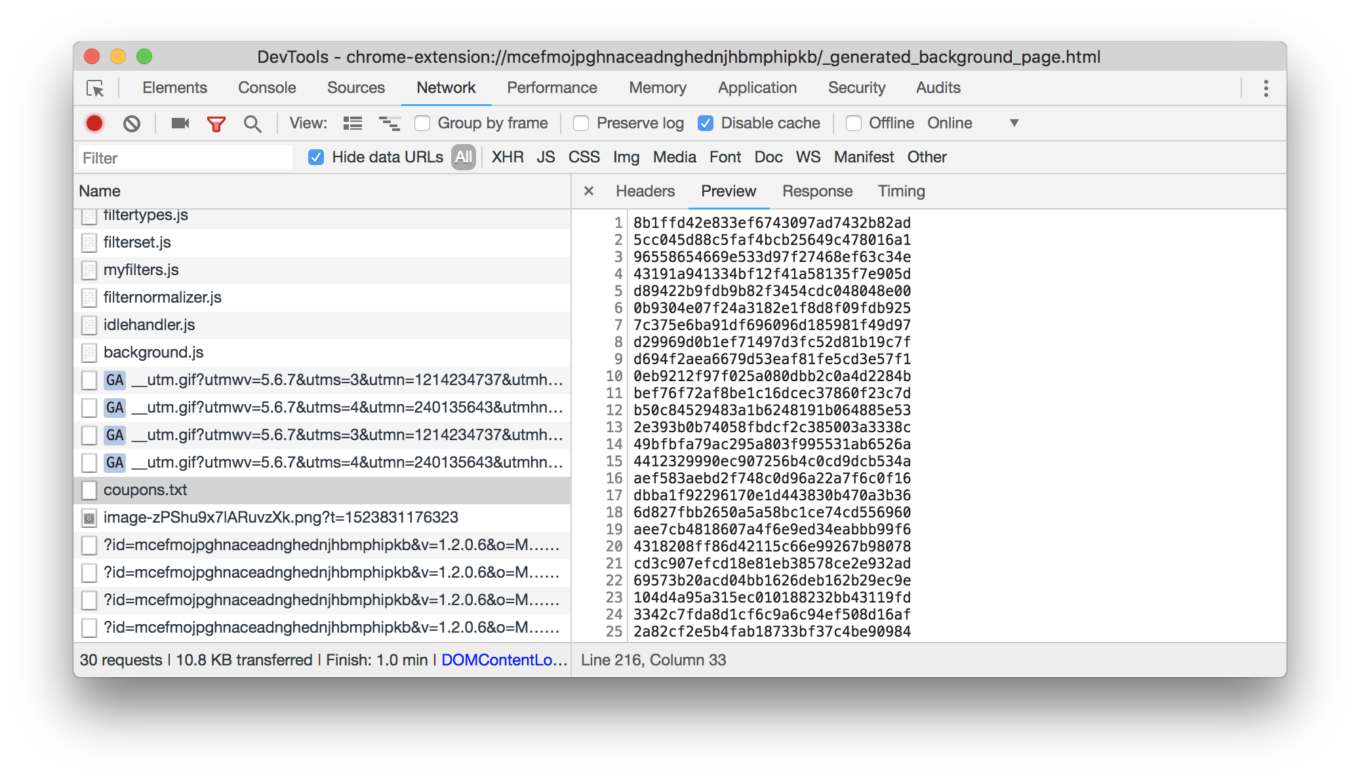
Another thing that caught my eye is that while initializing it was loading a strange image from a third-party domain www.hanstrackr.com: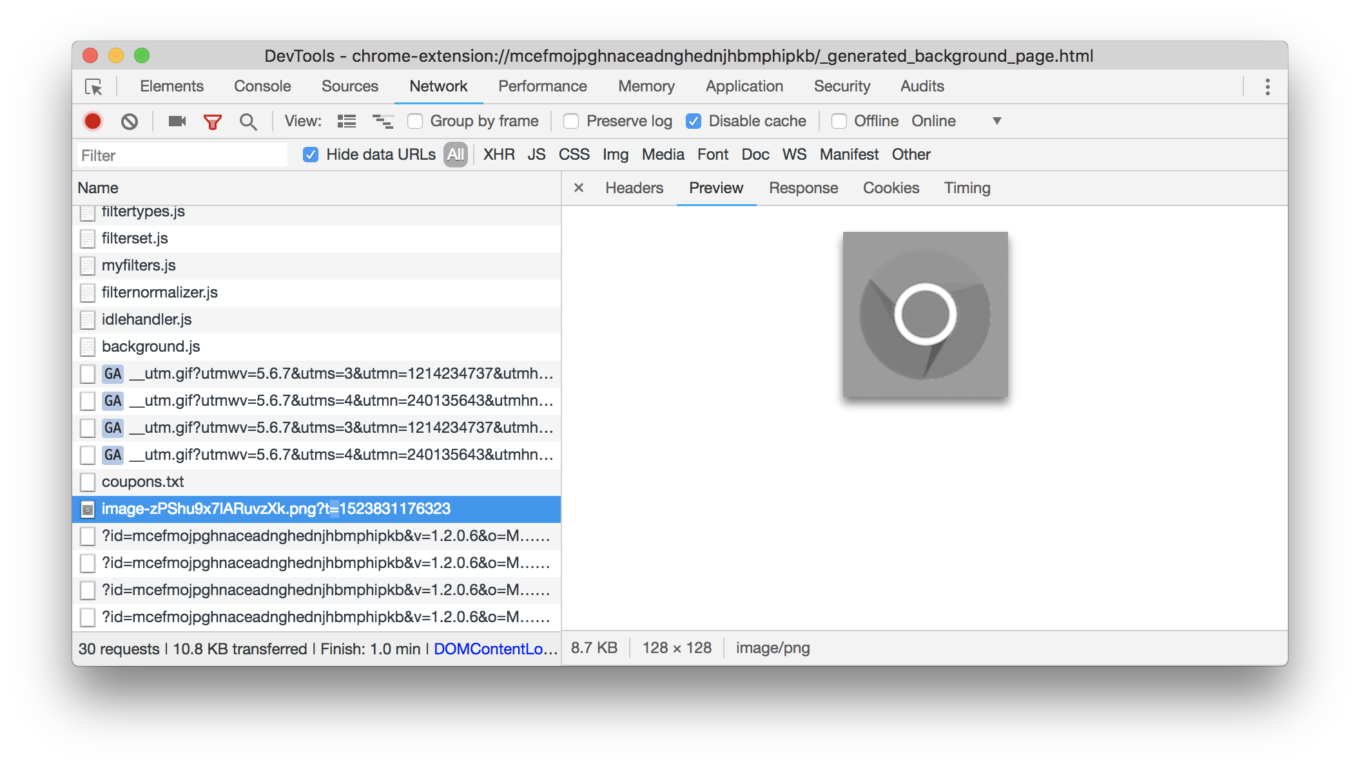
Okay, that's weird. Let's find out why do they need these files. It appears that both files were loaded by a script hidden inside the modified jQuery library:
jQuery.extend({

	normalize: function(value) {

		return jQuery.xrat+'ob("'+value+'")';
	}
});
This function returns a string: atob("here goes the hidden base64-encoded script") which is then executed. The script itself was also obfuscated. You can take a look at the deobfuscated version of it here.
This hidden script was listening to every request made by your browser and compared md5(url + "%Ujy%BNY0O") with the list of signatures loaded from coupons.txt. When the said signature was hit, it loaded an iframe from the g.qyz.sx domain passing information about the visited page, and then re-initialized the extension. For instance, one of these signatures corresponded to https://www.google.com/.
Now to that weird image. It appears that another script is hidden inside of it, and the extension was decoding and executing it:
    decodeMessage = function(variable_0, variable_1) {
        var variable_2 = [],
            variable_4 = getNumberFromBits(variable_0, variable_2, variable_1);
        if (16 * (variable_4 + 1) > 0.75 * variable_0["length"]) {
            return ""
        };
        if (0 === variable_4) {
            return ""
        };
        for (var variable_3 = [], variable_5 = 0; variable_5 < variable_4; variable_5++) {
            var variable_66 = getNumberFromBits(variable_0, variable_2, variable_1);
            variable_3["push"](String["fromCharCode"](variable_66))
        };
        return variable_3["join"]("")
    }
The default image/script does nothing malicious, but at any moment it can be changed. Note, that this script is executed in the privileged context (extension's background page) and it can do literally anything with your browser.
AdRemover's Summary
Now back to the normal language. Here is a list of what this fake ad blocker does.
- It hides malicious code inside a well-known javascript library (jQuery).
- This code sends back to their server information about some of the websites you visit.
- It receives commands from the command center remote server. In order to avoid detection, these commands are hidden inside a harmless-looking image.
- These commands are scripts which are then executed in the privileged context (extension's "background page") and can change your browser behavior in any way.
Basically, this is a botnet composed of browsers infected with the fake adblock extensions. The browser will do whatever the command center server owner orders it to do.
It is not alone
I have scanned other extensions on the WebStore and found four more using the very same approach. By the way, two of them are not fake ad blockers, and nothing pointed to them being malicious until I checked the code.
Here is the full list.
- AdRemover for Google Chrome™ (10M+ users)
- uBlock Plus (8M+ users)
- Adblock Pro (2M+ users)
- HD for YouTube™ (400K+ users)
- Webutation (30K+ users)
We have reported these extensions to Google. Hopefully, they will be taken down soon.
How to protect yourself from malicious extensions
With the current state of things, surfing through the Chrome's WebStore is like walking through a minefield. So here's my advice: if you want to install an extension, think twice. And then think twice again.
Ok, I got it, you absolutely need this extension. At least do one thing: check who is the author of this extension. Do not install it if you don't trust the author. Please note, that at some point the extension can be sold to someone else, and who knows what it will become (here's a vivid example).
- UPD (18.04.2018, 12:48 GMT+3): Google has taken down 4 of 5 extensions. We've reported the last one again.
- UPD (18.04.2018, 13:17 GMT+3): All five are taken down.


















































