Installation
This page is about AdGuard Mini for Android, which safeguards Samsung Browser and Yandex Browser and provides DNS protection. To protect your Android device entirely and get more advanced settings, download AdGuard for Android.
System requirements
Operating system: Android 9 (Pie) or later
How to install AdGuard Mini for Android
AdGuard Mini for Android is a free app present in Google Play. To install it on your Android, do the following:
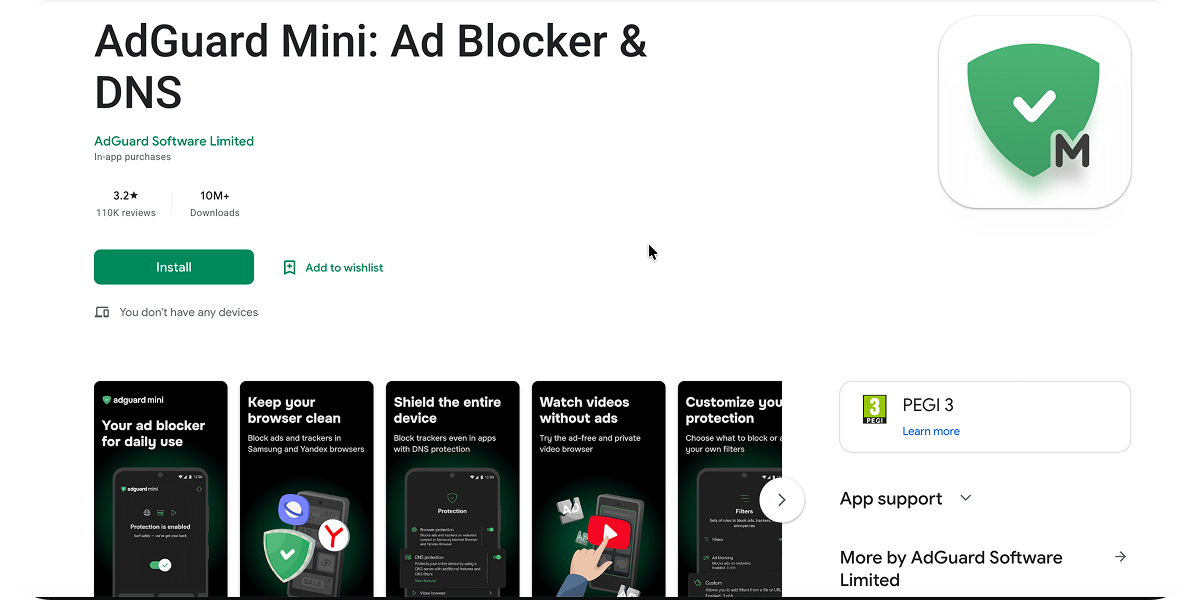
- Open the AdGuard Mini for Android app in Google Play.
-
Tap Install → Open.
-
Decide if you want to allow AdGuard Mini to send the notifications. We recommend allowing them: notifications help AdGuard Mini stay active in the background. If you don’t allow them, Android may stop the app to save battery, and protection will be interrupted without notice.
-
In the opened AdGuard Mini window, accept EULA and Privacy policy. Here you can also choose to help us improve the app by sending anonymized usage data and crash reports. Then tap Continue.
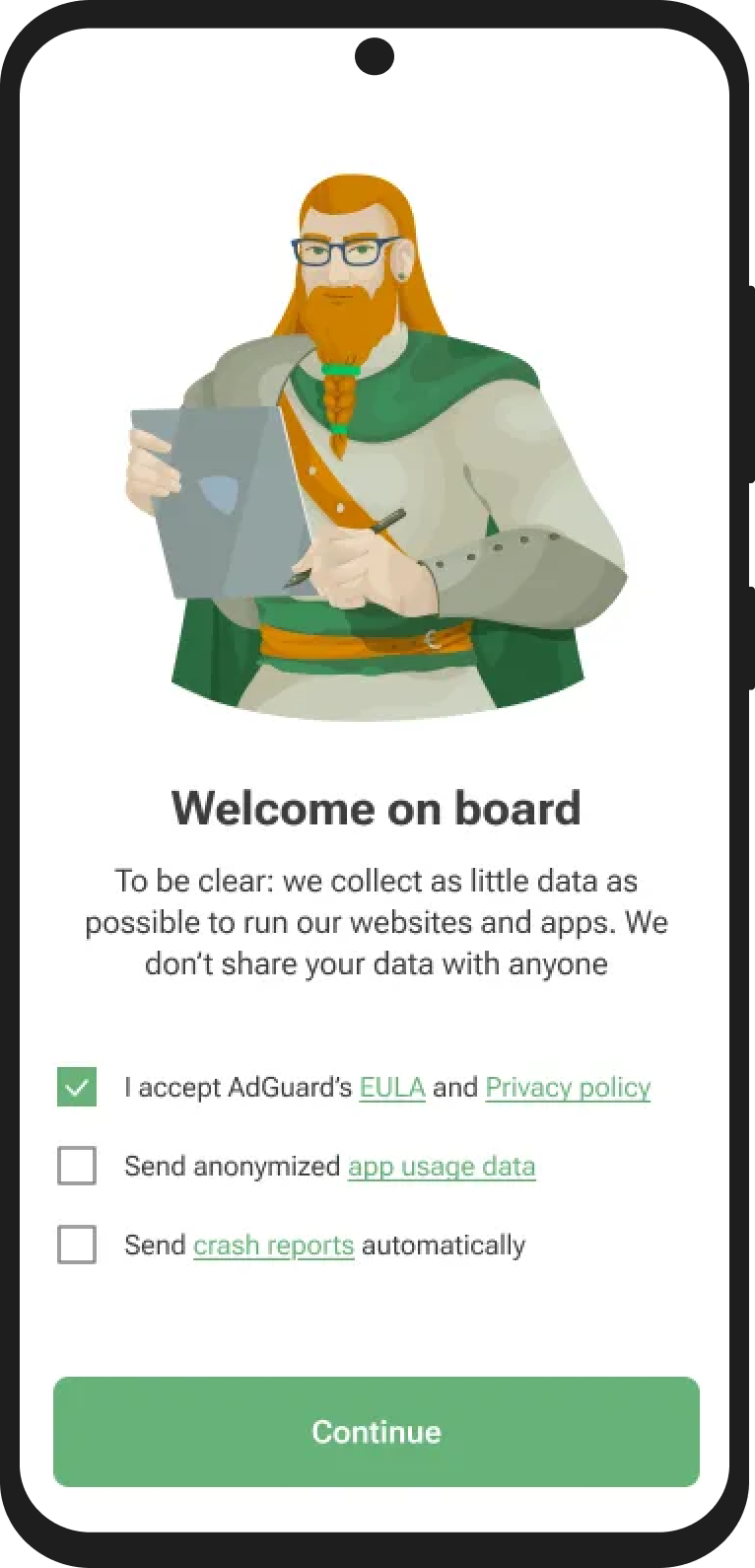
If you choose to share app usage data with AdGuard, the app will collect anonymized information such as UI interactions and session identifiers. This consent is optional and can be withdrawn at any time. All collected data is fully anonymized, used only internally, and never shared with third parties.
How to uninstall AdGuard Mini for Android
To uninstall AdGuard Mini for Android, do the following:
- Quit the app.
- Long-tap the AdGuard Mini icon on your home screen.
- Tap Uninstall.
Alternatively, go to Android Settings → Apps → AdGuard Mini → Uninstall.
The exact steps may vary depending on your device manufacturer and Android version.