Ochrana před sledováním (Režim utajení)
Tento článek je o Rozšíření prohlížeče AdGuard, které chrání pouze váš prohlížeč. Chcete-li chránit celé zařízení, stáhněte si aplikaci AdGuard
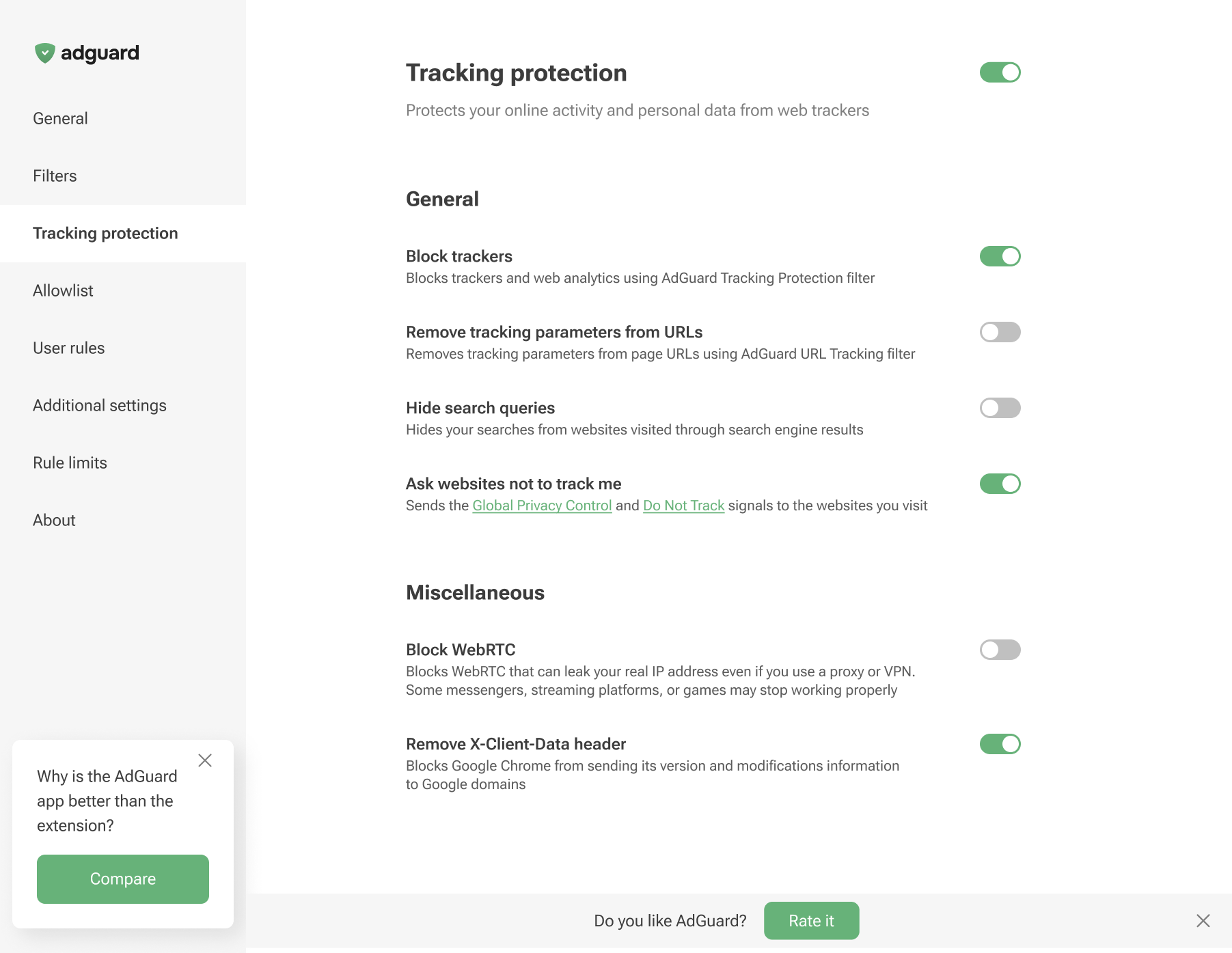
Účelem Ochrany před sledováním je zajistit ochranu vašich citlivých osobních dat před online slídiči a podvodníky. Mezi prohlížeči založenými na Chromiu, které podporují MV3, a prohlížeči, které Chromium nepoužívají a podporují MV2, existují malé rozdíly ve funkcích ochrany před sledováním.
Tracking protection in Chromium-based browsers
Tracking protection in non-Chromium browsers
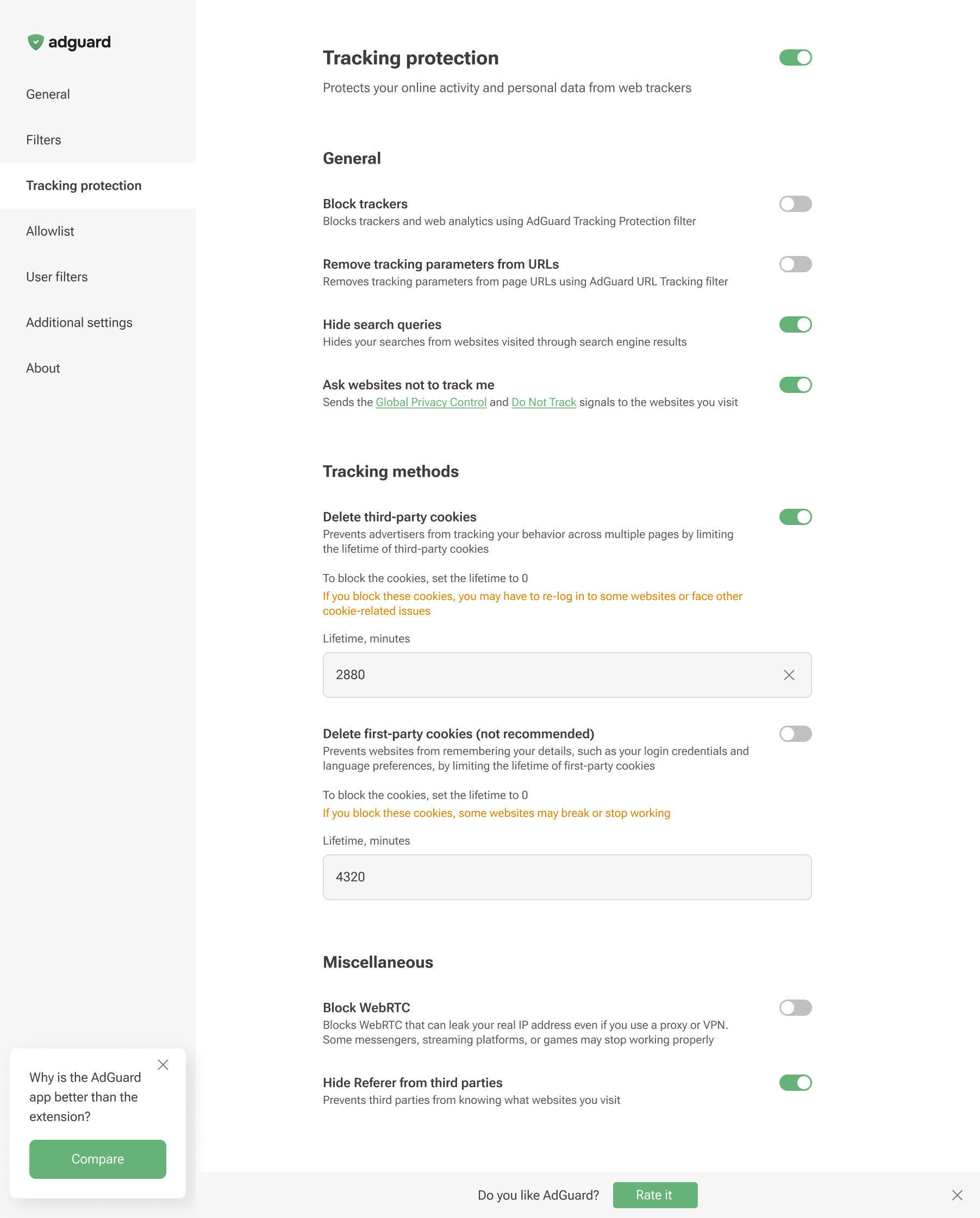
Tracking protection features prevent websites from seeing the search query you used to find them on the Internet, automatically delete third-party and website cookies, and more. A separate article is devoted to all these features.
Browser extensions are limited to a specific browser and are subject to its technical restrictions. Therefore, they cannot offer all the tracking protection features available in full-fledged ad-blocking apps.
In AdGuard Browser Extension, the Block WebRTC option works globally — it either blocks or allows WebRTC for all websites. It cannot be controlled on a per-site basis. Exception rules like @@||example.com^$stealth=webrtc have no effect in the browser extension because the webrtc option is not among the supported $stealth modifier options. If you need per-site WebRTC control, use the full-fledged AdGuard app for Windows, Mac, or Android.