Bloqueador de anuncios
Este artículo describe AdGuard para Windows v8.0, un bloqueador de anuncios integral que protege su dispositivo a nivel del sistema. Esta es una versión beta que aún está en desarrollo. Para probarlo, descarga la versión beta de AdGuard para Windows.
La sección de Bloqueo de anuncios es responsable de quitar anuncios de los sitios web que visitas y de las apps instaladas en tu dispositivo. Para filtrar banners, ventanas emergentes, rastreadores y otros elementos intrusivos, AdGuard se basa en filtros: conjuntos de reglas escritas en una sintaxis especial. Si quieres saber más sobre cómo funcionan, lee nuestro artículo sobre filtros.
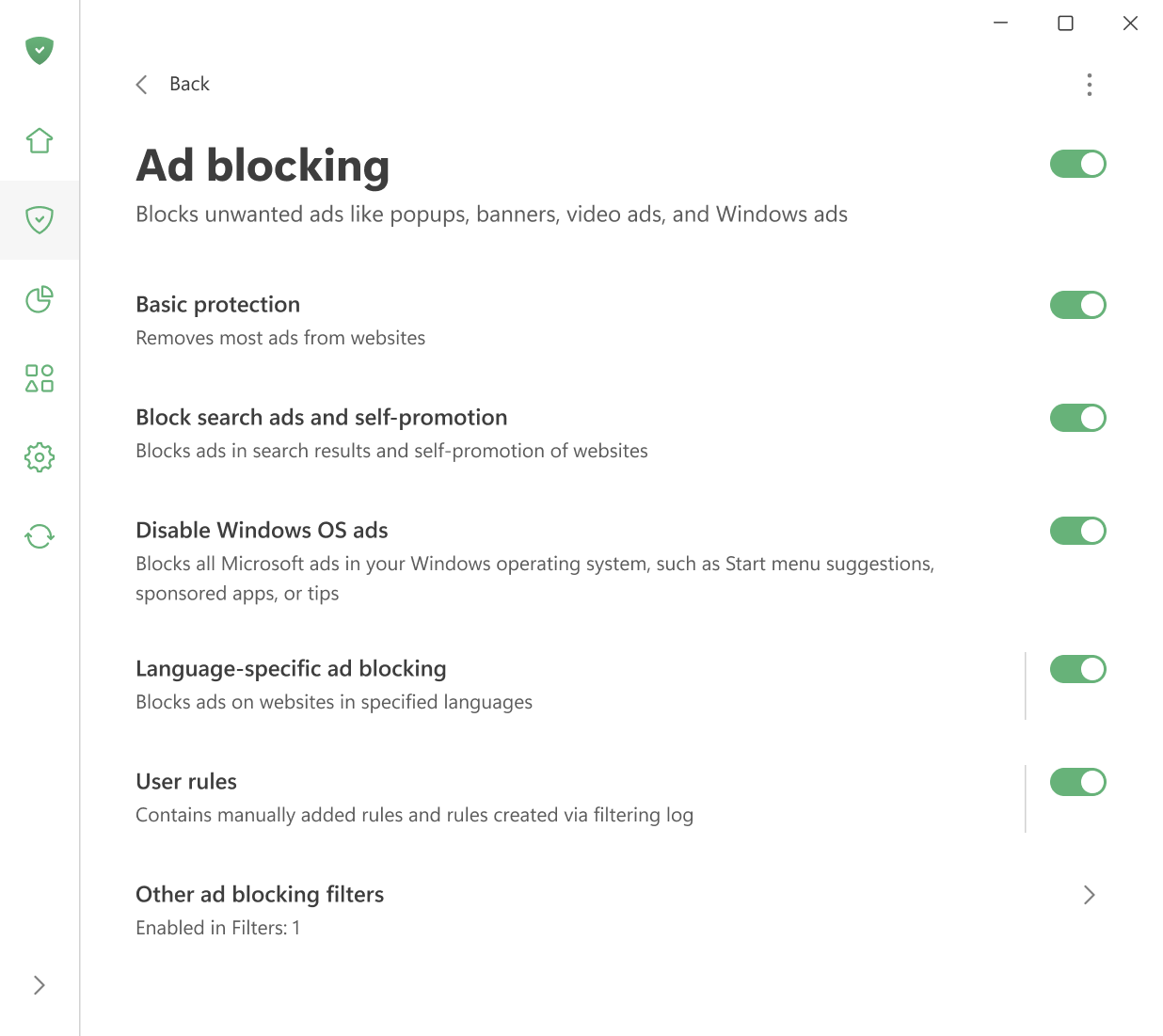
Aquí puedes:
- activar la protección básica,
- bloquear anuncios de búsqueda y autopromoción,
- desactivar los anuncios en el menú Inicio en Windows 11,
- habilitar la activación automática de filtros específicos de idioma
- administrar las reglas de usuario.
También puedes abrir el registro de filtrado para ver todas las solicitudes realizadas por los navegadores y las aplicaciones en tu computadora. A partir de ahí, es fácil bloquear o desbloquear cualquier solicitud creando una regla personalizada. En el editor de filtros, puedes crear, añadir e importar tus propias reglas y filtros.