Configuración de la aplicación
Este artículo describe AdGuard para Windows v8.0, un bloqueador de anuncios integral que protege su dispositivo a nivel del sistema. Esta es una versión beta que aún está en desarrollo. Para probarlo, descarga la versión beta de AdGuard para Windows.
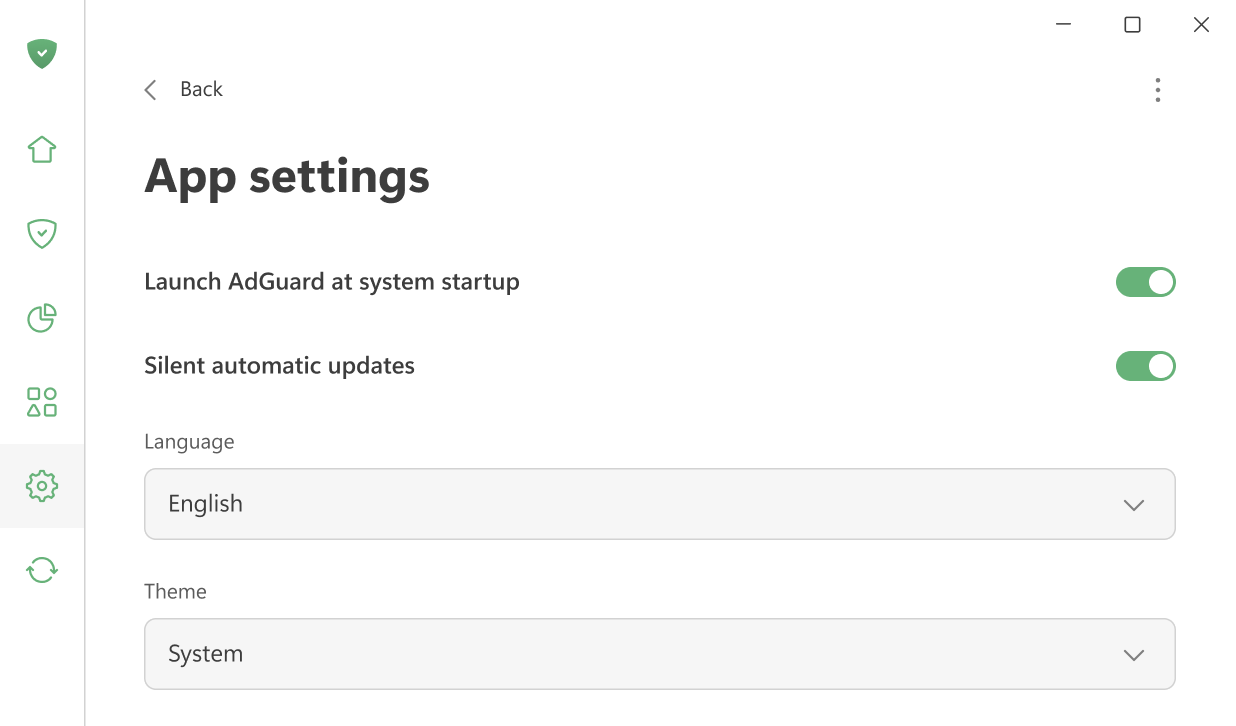
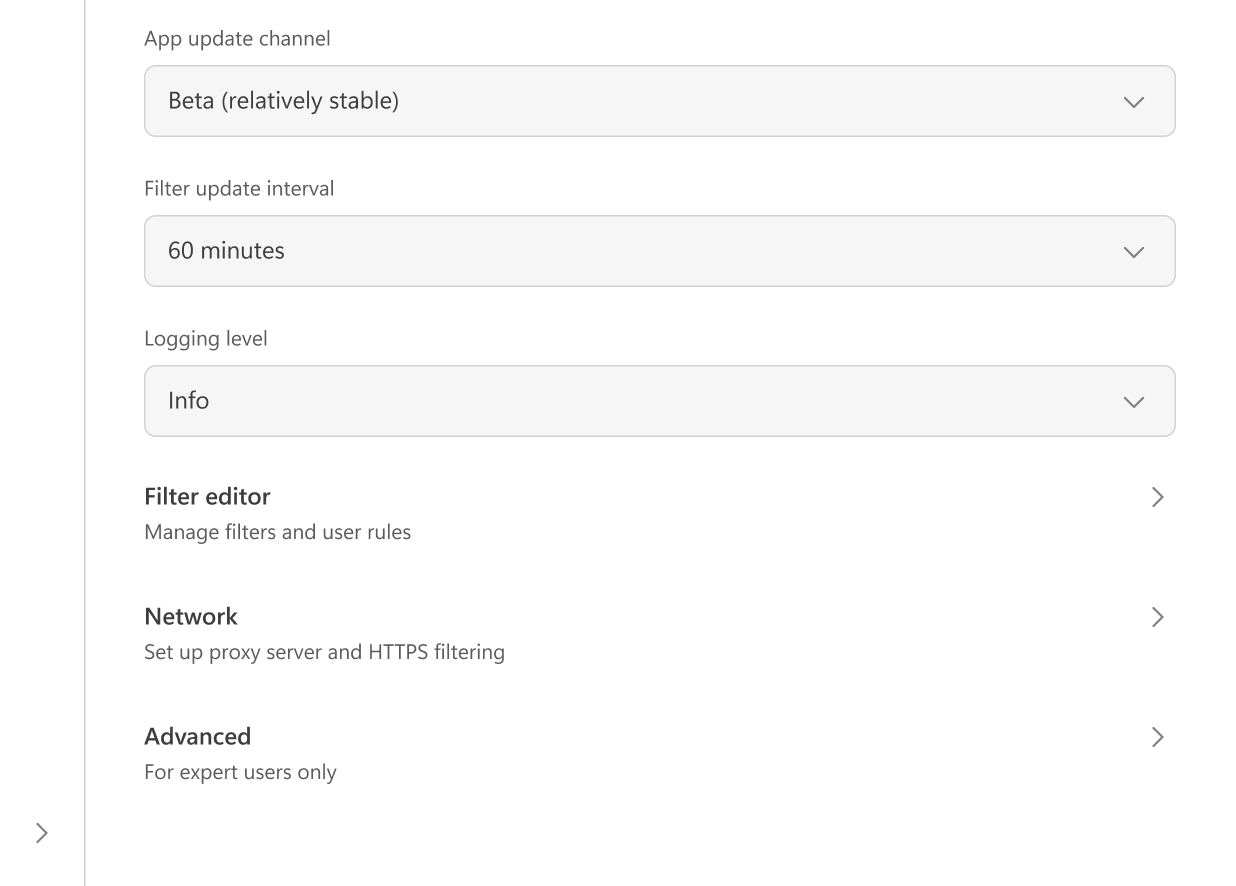
Aquí puedes ajustar la configuración principal de la aplicación: elegir entre temas claros y oscuros, configurar el idioma de la aplicación, habilitar AdGuard para que se inicie al arrancar el sistema y permitir las actualizaciones automáticas silenciosas. También es posible seleccionar el canal de actualización y especificar con qué frecuencia AdGuard comprueba las actualizaciones de filtros.
Si lo deseas, puedes aceptar enviar datos de uso de apps anonimizados para ayudarnos a mejorar el producto.
En caso de problemas, puedes cambiar el nivel de registro para crear registros detallados para el equipo de soporte.
En Editor de filtrado, puedes añadir tus propias reglas de filtrado o importar filtros listos para usar.
Configuración de red incluyen todas las opciones relacionadas con el filtrado de red y cómo AdGuard interactúa con la red de tu sistema.
La configuración Avanzado está destinada a usuarios experimentados. Rara vez se necesitan en el uso diario y solo deben cambiarse si sabes lo que haces o si nuestro equipo de soporte te lo pide.