Protezione dal tracciamento (Modalità Invisibilità)
Questo articolo riguarda l'Estensione di browser AdGuard, che protegge solo il tuo browser. Per proteggere l'intero dispositivo, scarica l'app AdGuard
Lo scopo della Protezione dal tracciamento è di salvaguardare i tuoi dati personali sensibili dai tracciatori e truffatori in rete. Ci sono lievi differenze nelle funzioni di protezione del tracciamento tra i browser basati su Chromium, che supportano MV3, e i browser non basati su Chromium, che supportano MV2.
Tracking protection in Chromium-based browsers
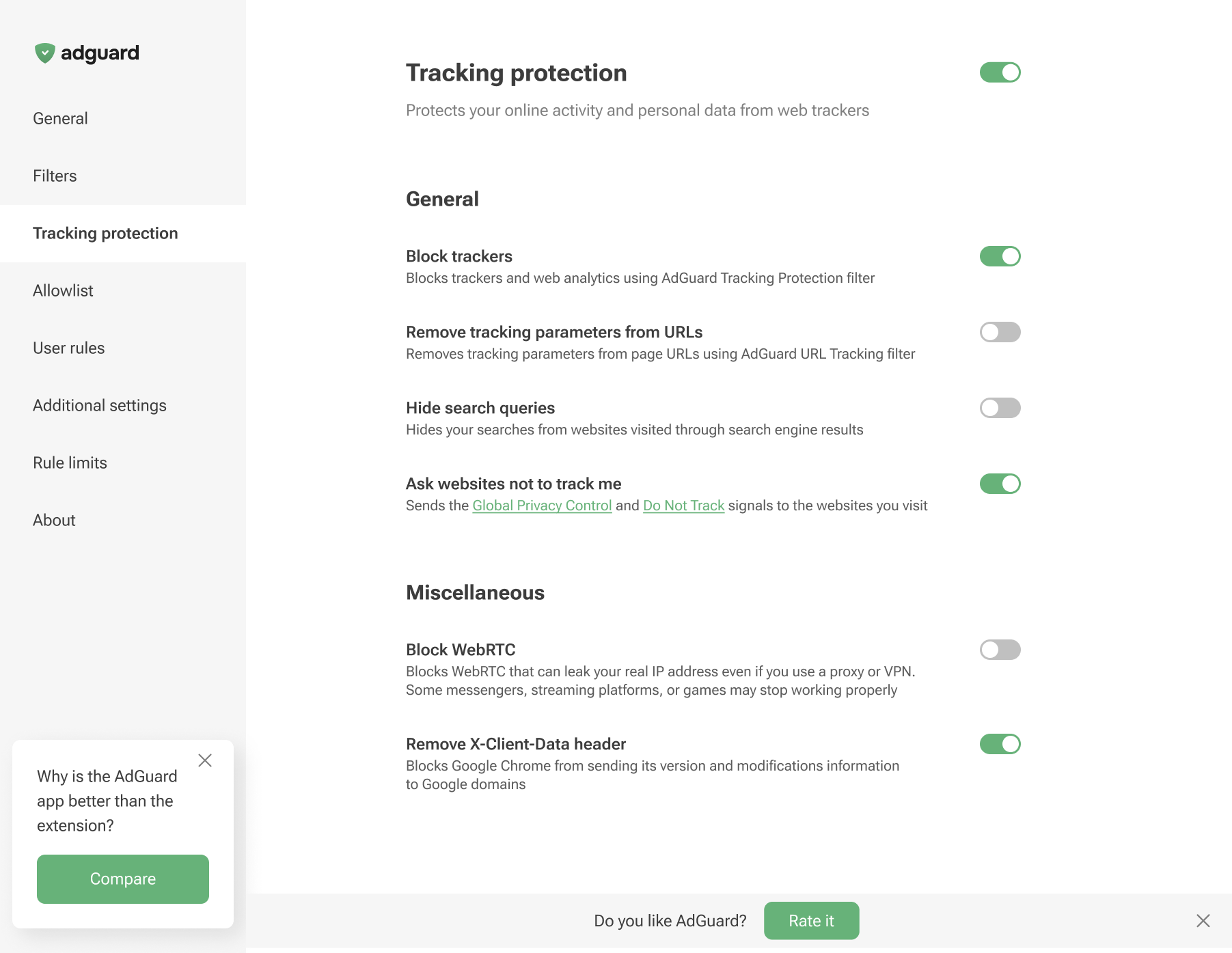
Tracking protection in non-Chromium browsers
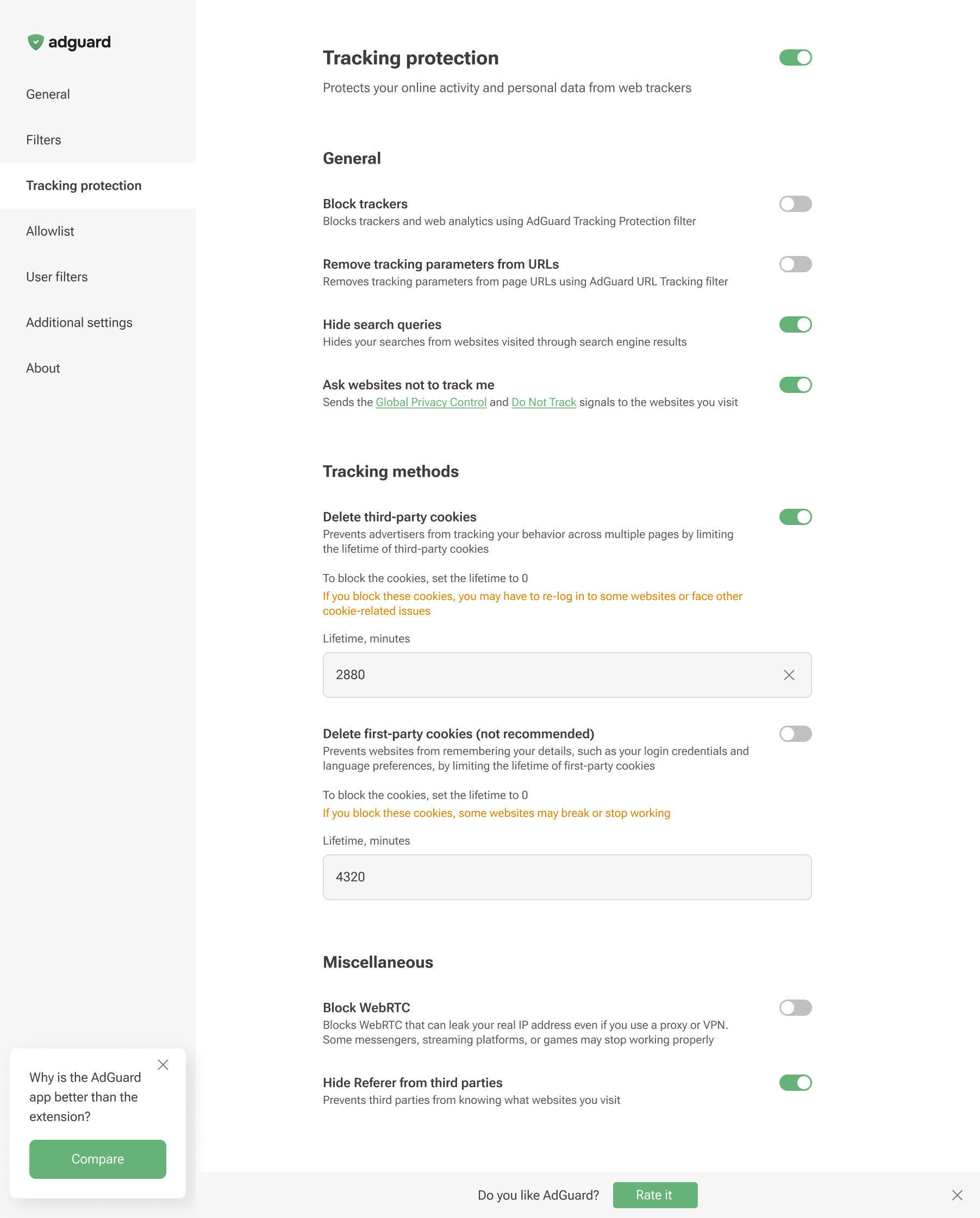
Tracking protection features prevent websites from seeing the search query you used to find them on the Internet, automatically delete third-party and website cookies, and more. A separate article is devoted to all these features.
Browser extensions are limited to a specific browser and are subject to its technical restrictions. Therefore, they cannot offer all the tracking protection features available in full-fledged ad-blocking apps.
In AdGuard Browser Extension, the Block WebRTC option works globally — it either blocks or allows WebRTC for all websites. It cannot be controlled on a per-site basis. Exception rules like @@||example.com^$stealth=webrtc have no effect in the browser extension because the webrtc option is not among the supported $stealth modifier options. If you need per-site WebRTC control, use the full-fledged AdGuard app for Windows, Mac, or Android.