App settings
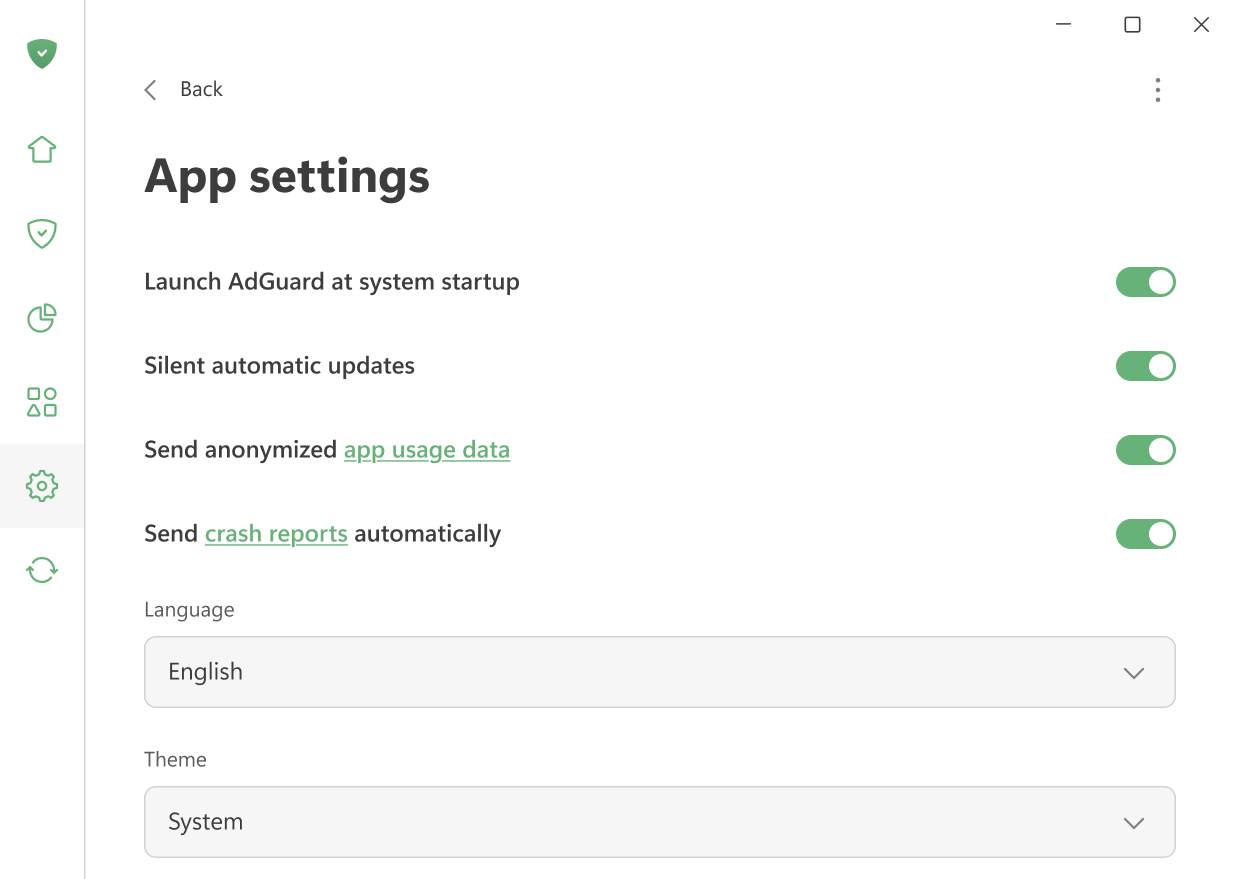
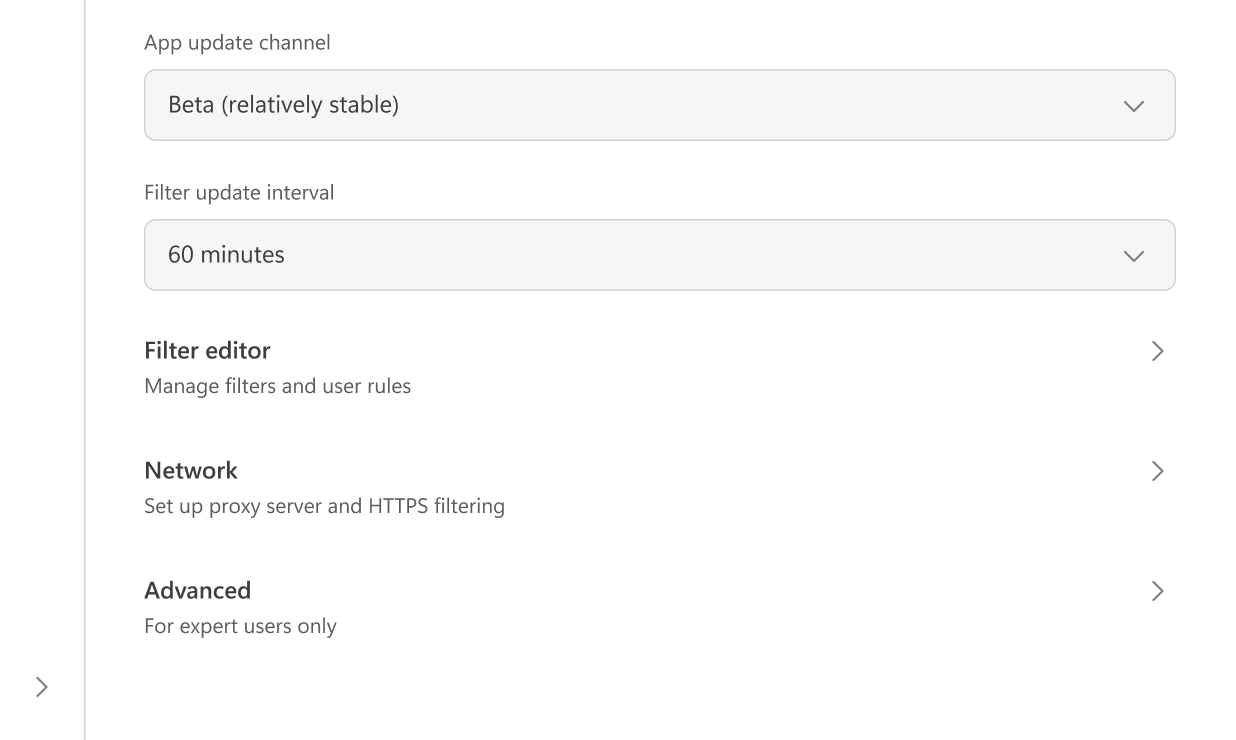
Here you can adjust the main app settings: choose between light and dark themes, set the app language, enable AdGuard to launch at system startup, and allow silent automatic updates. It’s also possible to select the update channel and specify how often AdGuard checks for filter updates.
You can opt in to send us two types of data: anonymized app usage data to help us improve the product and crash reports if the app unexpectedly closes.
In Filter editor, you can add your own filtering rules or import ready-to-use filters.
Network settings include all options related to network filtering and how AdGuard interacts with your system’s network.
Advanced settings are intended for experienced users. They are rarely needed in everyday use and should only be changed if you know what you’re doing or if our support team asks you to.