Proteção contra rastreamento (Modo invisível)
Este artigo é sobre a extensão de navegador AdGuard, que protege apenas o seu navegador. Para proteger todo o seu dispositivo, baixe o aplicativo AdGuard
O objetivo da Proteção contra rastreamento é proteger seus dados pessoais sensíveis contra rastreadores online e fraudadores. Existem pequenas diferenças nos recursos de proteção contra rastreamento entre navegadores baseados em Chromium, que suportam MV3, e navegadores não baseados em Chromium, que suportam MV2.
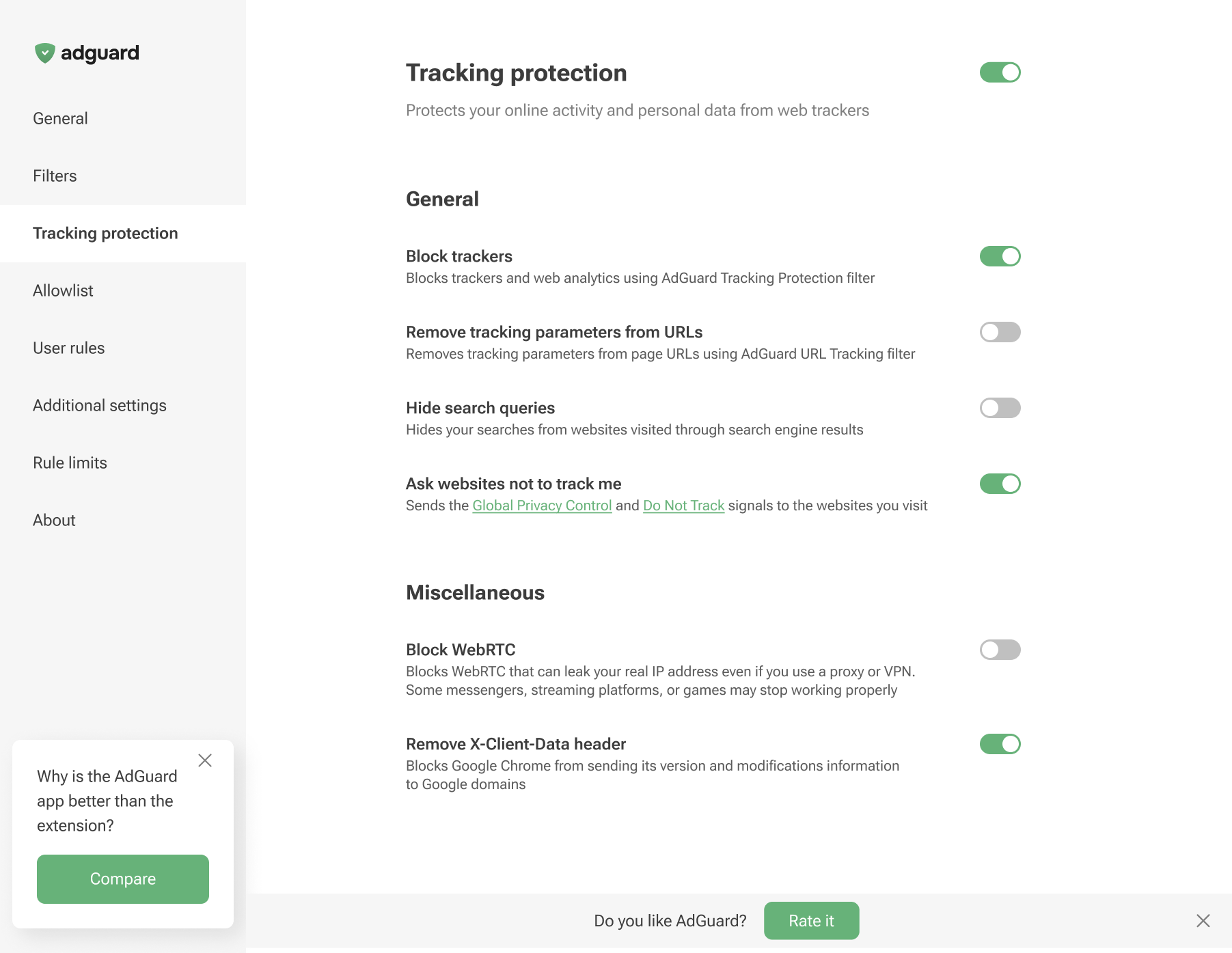
Tracking protection in Chromium-based browsers
Tracking protection in non-Chromium browsers
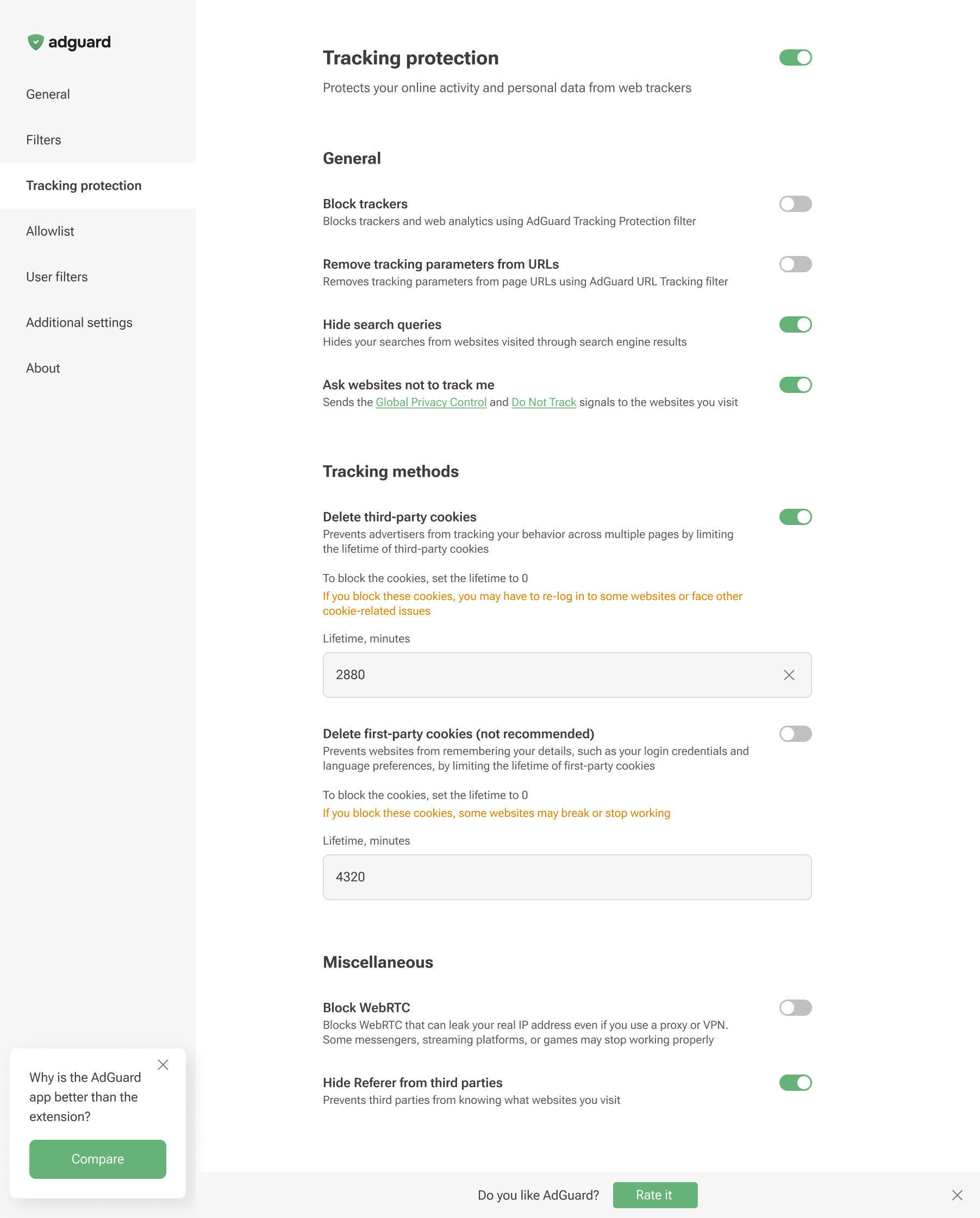
Tracking protection features prevent websites from seeing the search query you used to find them on the Internet, automatically delete third-party and website cookies, and more. A separate article is devoted to all these features.
Browser extensions are limited to a specific browser and are subject to its technical restrictions. Therefore, they cannot offer all the tracking protection features available in full-fledged ad-blocking apps.
In AdGuard Browser Extension, the Block WebRTC option works globally — it either blocks or allows WebRTC for all websites. It cannot be controlled on a per-site basis. Exception rules like @@||example.com^$stealth=webrtc have no effect in the browser extension because the webrtc option is not among the supported $stealth modifier options. If you need per-site WebRTC control, use the full-fledged AdGuard app for Windows, Mac, or Android.