Bloqueador de anúncios
Este artigo descreve o AdGuard para Windows v8.0, um bloqueador de anúncios completo que protege seu dispositivo em nível de sistema. Esta é uma versão beta que ainda está em desenvolvimento. Para experimentá-lo, baixe a versão beta do AdGuard para Windows.
A seção Bloqueio de anúncios é responsável por remover anúncios dos sites que você visita e dos aplicativos instalados no seu dispositivo. Para filtrar banners, pop-ups, rastreadores e outros elementos intrusivos, o AdGuard depende de filtros — conjuntos de regras escritas em uma sintaxe especial. Se você quiser saber mais sobre como eles funcionam, leia nosso artigo sobre filtros.
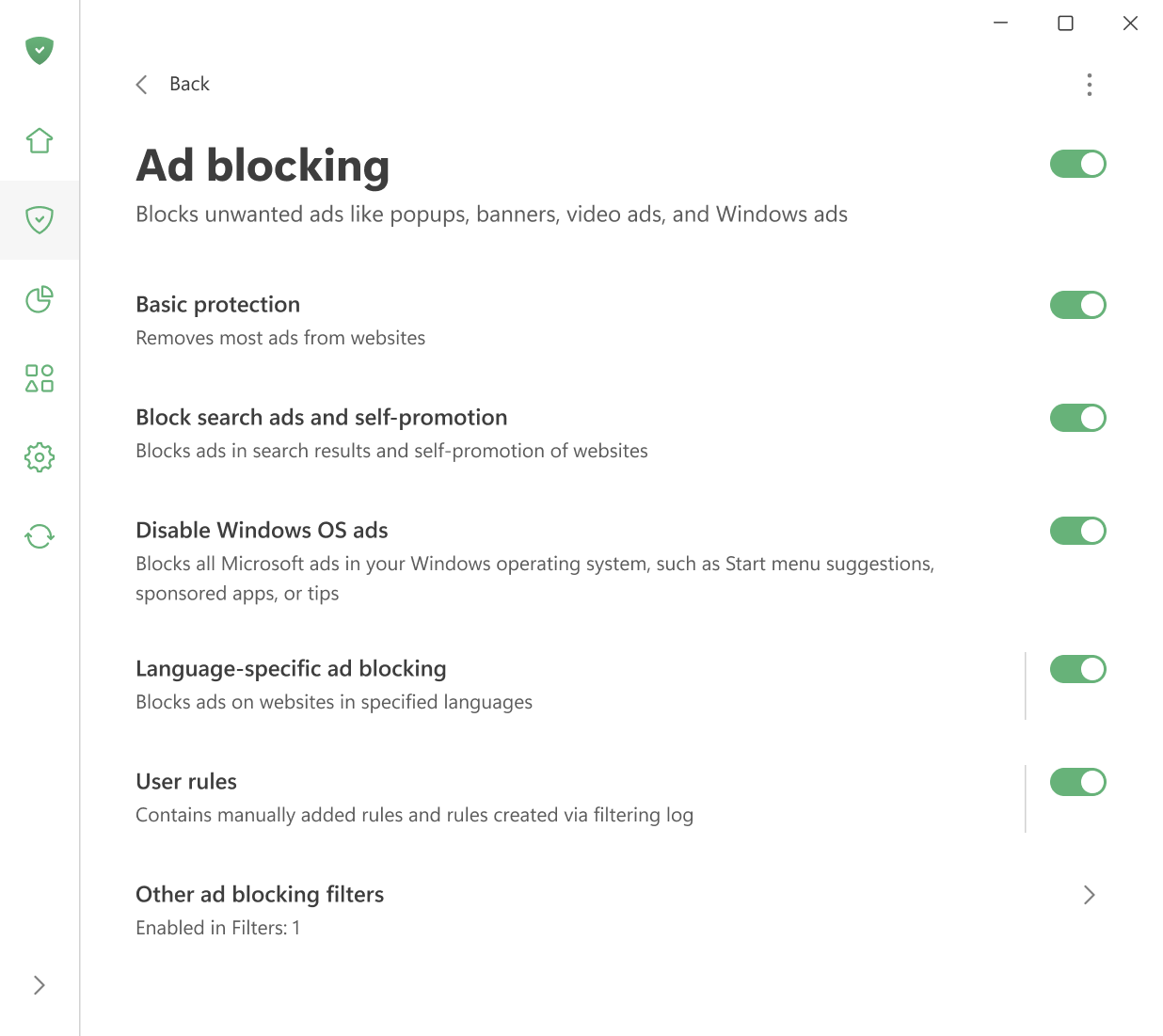
Aqui você pode:
- ativar a proteção básica,
- bloquear anúncios de pesquisa e autopromoção,
- desativar anúncios no menu Iniciar do Windows 11,
- ativar a ativação automática de Filtros específicos por idioma
- gerenciar regras do usuário.
Você também pode abrir o Registro de filtragem para visualizar todas as solicitações feitas por navegadores e aplicativos em seu computador. A partir daí, é fácil bloquear ou desbloquear qualquer solicitação criando uma regra personalizada. No editor de filtros, você pode criar, adicionar e importar suas próprias regras e filtros.