跟踪保护(隐身模式)
这篇文章是关于 AdGuard 浏览器扩展,它只能保护用户的浏览器。要全面保护设备,请下载 AdGuard 应用程序。
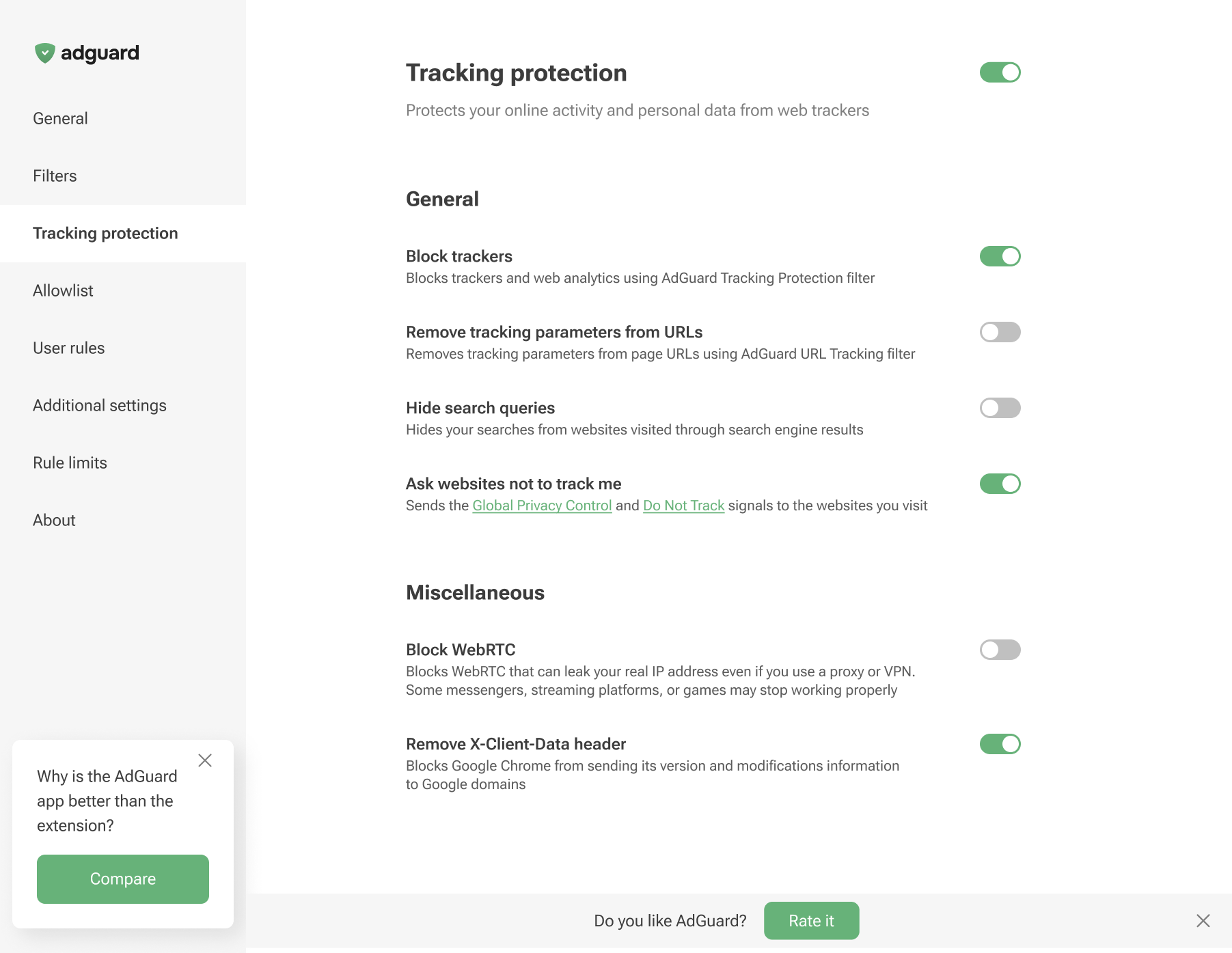
「跟踪防护」的目的是保护您的敏感个人数据免受在线跟踪器和欺诈者的侵害。基于 Chromium(支持 MV3)和非 Chromium(支持 MV2)的浏览器在跟踪防护功能上存在细微差异。
Tracking protection in Chromium-based browsers
Tracking protection in non-Chromium browsers
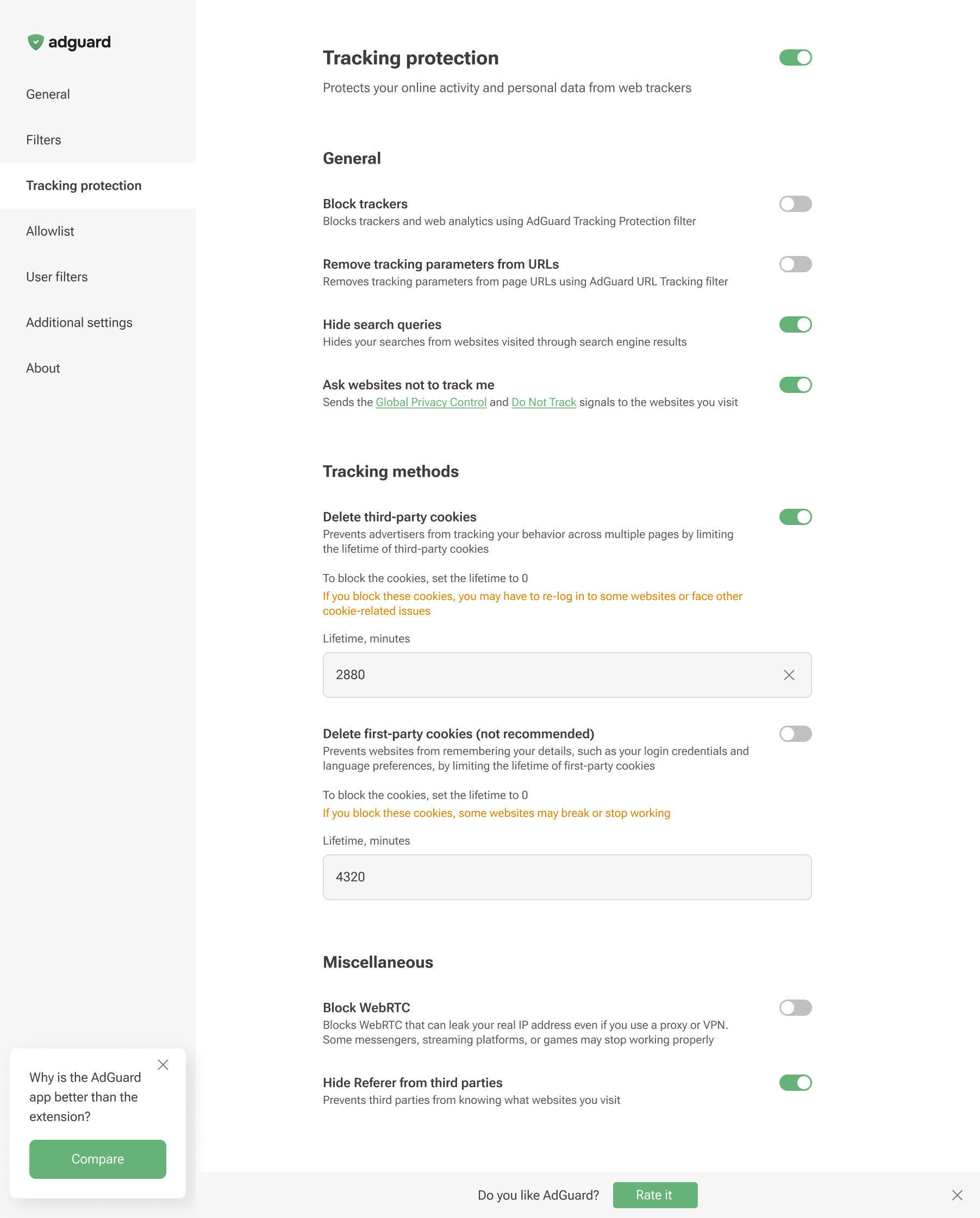
Tracking protection features prevent websites from seeing the search query you used to find them on the Internet, automatically delete third-party and website cookies, and more. A separate article is devoted to all these features.
Browser extensions are limited to a specific browser and are subject to its technical restrictions. Therefore, they cannot offer all the tracking protection features available in full-fledged ad-blocking apps.
In AdGuard Browser Extension, the Block WebRTC option works globally — it either blocks or allows WebRTC for all websites. It cannot be controlled on a per-site basis. Exception rules like @@||example.com^$stealth=webrtc have no effect in the browser extension because the webrtc option is not among the supported $stealth modifier options. If you need per-site WebRTC control, use the full-fledged AdGuard app for Windows, Mac, or Android.