App settings
This article describes AdGuard for Windows v8.0, a comprehensive ad blocker that protects your device at the system level. This is a beta release that is still under development. To try it, download the beta version of AdGuard for Windows.

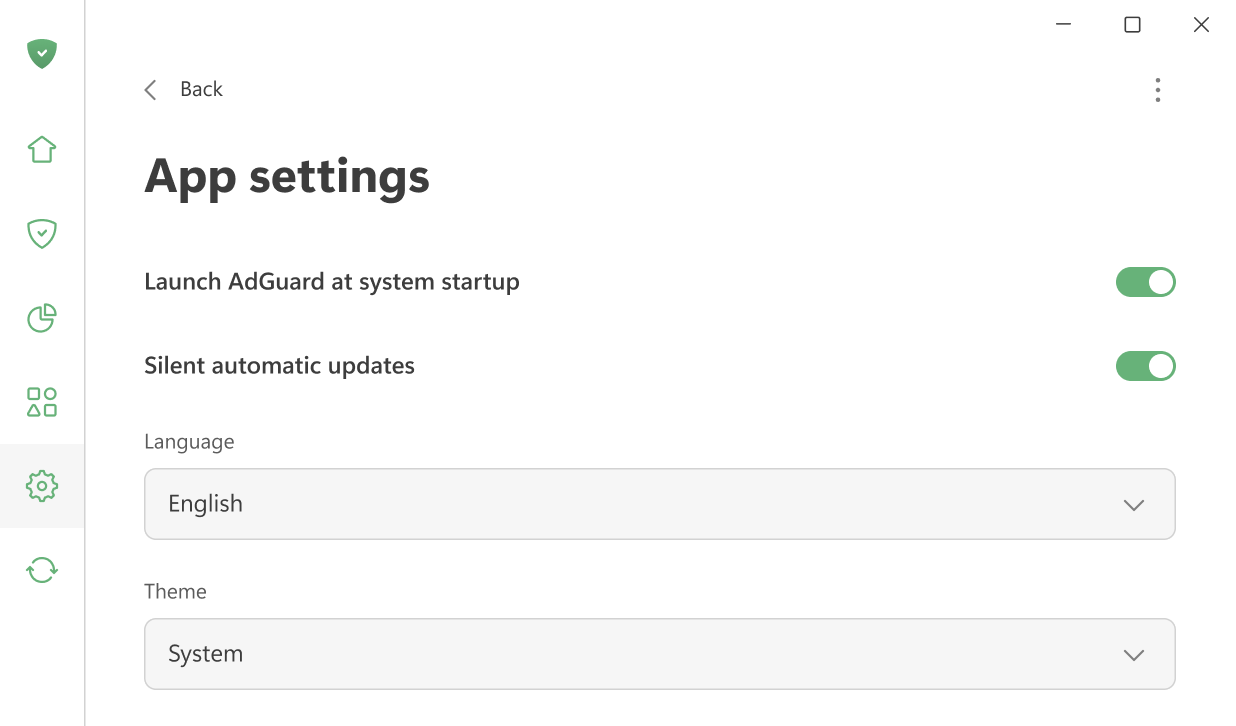
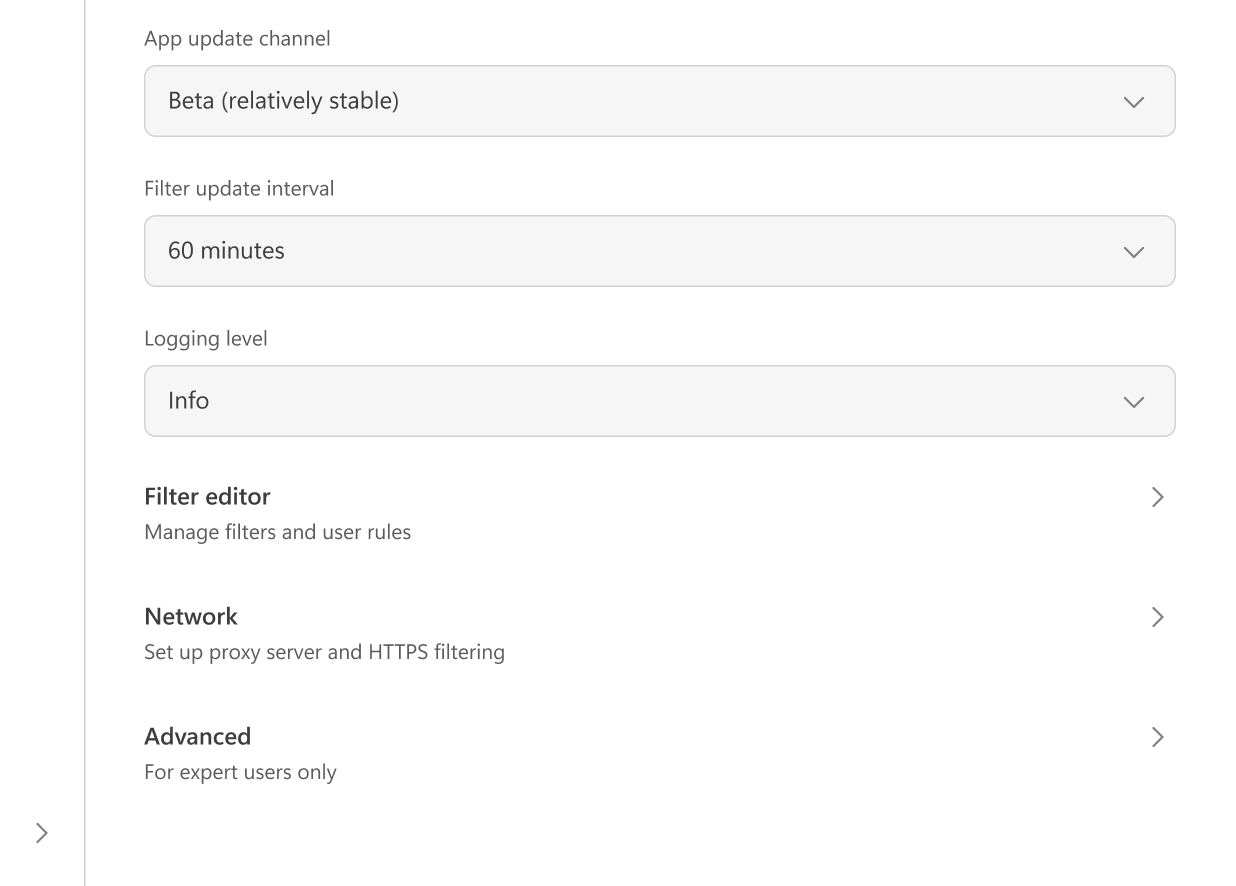
Here you can adjust the main app settings: choose between light and dark themes, set the app language, enable AdGuard to launch at system startup, and allow silent automatic updates. It’s also possible to select the update channel and specify how often AdGuard checks for filter updates.
If you wish, you can agree to send anonymized app usage data to help us improve the product.
In case of issues, you can change the logging level to create detailed logs for the support team.
在「 过滤器编辑器」中,您可以添加自定义过滤规则或导入现成的过滤器。
「网络设置」包含与网络过滤以及 AdGuard 如何与系统网络交互相关的所有选项。
「高级」设置面向有经验的用户。 They are rarely needed in everyday use and should only be changed if you know what you’re doing or if our support team asks you to.