安装
This page is about AdGuard Mini for Android, which safeguards Samsung Browser and Yandex Browser and provides DNS protection. To protect your Android device entirely and get more advanced settings, download AdGuard for Android.
系统要求
Operating system: Android 9 (Pie) or later
How to install AdGuard Mini for Android
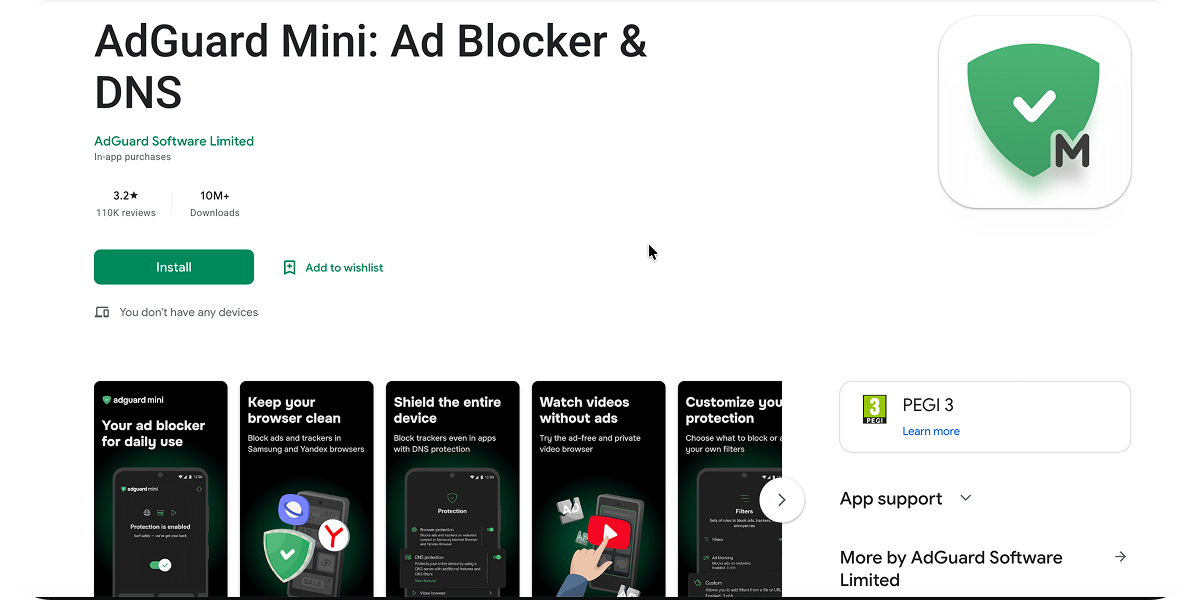
AdGuard Mini for Android is a free app present in Google Play. To install it on your Android, do the following:
- Open the AdGuard Mini for Android app in Google Play.
-
Tap Install → Open.
-
Decide if you want to allow AdGuard Mini to send the notifications. We recommend allowing them: notifications help AdGuard Mini stay active in the background. If you don’t allow them, Android may stop the app to save battery, and protection will be interrupted without notice.
-
在打开的 AdGuard Mini 窗口中,请接受使用许可协议和隐私政策。 Here you can also choose to help us improve the app by sending anonymized usage data and crash reports. Then tap Continue.
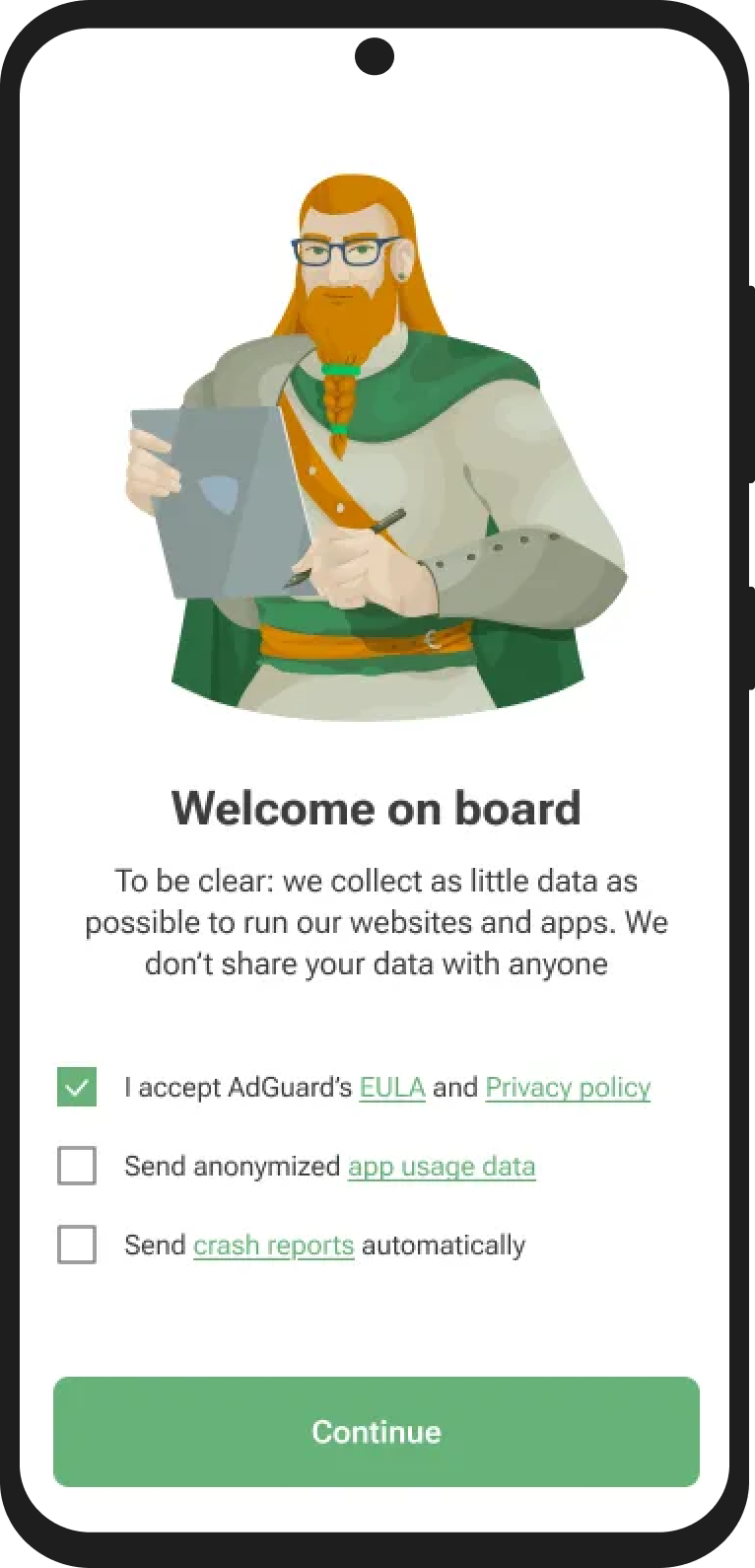
If you choose to share app usage data with AdGuard, the app will collect anonymized information such as UI interactions and session identifiers. 此同意为自愿选项,您可随时撤回授权。所有收集的数据均已完全匿名,仅限内部使用,绝不会与第三方共享。
How to uninstall AdGuard Mini for Android
To uninstall AdGuard Mini for Android, do the following:
- 退出应用程序。
- Long-tap the AdGuard Mini icon on your home screen.
- Tap Uninstall.
Alternatively, go to Android Settings → Apps → AdGuard Mini → Uninstall.
The exact steps may vary depending on your device manufacturer and Android version.