其他功能
信息
本文适用于 Windows 版的 AdGuard,它是一种多功能广告拦截器,可在系统级别保护用户的设备。 To see how it works, download the AdGuard app.
本文中还有其他有用的 AdGuard 选项不应忽视,因为它们极大地增强了用户体验。
支持
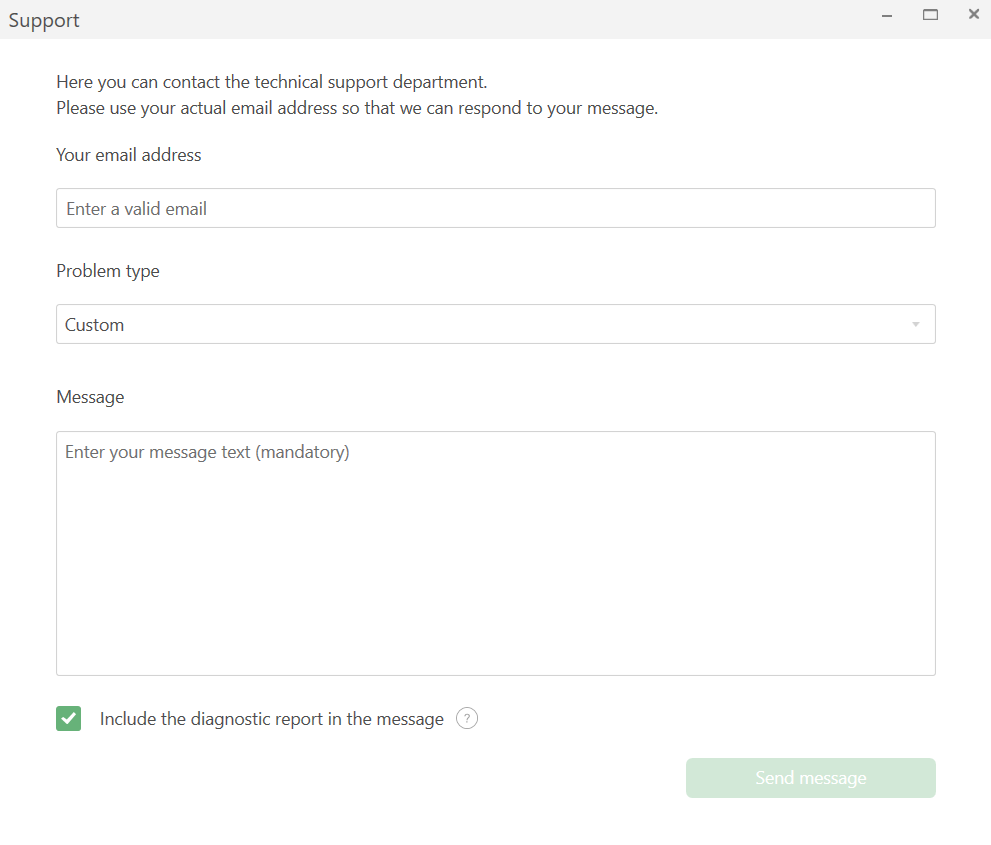
By clicking the Support tab you will open a dialog box through which you can report a bug, submit a feature request, or simply share your opinion of the product.
许可证
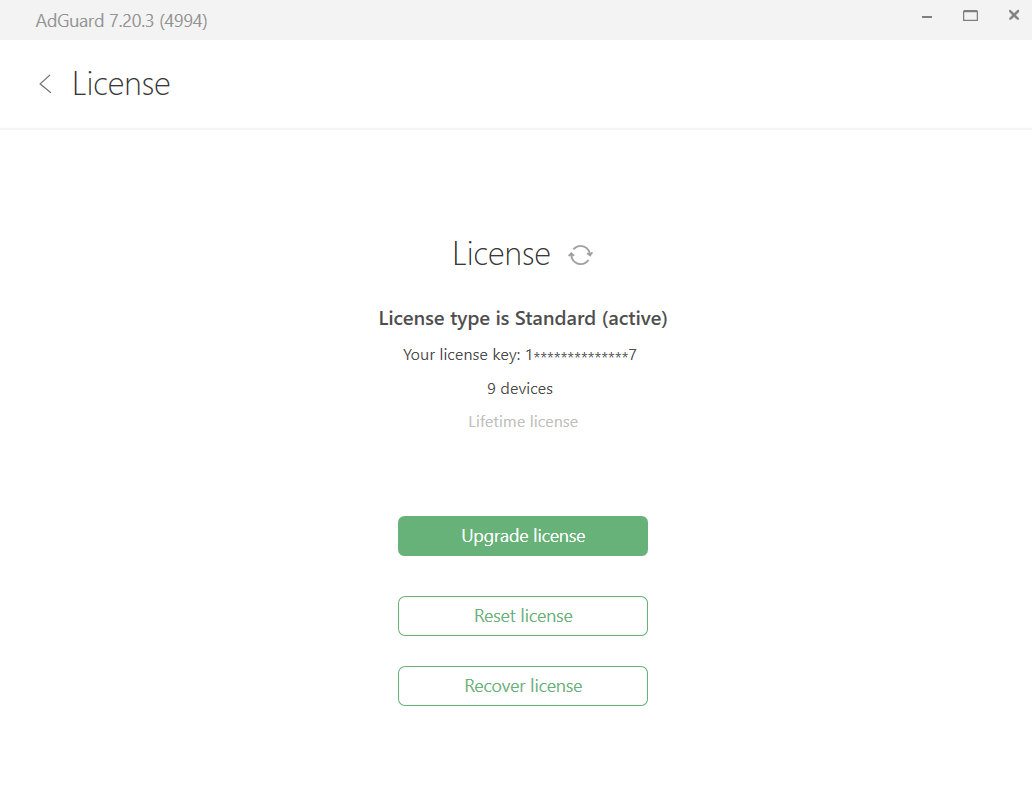
此标签包含关于许可证的信息。用户可以查看以下信息:
- 了解许可证类型(Nightly 夜间版,Beta 测试版或发布版),可同时连接到 AdGuard 的设备数量限制,许可证期满日期。
- 点击相应的按钮以转到许可证购买页,激活许可证,重置或恢复许可证。
关于
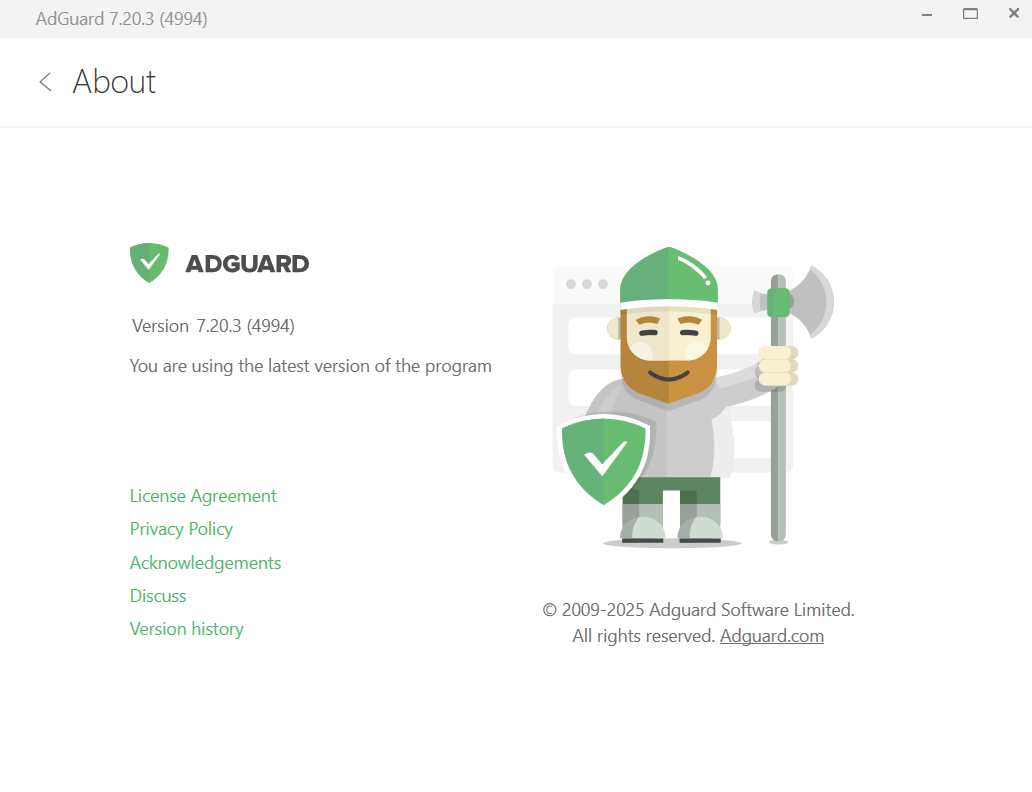
In addition to information about the current version of the program, this tab provides some useful links to License agreement, Privacy policy, Acknowledgements, Discussions, and Version history pages.
检查更新
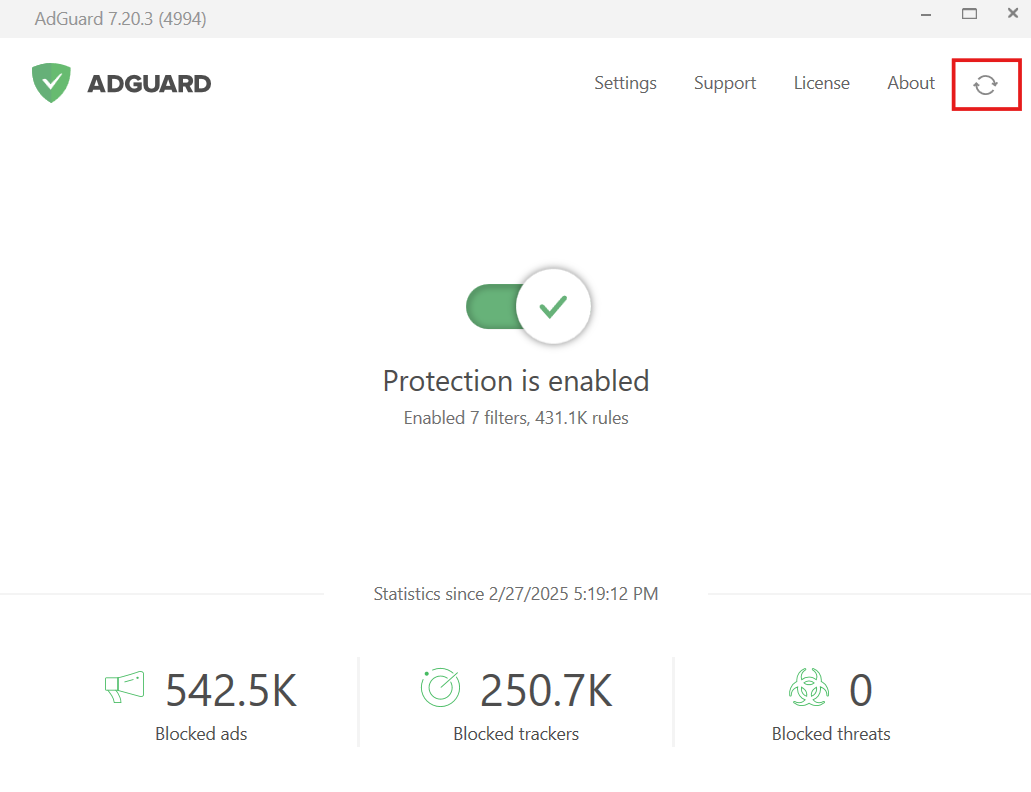
用户可以点击主界面右上角的旋转箭头图标以检查过滤器和用户脚本更新。
托盘菜单
为节省用户浏览 AdGuard 菜单的时间,托盘菜单提供许多常用选项和设置。要调用此菜单,请右击托盘内的 AdGuard 图标。其提供以下选项:
- 开启保护
- 禁用保护:始终或 30 秒
- 转到「设置」
- 打开「工具」和「高级」菜单
- 检查过滤器更新
- 检查程序更新
- 调用最后弹出的消息
- 转到「支持」和「关于」部分
- 关闭 AdGuard 但继续过滤
- 退出 AdGuard