Ad-Filtering Dev Summit in Cyprus: travel hacks for the event
The Ad-Filtering Dev Summit is the biggest event in the world of ad blocking. And for the first time ever, it's not taking place in a crowded city center, but at a stunning beachfront venue. Can you think of a better place to discuss privacy and ad blocking than Cyprus, with its gentle October weather and refreshing sea breeze?
After you register, you’ll receive a confirmation email — just show it at the entrance on the days of the conference.
Ahead of the Ad-Filtering Dev Summit, we’re sharing some tips and tricks to help you make the most of your time at the event and explore the lovely city of Limassol.
How to get from Cyprus airports to Limassol
You’ve made it to Cyprus! You’ve braved the journey, and now it’s time to breathe in that fresh sea air, grab your luggage, and enjoy a cup of Cypriot coffee at the airport. The last step? Getting to Limassol. There are several ways to get there, depending on your budget and preferences.
Larnaca
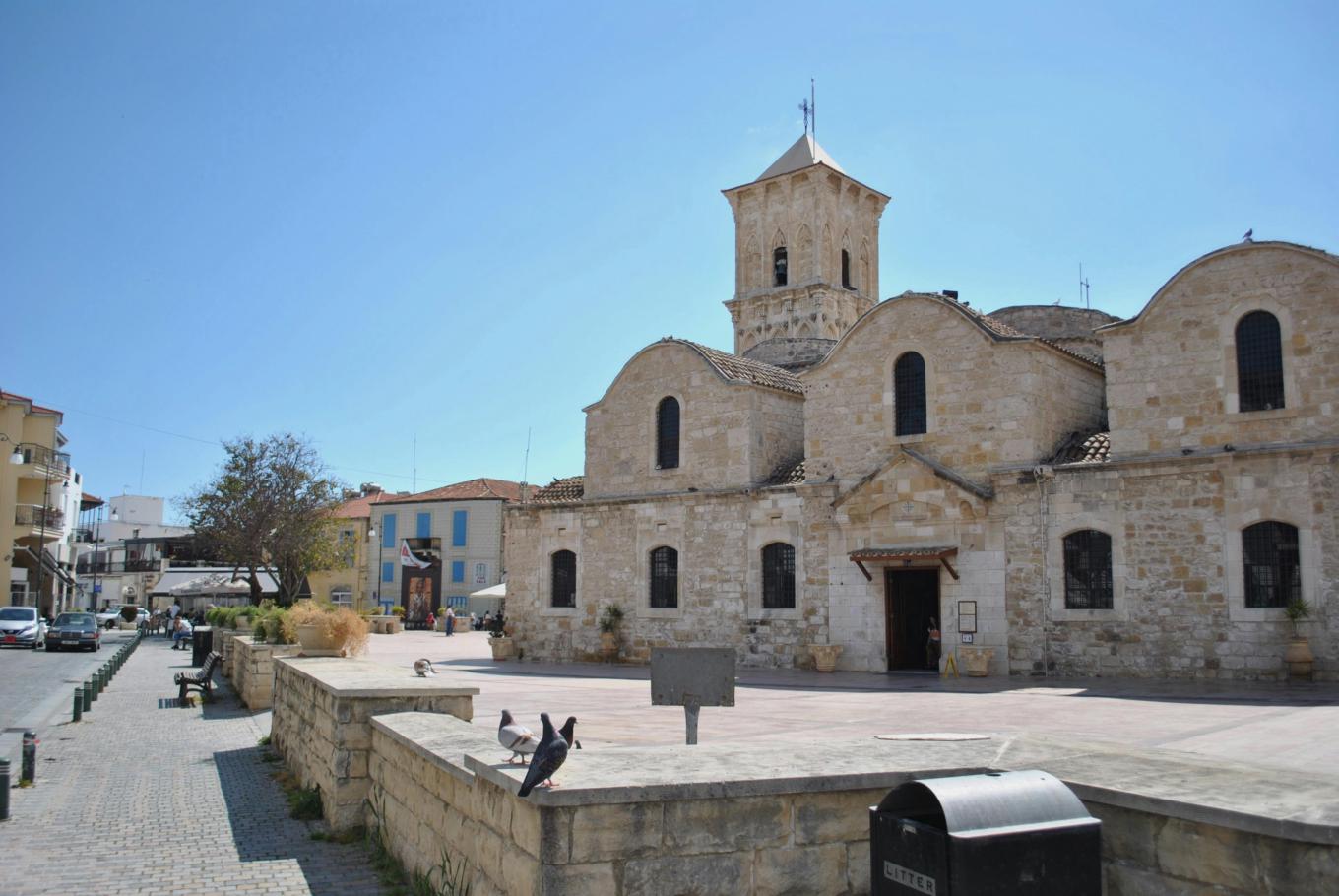
Bus
- Exit Larnaca Airport.
- Take the Limassol Airport Express bus. It will take you to the Tourist Area bus stop — opposite St. Raphael, Grand Resort, Kanika Elias Beach.
- Walk to either the Amathountos Ave. – Elias Hotel or Amathountos Ave. – Grand Resort Hotel bus stop.
- Wait for bus number 30 or 30N heading West towards Limassol (MY MALL direction) and ride until the Promachon Eleftherias – Kosta Pitsillidi stop.
- Get off and walk about 100 meters to the Crowne Plaza.
This is the cheapest option. But if you’re traveling with large luggage, it may not be the most comfortable one
Taxi
Destination: Promachon Eleftherias 2 Agios Athanasios (Crowne Plaza Hotel Limassol)
A taxi from Larnaca Airport to Limassol costs around €70, with a travel time of about 50 minutes, depending on traffic. You can book a taxi in advance or simply hop into one waiting at the airport. We recommend using local apps like Bolt or CABCY. Alternatively, you can use Alfa Taxi (they have apps both for Android and iOS).
Private transfers
Perfect for groups, private transfers start at €53, and you can choose from a variety of vehicles, including standard cars or minivans for larger groups. This is a great option if you’re traveling with a team or family. To make your trip with a transfer as comfortable as possible, we recommend booking a car in advance — you can do it quickly and hassle-free on the transfer service’s website
Carsharing
You can also use a carsharing service. For tourists with a valid driver’s license, this might be the most convenient option. Cyprus has the Ride Now service. The approximate cost of a trip from the Larnaca airport to Limassol is around €25. You can find and rent a car right in the app, which is pretty convenient
Paphos
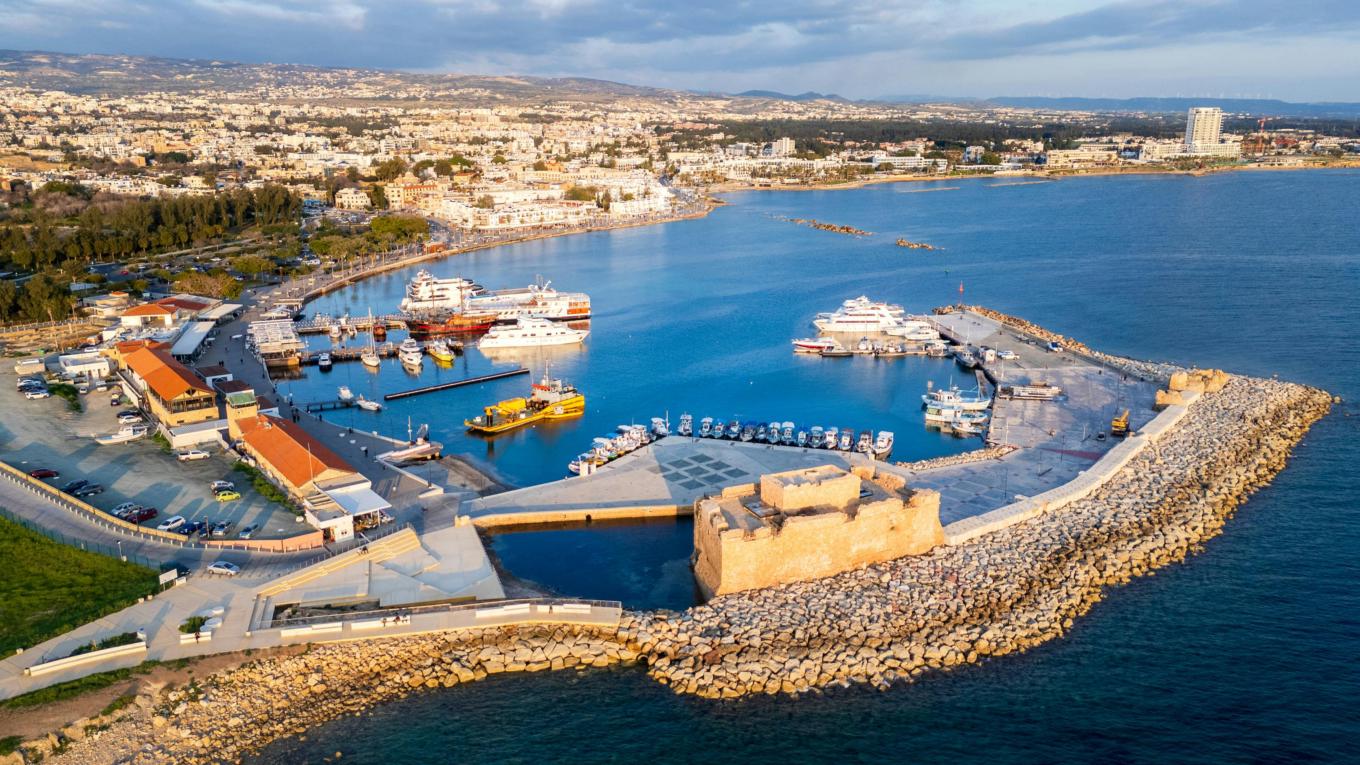
Bus
- Exit Paphos Airport.
- Take the Limassol Airport Express bus. It will take you to the Agios Georgios Havouzas church in Limassol.
- Walk south down the Nikou kai Despoinas Pattichi road until it crosses the Spyrou Kyprianou Avenue. Turn left and walk towards the Spyrou Kyprianou Ave. - Damareos bus stop.
- You should be looking to take the bus number 20 going East (Taki Christodoulou direction) and ride until the Promachon Eleftherias - Kosta Pitsillidi stop.
Alternatively, walk south down the Nikou kai Despoinas Pattichi road until you reach the Nikou & Despoinas Pattichi - Sp. Kyprianou Ave. 1 bus stop. Take the bus number 64 going south and ride it until you reach the Promachon Eleftherias - Kosta Pitsillidi stop. Please note that the bus №64 runs VERY infrequently, we advise to consult with the bus schedule.
Get off and walk about 100 meters to the Crowne Plaza.
Taxi
Destination: Promachon Eleftherias 2 Agios Athanasios (Crowne Plaza Hotel Limassol)
A taxi from Paphos Airport to Larnaca will cost around €60–70, depending on the time of day. The trip takes about an hour. For added convenience when booking, we recommend using local apps like Bolt or CABCY. Alternatively, you can use Alfa Taxi (they have apps both for Android and iOS).
Private transfers
If you prefer a fixed price and a pickup right at the exit, private transfer services are a great option. Several booking providers operate in the city, and their prices are comparable to regular taxis. In 2025, Bolt also introduced a Minibus category along with flight tracking for airport bookings — a handy choice for families or groups of friends
Carsharing
Another option is car sharing. If you’ve got a valid driver’s license, it can be the easiest way to go. Cyprus has Ride Now, and a drive from the airport to Limassol is roughly €25. You can locate and book a car right in the app — super handy
AFDS 2025 venue
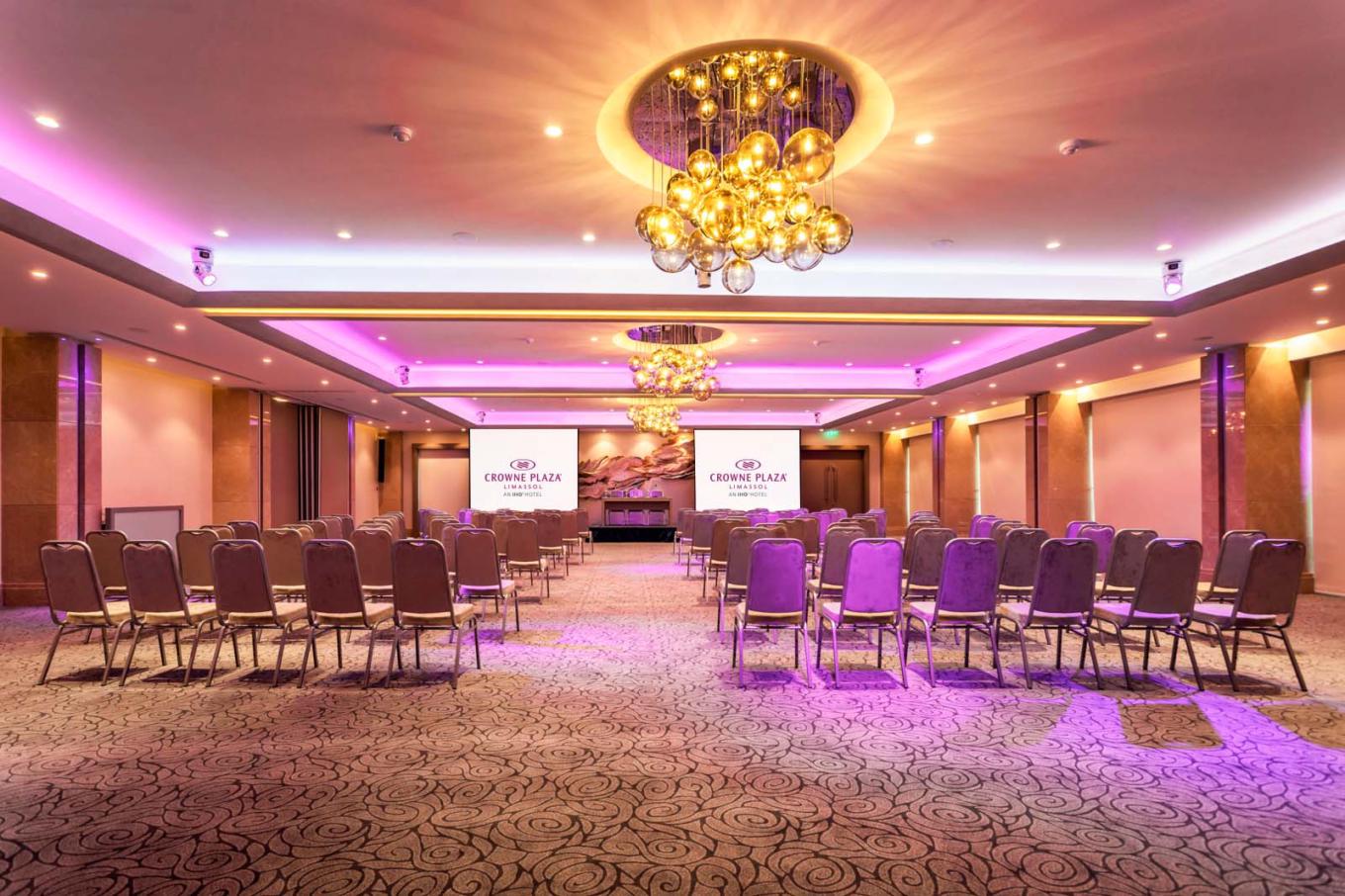
This year, the Ad-Filtering Dev Summit will take place at the gorgeous Crowne Plaza right in the heart of Limassol. If you’re planning a trip to Cyprus in late October, this event is a must-stop on your itinerary — no kidding!
Over two days, you’ll get all the key updates on ad blocking and filter tech, and meet the folks who are pushing internet security forward.
You’ll find the Crowne Plaza at Προμαχών Ελευθερίας 2, Agios Athanasios 4103, Cyprus.
Driving? There’s on-site parking. Prefer public transit? You can take the bus and get off at KEAN Bus Stop or Crowne Plaza Hotel Bus Stop.
The conference itself will be held in the hotel’s conference center, which has a separate entrance to the left of the main hotel entrance.
Where to stay in Limassol
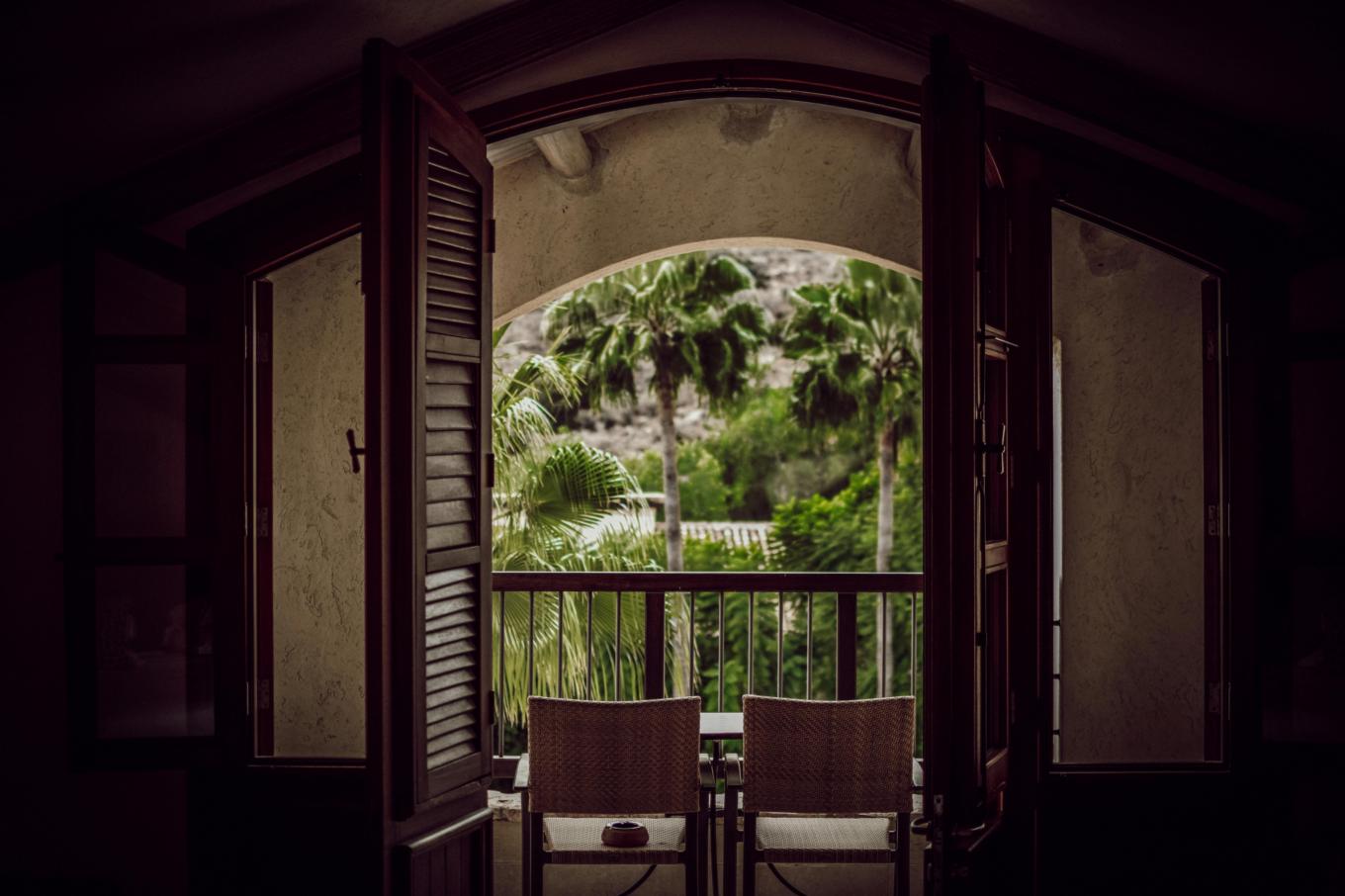
1. Hotels
If you're looking for a short stay, hotels are a great choice, offering amenities like pools, breakfasts, and concierge services. Prices range from €70–€200 per night, depending on the hotel and season.
Recommended areas: Stay near the seafront or in Neapolis for proximity to the beach and restaurants. Neapolis is the best area for those attending the Ad-Filtering Dev Summit, as the event will be hosted there this autumn. Want to check out the Ad-Filtering Summit? The most convenient option for you would be to stay at the Crowne Plaza since the summit will take place in its conference center.
2. Apartments & vacation rentals
Great for longer stays or if you prefer a self-catering option. Prices range from €50–€150 per night.
Recommended areas: Kapsalos and Agios Nikolaos offer a more residential feel, while Neapolis gives you easy access to the nightlife and event locations.
3. Boutique hotels & guesthouses
These places offer a unique, personalized experience with a touch of local charm. Prices are around €80–€180 per night.
Recommended areas: The Old Town for cultural vibes or Limassol Marina for a more luxurious stay. And, of course, Neapolis if you’re coming for the summit!
4. Hostels
A budget-friendly option, ideal for solo travelers or backpackers, with shared facilities. Prices range from €25–€50 per night.
Recommended areas: Near the beach promenade for easy access to attractions. Again, Neapolis is a prime location for summit attendees.
A foodie’s guide to Limassol
Limassol isn’t just beautiful — it’s also home to some fantastic food spots. Here are a few favorites based on reviews:
1. Kissos Taverna
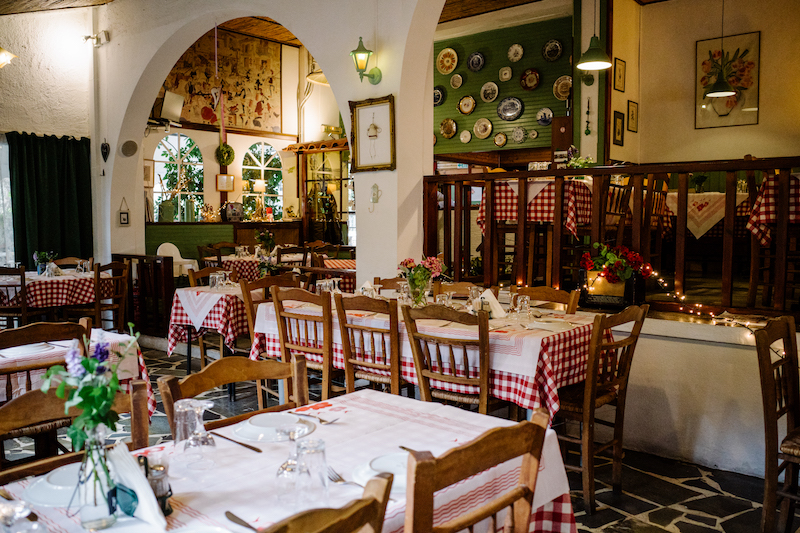
Sun Sea Court 11–12, Amathountos, Limassol 4044
This place is famous for its massive fish tanks and a wide selection of seafood dishes. It’s a must-visit if you're into fresh seafood.
2. Meze Taverna

78, Arch. Makarios III Avenue, Limassol
Known for offering authentic Cypriot meze — a perfect way to sample a little bit of everything.
3. Pier One
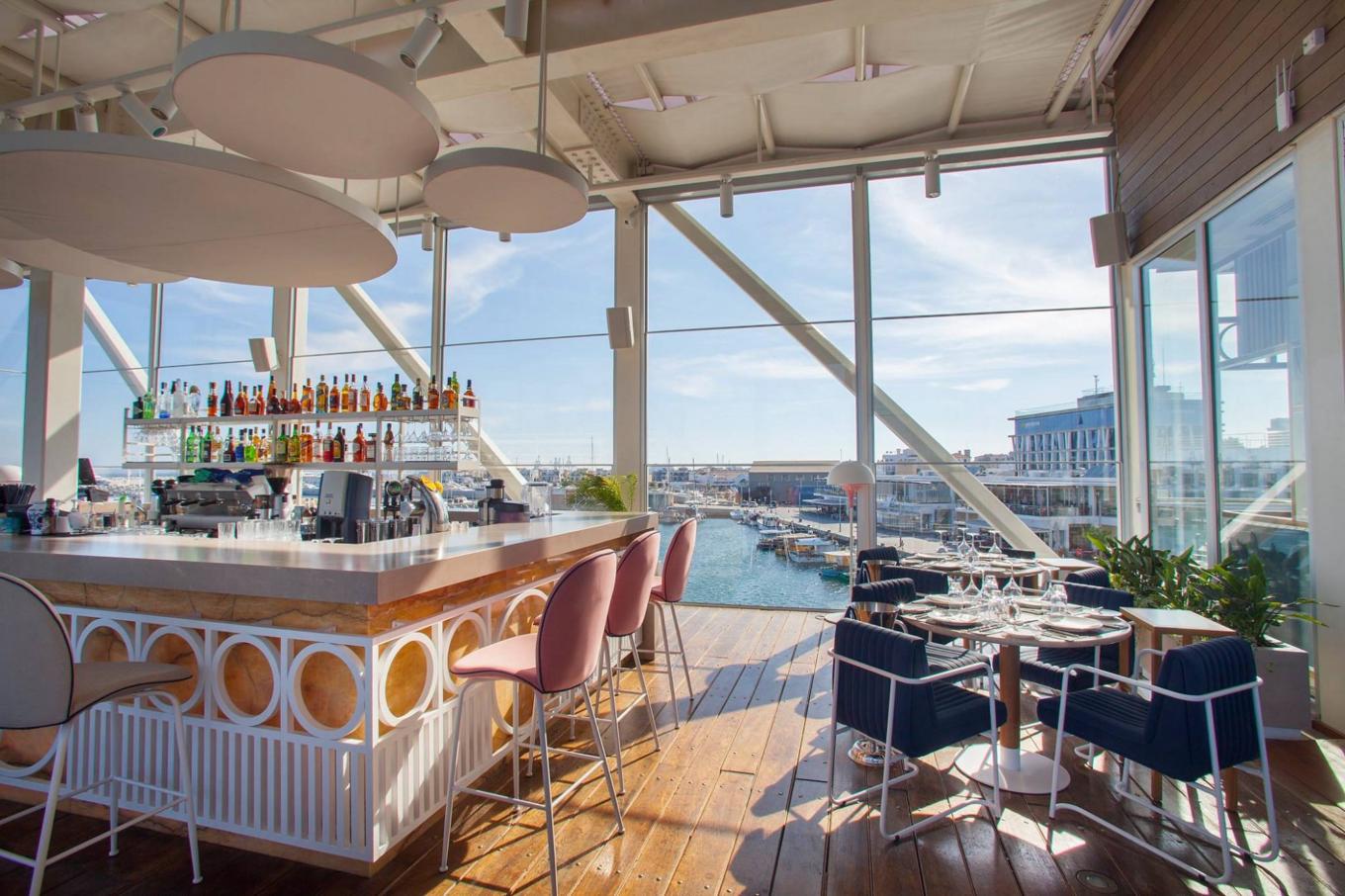
Old Port, Limassol 3042
A cozy restaurant with panoramic windows and a view of the endless sea. What could be more perfect for a romantic dinner?
4. Roe and Bone
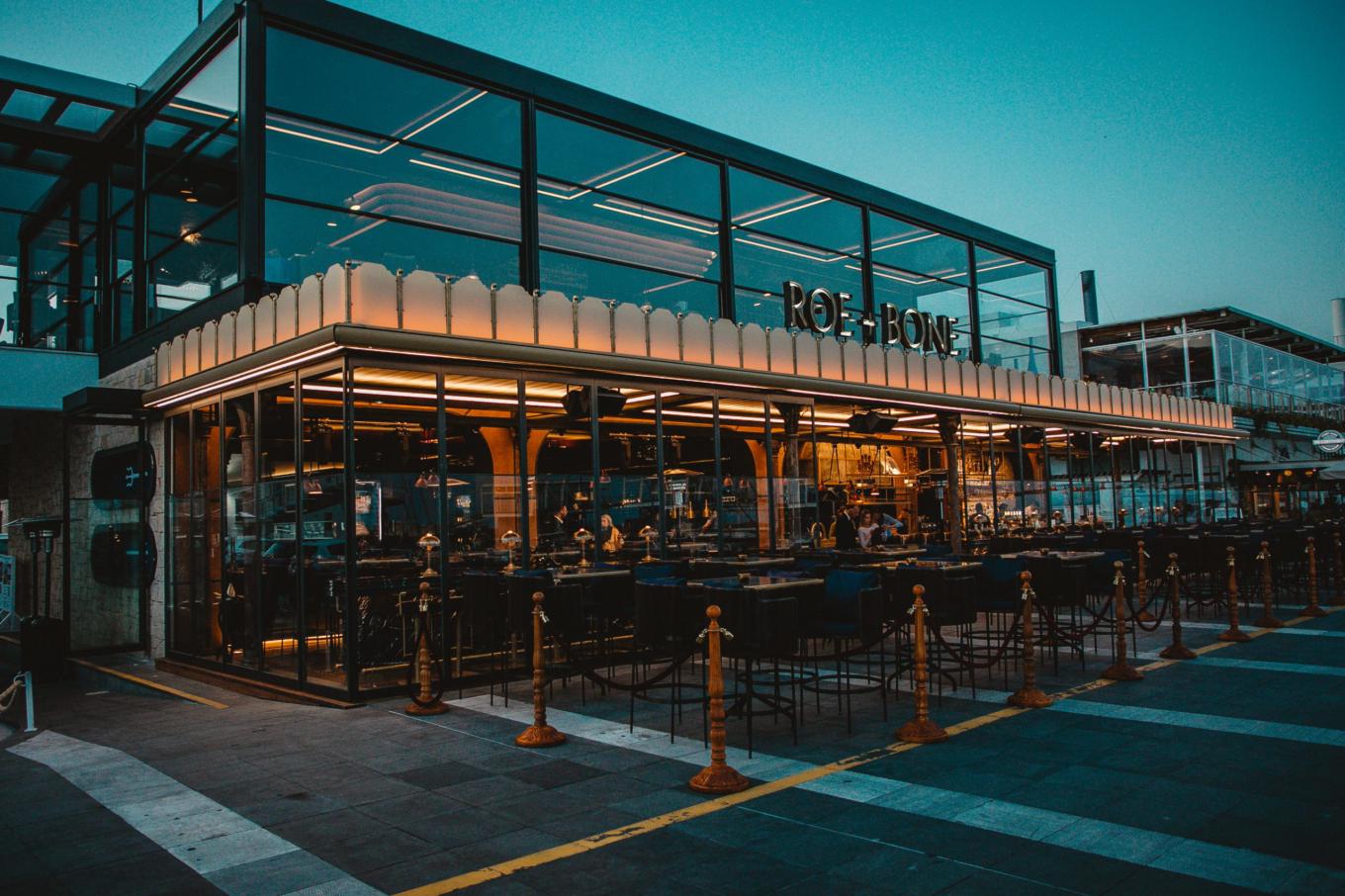
Old Port, Limassol 3727
A stylish, modern spot that will impress not just with its tasty food but with its vibrant and creative presentation.
5. Dionysus Mansion
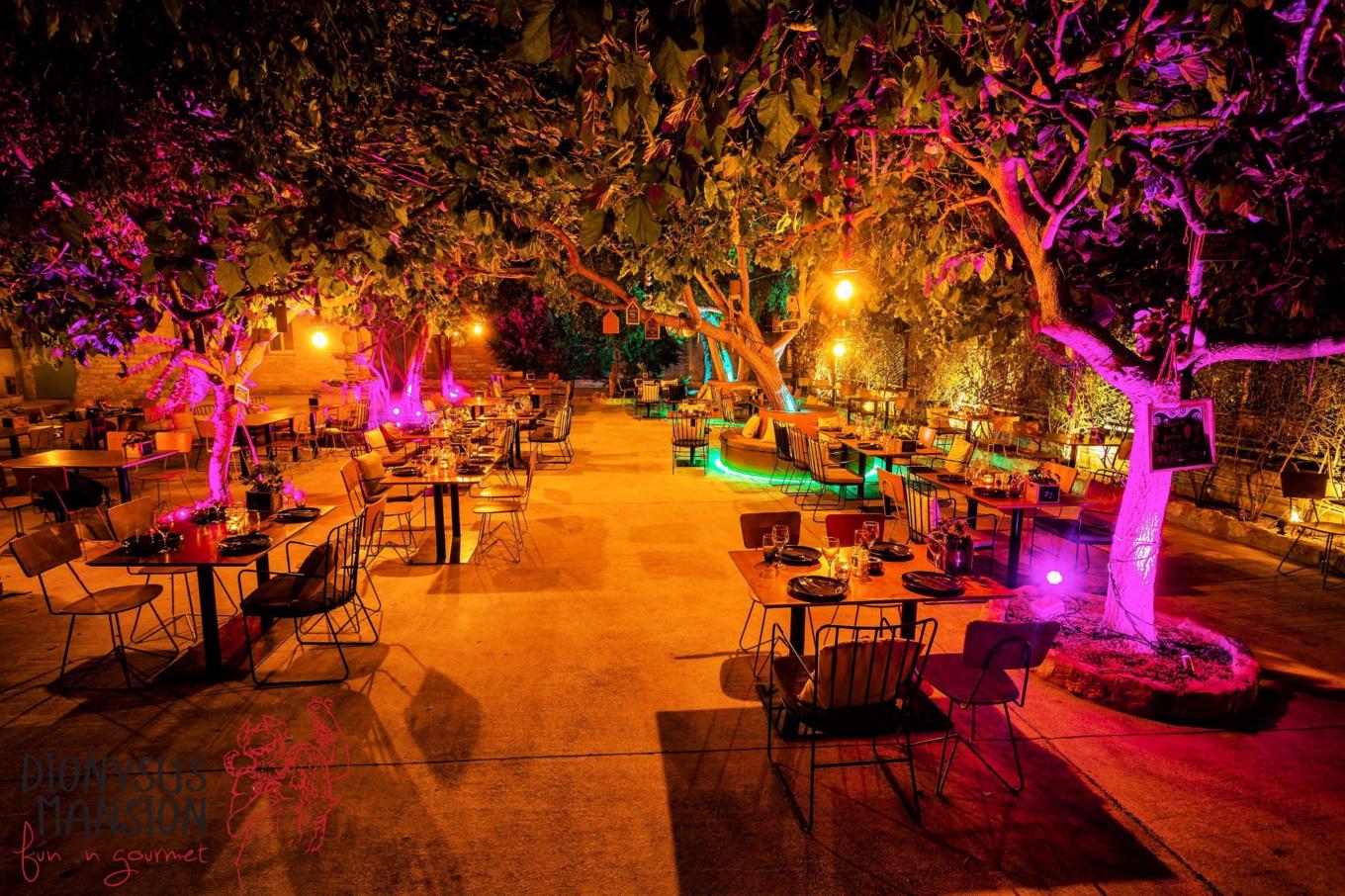
16th June Street, Nr 5, Limassol 3022
This atmospheric spot offers a fantastic setting for dinner, with a beautiful veranda and a genuine Cypriot vibe. Looking to dive into the local atmosphere? This is the place to go!
You can’t visit Limassol without seeing these
Visiting a new city and not coming home with a few photos from the must-see spots? That should be illegal! Here are a few places we think you should add to your itinerary:
1. Prokymea and Molos Sculpture Park
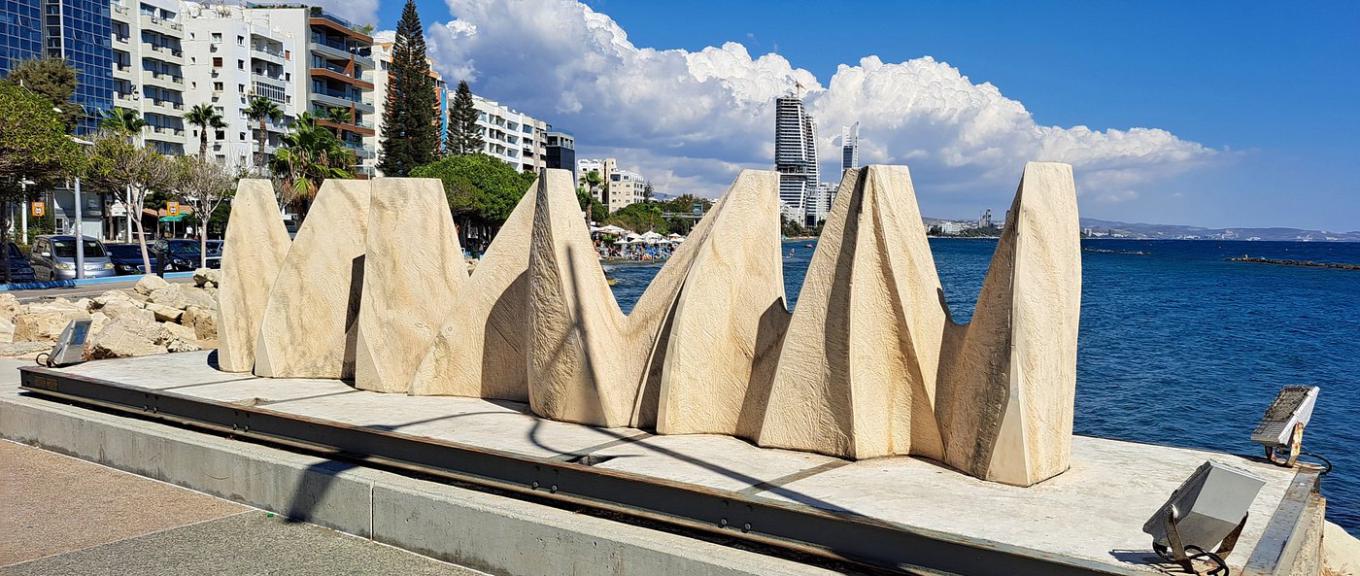
Molos Seafront, Limassol 3036
A signature seaside promenade with piers and a collection of modern sculptures. Perfect for a stroll and photo ops
2. Limassol Medieval Castle & Cyprus Medieval Museum
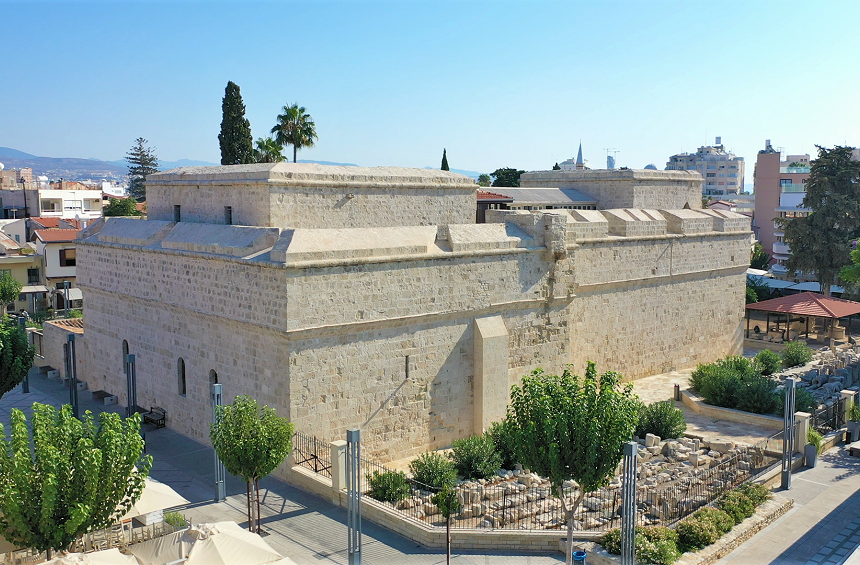
Richard & Berengaria (Castle) Square, near the Old Port
One of the city’s icons. The castle houses part of the Cyprus Museum collection, and legend says Richard the Lionheart married Berengaria of Navarre here in 1191. If you love historic places, put this at the top of your list
3. Amathus Archaeological Site (Amathus)
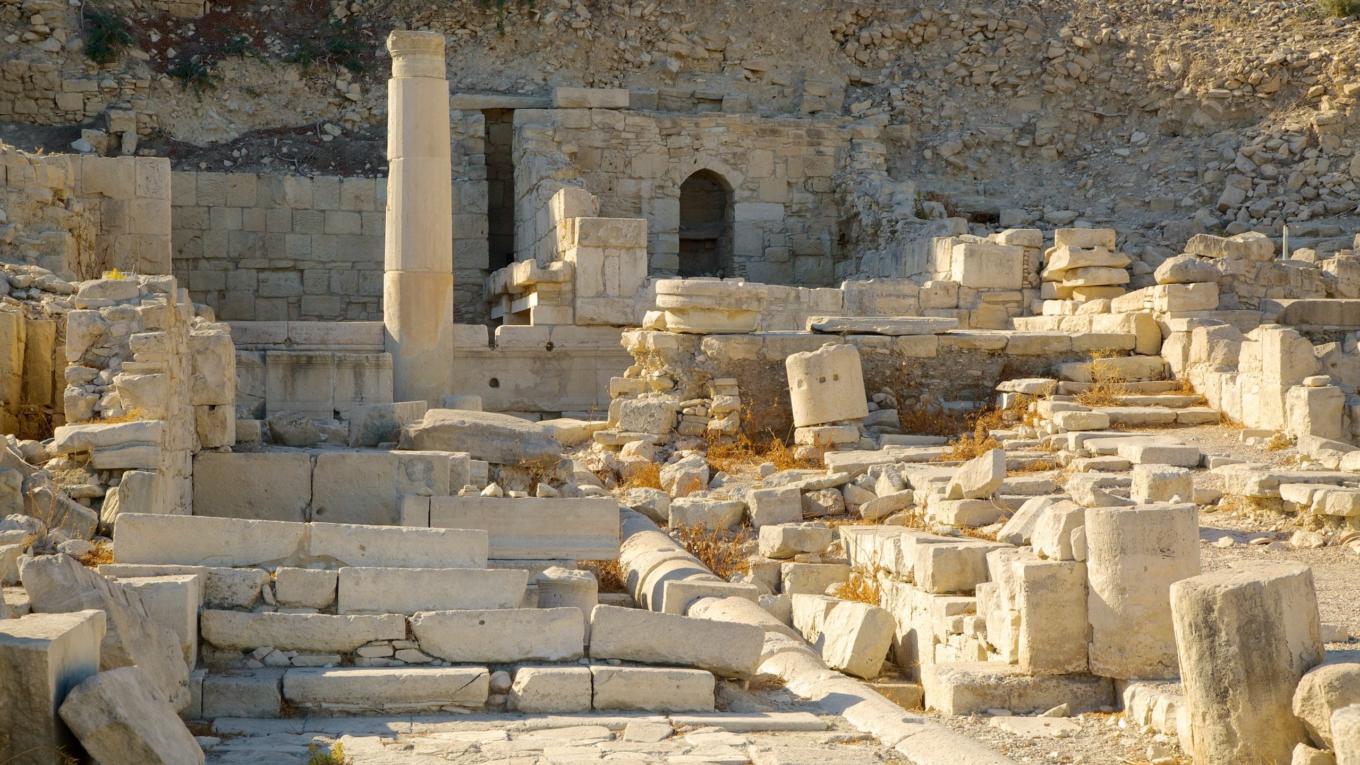
Agios Tychonas (east of central Limassol), on the ridge above the resort strip
An ancient city-kingdom and a major cult center of Aphrodite/Astarte, with dramatic ruins on hills overlooking the sea
Workspaces for a real work-life balance
Love staying productive and not stopping at just attending the summit? We’ve put together a list of the most convenient workspaces in Limassol — especially handy if you’re planning to spend some time in the seaside city after AFDS:
1. SOHO Central
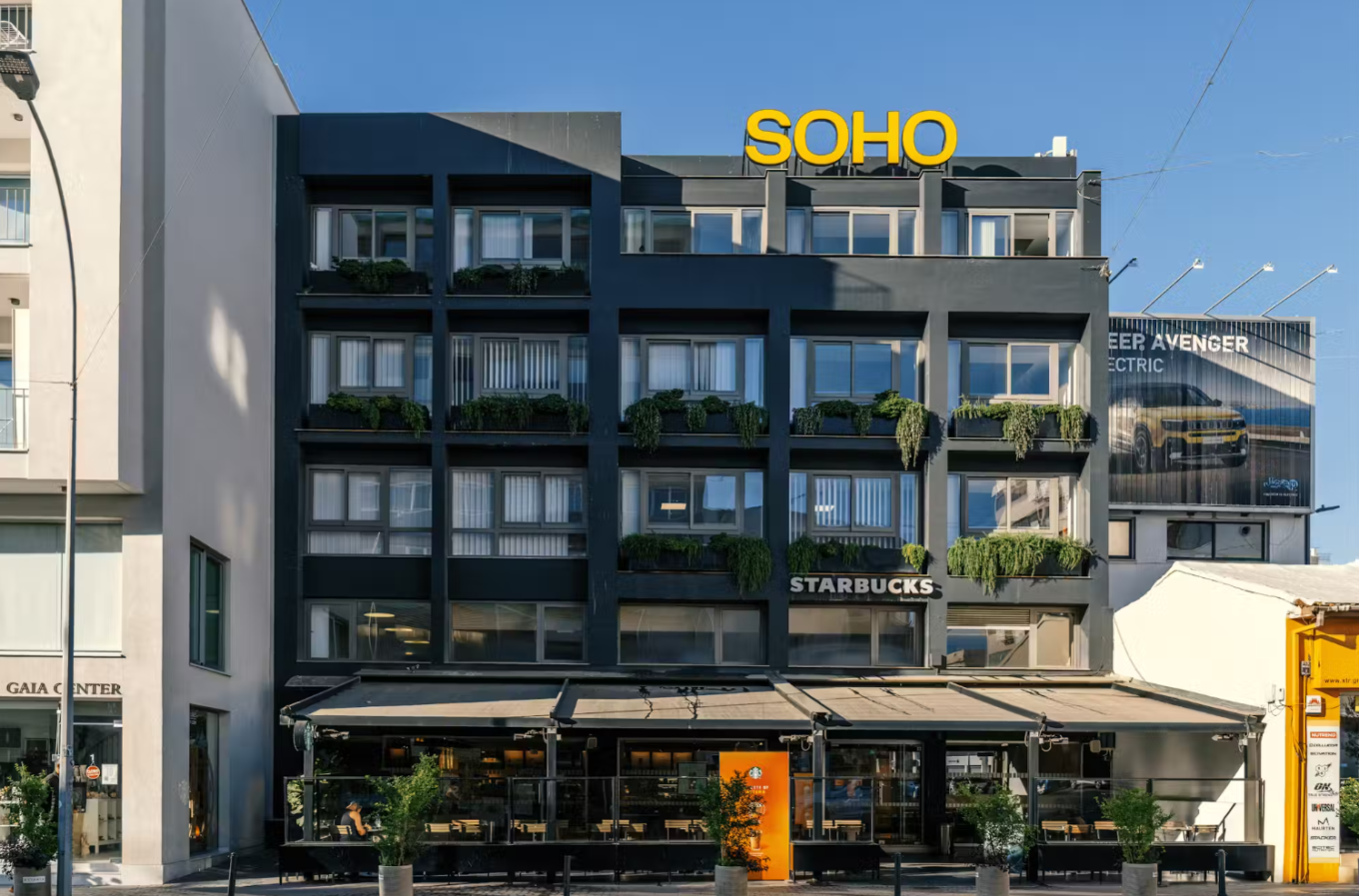
Anexartisias 187, Limassol 3040, Cyprus
A calm place to get work done right in downtown Limassol. There’s a Starbucks in the building — perfect productivity fuel
Day pass: £25 per person
2. Regus
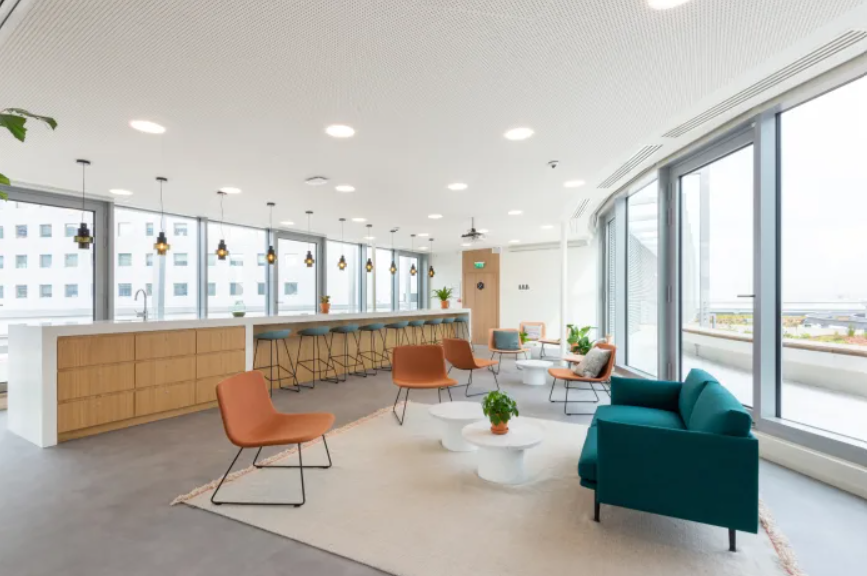
205 Archbishop Makarios Avenue, Victory House, Limassol
A convenient coworking network where you can reserve a desk online in advance
Day pass: from €7
3. The Business Bar
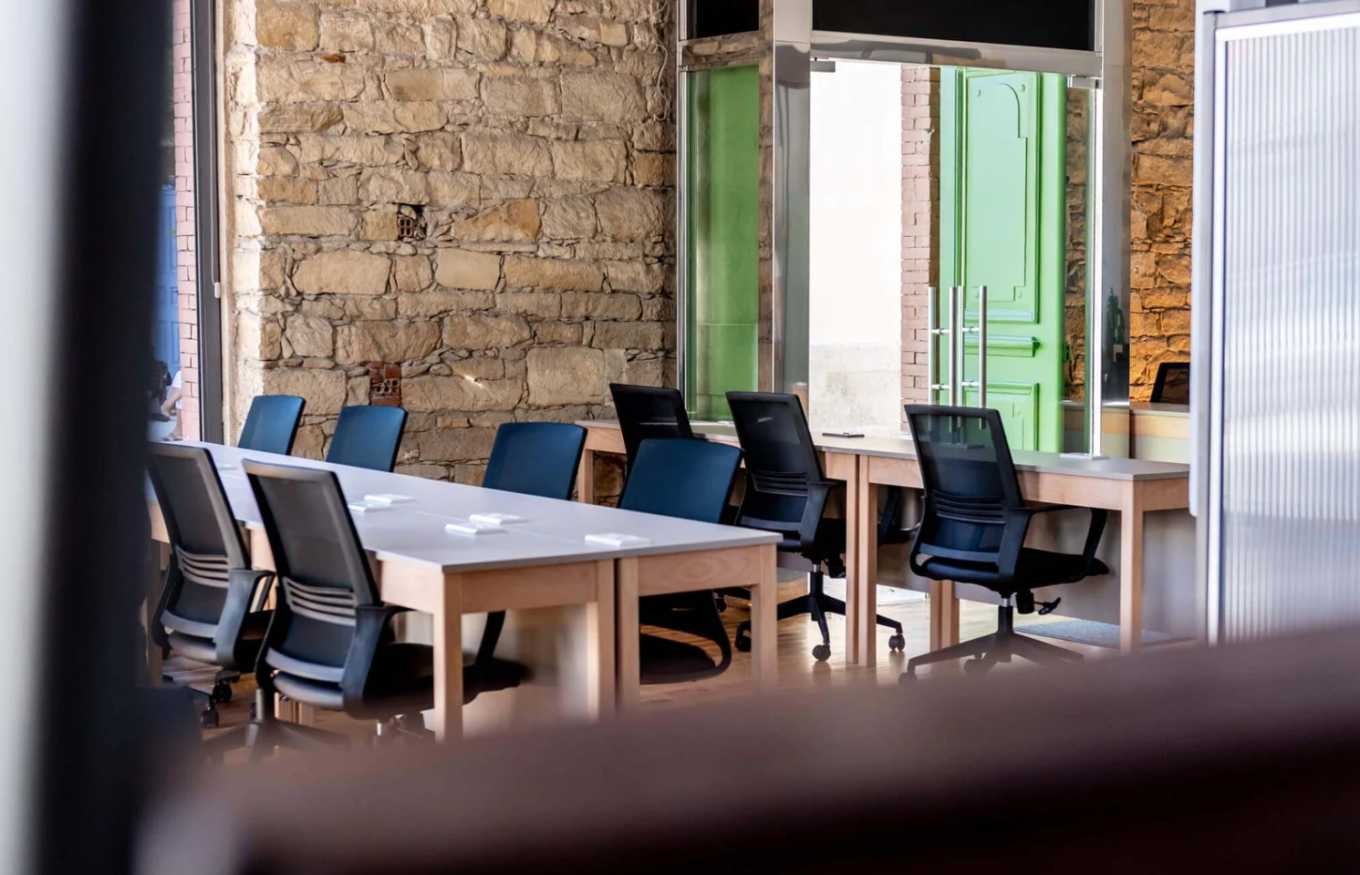
Yiangou Potamiti 27, Ground Floor, Limassol 3036, Cyprus
Cozy, comfortable office vibes — ideal for a focused workday.
Day pass: from €25
We can’t wait to see you at the Ad-Filtering Dev Summit! Pack your bags, don’t forget your sunscreen, and get ready to fall in love with this beautiful coastal city.
For the latest updates, join our AFDS Slack Community. If you have any questions, feel free to reach out at contact@adfilteringdevsummit.com.




















































