Recap of the Ad-Filtering Dev Summit 2024
What made AFDS’24 special
This year, AdGuard co-hosted the 7th Ad-Filtering Dev Summit (AFDS) where like-minded people from all over the world gather to make the Internet safer and more enjoyable for everyone. To create an excellent event, we needed a few essential ingredients: a handpicked team of inspired organizers, a brand-new venue, and VERY LITTLE TIME to pull it all together.
With eyeo’s busy calendar and our first experience organizing events, there were doubts about whether AFDS would happen this year. Would we have enough resources? Could we do it in a short amount of time? But eyeo and AdGuard decided to take the risk. The result? A heartfelt and remarkable event.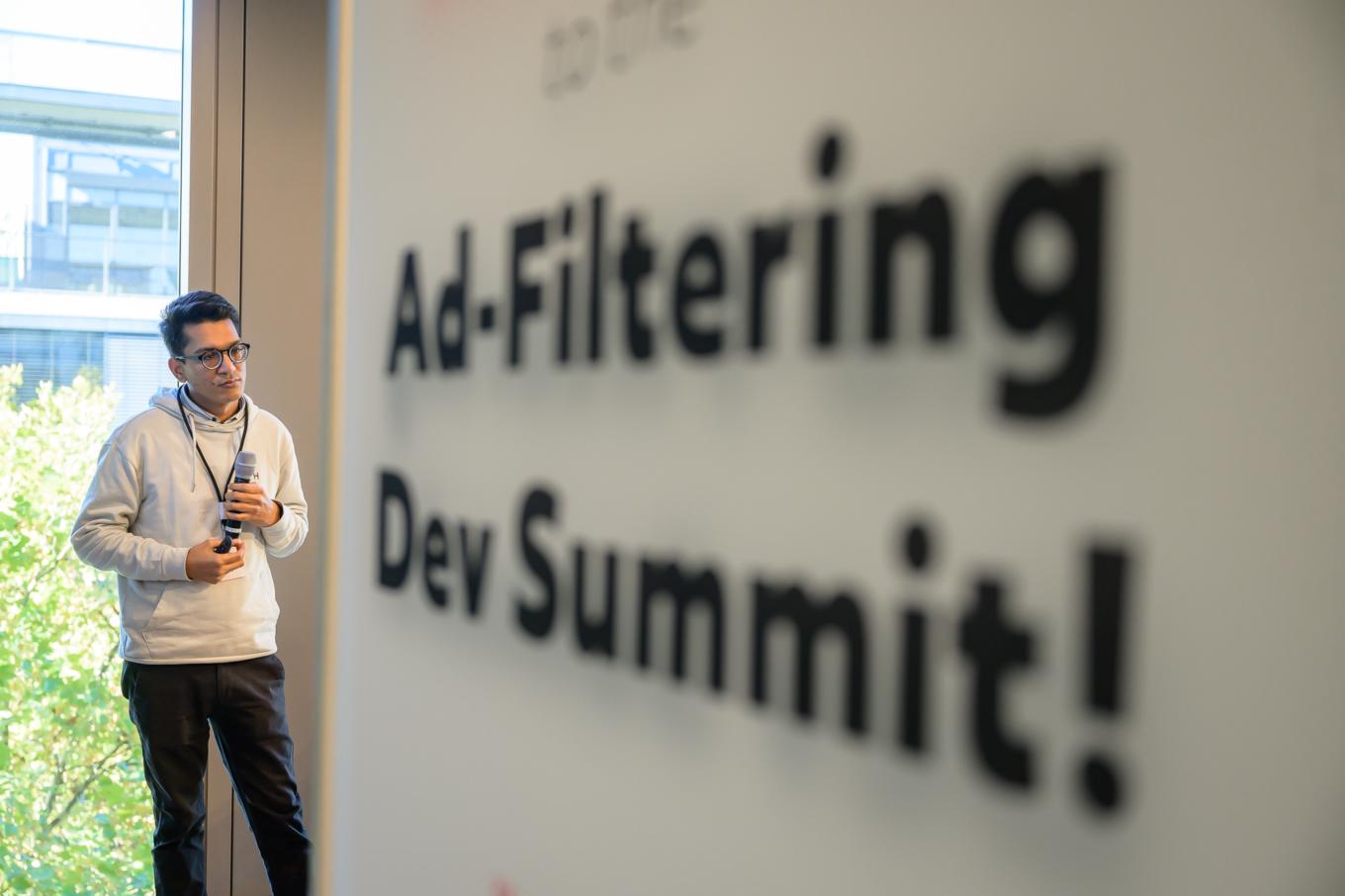
Shubham Agarwal
PhD Student, CISPA Helmholtz Center for Information Security
Photo credit: René Löffler
Uniting the community
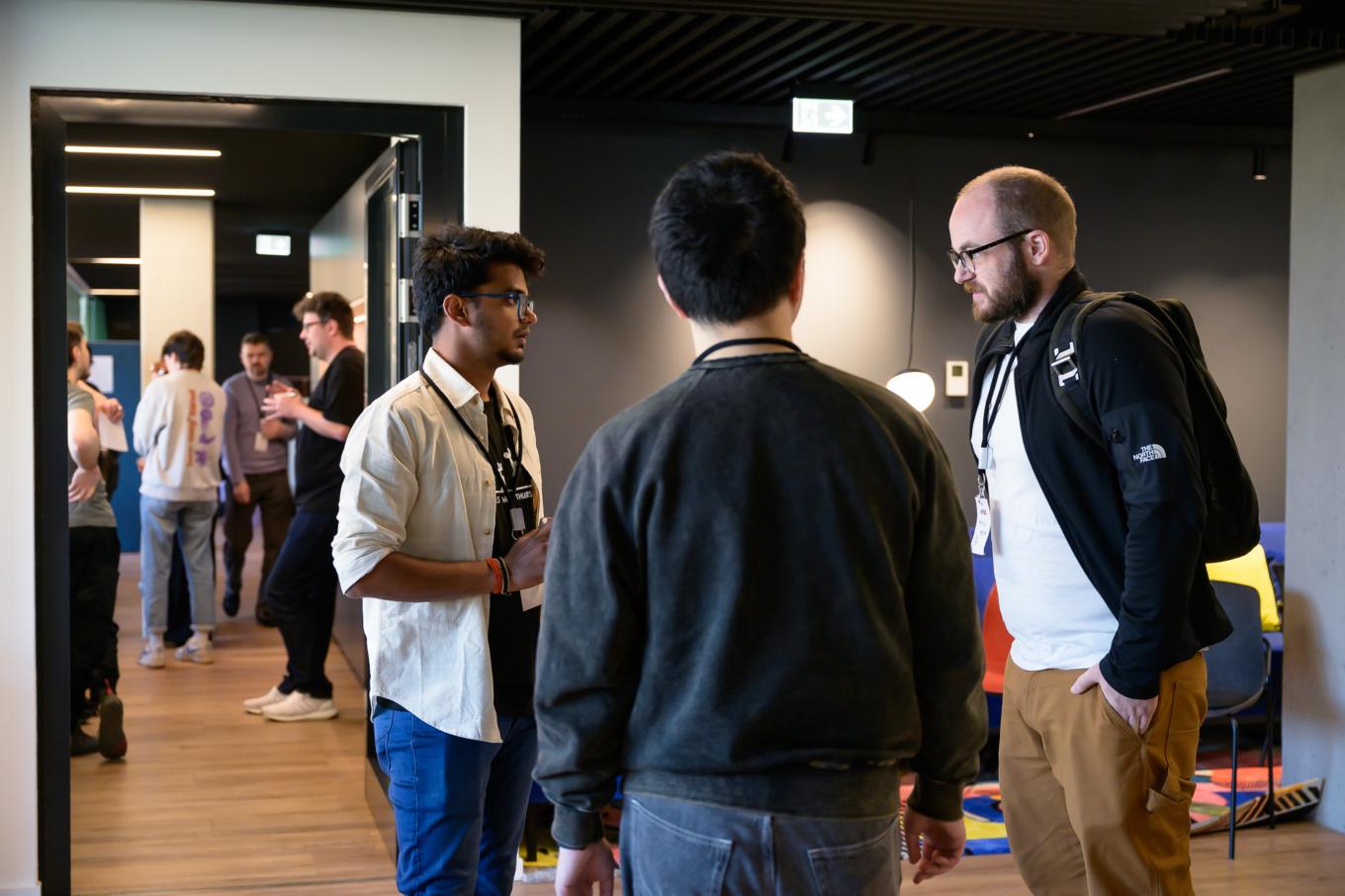
Photo credit: René Löffler
With the same enthusiastic turnout as last year, the Summit reaffirmed its place as a cornerstone for professionals in ad filtering and online privacy.
But what truly makes an event special? The people. We were delighted to see so many familiar faces, as they brought the usual energy to meaningful discussions. At the same time, the presence of new participants brought fresh perspectives.
Here is a little trick for finding new speakers:
- Think of companies you’d love to join the discussion (in our case, not just browser and ad blocker developers, but also antivirus companies, for example)
- Look for academic research on relevant industry topics and invite the authors for their expert viewpoints
- Search on GitHub for individuals who have made significant contributions to the ad filtering community
Yes, people are the best part… and bringing them together is the biggest challenge.
Making the impossible possible
To be honest, we’d never organized an international event before. But teaming up with eyeo made it an incredibly enjoyable experience!
Imagine, you’re on the clock, and you need to:
- Choose the venue
- Pick relevant topics
- Understand who to invite
- Send out invitations
- Gather presentations from approved participants
- Help them get to the event from all around the world
- Organize everything on-site to ensure it’s flawless
- Manage speakers on the ground
And that’s not even mentioning the countless behind-the-scenes details that are equally important. Managing all this and ensuring everything ran smoothly was no small feat, but thanks to our joint efforts, we accomplished what had initially seemed impossible.
We asked our colleagues to give some feedback, and in this post you will find many of their comments.
The atmosphere was just amazing, and I’d like to mention that every year it becomes better and better. This event is not overly formal and I am glad that people visiting are so open and friendly.
I liked everything, I just hope next year we’ll start preparing earlier and will be able to accommodate more speakers and visitors.
–Andrey Meshkov, CTO and Co-founder of AdGuard
Finding a venue to match the spirit
This year, we made a deliberate shift away from corporate venues, opting instead for a space that felt more welcoming — eyeo’s office. Judging by the feedback, this choice hit the mark. Participants shared how much they appreciated the more intimate setting, describing it as “nicer” and “cozier” than last year’s venue. The relaxed environment fostered open conversations and strengthened the sense of community.
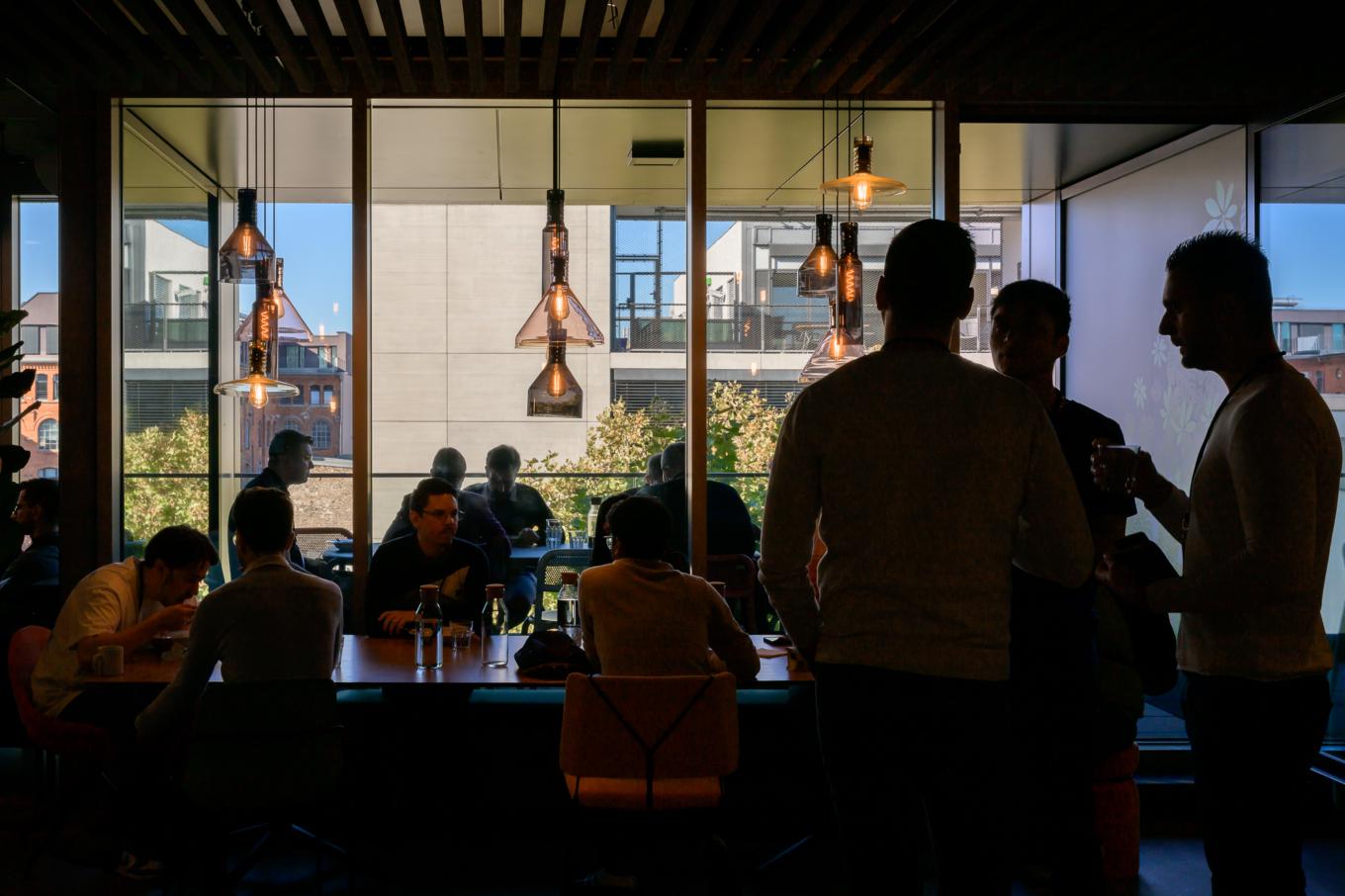
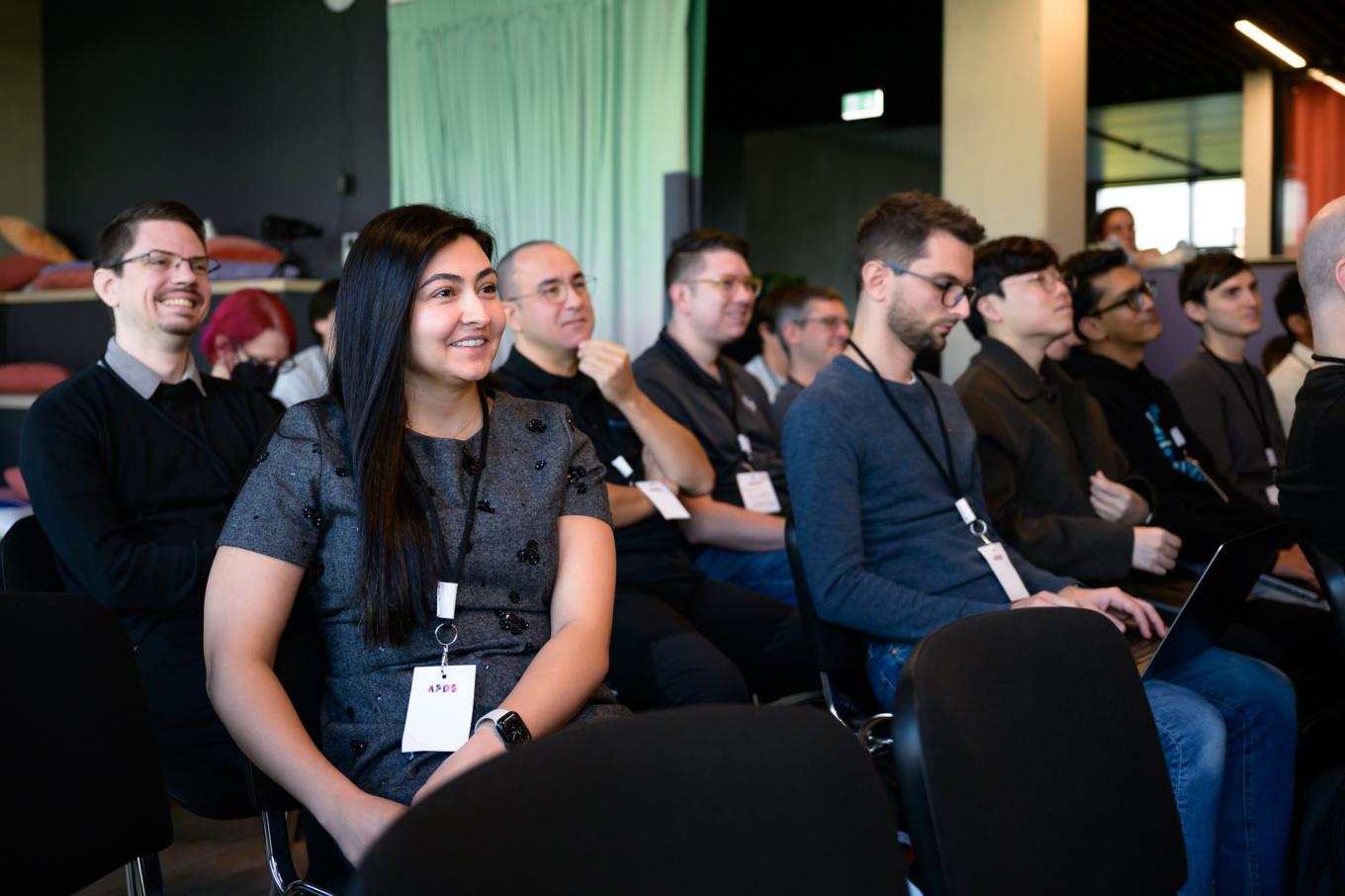
Photo credit: René Löffler
The atmosphere at the Summit was very open and friendly. The organizers provided many comfortable places to chat, relax, and network. The event schedule combined talks, brainstorming sessions, and networking breaks.
–Natalia Sokolova, UX writer and Researcher at AdGuard
The atmosphere at the Summit was fantastic, and the organization was excellent. The venue was also well chosen, it was interesting to visit the eyeo office. The organizers were always kind and helpful, promptly answering any questions or resolving issues I had. The networking opportunities were great, especially the group dinner in the evening. It was wonderful to reconnect with people from last year and meet new, interesting people, some of whom I plan to stay in touch with.
The presentation space was a bit small — it reminded me of the labs we had back at university. This did make the presentations feel more “intimate,” but with a larger space, perhaps more people could have attended, especially since there was no live stream this year.
–Dávid Tóta, Developer at AdGuard
Keeping it technical
In response to feedback from past events, we focused on keeping this year’s Summit highly technical. The decision resonated with our audience:
Being a developer, I’m especially glad that this year’s Summit had a much more technical focus than in previous years.
–Dávid Tóta, Developer at AdGuard
AdGuard’s talks and other presentations that got to our hearts
We couldn’t help but start with our team. Here we’ll tell you about a few highlights, and the rest you can watch on the eyeo YouTube channel.
Place your b(e|o)ts — recent trends in LLM-based advertising
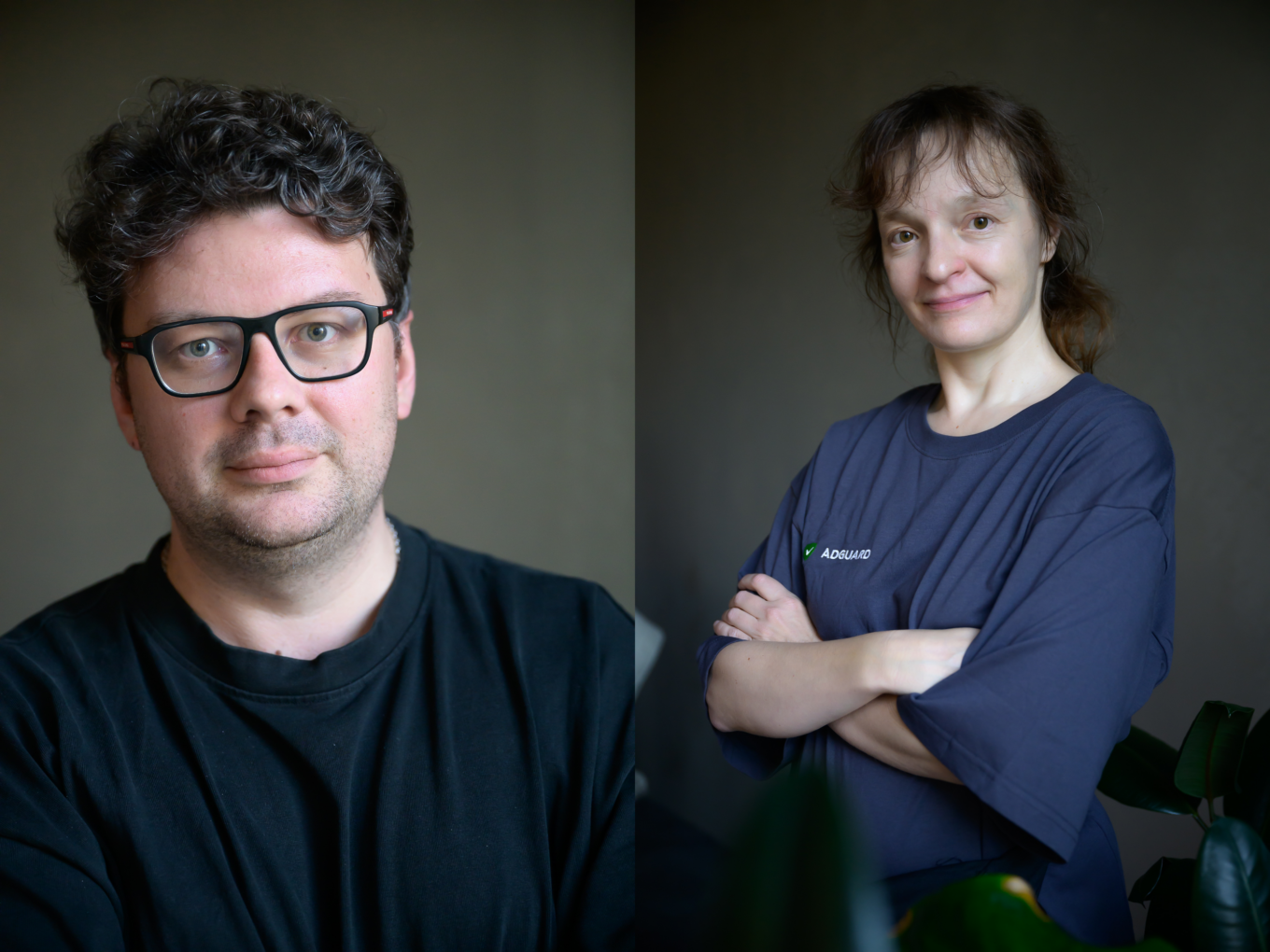
Photo credit: René Löffler
The first talk at the Summit after the opening note was by Andrey Meshkov, CTO at AdGuard, and Natalia Sokolova, UX Writer & Researcher at AdGuard. They discussed the recent trends in advertising powered by large language models (LLMs) and reviewed approaches to blocking these ads.
The presentation covers latest developments in the LLM industry, particularly the decrease in costs for ad creation using tools like ChatGPT, and the emergence of LLMs specifically tuned for ad creation. They note the significant research focus on dynamic and blended ad creation, primarily from Google-affiliated researchers.
Listen to this talk, if you’d like to refresh your knowledge of LLM concepts, find out how LLMs are used today, look into the future of LLM-based advertising, and learn why AI-powered search engines may need even more ad dollars than traditional ones.
This time we were on a tight schedule and that was the main issue with preparing the presentation. I think in the end we managed to make an interesting one and touch upon a topic that in a couple of years will be central for AFDS.
–Andrey Meshkov
Protecting users in a post-MV3 world
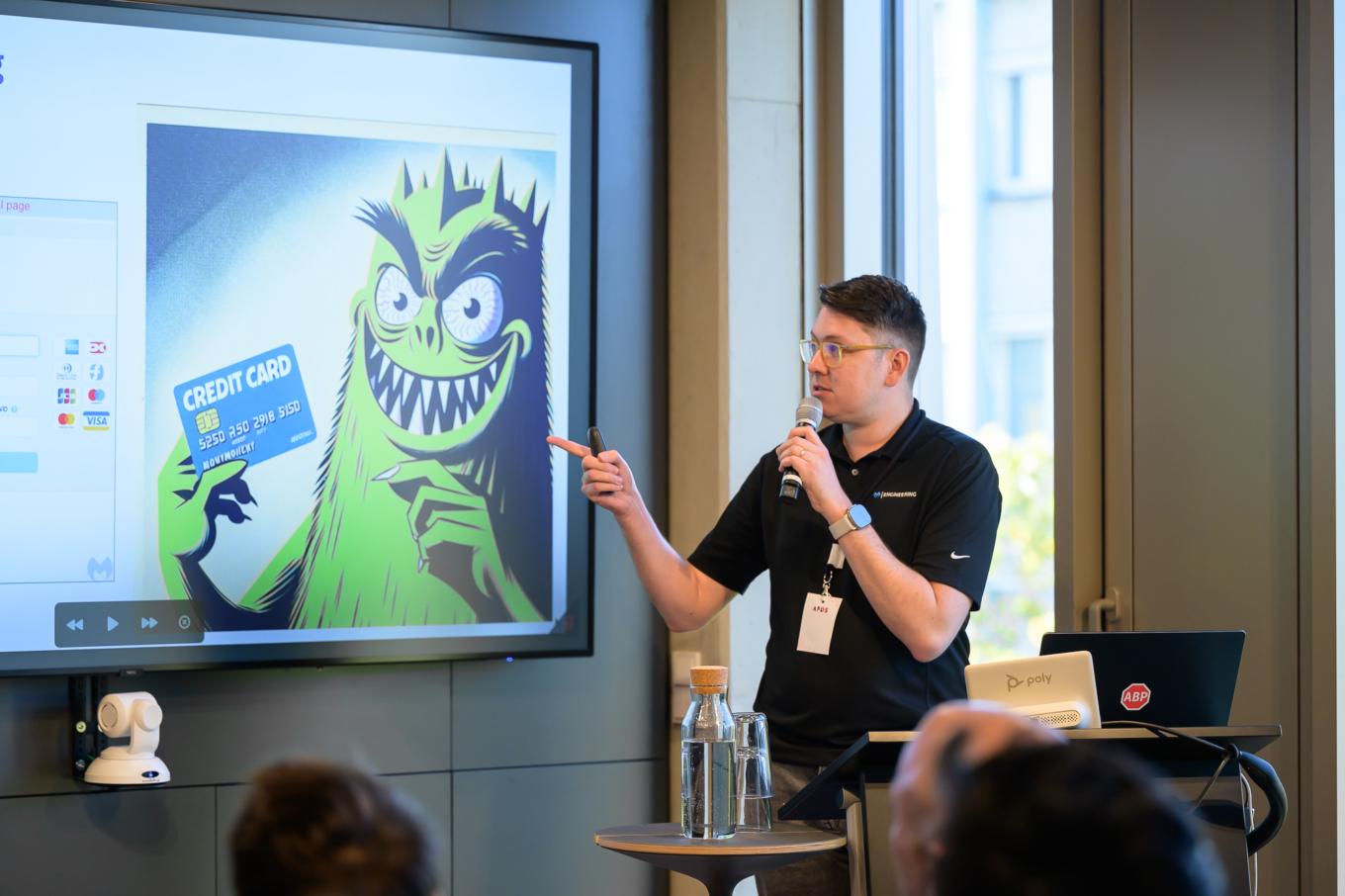
Photo credit: René Löffler
Cameron Eckelberry from Malwarebytes dedicated his talk to current threats and challenges in web security, including the transition from web request blocking to declarative network requests, dealing with malicious search ads, credit card skimming, and tech support scams.
He also discussed the use of machine learning and AI to combat these threats, highlighting examples such as ChatGPT Vision and locally trained machine learning models.
Additionally, the presentation covered the importance of monitoring website behavior to detect and block phishing attempts, and introduced a feature for notifying users if a website they interact with has been hacked, thus ensuring comprehensive user protection.
And here’s another comment from Andrey:
Generally, I liked literally every talk this year. Each of them was very relevant, interesting and on topic.
Surprisingly enough, I’d like to highlight a lightning talk by Cameron Eckelberry from Malwarebytes. He gave us a glimpse into the world antivirus vendors deal with, and honestly, it was fascinating. I feel like there’s so much more that could be shared, and I hope we’ll learn about it next year.
Life with MV3
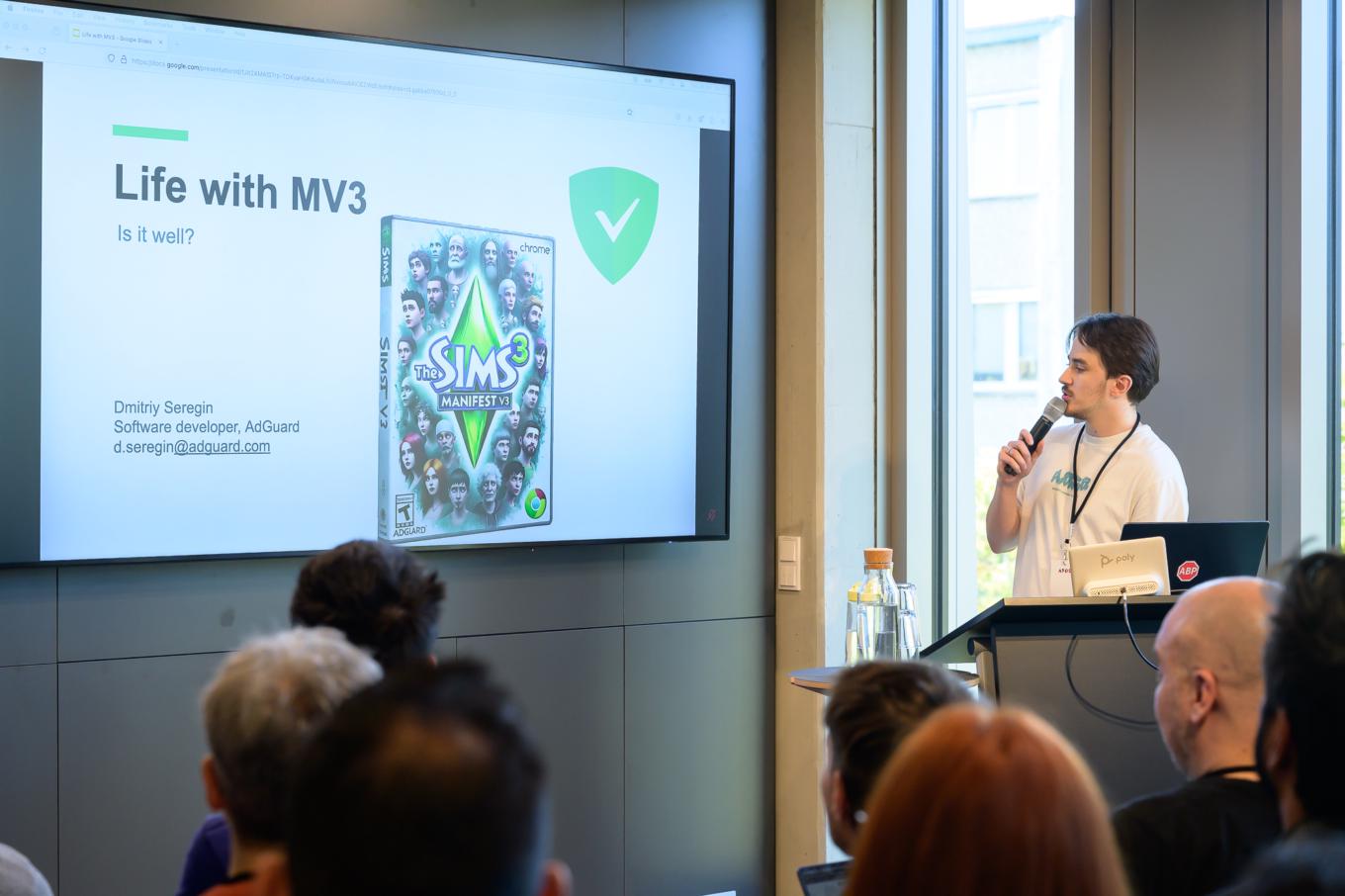
Photo credit: René Löffler
Dmitriy Seregin, Developer at AdGuard, discussed the transition of AdGuard Browser Extension, which has 14 million weekly users, to the Manifest V3 (MV3) framework.
Dmitriy highlighted the challenges faced and the strategies employed, such as maintaining user numbers despite initial seasonal drops and the importance of not compromising on the extension’s filtering quality.
The technical aspects were detailed, including how the extension was built from a single code base for both MV2 and MV3, using a global variable to manage differences. Dmitriy explained the modifications made to ensure the functionality of critical features like the filtering log and dynamic rules. He also touched on innovations such as using binary data for filters and developing a patch library to minimize update sizes. The presentation concluded with a discussion on the limitations of MV3 and the hope for new features in the future.
Ad blocking as a reclamation of agency in the digital world and its implications
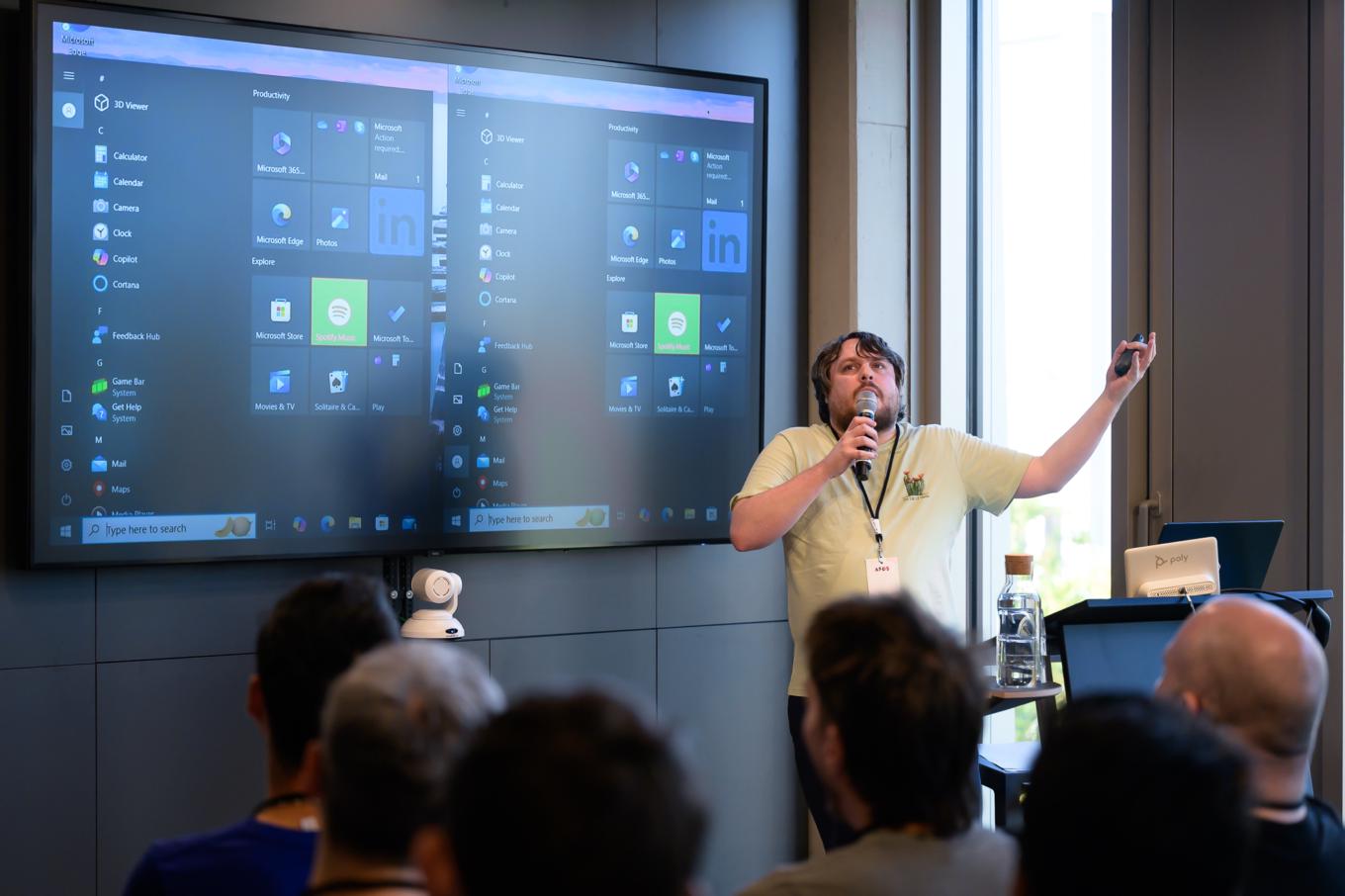
Photo credit: René Löffler
From a historical anecdote about the earliest known customer complaints on ancient Sumerian tablets to modern issues with advertising and consumer dissatisfaction, Ari Kronen’s speech was a pure joy. At first, he was surprised at being invited to AFDS, sharing his eclectic background in IT and education, and even thought that our invitation was spam. Ari, sorry for that phishing-looking email, but we’re glad that it didn’t scare you and you joined us, it was a cool standup with lots of jokes!
The main focus of the presentation was on the pervasive nature of advertising and telemetry in digital environments. Ari argued that advertising has always been susceptible to misuse and has evolved to become deeply intertwined with digital tracking, impacting user privacy and autonomy. He highlighted the ways in which operating systems like Windows and Android integrate ads and data collection, likening them to spyware. The presentation also touched on the challenge users face in escaping these practices without significant technical effort. Ari concluded by discussing the broader implications for privacy, the commodification of attention, and the role of open-source projects in mitigating these issues.
Beyond the screen: Ad-blocking in the voice interface era

Photo credit: René Löffler
Natalia Sokolova’s second talk was on the evolution and impact of voice-activated ads.
Last year, Natalia together with Vladimir Zhelvis explored serving ads via LLM-based chatbots, covering blended and highly personalized ads, and approaches to blocking them. Today, we’re discussing a new shift: voice-activated ads. As users increasingly turn to voice interfaces, marketers see new opportunities, bringing additional privacy concerns.
History milestones include:
- 1950s-1960s: Early experiments with limited vocabularies
- 1980s: Introduction of predictive models, IVR systems in phones, and the first voice-recognizing doll, Julie
- 1990s: Rise of PC-based voice recognition, text-to-speech tech, and software like Dragon NaturallySpeaking
- 2000s: Stalled progress until Google Voice Search app (2008) popularized voice recognition.
- 2010s: Explosion of voice assistants (Siri, Alexa, Google Assistant), enhanced by cloud processing and data collection.
The pandemic boosted voice assistant use due to the need for contactless interaction. Now, voice assistants like Alexa and Google Assistant use large language models, enhancing ad placement potential. Voice-enabled ads are highly engaging and facilitate multitasking, making them more effective.
It seemed that we had less time to prepare our talks than last time. I also faced the challenge of giving two talks, one with Andrey and one on my own. Their topics complemented each other very well, addressing the emerging challenges of the rise of AI-based search engines combined with the proliferation of voice-based interfaces.
The fact that I had my second talk on Friday prevented me from fully enjoying the amazing Oktoberfest party on Thursday night; I mostly drank water and left early to work on my presentation notes. Anyway, I had a great time, was happy to see a lot of familiar faces, and made new friends.
–Natalia Sokolova
Advertising in a world where search and content consumption happens in ChatGPT & Co.
It was a panel discussion primarily focused on the impact of generative AI on advertising, web traffic, and content consumption. The forum host was Mohamed Morsy, the product manager managing eyeo’s experimental browser and ad-filtering solutions. He was joined by other panel members: Andrey Meshkov, CTO at AdGuard, Subhamoy Sengupta, the engineering lead at eyeo, Simeon Vincent, responsible for Browser Solutions at Mozilla; and James Walker, the moderator from eyeo with a business background.
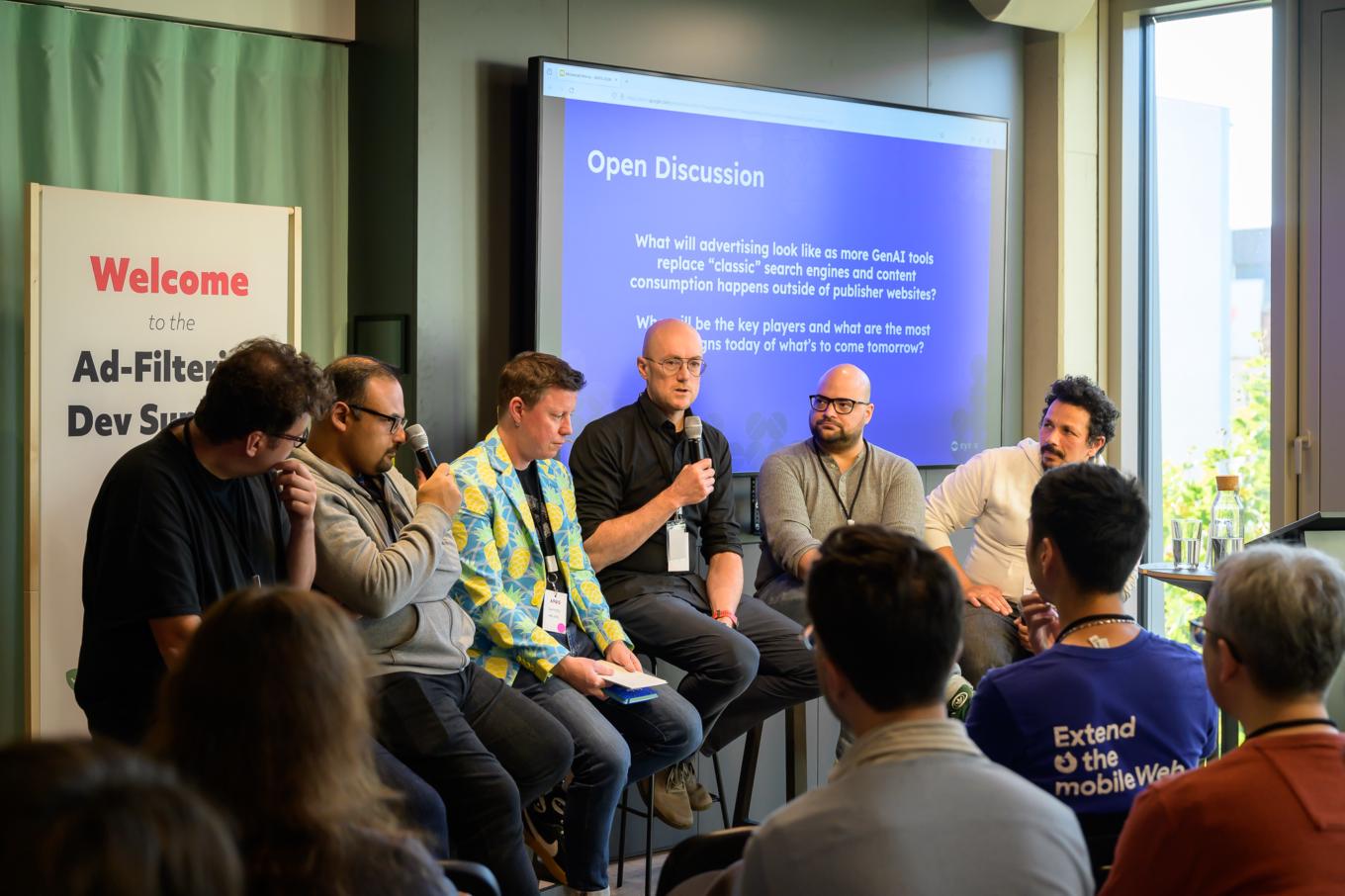
Andrey Meshkov (AdGuard), Subhamoy Sengupta (eyeo), James Walker (eyeo), Vegard Johnsen (eyeo), Simeon Vincent (Mozilla) and Mohamed Morsy (eyeo)
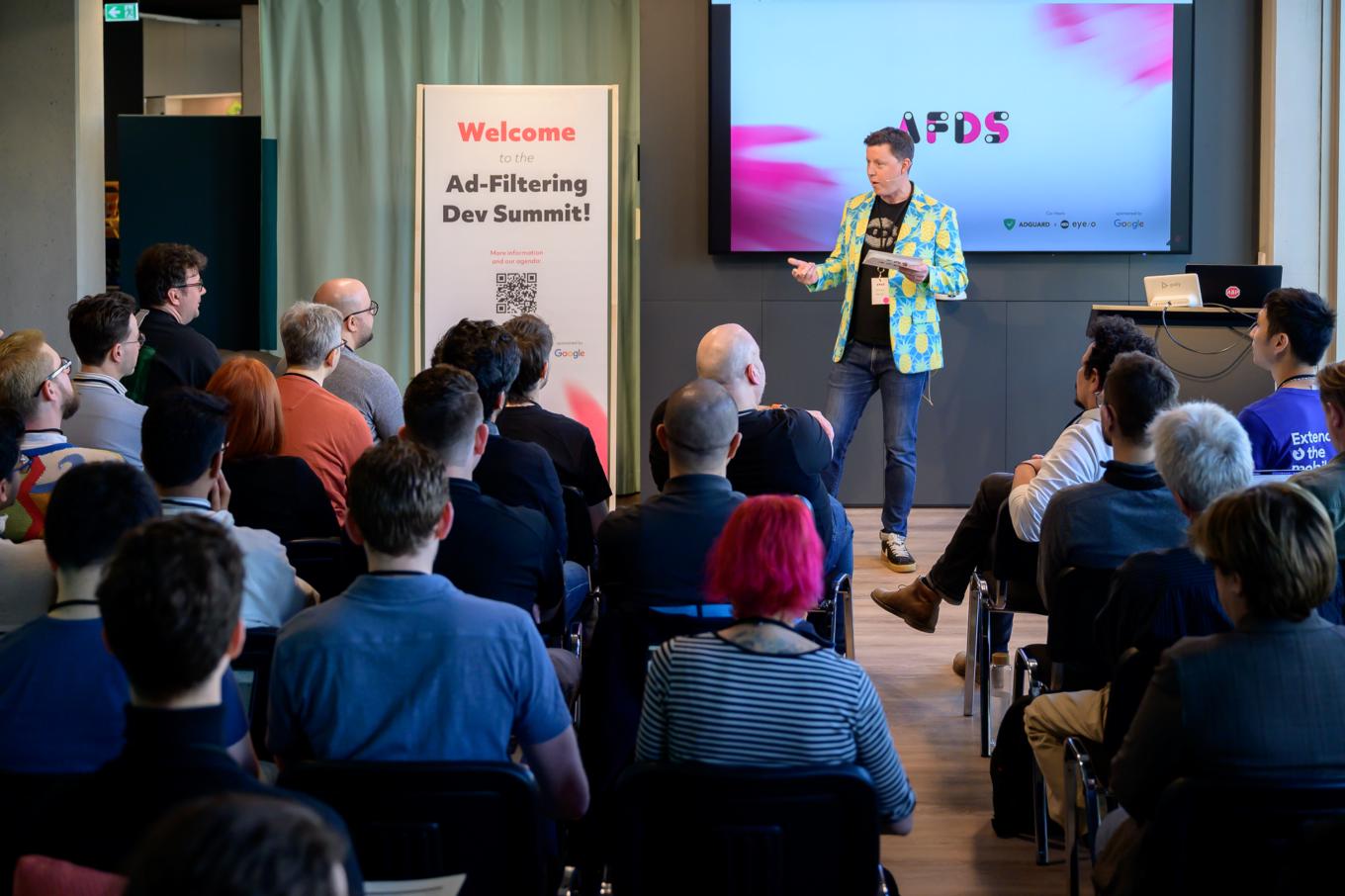
James Walker in his pineapple jacket
Photo credit: René Löffler
Several key points were covered:
1. Generative AI and advertising: The panel explored how generative AI tools, replacing traditional search engines, might affect advertising and user behavior. Concerns were raised about users getting information directly from AI tools, reducing traffic to publisher websites and impacting ad revenue.
2. Ad evolution: Discussions included the potential for more personalized and integrated ads within AI-generated content, similar to product placements in TV shows.
3. Impact on publishers: The shift towards AI-driven content consumption could push publishers to adopt subscription models or sell content to AI companies. This change might decrease ad space on traditional websites but open new revenue streams.
The format aimed to be interactive, encouraging audience participation to gather diverse perspectives and insights on the evolving ad tech landscape.
I enjoyed the discussion on the future of advertising and ad blocking in the post-AI world. It is important to recognize the paradigm shifts that are taking place and their potential impact.
–Natalia Sokolova
Exploring the new capabilities of AGTree
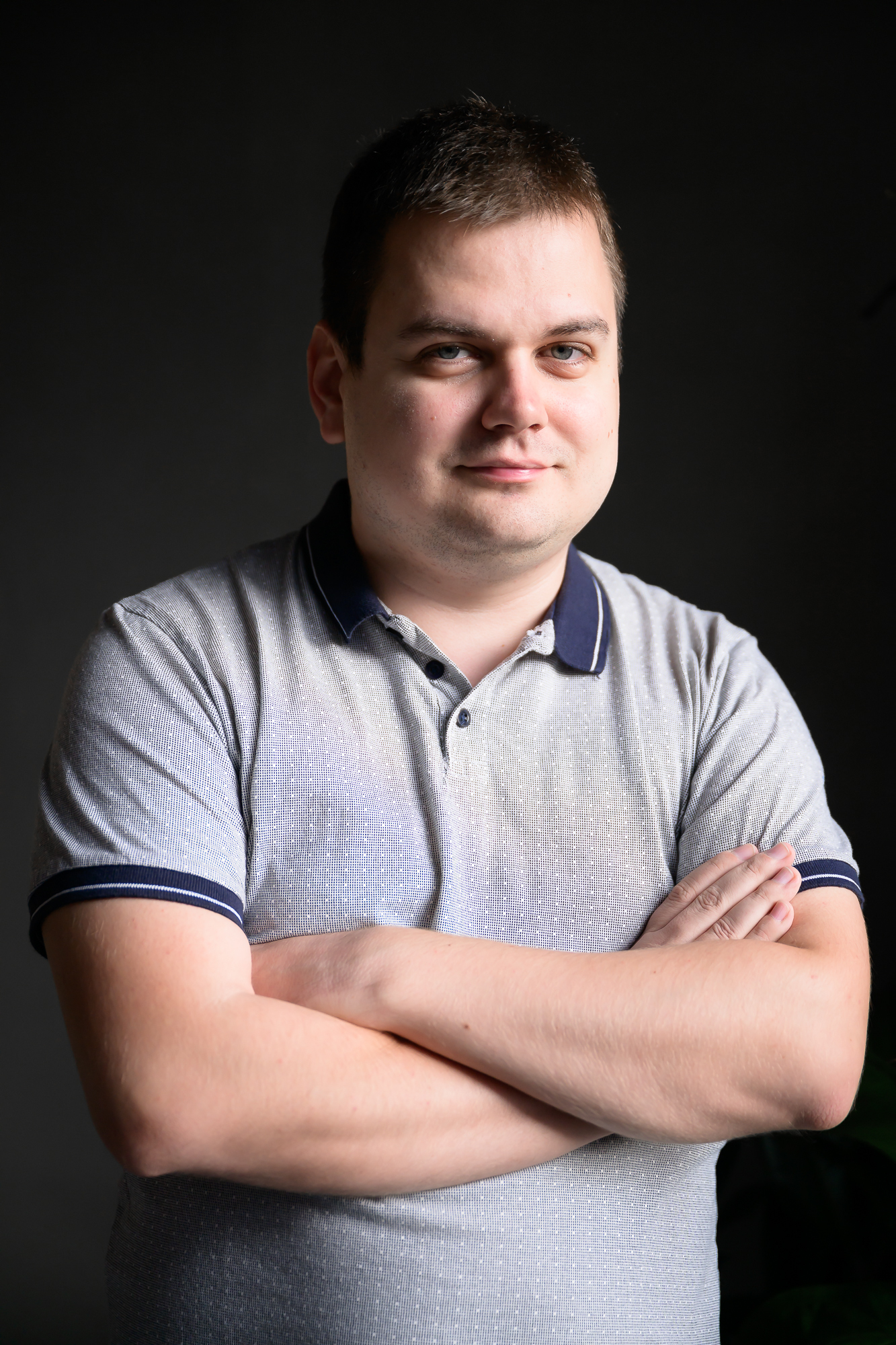
Photo credit: René Löffler
David Tota gave us an overview of AGTree, a powerful tool that streamlines how ad-blocking filter lists are handled. It’s part of the TSUrlFilter library that AdGuard has integrated into various products, including browser extensions. By implementing AGTree across different platforms, we’re aiming for a more unified approach, which allows us to use a single library for tasks such as conversion, parsing, and validation of blocking rules. The result? Improved content blocking, faster filtering engine startup, and simplified rule analysis and conversion. Then he dived into two main topics:
New features in the AGTree API:
- Compatibility tables — a convenient API that manages modifiers, scriptlets, and redirects
- Improved rule converter — a tool that allows the conversion of rules from one syntax to another
- Serialization/Deserialization that enables the conversion of AST nodes into binary data and vice versa (the latest AdGuard extension already uses this to store rules)
New tools built on AGTree, and concepts in development: - How we integrated AGTree into the AdGuard extension
- Dead domains linter (implemented) — a tool that identifies potentially inactive domains within rules
- Rule formatter (concept) — a tool for uniformly formatting rules, similar to Prettier
- Rule orderer (concept) — a tool for sorting and grouping rules systematically
Personally, I chose to present on a deeply technical topic that covered a wide range of recent developments and included insights for the future. Essentially, it was like a series of micro-lectures, each one connected and in some cases building upon the previous one.
–Dávid Tóta
What’s new in Chrome
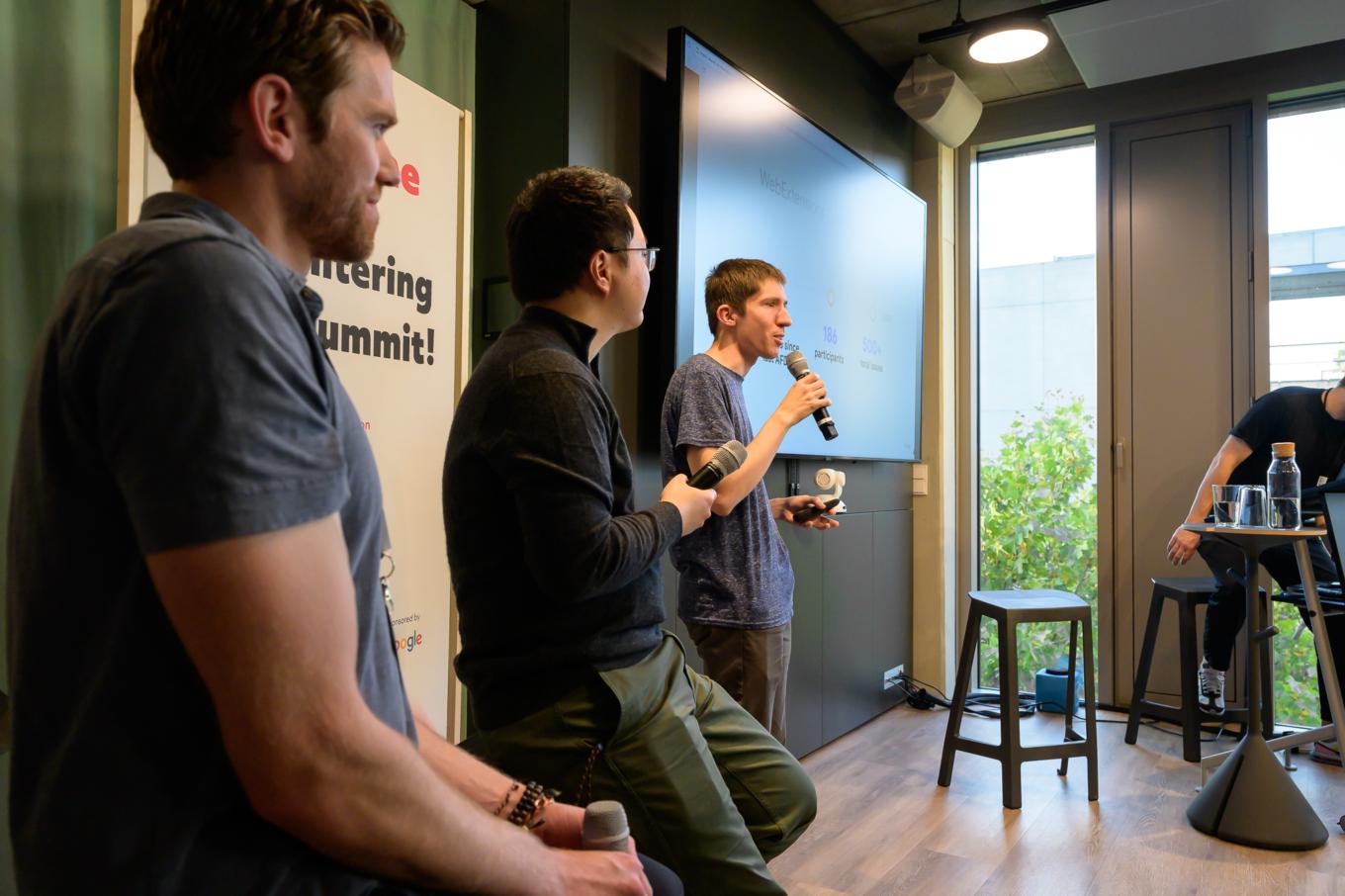
Photo credit: René Löffler
The Google team told us what’s going on in Chrome and then proceeded with answering plenty of questions from developers.
David Li, Product Manager, Chrome Extensions, updated us on progress with MV3 (spoiler: more than 90% of extensions in the Chrome Store are already running on it). And there are other changes coming to Chrome Web Store — for instance, devs are getting beta version support and an opportunity to cancel pending review!
Oliver Dunk, Developer Relations Engineer, Chrome Extensions, told us about the valuable work done at web extensions community group. Around 200 participants, 500+ issues and many of them already solved — watch the video to learn more.
It’s a w3c community group where we meet with other browser vendors and developers and talk about the shape of the platform, the state that it’s in and where we might like to go in the future.
–Oliver Dunk
And Devlin Cronin, Technical Lead and Manager, Chrome Extensions Platform, presented a new extension menu whose purpose is to let users know when and where their extensions were running, what site access they had and were these extensions modifying or accessing the data of the places they went to.
Some other updates include:
- Better isolation for sandboxes frames
- Privacy Sandbox +3P Cookie Changes
- Streamlining sign-in and sync
- Side panel integrations and refinement
What’s more
There were many more talks and it would be impossible to cover them all here.
Let us just highlight the already traditional browser panel (the video will soon be uploaded to eyeo channel). The gist of it is “Brave, Chrome, Opera and Firefox walk into a bar… except in AFDS” — a casual discussion and taking questions from the audience.
And here are other talks from the panel participants that we recommend to watch:
Tina Chenska from Opera on leveraging automation testing for Adblocker quality.
Anton Lazarev from Brave on how to block ALL the cookie popups.
Simeon Vincent and Rob Wu from Mozilla on recent improvements to Manifest V3 support.
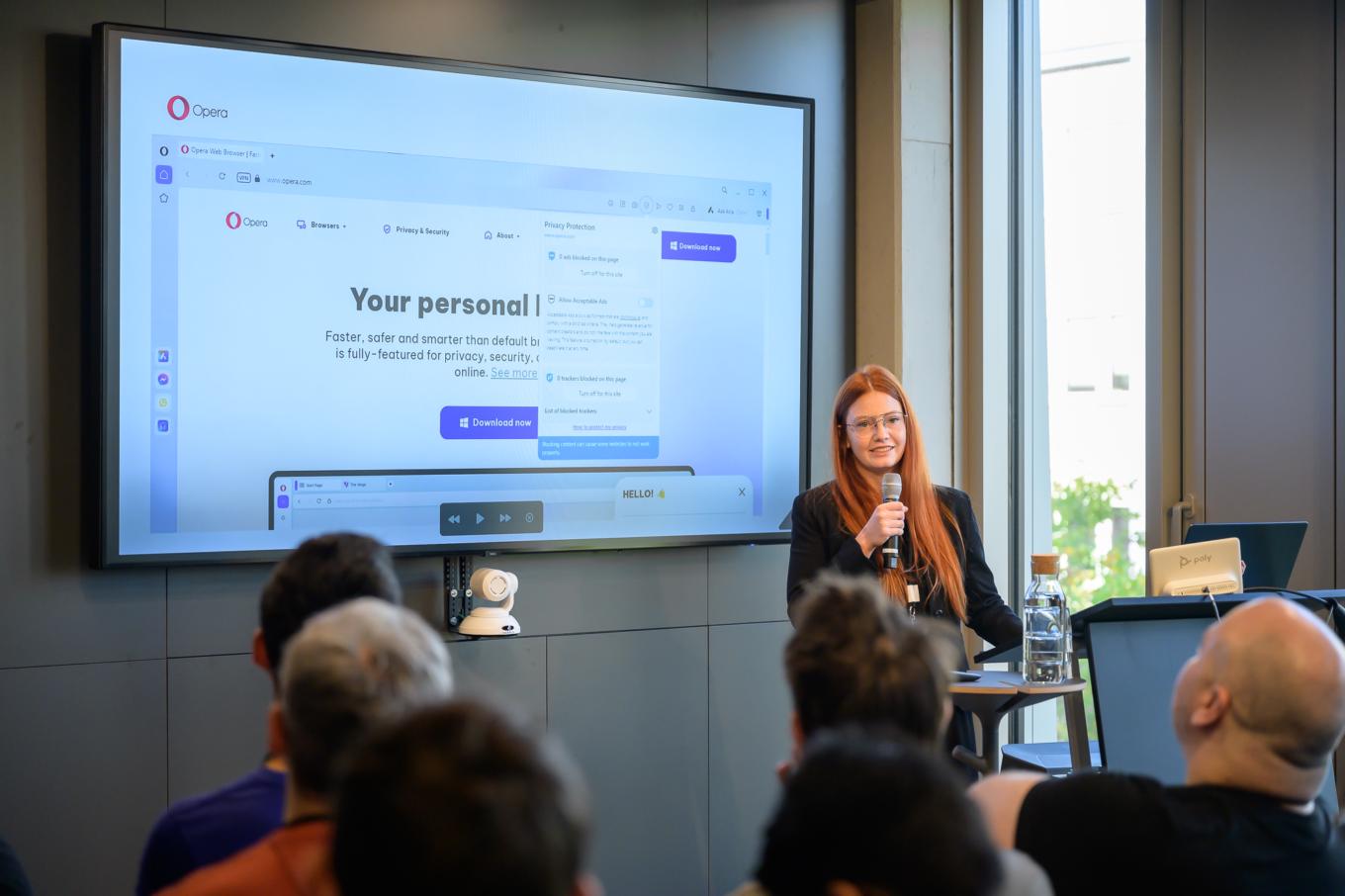
Tina Chenska, QA Engineer, Opera Software
Photo credit: René Löffler
Conclusion
To sum up, we want to thank all the participants again — developers, browser vendors, researchers from academia, and other industry representatives for valuable contributions to this community. And we also would like to thank eyeo for hosting another great event. Looking forward to meeting all of you again next year!
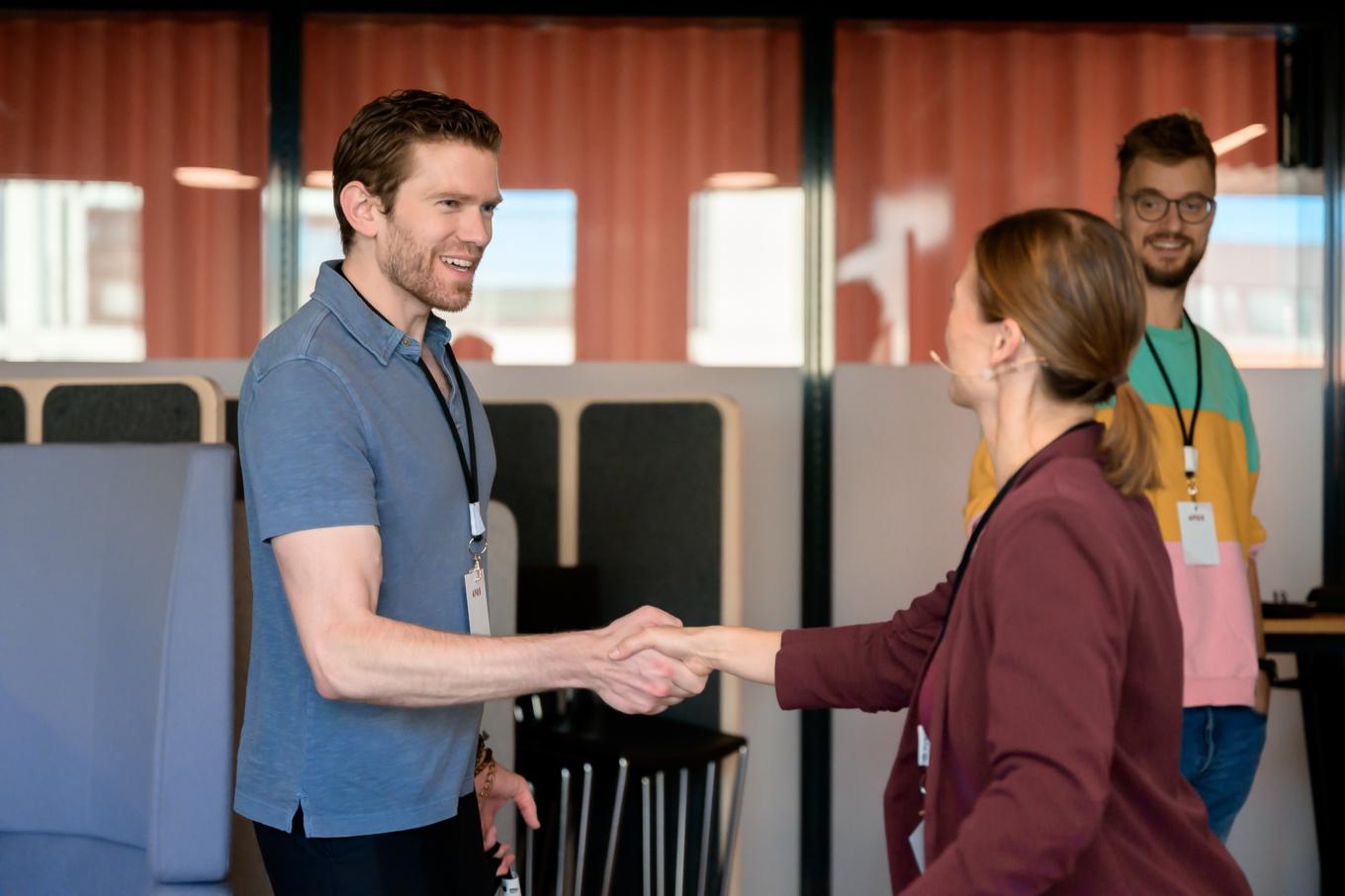
Photo credit: René Löffler
We’d like to end this post with the quote Devlin Cronin from the Google team gave us concluding their presentation:
I’m really grateful that everyone here has not just been a participant in that community but has helped shape the community. And this conference, I think, is one of those. I was at the first one in 2018 when it was in a very nice basement in San Francisco. It really was a very nice one but it was… a basement in San Francisco. And it’s grown so much! We’ve been in Berlin, we’ve been in Amsterdam, we’ve expanded it out to so many people and [...] now it’s Ad-Filtering Dev Summit and that is the target of it but also we have groups like Capital One here who get value from being here even though they are not an ad blocker. And to me that community, that enrichment is what I’m so excited about. And I just want to say thank you for letting us be a part of that and for helping shape everything that there is here.
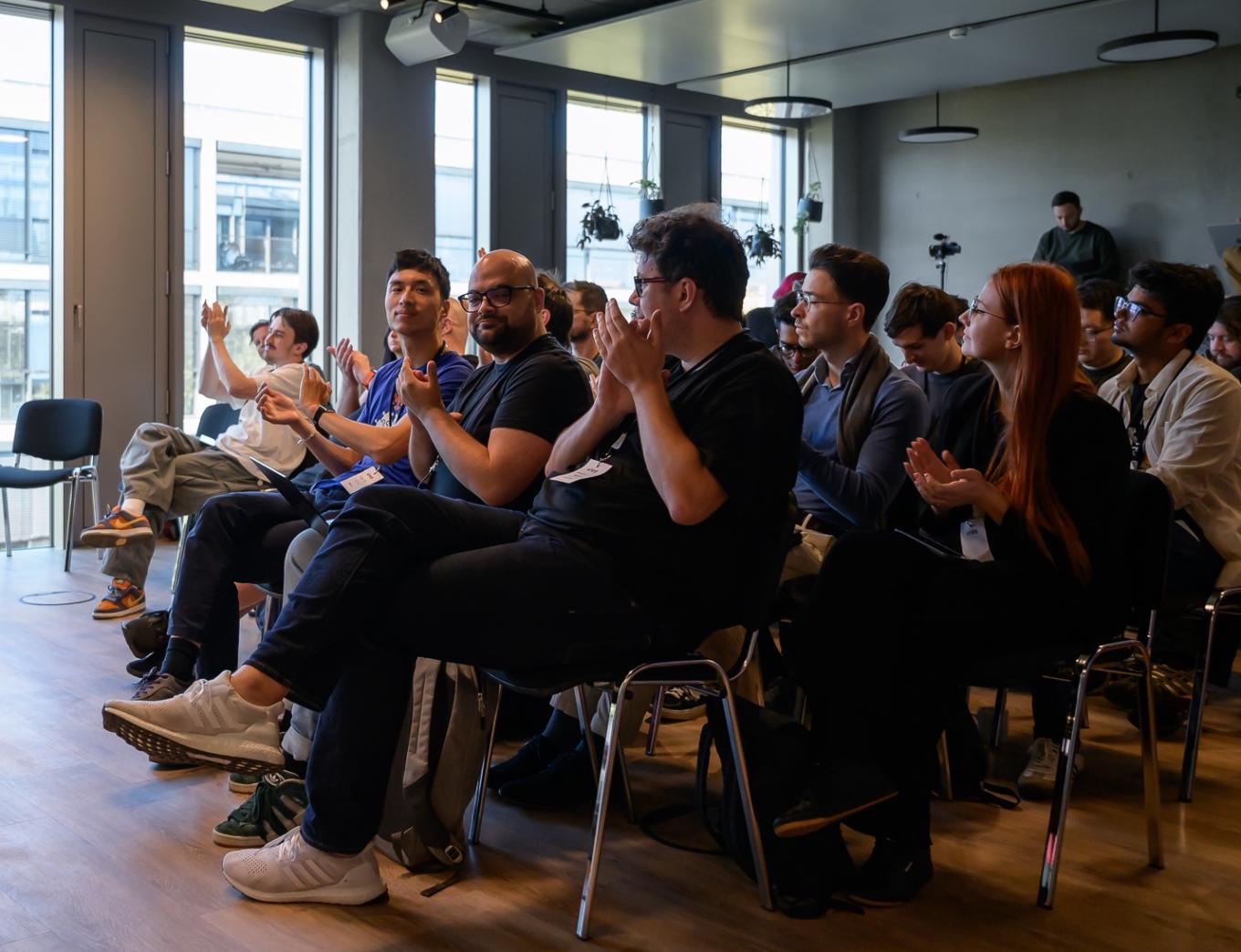
Photo credit: René Löffler





















































