Tell me a secret, I won’t keep it: Voice assistants — glitchy friends that might turn on you
Google or Amazon, Apple or Microsoft, the tech giants can collect a lot of data about us and leak it, we all know that. But we are not ready to stop using their products. Voice assistants are one of them.
Ask Siri to tell you a joke or a bedtime story and you won’t feel lonely or bored anymore. If you can't make a decision — ask her to flip a coin. Or add some magic and use Harry Potter spells instead of commands. And for some people voice assistants make life significantly easier: for example for those who have vision problems.
Voice assistants, in fact, make a good contribution to our comfort. When driving a car, you can manage phone calls, messages, navigation, news, bookings etc. hands-free — you become fantastic at multitasking. In smart homes, you can ask your assistant to open the door or switch on the light. You can create texts more efficiently by dictating them. And you can talk to foreigners without knowing their language.
But convenience has a flip side, and voice assistants are a rather sensitive topic. You either are enthusiastic about them — or fear them and try to avoid them at all costs. And there are reasons why. The focus of big tech corporations is not primarily on voice assistants — so data protection issues are often overlooked.
Issue #1: The data is processed on the cloud
There are several ways of how voice assistants function.
Some of them record and compress audio data and then send it to the company’s servers, where it is processed. The result — "reply" — is returned to your phone or any other device with a voice assistant technology, which uses a local speech synthesis system to create an impression of a coherent dialogue.
In this case it is voice data that is saved on the cloud — and this has been the only option until recently: earlier, accurately interpreting voice commands would require far more computational power than a single device could contain. And by using cloud speech processing, you could do more with less resources.
But by the end of 2021, after several scandals with data leaks and crucial mistakes, most big tech corporations — such as Google, Amazon, Microsoft, Apple or Samsung — had updated their privacy policies as well as the technologies they use. Now, most of them use, at least partially, on-device speech processing. And this might have cooled down some of the privacy-related anxieties: if your voice doesn't leave your device, nobody will know how it sounds and use it for their profit. But in fact, this has hardly changed the situation.
The data is still collected — just in a text format. Having processed voice data locally, devices send the transcripts to the servers to be able to "understand" what you've said and to answer.
And only for a small portion of commands — such as "set the alarm for 7 a.m." or "call mom" — the internet connection is not required. The transcripts are not sent anywhere, everything is done locally on your device.
Okay, so where's the problem?
The problem is the cloud itself. The data is safe (at least safer) while it is stored locally: no one except you has access to it, while far more people can access the cloud.
In a rare case when somebody breaches your device, they will have access only to your data. But if the data is stored on the cloud, the information about millions of users can be exposed as a result of a leak or an attack.
Mistakes can be crucial
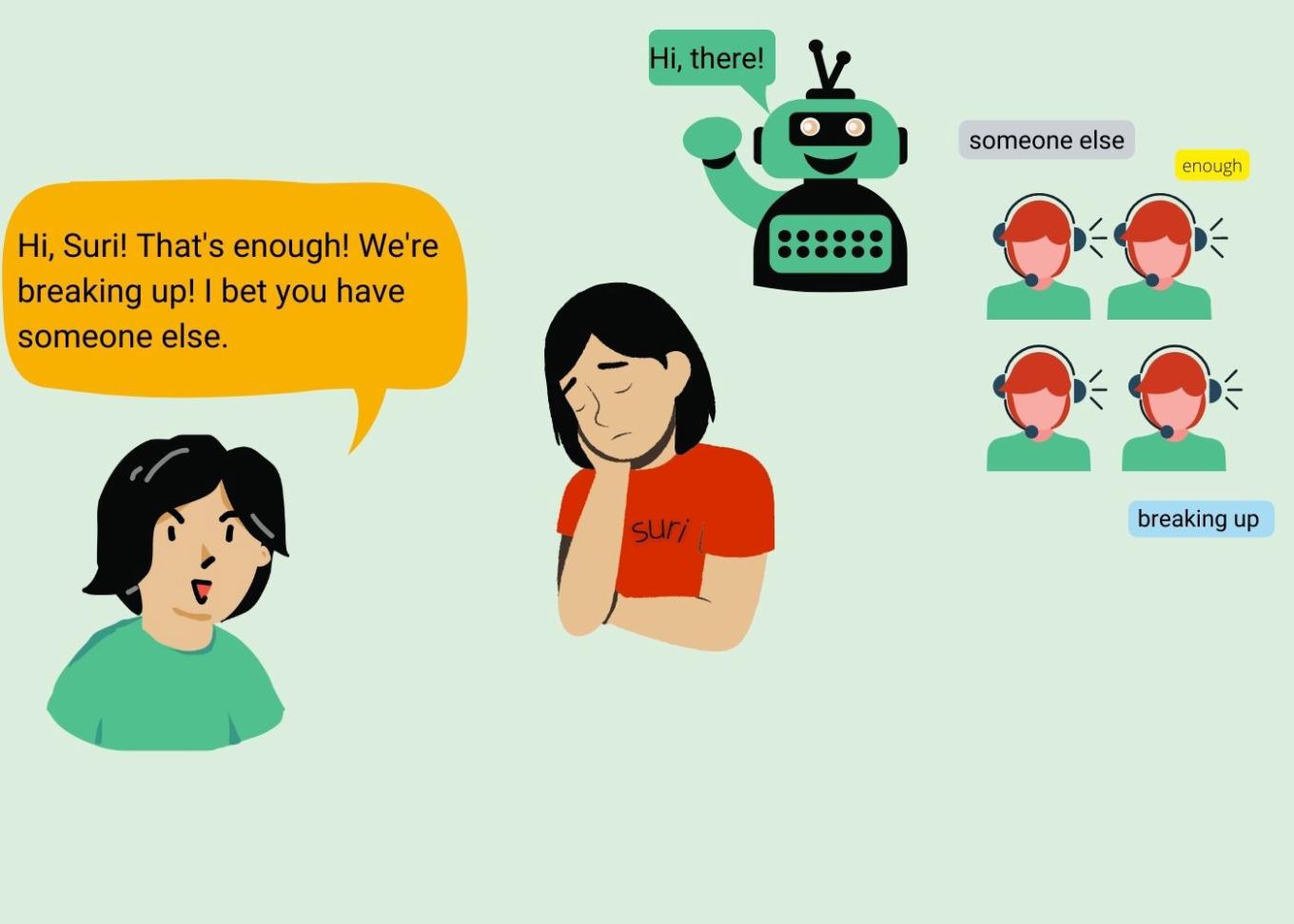
If you haven't disabled the "react on a wake word" function, voice assistants will be constantly listening. They need this wake word to start interacting — so they're always in a sort of "waiting mode". Hey, Siri! Or was it "city"? Or just a zip sound?. Countless are the cases where voice assistants mistakenly interpreted random phrases as wake words: in a TV show running in the background, in a friendly conversation, in a British MP's statement in the Commons... Anything said after the wake word is considered a command. Even if you hadn't wanted to talk, your voice assistant will listen.
Issue #2: Сompanies let people listen in on your conversations
If you allow your voice assistant to listen, it’s not only them who may be in the loop. To analyze how accurate voice assistants respond, it is said, companies partner with language experts who listen to some of the recordings of your conversations with assistants.

Yes, they do it only with your consent. Yes, they pick only a small percentage of what is being recorded. Yes, the information is anonymised. But firstly, if you remember, mistakes happen. We've written earlier about Apple who kept recording your audio data even if you had said no. Moreover, it was reported that some 1,000 word sequences may be inccorectly interpreted as trigger words by various voice assistants. The recordings that are listened to can contain any imaginable information: family arguments, conversations between doctors and patients, business deals, drug deals, couples having sex and so on.
Secondly, the information is anonymous only to the minimum extent required by law. These recordings are accompanied by user data showing location, contact details, and app data.
And apart from the fact that it is already enough to make a user vulnerable, having strangers listening in on private conversations might violate, for example, medical conventions by breaking confidentiality. Imagine: you're a doctor. You opted out from recording your voice data for your voice assistant's improvement. But there was a bug in the system — and the conversation with your patient was recorded anyway. And was among the recordings examined by human workers. Or maybe you did say yes because you had expected your voice assistant to record only your interactions with it, nothing more — but the assistant misheard a word and started recording. Who broke confidentiality here and how could you have prevented it? With all these mistakes, it seems like you cannot say for sure if the information you share in a conversation is secure — because you have a voice assistant installed on your phone.
Issue #3: If they want, they will know even more — and not only they
Even if your recordings hadn't been among this small portion of analyzed data, they are still on the servers. Apple stores transcripts of what you dictate unless specified otherwise. Microsoft allows itself to access your voice transcripts without your consent. Amazon stores a great deal of audio information: not a long time ago, a Twitter user posted a picture of how much data Alexa had on her. One Reuters reporter found out that within four years, Amazon's Alexa had made more than 90,000 recordings of him and his family members. (P.S. If you want to know how to request this information, here's an Amazon's instruction.
And whereas accidental sounds do not have much commercial value, recordings of your real conversations with voice assistants do. All companies are eager to know what your interests are — just some are more eager than others. What you search, what you buy, what channels you watch, who you spend your time with and so on — all that is monetizable data, perhaps too tasty for those seeking your data to resist the temptation.

Apart from that, there are other parties that are as well interested in your personality: hackers and and the FBI (and some hackers disguised as police might request and steal user data even from Apple and Meta). Personal data can be leaked, it can be requested by the state surveillance apparatus, and the data collected by voice assistants can be extremely sensitive.
Talking about data leaks: it is said, that Amazon have amassed so much data that it struggles to keep track of all of it: according to sources from inside the company, Amazon did not know where user data was stored and therefore was not in a position to identify potential data leaks. And if you don't know where something is, it can easily slip through your fingers.
Issue #4: Not everything can be deleted
Neither could Amazon make sure, they say, that the deletion of data requested by users actually succeeded. Technically, there is a possibility to request the logs of your interaction with voice assistants and ask the company to delete them. This is valid for most cases, including Alexa, Cortana, and Google Assistant. As for Siri, Apple won't provide you with the logs and will delete only the data that is less than six months old — after this period, the audio data or the transcripts will lose their unique identifier and can be used for improvement. But will your data be truly deleted?
If you ask the vendor for the logs of your interactions with voice assistants, you — theoretically — can expect the company to delete the queue of processed requests, which is bound to your ID and hence to you. Though, on the other side of your request — on the processing side — there's an information system that will still have something on you. It stores (at least) logs of request completion: requests to a search engine, to a music service, to a product service etc.
Besides, companies tend to collect statistics of users' requests. They store metrics to determine what people are interested in — what is most frequently searched for, which services are preferred, what music is being listened to. Remember Google's "Year in Search"? This is aggregated data, but it's not that harmless. Although the data is detached from a specific person and their identifier, requests to voice assistants may contain full names, addresses, occupations, etc. The transcripts have been deleted? But the fact that someone has been ordering a taxi from a bar to your address every Friday remains.
We cannot be 100% sure that the company will delete everything if we ask for it. Neither can we prove it. The moral here is the same as always: it's our choice to trust them or not.
You can take control over your data
Companies won't easily give up on collecting information about you. The more they know the more money they make selling that information to advertisers. The more precise your profile is, the easier it is to hook you. Needless to say that they won't just accidentally start cooperating. And the best we can do is to be aware of the risks.
You don't have to throw all your electronic devices in the garbage can, rather you need to know how to mitigate these risks. You can request your data, ask companies to delete it, turn voice assistants off in private conversations and ask your friends to do the same.
You might also want your device to alert you when it's actively listening to what you say. Make sure you have a strong password that is not reused across your other devices and two-factor authentication in place. If you have a child, set up a PIN or turn off voice purchasing unless you want your 4-year-old to order a barrage of toys. If you want to go hardcore, you may mute your voice assistant’s microphone — in that case it won’t activate on a wake word and will have to be turned on manually every time.
On the other hand, you might want to keep the mic on the whole time, who knows, your voice assistant might provide you an alibi one day.
In addition, you can carefully study the companies' privacy policies and choose the one that best suits your needs: maybe the one that explicitly states that it does not share your data with third parties. Or the one that does not store information on the servers. You can also read reviews and investigations to find out whether the company you are planning to trust with your personal information has been caught leaking data.
In any case, you cannot eliminate all the risks to your privacy when using voice assistants. The best thing you can do is to weigh the pros and cons and decide for yourself if you really need help from a voice assistant. Whatever you settle for, an informed choice will always be the best option.




















































