Norway forces Meta to rethink online tracking in the EU: a deep dive
Key points:
- Norway’s regulator temporarily bans behavioral advertising on Instagram and Facebook due to the lack of explicit user consent
- Meta changes legal basis for processing personal data to ‘user consent’ in the EU
- Stopping online tracking of users’ activity will be a costly and technically challenging task for Meta
- If the pressure on Meta increases, it cannot be ruled out that it stops or limits its operations in the EU
What Happened
Meta, the owner of Facebook and Instagram, has landed in hot water in Norway. On July 17, the Norwegian Data Protection Authority ordered Meta to stop showing personalized ads to its users in in the country based on their online behavior. The authority alleged that Meta is breaking the law by surveilling and profiling its users without their explicit consent, and imposed a temporary three-month ban on behavioral advertising on both platforms. The country-specific ban will take effect on August 4 and will last until October. Meta could face a daily fine of $100,000 if it does not comply with the ban or change its data collection practices.
But what exactly is “behavioral advertising”? It is a type of advertising that uses your personal data to show you highly-relevant ads tailored to your interests and preferences. Meta collects this data by monitoring your online behavior, such as your web browsing activity, social media posts, search history, app usage data and location data. The catch is that all of this data is hoovered up without your explicit permission, which means you’re generally kept in the dark of how your personal data is collected and for what purpose.
Why Has Norway Targeted Meta Now?
To a non-inquisitive observer, the move by the Norwegian DPA to go after Meta’s long-running advertising practice might seem completely out of the blue. However, the timing is not random. The order came on the heels of a decision by the Court of Justice of the European Union on July 4, which stated that Meta cannot claim “legitimate interests” as a legal basis of processing data for personalized advertising.
This year alone Meta has changed the legal basis for processing user data in the EU several times. Up until April, Meta claimed “contractual necessity” as a legal basis for collecting user data. After the European Data Protection Board (EDPD) found that “advertising is not necessary for the performance of an alleged contract with Facebook and Instagram users,” Meta changed the legal basis to “legitimate interests.” But the July 4th ruling put a stop to that, too. Having run out of workaround options, on August 1, Meta changed the legal basis again, this time finally to “user consent.”
In theory, this means that Meta will have to ask users directly to consent to behavioral advertising before it collects their data for this purpose. The Wall Street Journal reported that Meta offered to regulators in the EU to limit behavioral ads strictly to users who opt-in.
However, there is still a lot of uncertainty around how exactly Meta will ask for consent, and whether there will be dark patterns in play. In short — it may be too early to celebrate.
Meta’s decision to change the legal basis for its data processing already sparked a reaction from Norway’s privacy watchdog, which sees it as a win for its campaign against online tracking. “While Meta states that this is a voluntary change on their end, that appears very unconvincing,” Tobias Judin, spokesperson for Norway’s privacy watchdog, told The Wired. He warned, however, that Meta might still try to trick users into giving their consent for such tracking.
The Potential Impact of the Norwegian Ban
The Norwegian DPA’s decision does not mean that Meta or Instagram are off-limits in Norway. It also does not mean that they can’t show personalized ads to their users. What it means is that Meta has to respect the users’ choices and preferences about how their data is used and shared. Meta can still target ads based on the information that users willingly and knowingly share, such as their bio details, including age, gender, location, or their interests. And if Meta can prove that it got valid consent from users to harvest their data for behavioral advertising, it can do that too.
The Norwegian regulator has indicated that it plans to raise the issue with the EDBP after the summer. The EDPB is a group of data protection authorities from all EU countries plus Norway, Liechtenstein, and Iceland. They, in turn, could decide whether to extend Meta’s behavioral advertising ban beyond Norway and for how long. If this happens, it could have a major impact on Meta’s business, which is largely dependent on advertising revenue.
Options for Meta: Adapting to the Ban
Meta certainly has the ability to adapt and stop location-based tracking, the catch is — it may cost Mark Zuckerberg’s company a dime. Alternatively, it can opt for a much cruder approach it is currently testing in the EU with its new app, Threads — which is to prevent Norwegians from using Facebook and Instragm at all, even over a VPN.
If Meta decides to adapt to the ban rather than give up on the Norwegian market, it will have several options. These are collecting behavioral data only from Norwegian users who opt in, stop collecting users’ behavioral data in Norway altogether, or stop showing ads to Norwegian users.
From a technical standpoint, the last option is the easiest one to implement. Stopping ads to people from a certain country is a relatively simple technical task that could be implemented very quickly. On the other hand, stopping collecting information that’s used for behavioral tracking is hard. This is because such functionality is a “native” part of Meta you cannot simply turn off. Every interaction inside users’ apps is tracked and analyzed to become a part of the profile. In other words, Meta has built its apps and websites in a way that they always collect your data, no matter what you do. Moreover, even if you don’t use Meta’s own apps, such as Facebook or Instagram, it can still collect your data from third-party mobile apps that embed Meta’s tools. About 40% of free apps on the Google Play Store share data with Meta through the Facebook Software Development Kit (SDK) that they use.
Taking all of this into account, we think that if Meta attempts to comply with the ban in earnest, probably the easiest way to do so will be for it to simply block most requests from Norway that are related to ads and tracking on their side. In practice, it means that if you use an app or a website which uses a Meta’s SDK, and you’re in Norway, Meta won’t receive or send any information from or to your device. It may result in some features of Meta’s apps and websites not working in Norway. For example, you may not see some recommendations or suggestions based on your online behavior.
If Meta goes this route, it will be doing something very similar to what ad blockers already do: preventing apps and websites from sending or receiving information related to ads or tracking to or from your device.
Why is Norway Leading the Charge on Data Privacy?
It’s not usually Norway that takes the lead on privacy in Europe — we’re more used to hearing France, Germany and Ireland, home of the lead privacy regulator for the EU, challenge Big Tech. However, this should not come as a shocker. Norway, which is not in the EU but is subject to the GDPR nonetheless, has emerged as a pro-privacy nation. The overwhelming majority of Norwegians seem to be aware of their privacy rights. As of June 2018, more than 82% of Norvegians had heard of GDPR, and more than half reported receiving emails asking for consent from parties they did not know had their address. According to the Norwegian DPA’s 2019/2020 privacy survey, 83% of Norwegians were very or somewhat concerned about privacy. Almost seven out of ten respondents said they feel they have little control over how personal information is stored and used online and six out of ten said they feel powerless when it comes to having control over their personal information online.
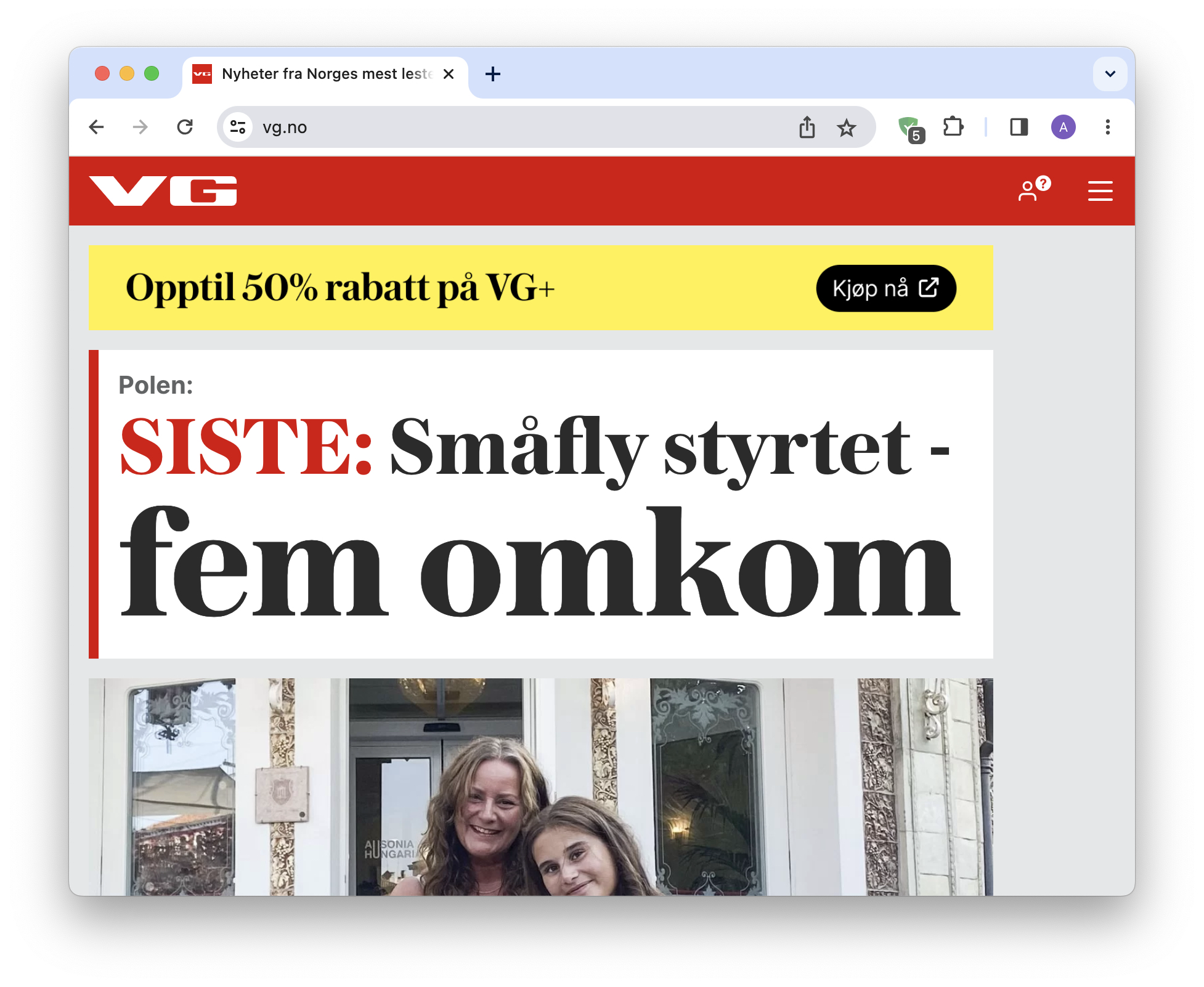
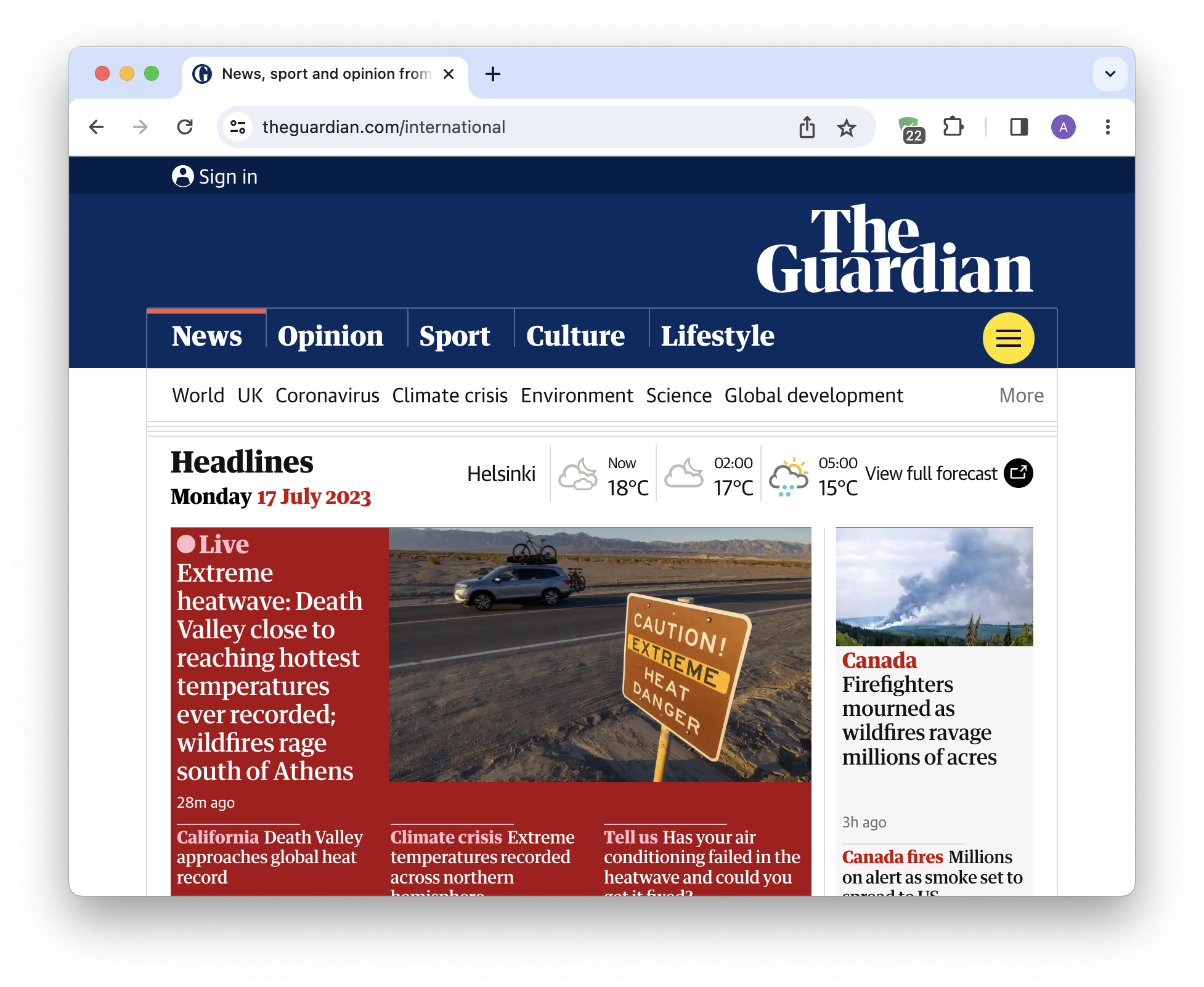
These strong privacy attitudes are reflected in our own data. According to our 2023 report on the state of ad tracking in the world, Northern Europe lives in an online environment that is significantly cleaner from ad tracking than the rest of the continent. Our data indicates that Norwegians encounter on average 20% fewer ad trackers than the average European. Technically, the reason for this is that local apps and websites are not too aggressive in tracking users — this is obvious when we compare top Norwegian news media sites like vg.no with other top media sites. For example, when we used AdGuard on vg.no, we found that it blocked only 5 ad requests, while on The Guardian the counter was higher than 20. Note, however, that the number of trackers blocked on the same websites may vary at any given time and also depends on your ad blocking app settings.
Looking Ahead
If we look at the bigger picture, the Norwegian regulator’s decision shows that the trend against behavioral tracking is gaining momentum, at least in Europe. Until now Meta, unlike some of its competitors, such as Google with its Privacy Sandbox, has shown itself to be more interested in fighting privacy laws rather than adapting to this trend. This could be the last straw that will prompt it to change in earnest.
However, if Meta does not revise its data collection policy in the foreseeable future, and not only on paper but in reality, it might as well just stop doing business in the EU at some point.