AdGuard 2.0 for Mac: more privacy, better filtering
We've already had two big beta updates in May: AdGuard for iOS and AdGuard for Windows. Now it's time to announce AdGuard 2.0 for Mac — the first full-scale release of this May. Oh yes, we have more where this comes from, but that's a topic for future articles (coming very soon). For now, let's have a look at what expects you in this update.
Stealth Mode
Stealth Mode is a special module which sole purpose is to protect your online privacy. It went a long way from an obscure, Windows-exclusive feature, to the centerpiece of almost any AdGuard product in the very near future. This is a logical flow of things as the value of privacy has been rising to the sky for some time now, and the need to protect it has become very clear. Meet AdGuard for Mac Stealth Mode:
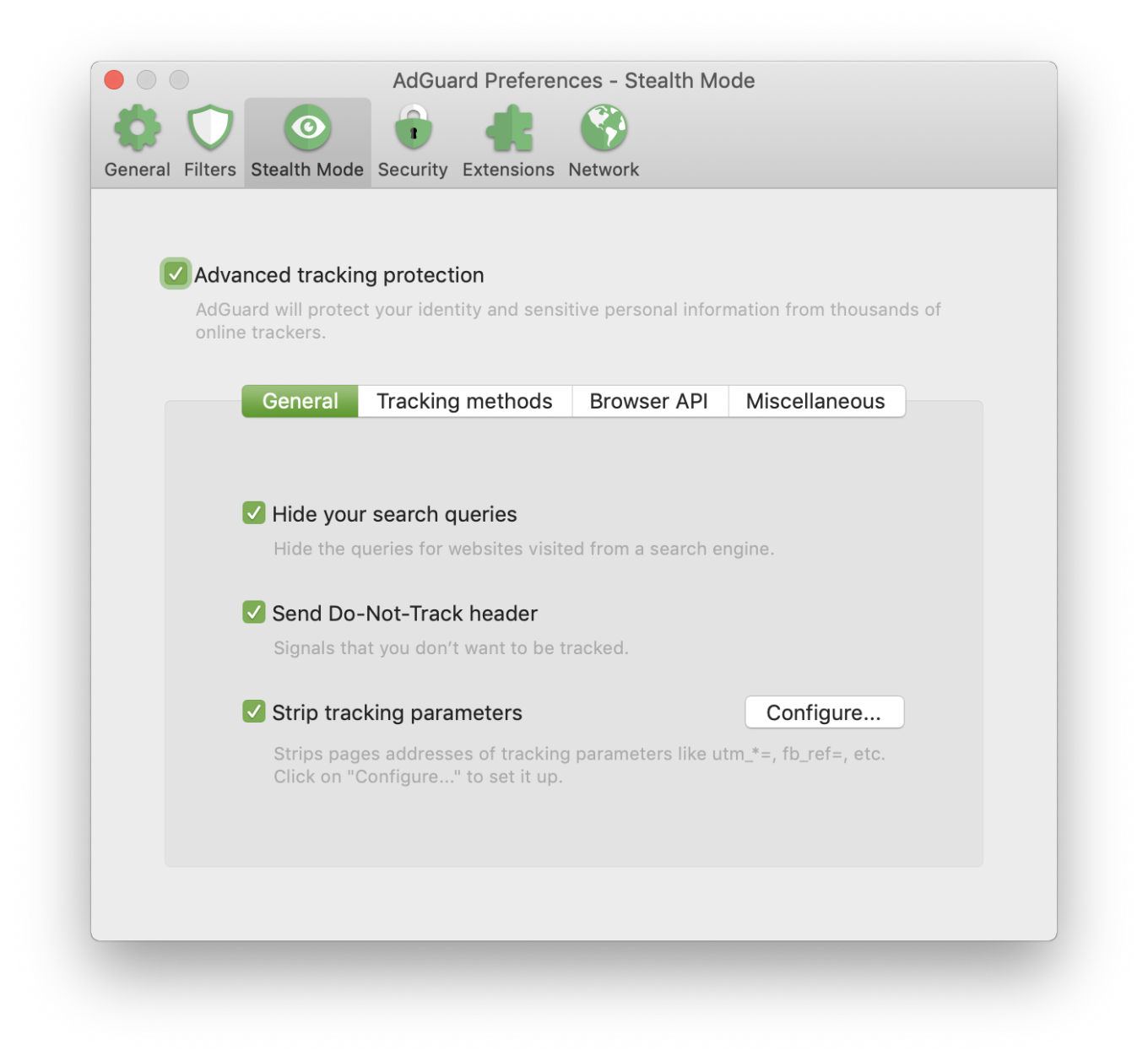
Mac users can now protect their privacy too!
If you had a chance to read our article about AdGuard 3.0 for Android, you will notice a lot of similarities. There are same four categories:
General — features that you can enable without any risk of facing any inconvenience associated with them.
Tracking methods — these features will stop websites from tracking you. Keep in mind that if you enable options from this category, some of the websites might not work properly or even not work at all.
Browser API — enable or disable browser API-related options here. Read the description for each of them first to find a good balance between privacy and convenience.
Miscellaneous — as the name suggests, this category contains a mish-mash of options. Hiding your User Agent or masking your IP address are the sort of features you will find there.
If this is your first time coming across Stealth Mode, don't get intimidated by the amount of various options. The first installation wizard will help you understand what's best for you, and you also can always just ask a question in the comments, via support or on social media.
New UI
Continuing the analogy with AdGuard for Android update, we have a new UI design! Ideally, you won't interact with it that much, but when you do, you'll certainly notice the difference:
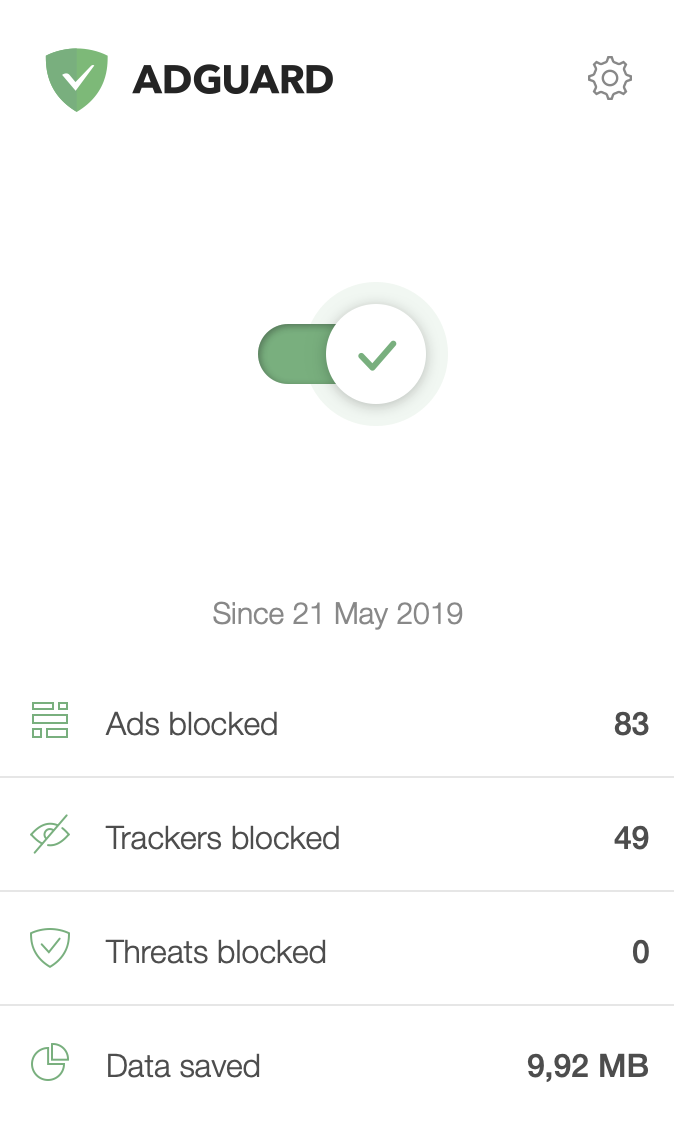
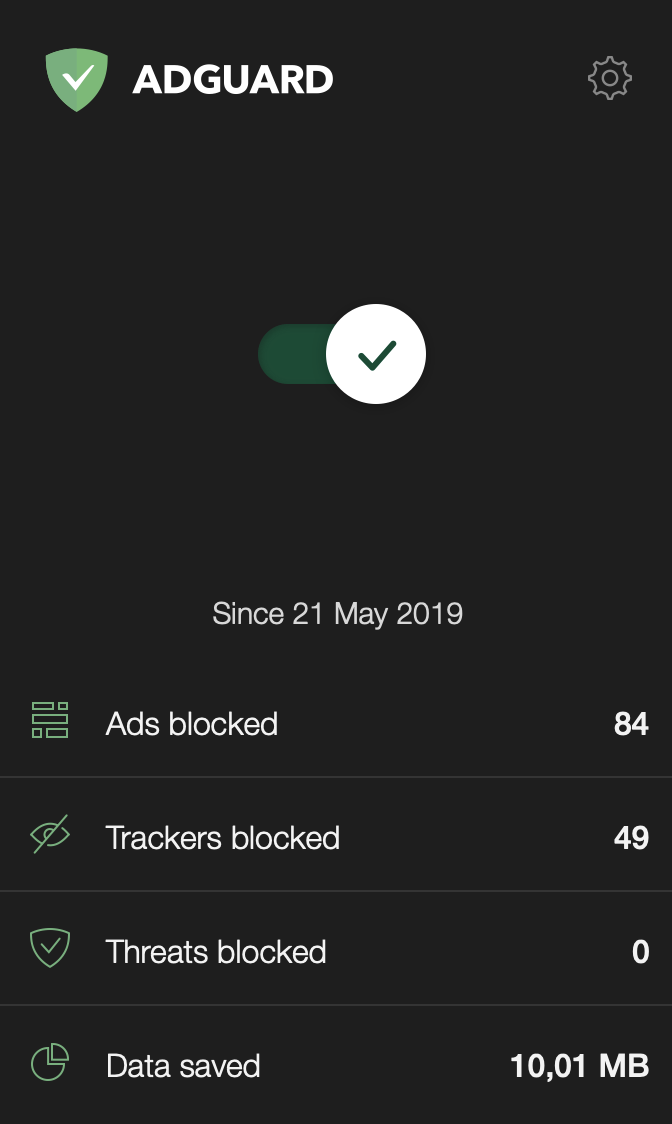
AdGuard 2.0 for Mac main window
Wait, what is it? A dark theme, again? This time exclusively for Mojave users. If you go to your Mac settings and switch to dark theme there, AdGuard will no longer be a black sheep among the rest of the applications (pun intended).
Another thing that will stand out is the new Assistant (the round icon in the corner of the web page). Remember what it used to look like? Here's this little guy now:
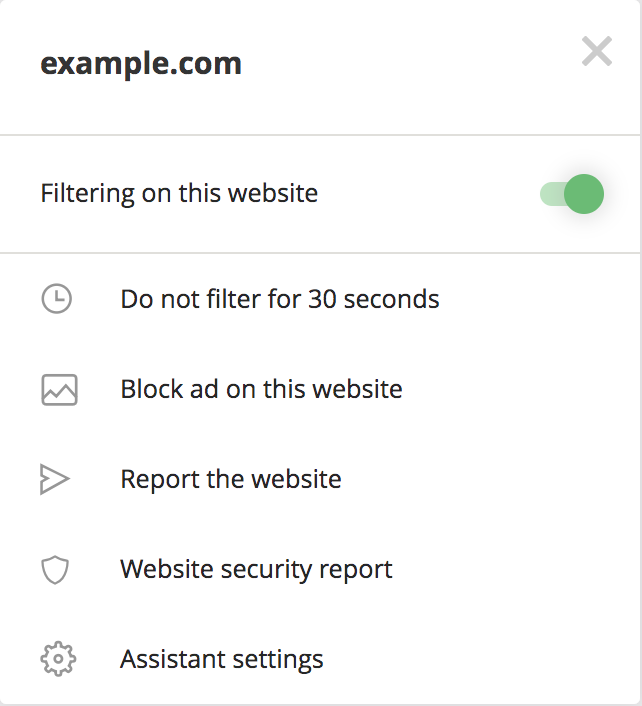
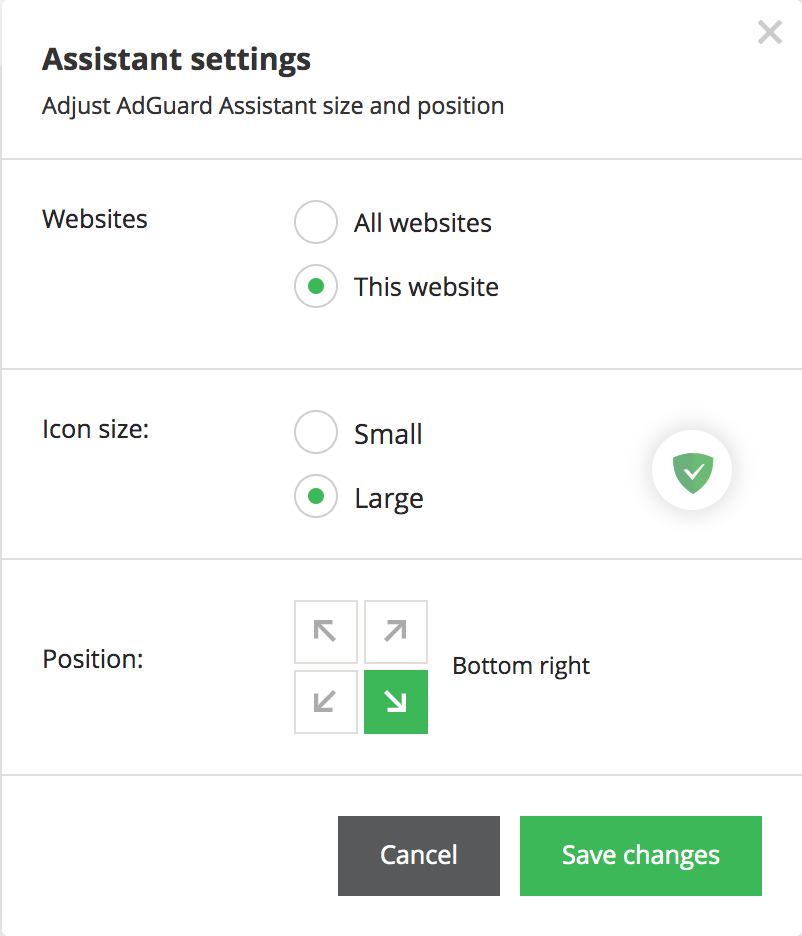
The new Assistant: minimalistic but functional
It's not only about the looks here, the new Assistant has become vastly more functional and is miles ahead of the old version in terms of convenience. For example, it allows you to access the web reporter for any filter-related issues right from the page.
CoreLibs
This is the first AdGuard for Mac stable version that introduces CoreLibs — the new filtering engine that lies at the core of the filtering process. Don't let the fact that it comes towards the end of the article fool you. The effects of this change will be both huge and long-lasting.
CoreLibs significantly enhances both ad blocking quality and performance, in comparison to the previous version. And since CoreLibs is a cross-platform filtering engine, in addition to these obvious improvements it allows to implement more new features that previously were only available in other AdGuard products (see Stealth Mode).
It's worth mentioning that AdGuard for Mac becomes the second in the line of our products to receive the «CoreLibs treatment», right after Adguard for Android.
AdGuard Extra
Even with CoreLibs, in some complicated cases the usual approach with filtering rules just doesn’t work. In particular, in some cases of ad blocker circumvention/ad reinjection (advanced anti-blocking techniques that some websites are using). So we came up with an alternative solution — a userscript called AdGuard Extra.
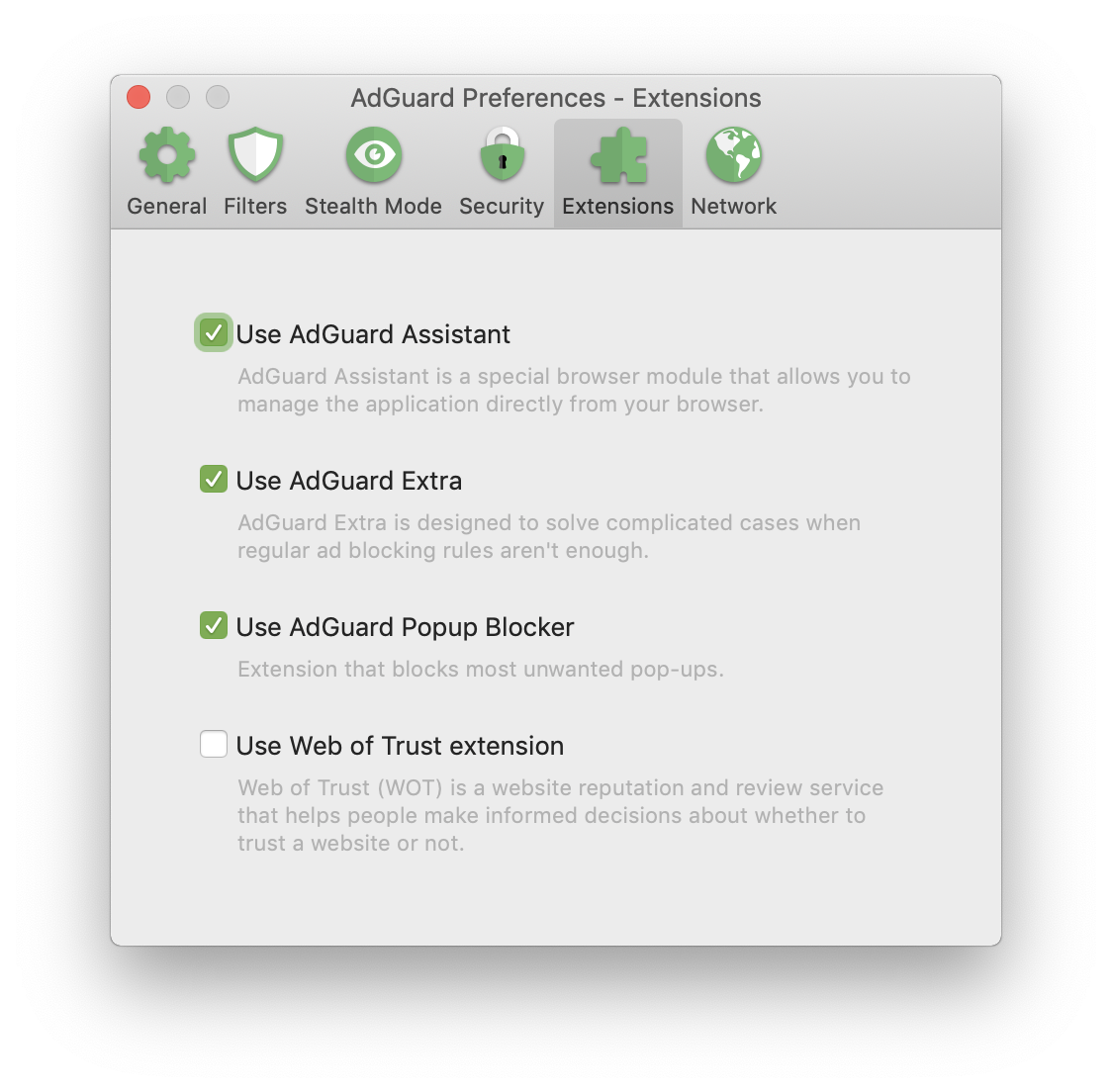
AdGuard Extra lives under the "Extensions" tab of AdGuard Settings
For those unfamiliar, userscripts are basically mini programs that modify web pages and augment browsing. AdGuard Extra does it in a way that makes it harder for websites to employ the circumvention/reinjection techniques. AdGuard for Mac is the first AdGuard product to get this addition, we are thrilled to see it in action and read your feedback on it.
And just like that, there goes AdGuard 2.0 for Mac update. You will find the complete changelog on GitHub.
Do you like the new additions? Is there anything that you were hoping to see included in the new version but didn't find? Let us know in the comments! Your feedback is what moves AdGuard forward. See you very soon with more news!


















































