AdGuard for Windows v6.3
Not so long ago we told you about CoreLibs, and why the product development was slowed down a bit. A perfect time for a big headliner product update, don't you think? :) AdGuard for Windows users will still have to wait for the CoreLibs to see fresh new exciting features, but that's not to talk down changes in this update. Let's see what's inside!
Nightly update channel
We've already covered the Nightly update channel in one of the previous articles.
[Added] Nightly update channel
The concept of a “Nightly” build is very simple. It literally means “a build that is released at the end of every day”, hence “nightly”. In reality, it may not happen every single day, but rather every 3 or 4 days, but the idea is there. All the latest changes made by developers will be included in the nightly build (yes, including possible bugs — be prepared!). If you feel that beta is not enough for you, and you need to be a step ahead of the rest, this is the choice for you.
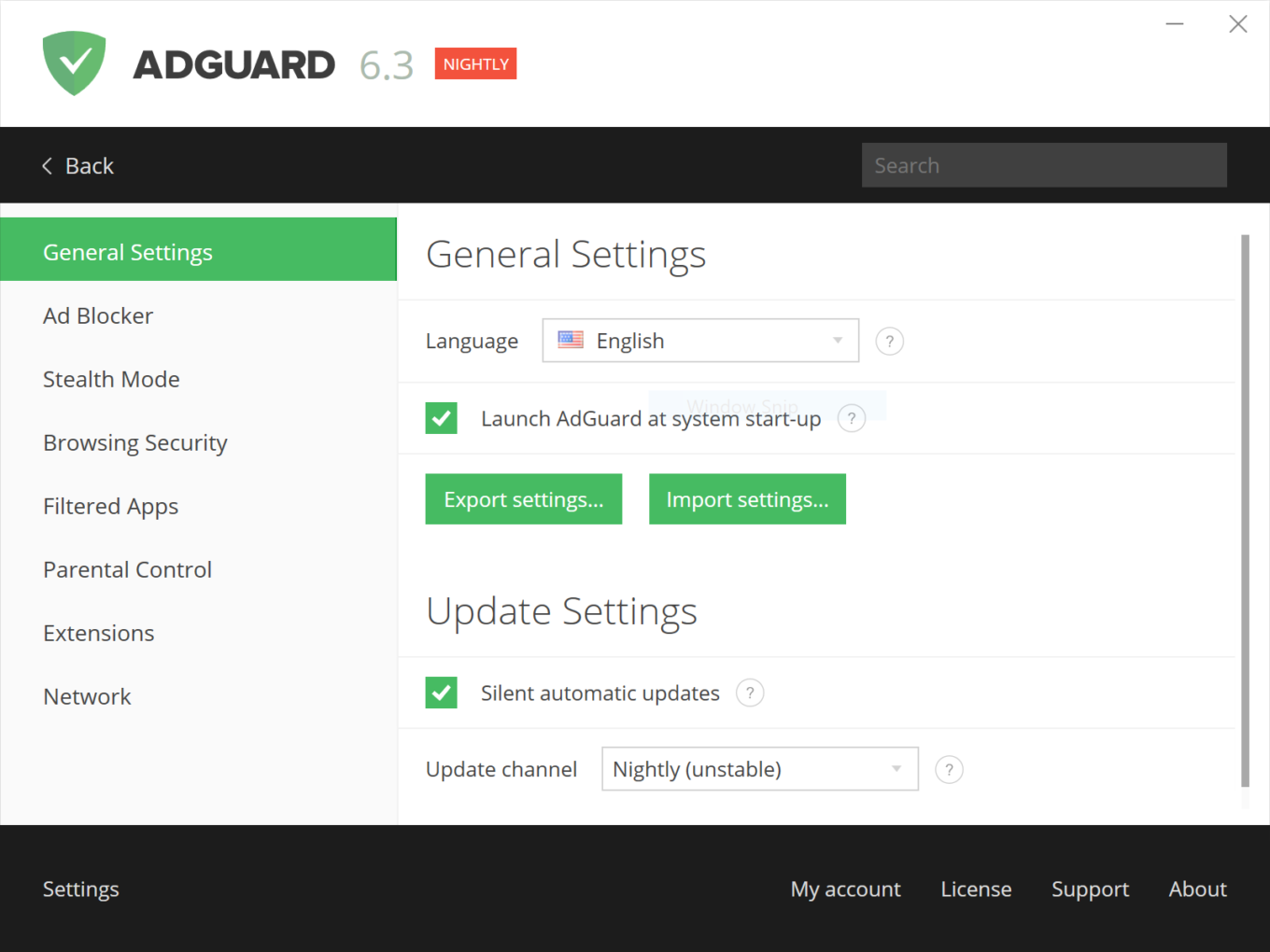
You can install the Nightly build by clicking on this link:
https://agrd.io/windows_nightly.
Don't worry — you'll be able to switch back to beta or release update channel later if you don't like it.
Pedal to the metal
One of the most important aspects of any ad blocker is its performance rate. You will find several improvements here that affect it directly.
[Changed] AdGuard distro has become more lightweight #1965
As the app accretes new features over the years and the code mounts up, this becomes more and more relevant. Thanks to this change, the build size was reduced in half compared to the former one. Now we can add even more stuff in the future without drop in the performance!
[Improved] Filters update procedure's performance #2211
If you had the misfortune of having a habit to update your filters often, you certainly noticed that it takes quite a lot of time. Same can be said about installing new filters. We got tired of it just as much as our users, so we addressed this problem. The situation will change drastically for the better now.
Expanding the horizons
To be among the best one should be adaptive. Ad blockers are not an exception. We adapt our products both to keep up with new technology, and to be accessible to as many users as possible.
[Added] TLS 1.3 Support (draft 28) #2155
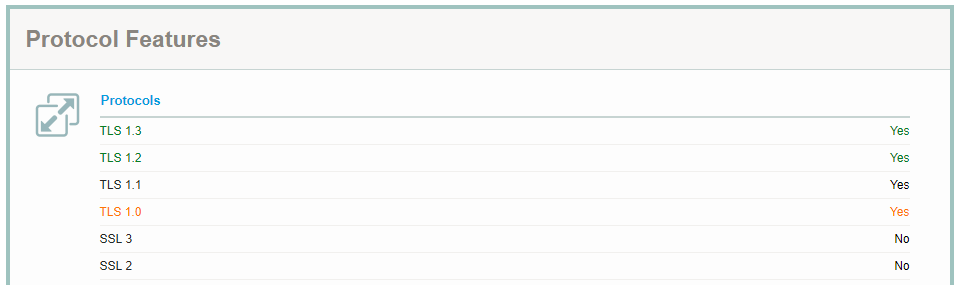
TLS 1.3 is a new version of the cryptographic protocol used to encrypt messages sent via HTTP. It is faster, more secure and overall better than its predecessors. It has not been accepted by IETF as a standard yet, but it is only a matter of time. The process has already started, and we want to be at the forefront, and thus we have already added the TLS 1.3 (draft 28) support. As not everyone supports TLS 1.3 yet, there can be problems on some websites potentially, so we added a new advanced setting to switch between TLS versions at will.
[Improved] Better support for visually impaired users #2068
AdGuard tries to provide the best online experience for all users alike. Some people may be surprised by that, but visually impaired users suffer from ads much more than you can imagine. Starting with this version, AdGuard menus are way better suited to be read by NVDA Screen Reader and other screen reading programs.
But I want more!
You ask and you receive! There are several more changes that are worthy of mention but can't really be united under a single coherent heading:
[Added] Option to subscribe to a filter by clicking a special link on a webpage #1945
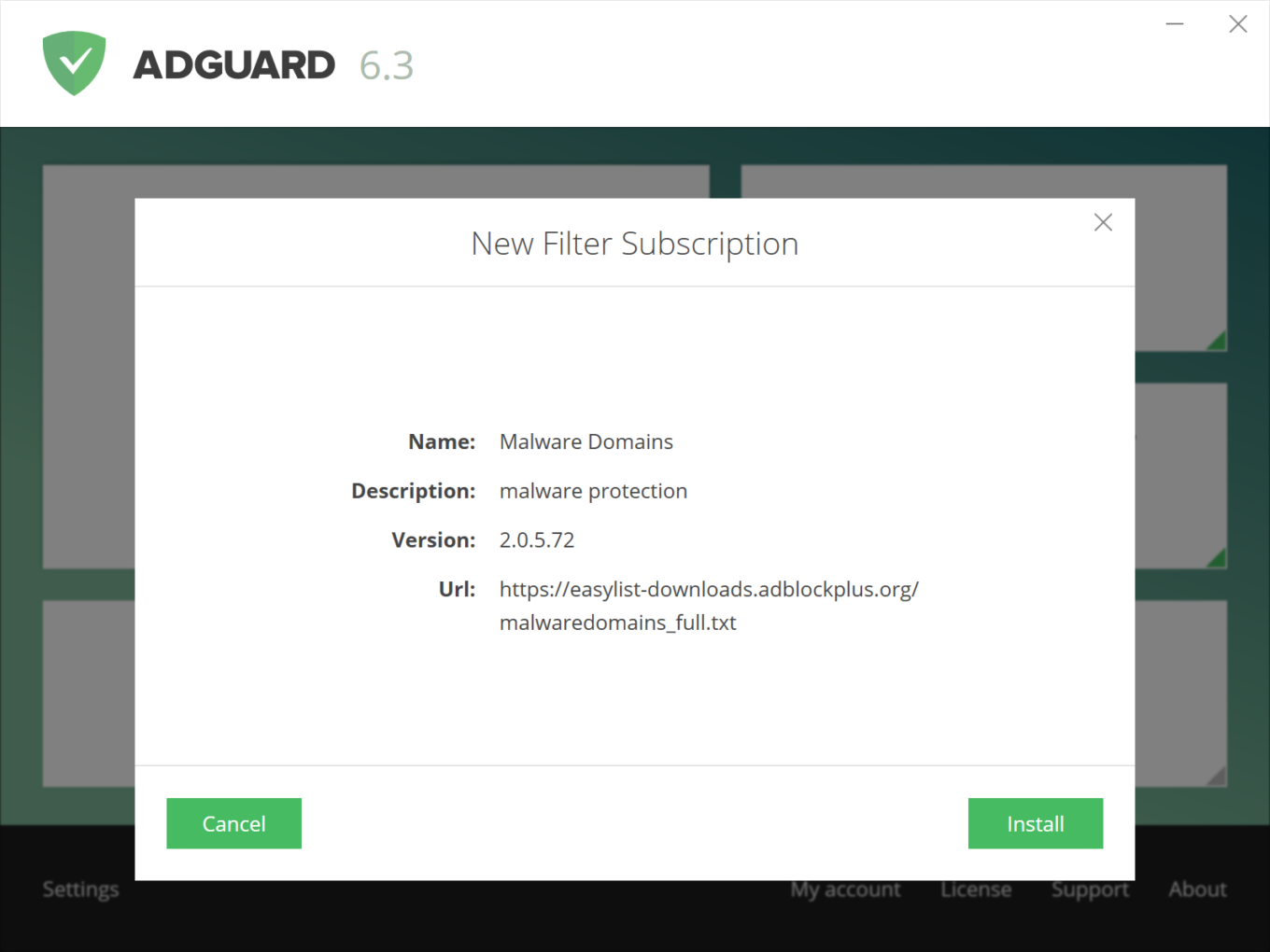
Many filter developers put a special subscription link on their filters' homepage. Now AdGuard is able to detect these links when you click on them and will ask you if you'd like to subscribe to that filter right away. A minor thing, but it will save you just enough of extra clicks to be worthy.
[Added] A notice to inform about closed connections to websites with EV certificate #2015
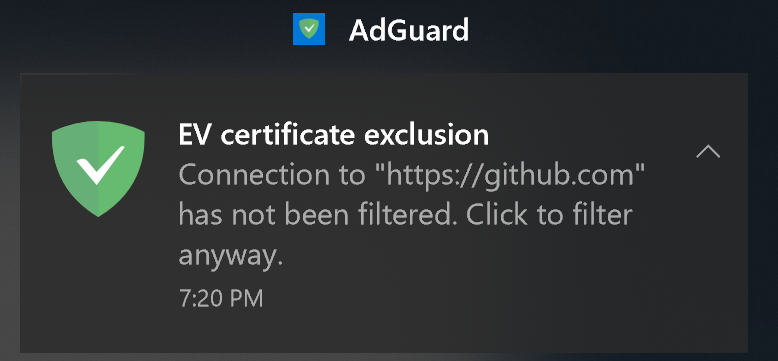
Some websites have so-called EV (extended validation) certificates — basically, this means that the owner went through a very long and thorough process of validating their identity. In other words, these websites are generally the safest on the web. Filtering these websites is often extensive, as they rarely have ads anyway, but can sometimes lead to conflicts. AdGuard provides an option to disable filtering for such websites, and if it is enabled, a notification will inform you when you visit them for the first time. Clicking on the notification will allow to force filtering on the website anyway.
[Added] Stealth mode options applied to requests added to Filtering log #247
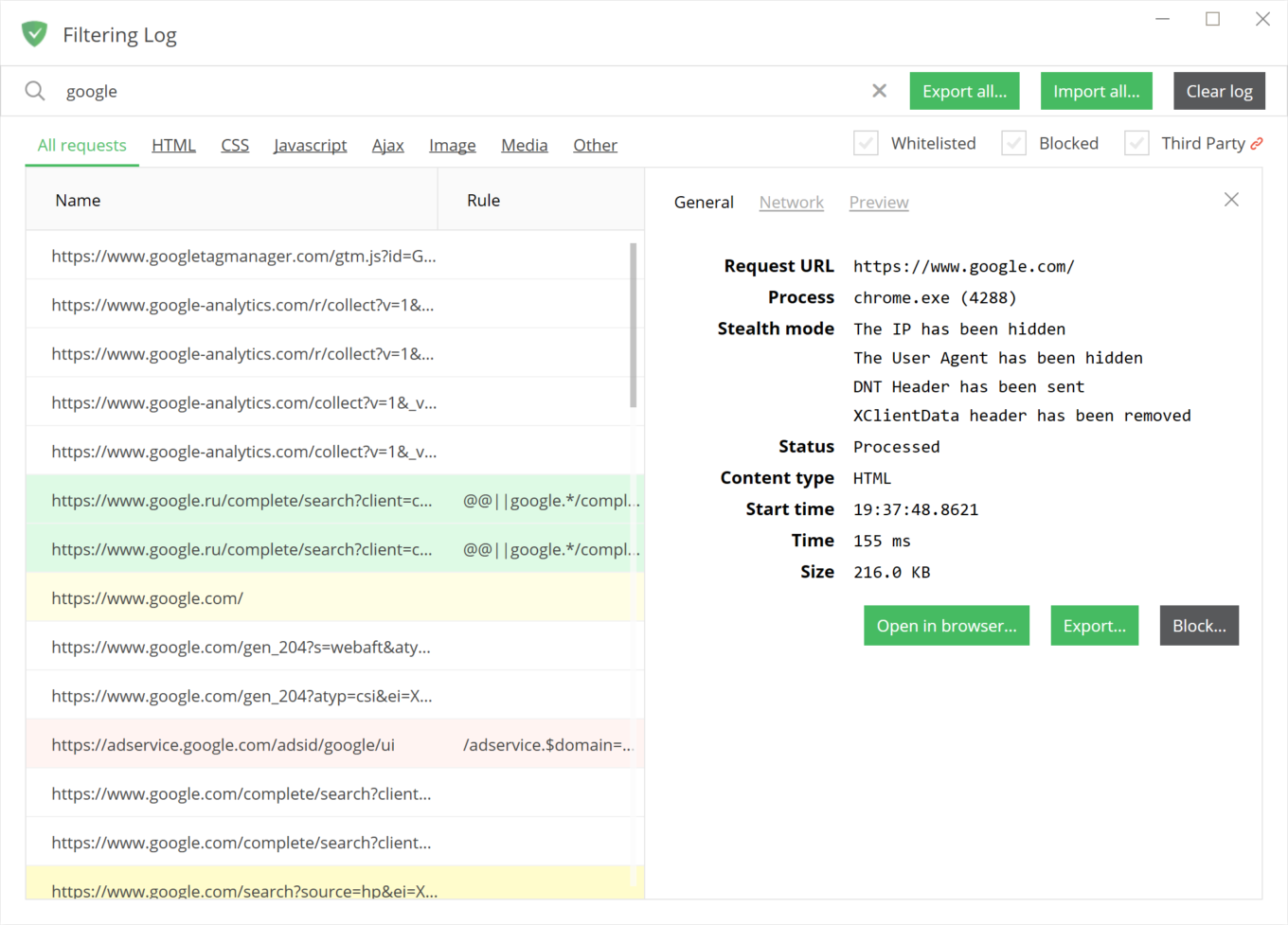
This is something a lot of aspiring filtering rules creators asked for. Knowing which Stealth Mode options affected this or that request is often crucial when working on a new rule. Now you can find it right in the Filtering log when you select a request. For sure, this sounds a little bit nerdy for an average user, but we try to take into account needs of all our users, casual and advanced alike.
Conclusion
And that's it for the new version — well, if you don't count dozens more lesser changes. The full changelog is, as always, on GitHub.
Let us know in the comments if we missed something important you were expecting to see, or throw us some ideas for future releases!


















































