Coming soon: AdGuard VPN — fast and reliable
Imagine this: you got everything sorted out. Your ad blocker protects you from all kinds of ads (except for that one website you really want to support). You have configured AdGuard DNS on your router and it stops all trackers in their tracks on every device in your home. You know what, you even got yourself an antivirus! Just to be 100% safe. It seems that you got all bases covered when it comes to your online privacy and security. You can finally find some peace and watch that new TV series that everyone can't keep their mouth shut about. But wait, what's that? "This video is not available in your country". After all this work?! Turns out, you missed one thing to truly complete your responsible web surfer suit: a VPN.
And we're going to give it to you! AdGuard VPN is about to officially hit the digital shelves of Chrome Web Store (you can already try the beta), and you can become one of the first to try it.
What is VPN?
First of all, let's get it out of the way: what's a VPN? What do you need it for? I'm sure many of you know the answer to these questions but it won't hurt to have a quick recap. The acronym stands for Virtual Private Network, but it alone doesn't clarify much. The point of a VPN is to create a secure connection to another network over the Internet.
Imagine there's an underground tunnel that leads from your house to your neighbour's. When you go through it and then outside, to everyone on the street it looks like you live there. It's roughly the same with VPNs. You establish a secure connection with another network and to everyone outside of this network it looks like your traffic comes from there. In fact, nobody even knows that it's your traffic. In our example VPN would be your neighbour's house, and the tunnel is an encrypted connection.
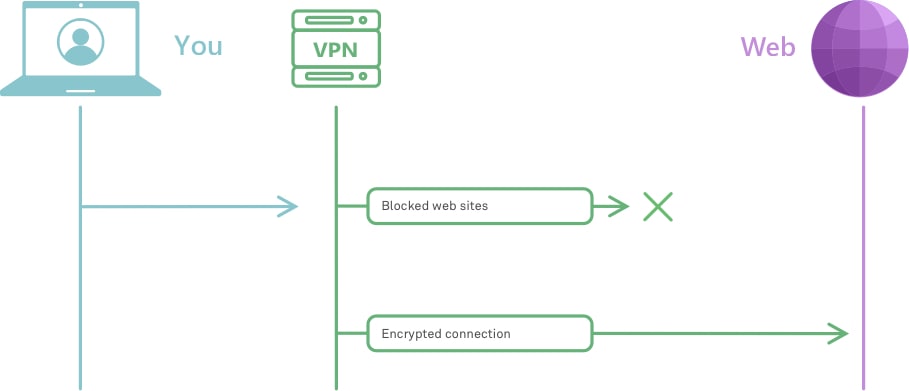
Very roughly, this is how VPN works
To understand better how it works, check out this article. And to really, really understand how it works, head to this one instead.
But why would you need it? We've already established that VPN masks your traffic so that no one knows that it's actually yours. And this has several real life applications:
- provides online security, hides your location and other information about you and your computer;
- protects your privacy by encrypting your data and masking IP address;
- allows to see geo-restricted content;
- helps avoiding geo-targeted ads.
These are only some of the ways VPN can be helpful when you browse online. So, now that you have an idea about how VPN works and why it is useful, it's high time to introduce our own brand new VPN!
Meet AdGuard VPN
So many people asked us in the past if we were going to develop a VPN, and every time we answered that it's not really our area of expertise. But one day we thought: "Hey, why not? We've got a lot of experience in privacy protection and other adjacent areas, we could do it!" And so we did. To test the waters, we kicked things off by developing a Chrome browser extension.
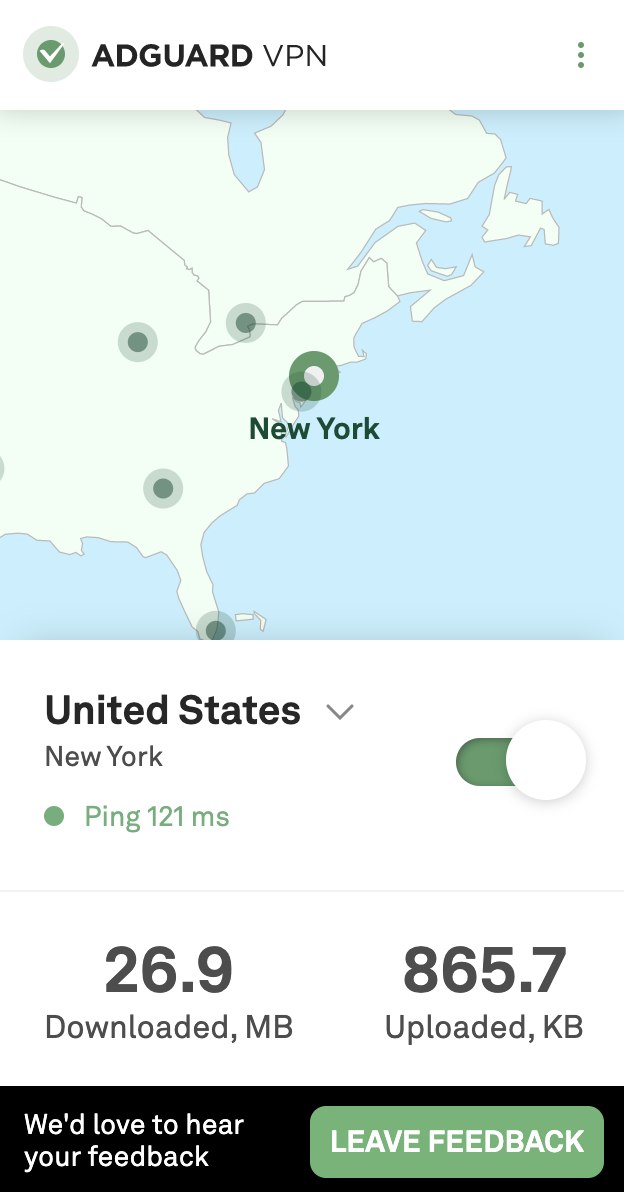
Simple yet stylish, this is how we like it
To make things clear from the get-go: it's still work in progress. By this moment, only a beta version is available. Mostly to try out how well our server infrastructure will handle the traffic load and other technical things like that. There's still a lot to do, but it's functioning, and you can even join the beta test right now. Despite being in its infancy, the extension has all the basic stuff that you want from your VPN. A wide selection of server locations from all around the globe, a whitelist, a selective mode, traffic statistics. Fast speed and high reliability too, of course. In fact, more about this in just a moment.
Why AdGuard?
That's a valid question. There are hundreds of VPNs around, many of them proved to be good at their job and earned trust of millions of users. You could choose any of them, what can we offer to counter that? We've got a couple of unique advantages.
All in one
First, let's track back to our analogy. One of the biggest drawbacks of current VPNs is that they can be detected. Imagine you emerge from that little tunnel of yours and exit the neighbour's house all covered in dirt. It'll be pretty obvious that you don't live there. Same with VPN. Your ISP, or anyone else who has access to your traffic, will be able to tell you’re using a VPN.
There are solutions. You could be crawling through your tunnel more carefully to remain clean, but it would take much more time. There are some VPN protocols that conceal the fact that any VPN is being used, as a trade-off their speed is generally significantly lower. It seems that there are really no VPN protocols that have the best of both worlds.
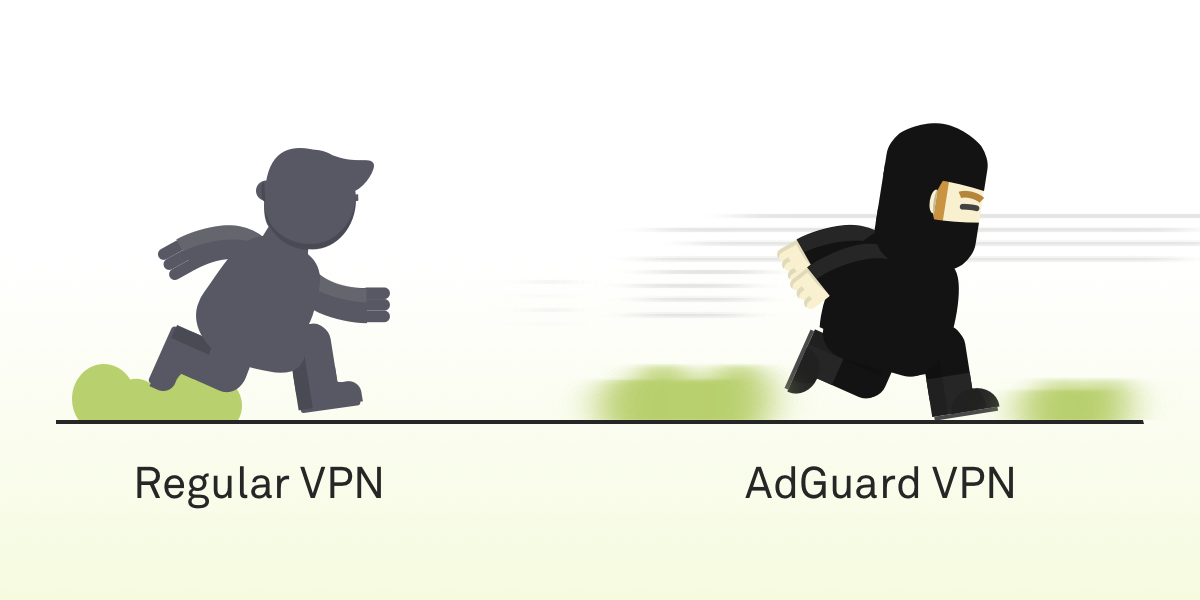
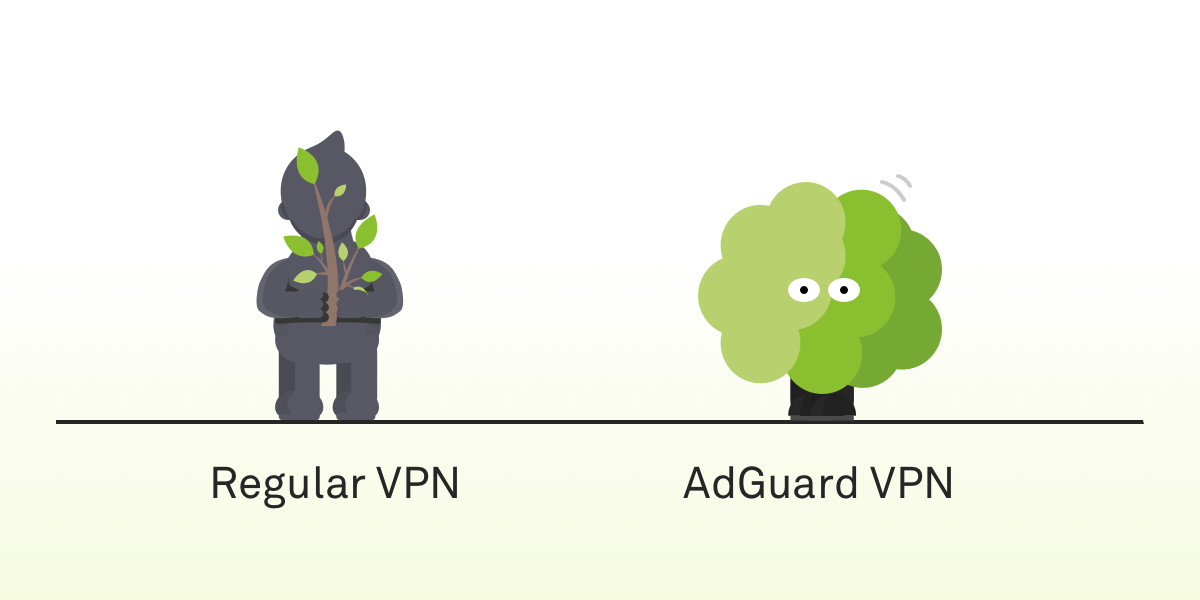
AdGuard VPN is both fast and hard to detect
And this is the ace up our sleeve. The protocol AdGuard VPN will employ is, in fact, both fast and hard to detect. It is brand new, we are developing it from scratch, and no other product is using it. It's still getting polished, so it will probably get added only by the time of the official release.
We often repeat ourselves about the importance of open source, and we stand by our words. Multiple AdGuard products, AdGuard DNS, AdGuard Home — we have a long list of open source projects and once the work is done, when the new protocol is up and running, tested and approved, then we'll make it open source too.
Compatibility with AdGuard ad blockers
Another advantage that we can offer to our users is that AdGuard VPN, unsurprisingly, will be able to work alongside the AdGuard mobile ad blocking apps. The struggle is familiar to any Android or iOS AdGuard user. To properly block ads on those platforms a local VPN is required; on Android you can't use two VPNs at the same time at all, on iOS not any two VPNs will work together. With AdGuard VPN, this will shortly become an ex-problem.
Future plans
Our plans reach far. It's clear our current priority is finishing the Chrome browser extension. Implementing the new protocol, stuffing it with more features. Adding more servers and new server locations. Eventually, we're going to release extensions for other browsers (e.g. Firefox), mobile apps for iOS and Android. Desktop apps are somewhere in a more distant future, but not out of the question either.
Don't want to miss all of it? Join the waitlist now and get an email notification the very day when AdGuard VPN becomes officially available to the public.
We should also mention that AdGuard VPN will be a freemium product. Part of the features will require a subscription, and we, of course, will give more details on that in a separate blog article when we near the big day. By the way, speaking of that...
Take part in the giveaway
If you sign up for early access now, you'll automatically join the giveaway of 10 free yearly AdGuard VPN subscriptions. To do that, follow this link and enter your email in the form. The winners will be announced in our social media: Twitter, Facebook, Telegram. Feel free to subscribe!
There's a lot to unpack here, so take your time. Ask us any questions about the present and the future of AdGuard VPN, we'll make sure to answer each and every one of them. And if you're brave enough to try the beta, give us your feedback! We're in that stage where you can influence how the app will look like in the end.
And most importantly — stay safe online!


















































