Introducing the brand new Knowledge base
We do our very best to make AdGuard products as intuitive in use as possible, so that anyone could install them and not get lost in various features and settings. However, many of our ad blocker apps have been evolving for years and years, and over this time have accumulated a lot of those — and we mean a lot. Not to mention that intrinsically ad blockers and their work are not easy to wrap your head around. In the end, if you use AdGuard, it’s only normal if sooner or later you come across something you don’t quite understand or want to clarify. And that’s where AdGuard Knowledge base comes into play.
New beginning
But wait, hasn’t the Knowledge base been around forever, one might ask? Yes, indeed, it has. In one form or another it’s been available to users since 2014. Back then, AdGuard Ad Blocker was represented only by its Windows application. AdGuard for Android was only making its first steps into the world, and apps for other platforms didn’t even exist. The Knowledge base, or KB as we call it, was a reflection of that time: it was a small-scale project with little information and questionable design choices. However, times change, and what met the bar ten or even five years ago doesn’t cut it anymore.
Today, AdGuard Ad Blocker has applications for all major platforms, browser extensions for all popular browsers — each of them has their own nuances that might require explanation, especially for the newer users. And never mind that, what about general questions as “How does ad blocking work?”, “What is Browsing security?” or “How do I activate an AdGuard license?”. To provide answers to them, and to do so in an easy-to-understand manner, we put in some serious work and did the entire KB over.
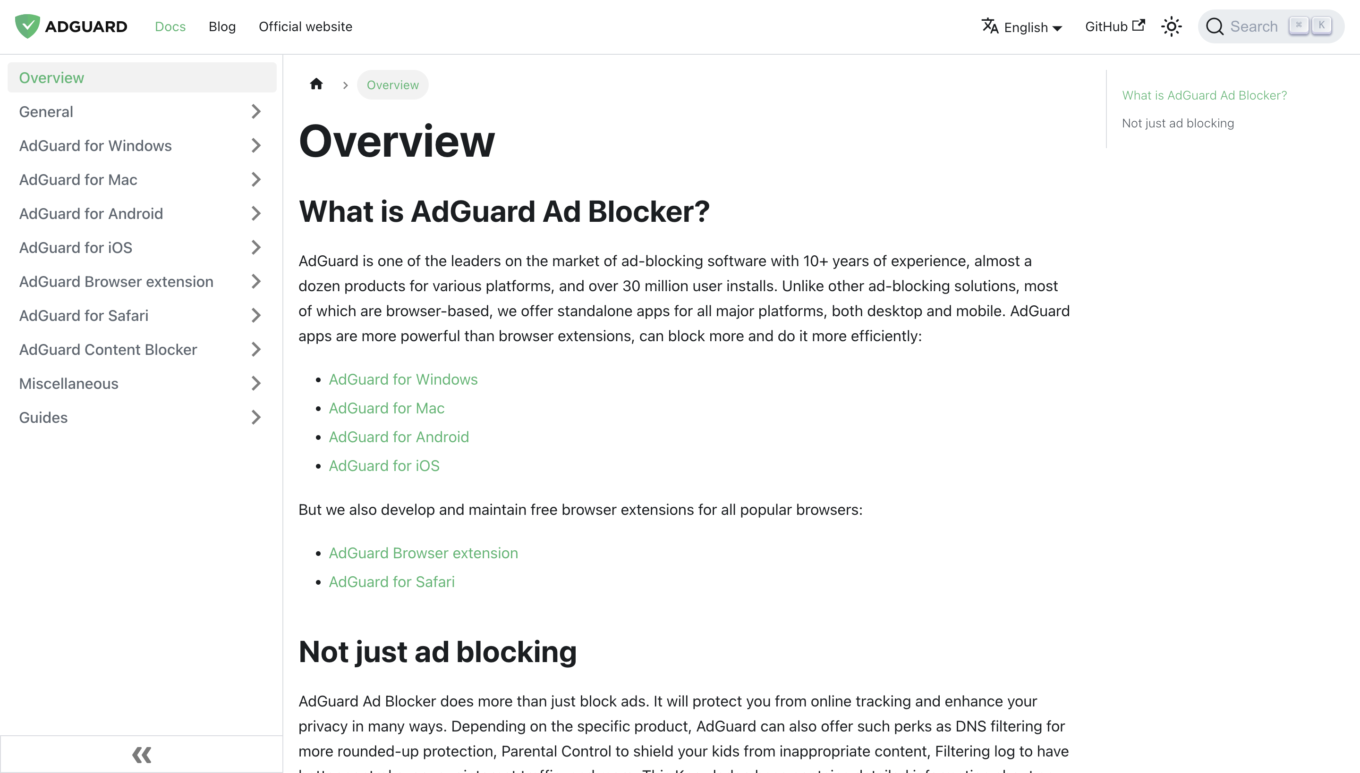
This is what the new Knowledge Base looks like
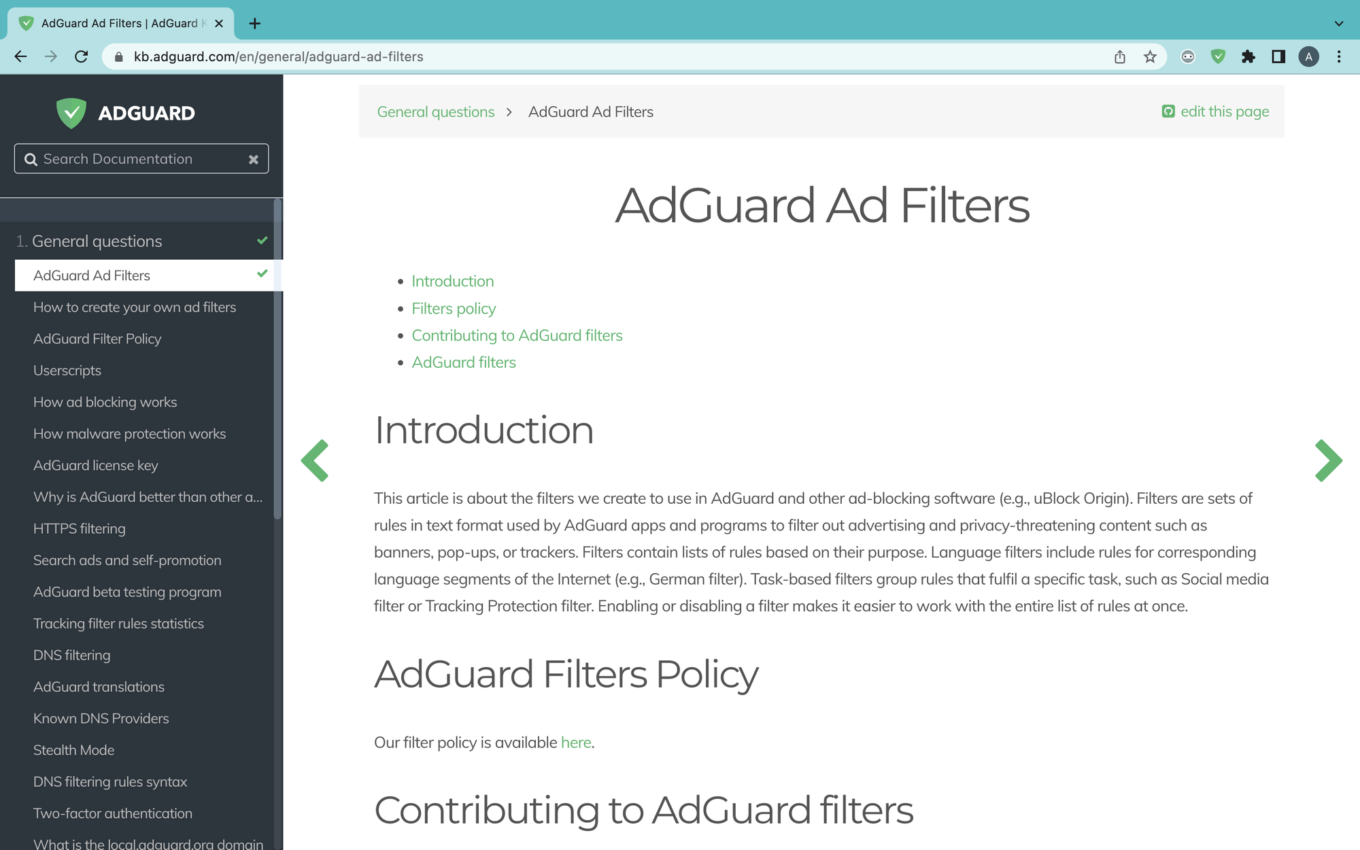
And this is the old Knowledge Base interface
We have knowledge bases for AdGuard VPN and AdGuard DNS, too! Check them out, they are no less informative and good-looking than the Ad Blocker one.
The looks matter
Now, do you remember what the old KB looked like? No? Good, it couldn’t hold a candle to the new one anyway. Let’s focus on what’s in front of our eyes right now. The best thing about it, at least in our opinion, is how clean it looks. When you come to the Knowledge base, you come there to get answers, and the last thing you want is to be distracted by all the unncecessary bells and whistles. Nothing like that here: it’s you one on one with the information you look for.
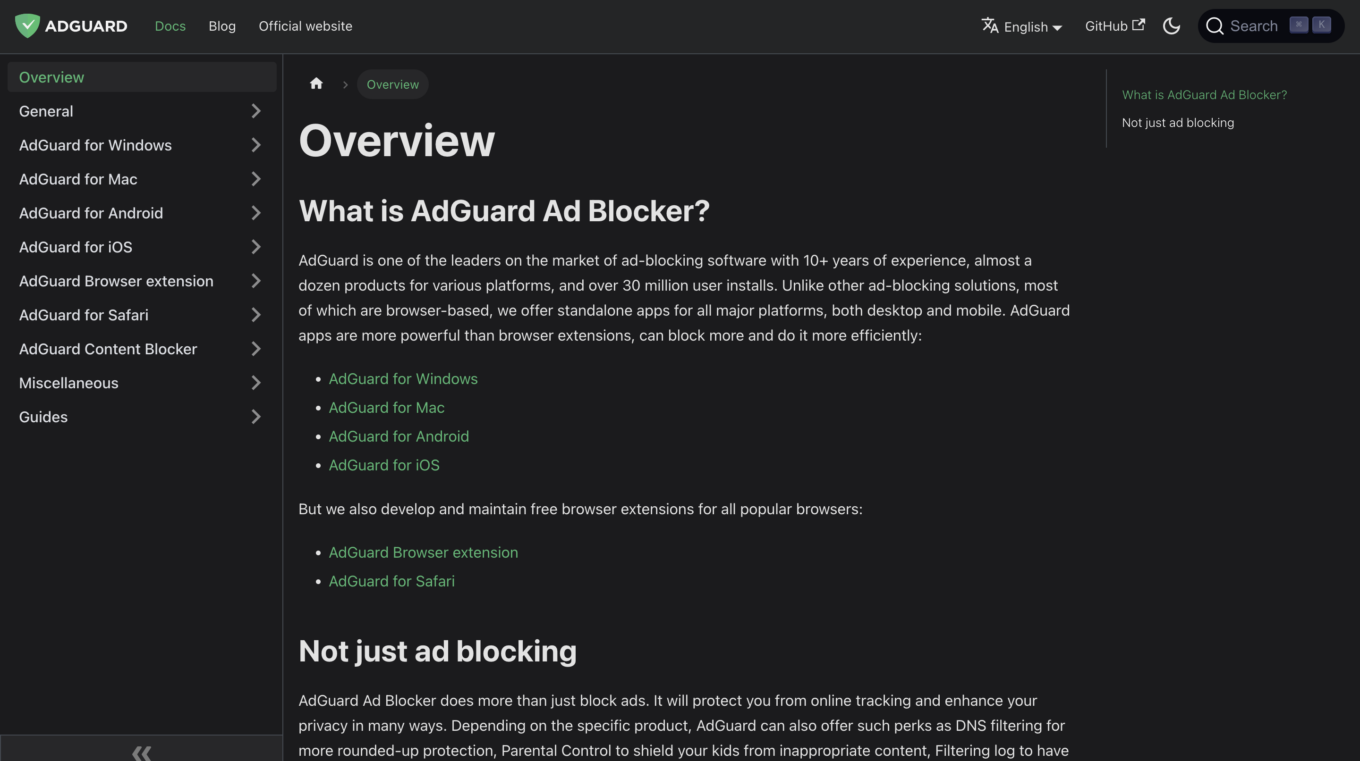
Speaking of avoiding distactions: if you’re on the dark side, and the bright light is your worst enemy, check out the dark theme switch in the top right corner.
Making your way around
Another aspect in which the new KB knocks it out of the park compared to the old one is navigation and how natural it feels. It’s easier to find your way around the article — pay attention to the table of contents in the right part of the screen. It’s always on the display, no matter how far down the text you scroll.
As we already said, in the days of yore the KB used to be ten times smaller in size, and as it was amassing new content, it went all over the place. Some of the articles you would find in places you’d never expect. All is history now: we cleaned the mess up and put every last one of them where they belong.
On your left you can see the navigation menu that will help you find any information you need with ease. Start with one of the top-level sections:
Overview — the place to start if you’re completely new to AdGuard
General — everything about AdGuard and ad blocking that’s not related to a specific app or browser extension
Specific product-related sections — simply enough, you have a question about, say, AdGuard for iOS, you go to the respective section
Miscellaneous — things that relate to AdGuard indirectly and couldn’t be placed into any other section
Guides — you’ll mostly end up here if our tech support sends you a link to one of these guides, but you still can explore it on your own
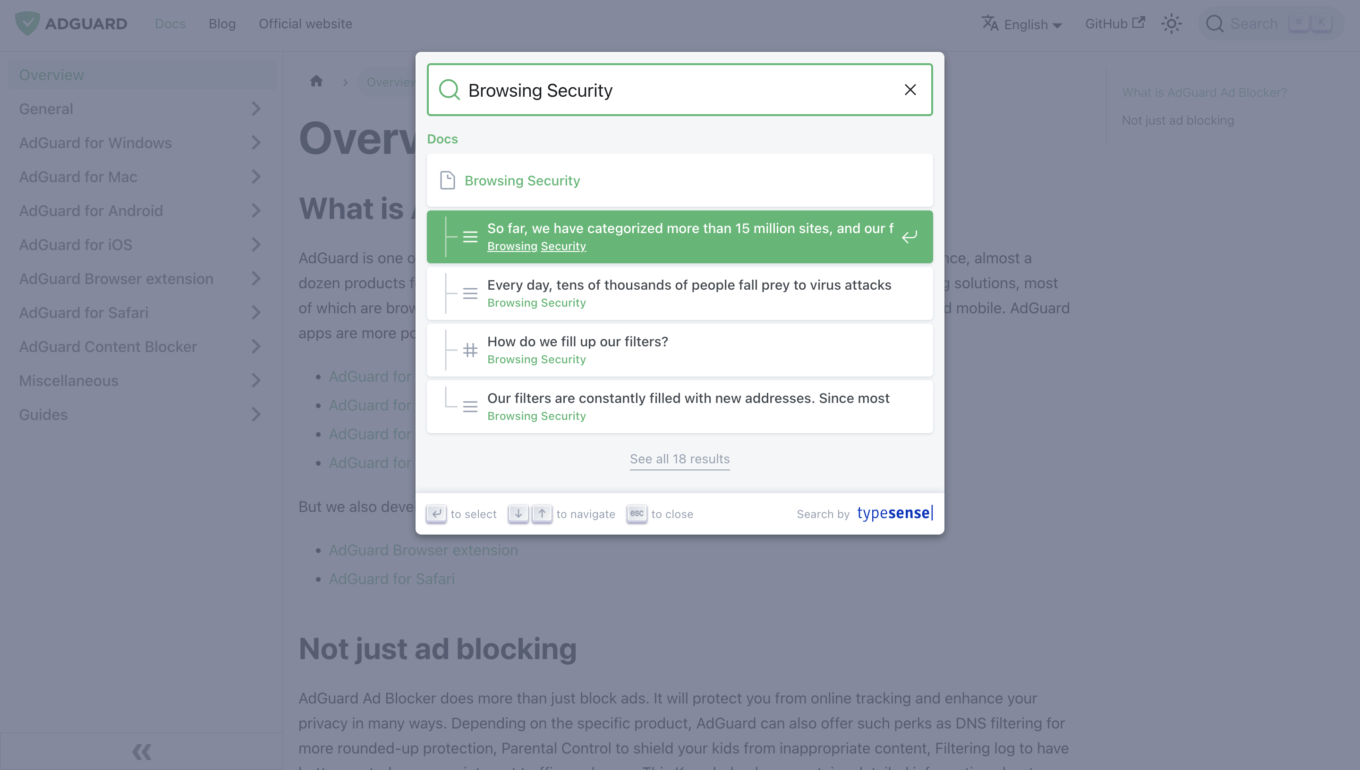
Still unsure where to go to find the answers you seek? No problem, live search at the top will help you jump directly to the elusive article you need.
It’s what on the inside that matters
That’s great and all, but what about the actual ‘knowledge’ that’s supposed to be in the Knowledge base? We’ve gone over each and every article and updated them to reflect the current state of affairs with AdGuard Ad Blocker. And it’s a type of work that never ends: with every new app update we reflect the changes in the KB so that you always have the most recent information. By the way, if you feel like we’ve missed something important, you can take the matter into your own hands and suggest your own edits to the KB!
And we haven’t forgotten about our users who don’t speak English or don’t speak it fluently enough to understand all the intricacies. We aspire to translate the Knowledge base into many other languages — however, this is still work in progress. Too many articles, too many languages… And once again, we won’t refuse your help if you feel the desire to translate any of the texts into your native language. Jump to this instruction and start translating! We’ll even throw something extra your way as our token of gratitude.
If you’d rather dedicate your time to translating AdGuard VPN or AdGuard DNS knowledge bases, you can do that as well! Just follow one of this links: translate AdGuard VPN KB | translate AdGuard DNS KB
In conclusion
And that just about covers it all regarding the new Knowledge base! We’re proud of our work, and we hope that you will not only appreciate its appearance, but also will find it useful should you ever need any questions about AdGuard Ad Blocker answered.
Let us know what you think about this whole thing. Stay tuned and stay knowledgeable!


















































