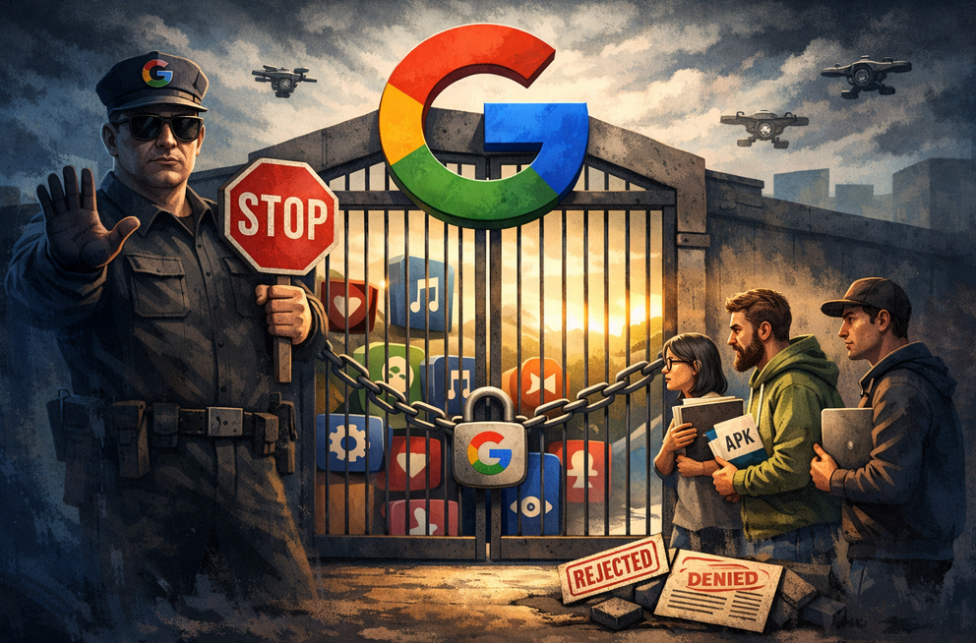
AdGuard is proud to be among the signatories of a newly published open letter opposing Google’s upcoming developer verification policy. The campaign was spearheaded by F-Droid, which launched it last year and has been rallying support ever since.
YouTube comes up with a new way to strike at the users of ad blockers — now by hiding the comment and descriptions of all videos. How will ad blockers respond?
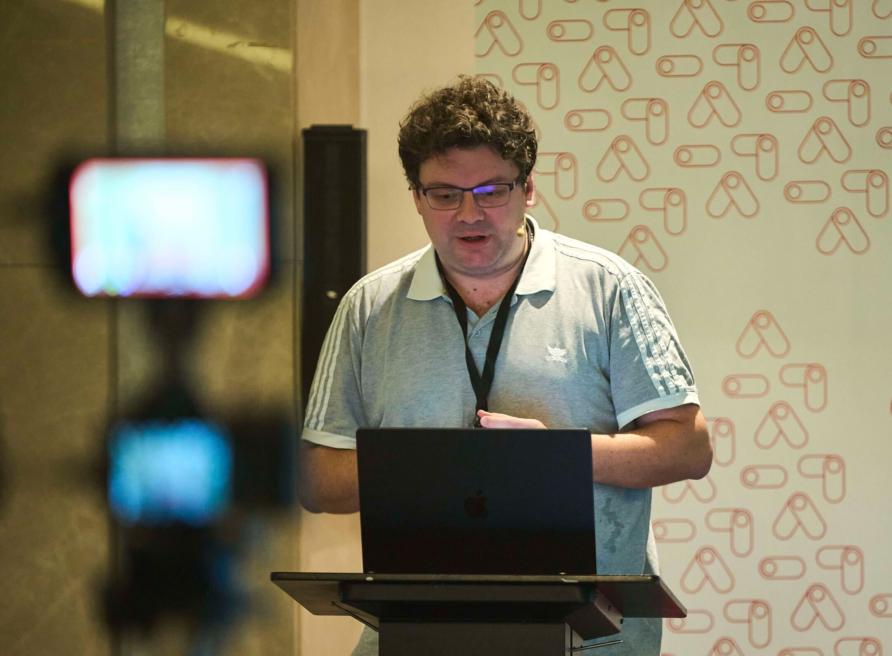
Andrey Meshkov, Co-Founder and CTO of AdGuard, sat down with Henry Fisher from TechLore to talk about the past, the present, and the future of ad blocking in general and the AdGuard’s role in it.
When searching for “brew macos”, a sponsored result (supposedly verified by Google) leads to an official ClaudeAI page containing user-generated instructions that appear to distribute malware.
Anthropic, an OpenAI rival best known for its Claude chatbot, has seized on the ad debate — and the way it chose to do so says a lot about how intransigent the AI arms race has become.
The ads recently promised by OpenAI have arrived in ChatGPT, both in beta Android app and the web app. Let’s see what they look like and if AdGuard will be able to block them.
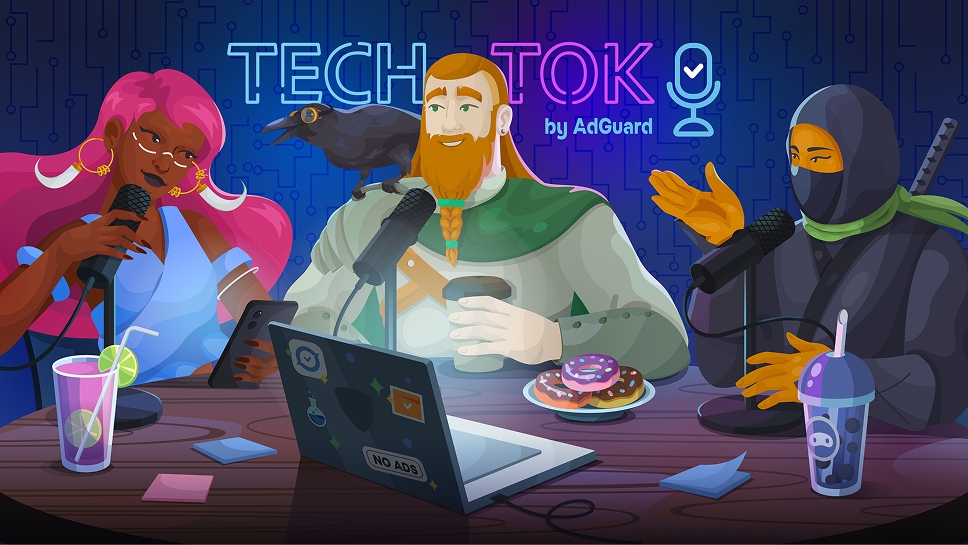
In this new edition of TechTok, we’re tackling two very different questions. One is incredibly broad in scope, while the other is much narrower. But what ties them together is that the answers to both may seem more straightforward than they actually are.
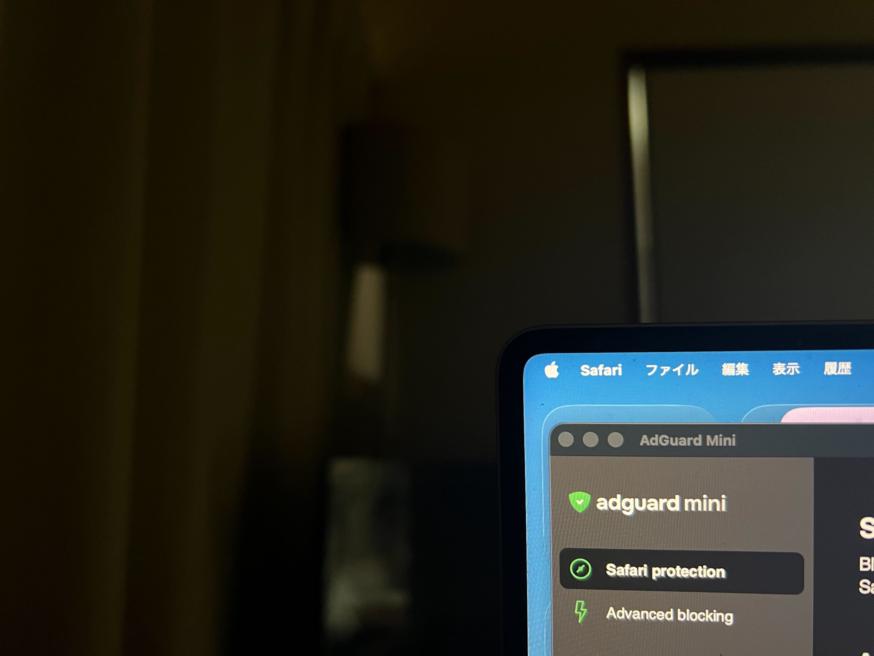
Not long after AdGuard Mini’s debut, here comes its first improvement. Now, you can manually set the app’s theme to light, dark, or system. We also added a dark version of the app's Dock icon for a better appearance in dark mode.
Kuule ensimmäisten joukossa mm. mainosestoon ja yksityisyyteen liittyvistä uutisista, AdGuardin tuotejulkaisuista, tulevista alennusmyynneistä sekä kilpailuista
AdGuardia ei voi julkaista Google Playssa. Lisätietoja saat tutustu blogiimme. Jos käytät Google Playta, asenna AdGuard Androidille manuaalisesti noudattamalla näitä ohjeita.
1. Salli lataaminen
Jos selaimesi näyttää varoituksen, salli adguard.apk-tiedoston lataaminen.
Asennusoikeudet
Jos asennuksia selaimesta ei sallita, saat ilmoituksen. Tässä ilmoituksessa napauta Asetukset → Salli tästä lähteestä.
Huomautus Samsung-käyttäjille, joilla on One UI 6 (Android 14) tai uudempi
Jotkin Samsung-laitteet voivat estää APK-asennuksen Auto Blokker -ominaisuuden vuoksi. Asentaaksesi sovelluksen:
Avaa laitteesi asetukset.
Siirry suojaus- ja yksityisyysasetuksiin.
Vieritä alas ja napauta Auto Blokkeria.
Poista asetus käytöstä.
Voit ottaa tämän ominaisuuden uudelleen käyttöön asennuksen jälkeen.
2. Asenna sovellus
Avaamassa valintaikkunassa, napauta Asenna.
3. Käynnistä sovellus
Odota asennuksen valmistumista ja napauta Avaa. Valmis!
Lataa lukemalla koodi
Käytä mitä tahansa laitteellasi olevaa QR-koodilukijaa
Lataa lukemalla koodi
Käytä mitä tahansa laitteellasi olevaa QR-koodilukijaa
Ladataanko vanhempi AdGuard-versio?
Tätä käyttöjärjestelmäversiota ei tueta. Voit käyttää vanhempaa AdGuard-versiota, mutta siihen ei tule päivityksiä