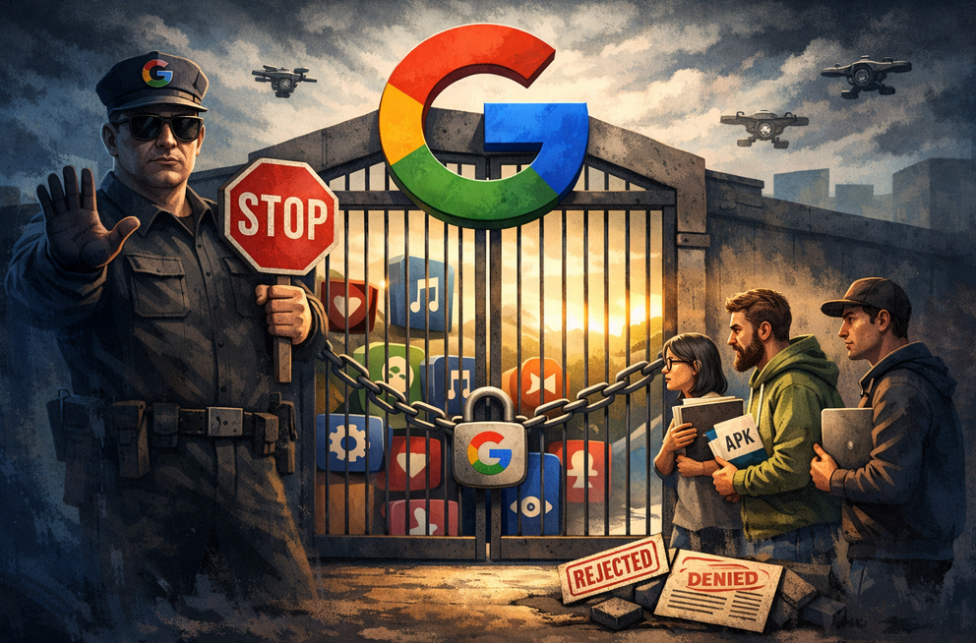
AdGuard is proud to be among the signatories of a newly published open letter opposing Google’s upcoming developer verification policy. The campaign was spearheaded by F-Droid, which launched it last year and has been rallying support ever since.
YouTube comes up with a new way to strike at the users of ad blockers — now by hiding the comment and descriptions of all videos. How will ad blockers respond?
Andrey Meshkov, Co-Founder and CTO of AdGuard, sat down with Henry Fisher from TechLore to talk about the past, the present, and the future of ad blocking in general and the AdGuard’s role in it.
When searching for “brew macos”, a sponsored result (supposedly verified by Google) leads to an official ClaudeAI page containing user-generated instructions that appear to distribute malware.
Anthropic, an OpenAI rival best known for its Claude chatbot, has seized on the ad debate — and the way it chose to do so says a lot about how intransigent the AI arms race has become.
The ads recently promised by OpenAI have arrived in ChatGPT, both in beta Android app and the web app. Let’s see what they look like and if AdGuard will be able to block them.
In this new edition of TechTok, we’re tackling two very different questions. One is incredibly broad in scope, while the other is much narrower. But what ties them together is that the answers to both may seem more straightforward than they actually are.
Not long after AdGuard Mini’s debut, here comes its first improvement. Now, you can manually set the app’s theme to light, dark, or system. We also added a dark version of the app's Dock icon for a better appearance in dark mode.
Budite prvi koji će saznati sve o blokiranju oglasa i novostima vezanih uz privatnost, novim AdGuard proizvodnim puštanjima, nadolazećim prodajama i darivanjima
Započelo je preuzimanje AdGuard-a
Da biste instalirali AdGuard, kliknite datoteku označenu strelicom
Odaberite "Otvori" i pritisnite "U redu", te zatim pričekajte da se datoteka preuzme. U otvorenom prozoru povucite ikonu AdGuarda u mapu "Aplikacije". Hvala što ste odabrali AdGuard!
Odaberite "Otvori" i pritisnite "U redu", potom pričekajte da se datoteka preuzme. U otvorenom prozoru pritisnite "Instaliraj". Hvala vam što ste izabrali AdGuard!
Također instalirajte AdGuard za mobilne uređaje
Instalacija
AdGuard za Android dostupan je u sljedećim trgovinama aplikacija:
AdGuard se ne može objaviti na Google Playu. Za više detalja, pogledajte naš blog. Ako koristite Google Play, slijedite ove upute za ručnu instalaciju AdGuarda za Android.
1. Dopustite preuzimanje
Ako vaš preglednik prikaže upozorenje, dopustite preuzimanje adguard.apk.
Dozvole za instalaciju
Ako instalacije iz preglednika nisu dopuštene, primit ćete obavijest. U ovoj obavijesti dodirnite Postavke → Dopusti iz ovog izvora.
Bilješka za Samsung korisnike s One UI 6 (Android 14) i novijim
Na nekim Samsung uređajima, značajka Automatska blokada može spriječiti instalaciju APK-ova. Da biste instalirali aplikaciju:
Otvorite postavke svog uređaja.
Idite na Sigurnost i privatnost.
Pomaknite se prema dolje i dodirnite Automatska blokada.
Onemogućite tu postavku.
Možete ponovno omogućiti ovu značajku nakon instalacije.
2. Instalirajte aplikaciju
U iskačućem dijalogu dodirnite Instalirati.
3. Pokrenite aplikaciju
Pričekajte da instalacija završi i dodirnite Otvori. Gotovo!
Skeniraj za preuzimanje
Koristite bilo koji čitač QR koda dostupan na vašem uređaju
Skeniraj za preuzimanje
Koristite bilo koji čitač QR koda dostupan na vašem uređaju
Preuzeti stariju verziju AdGuarda?
Ova verzija operativnog sustava nije podržana. Za nju je moguće instalirati stariju verziju AdGuard-a, ali neće se ažurirati