Ad-Filtering Dev Summit 2025 Recap
Today, we’d like to tell you about Ad-Filtering Dev Summit 2025, which we organized together with Ghostery and eyeo (developer of Adblock Plus) back in October. Once again, ad blockers came together to create a welcoming space for the community — developers, browser representatives, privacy advocates, and even people from the advertising world who joined the discussion. This year, the summit took place in Cyprus, in our hometown of Limassol, at a beautiful beachfront hotel.
Watch the video to catch the vibe of the event:
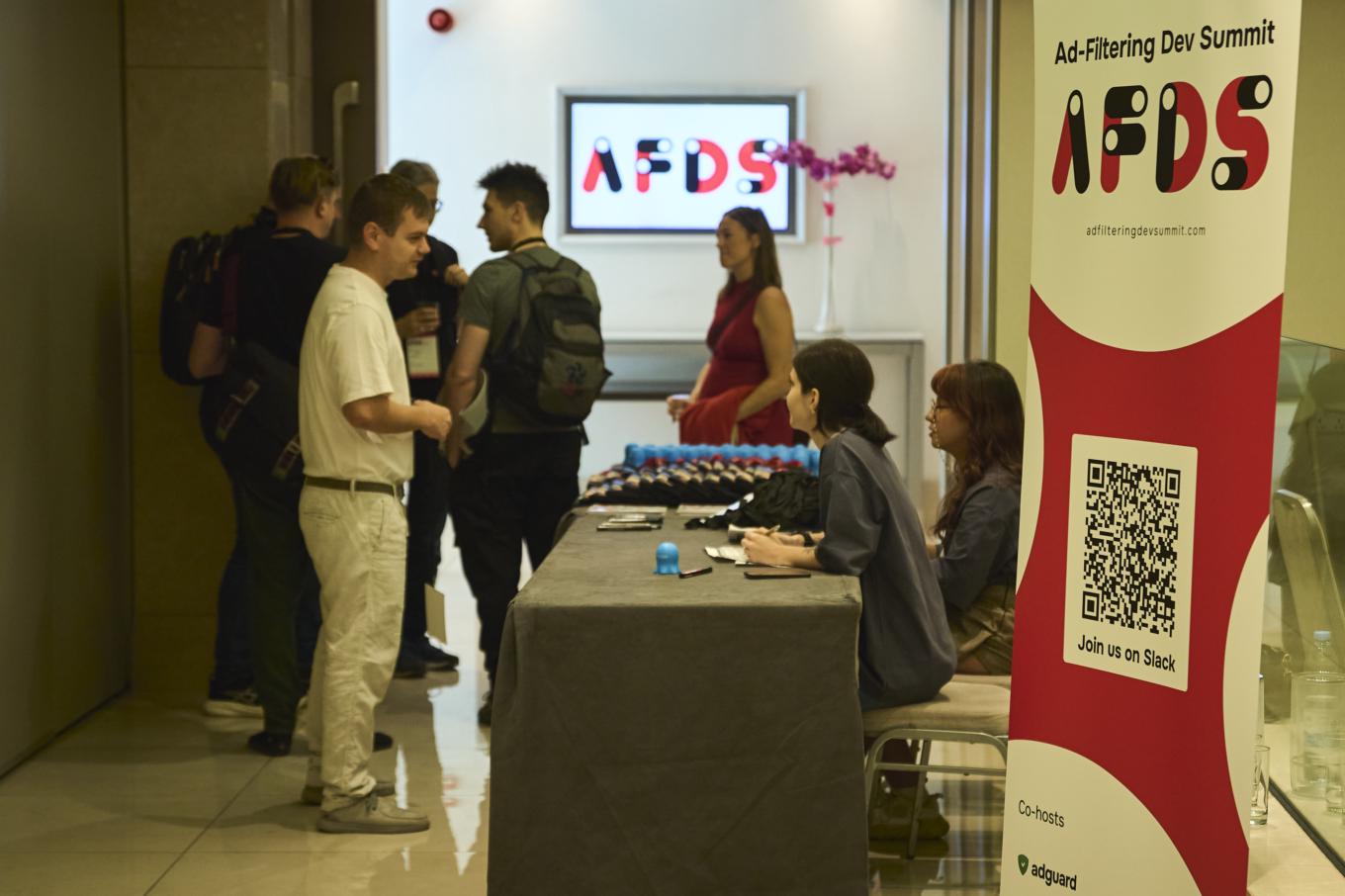
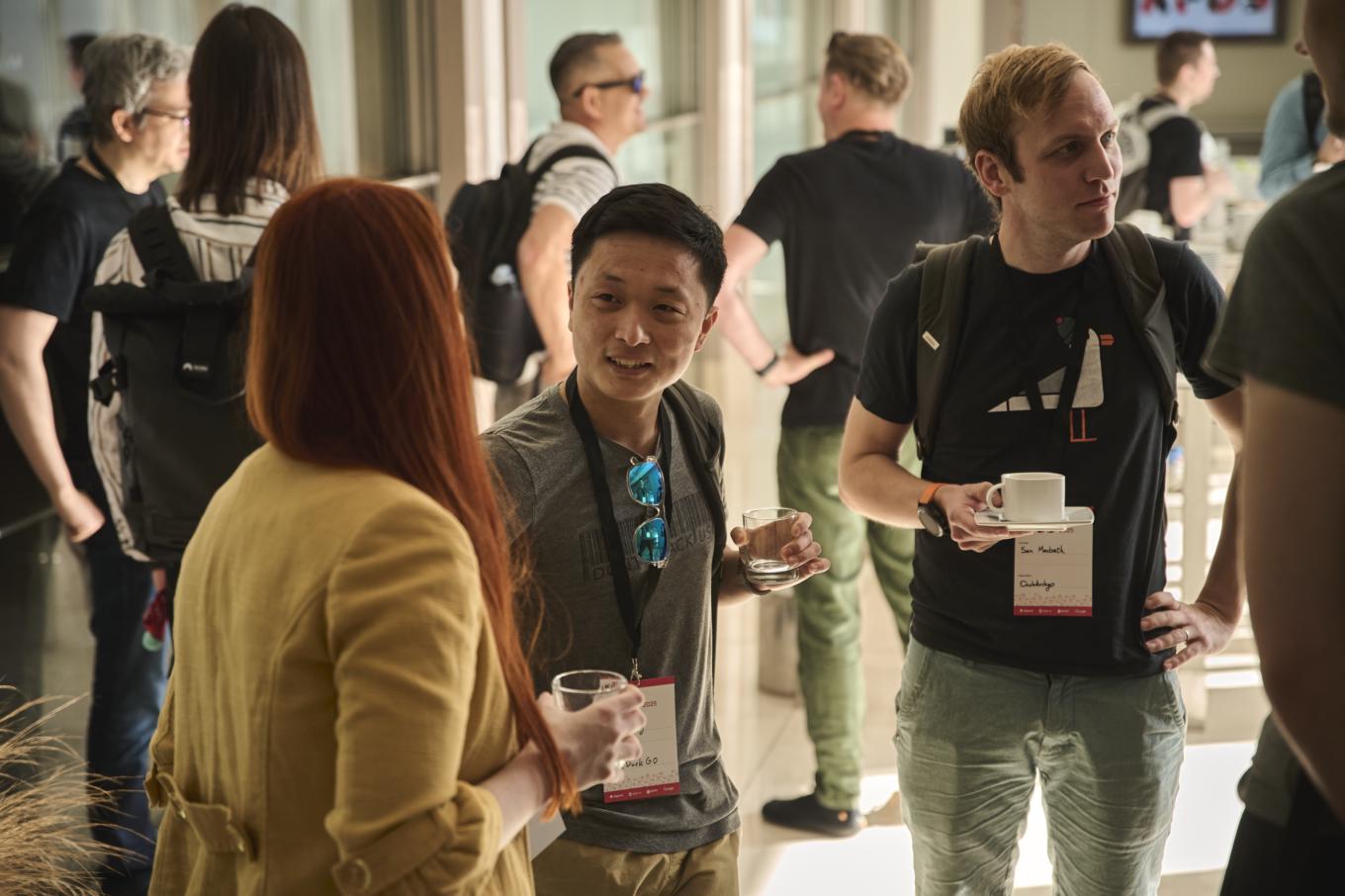
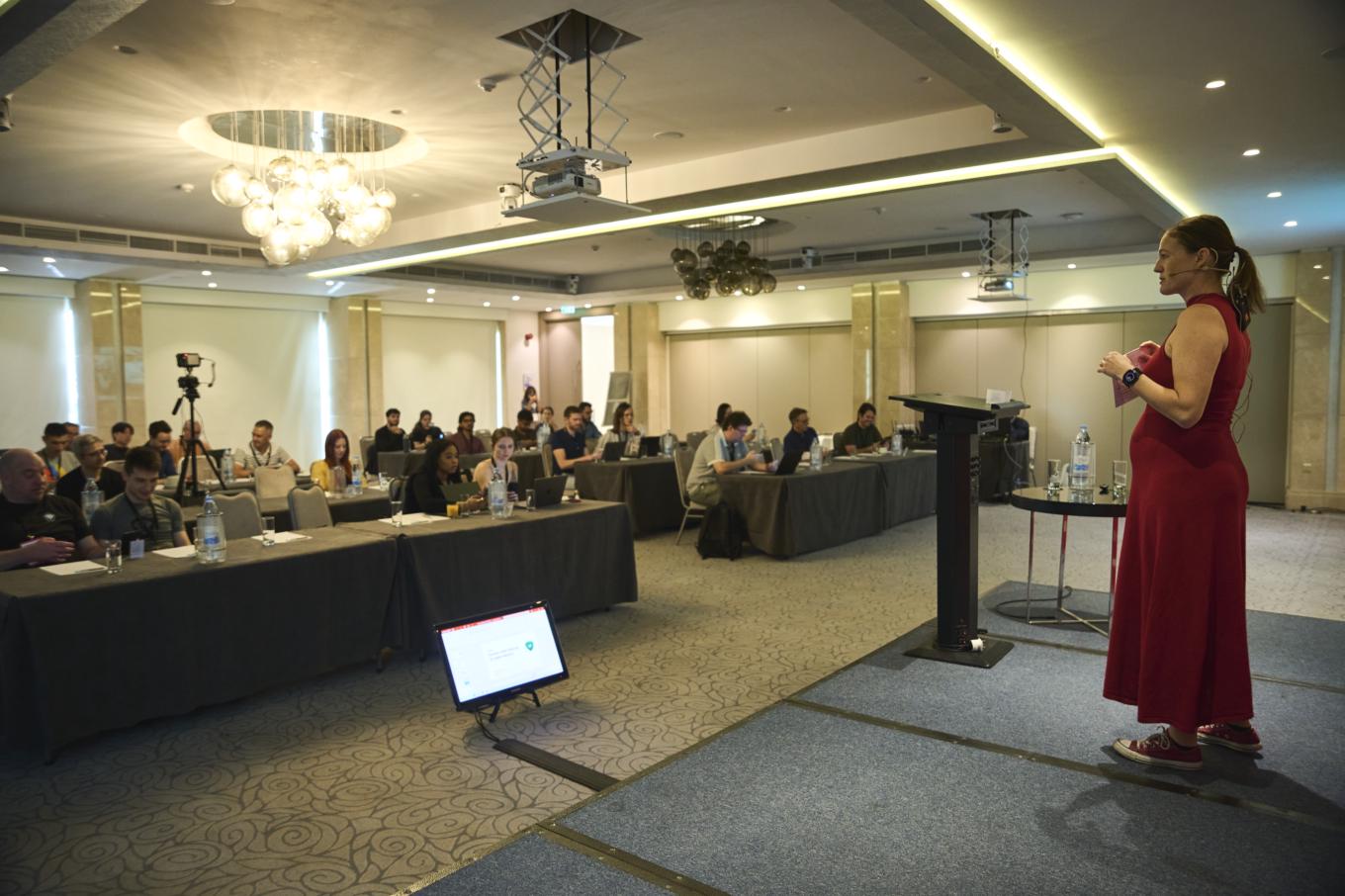
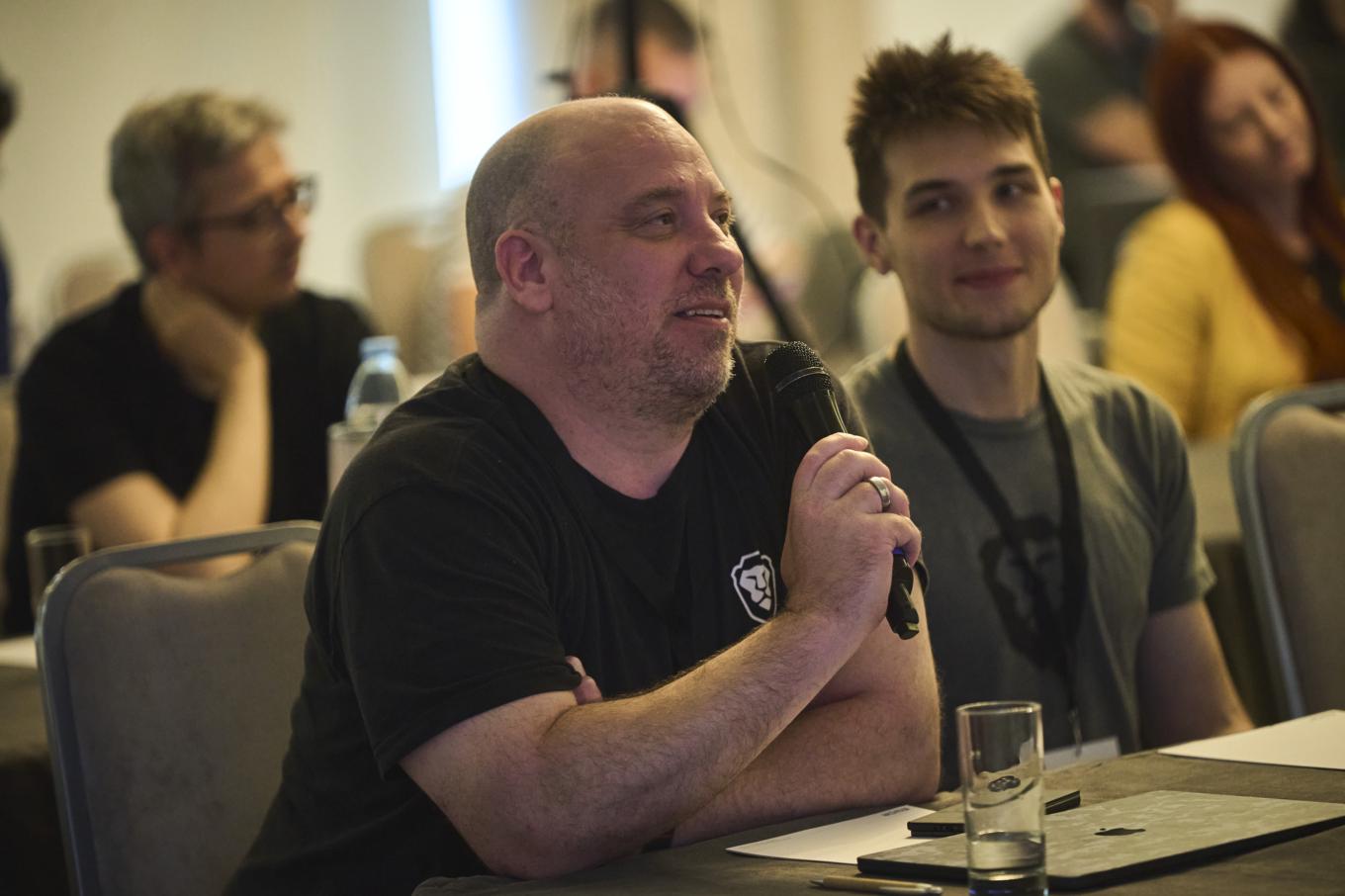
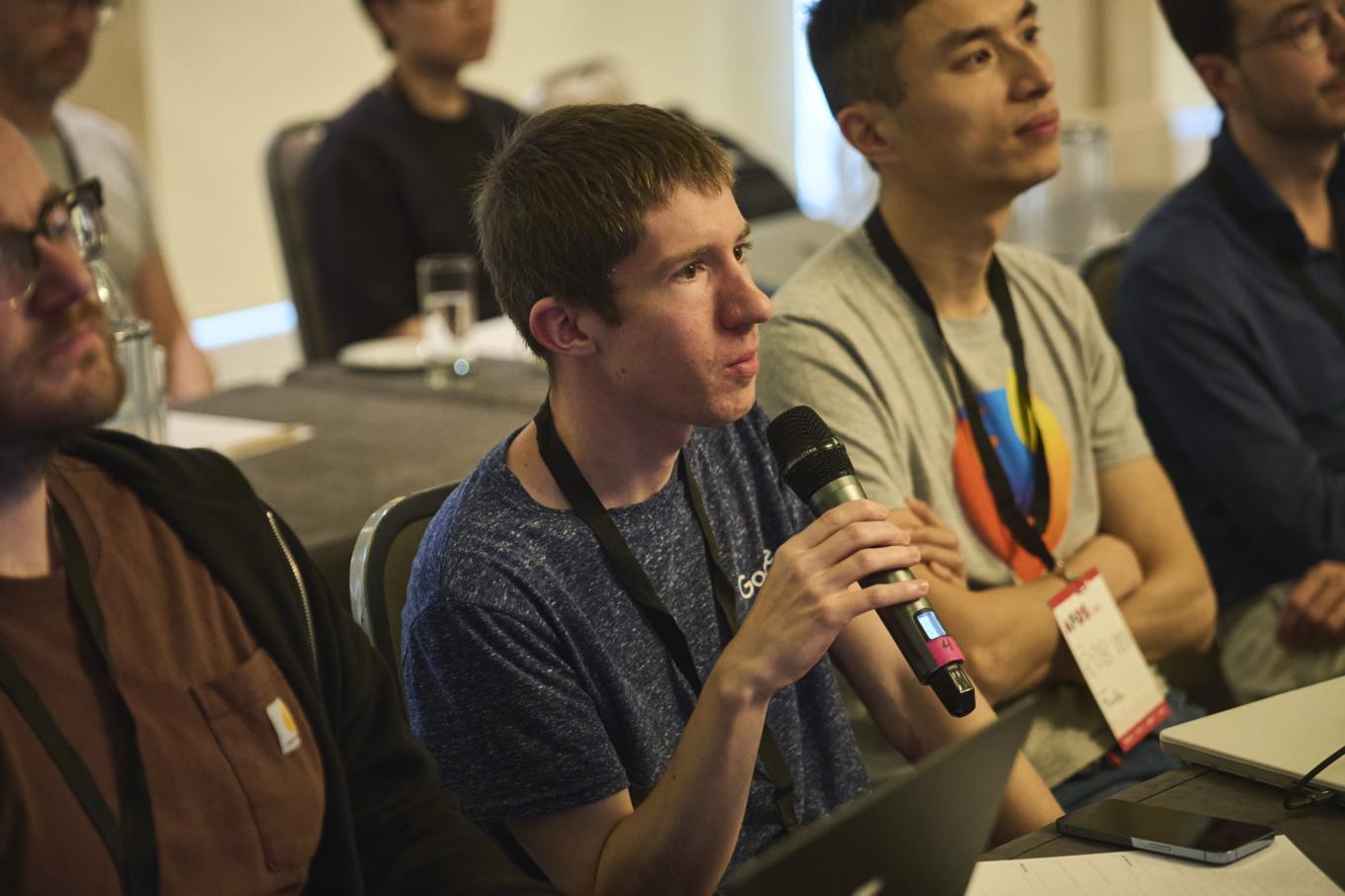
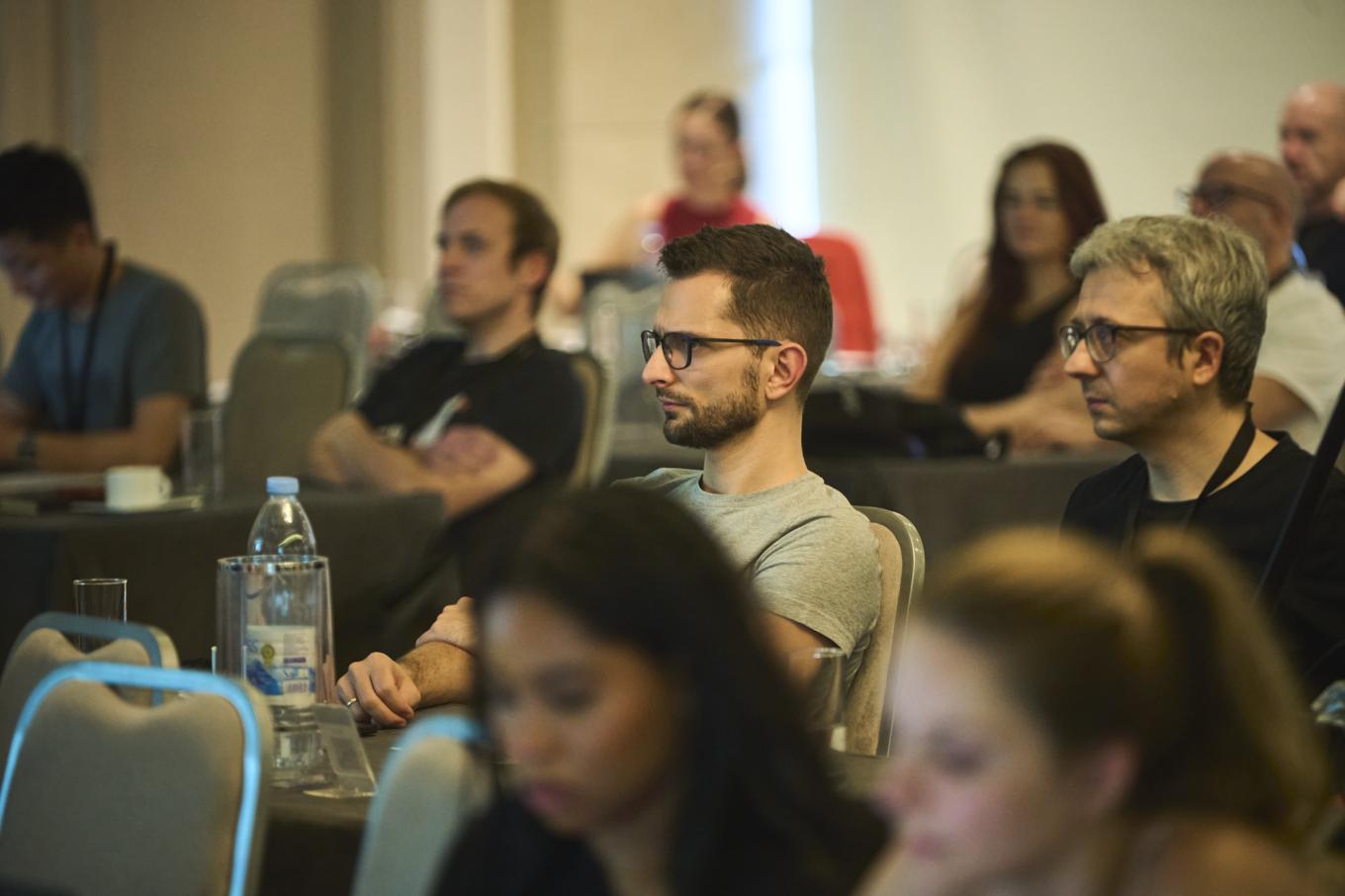
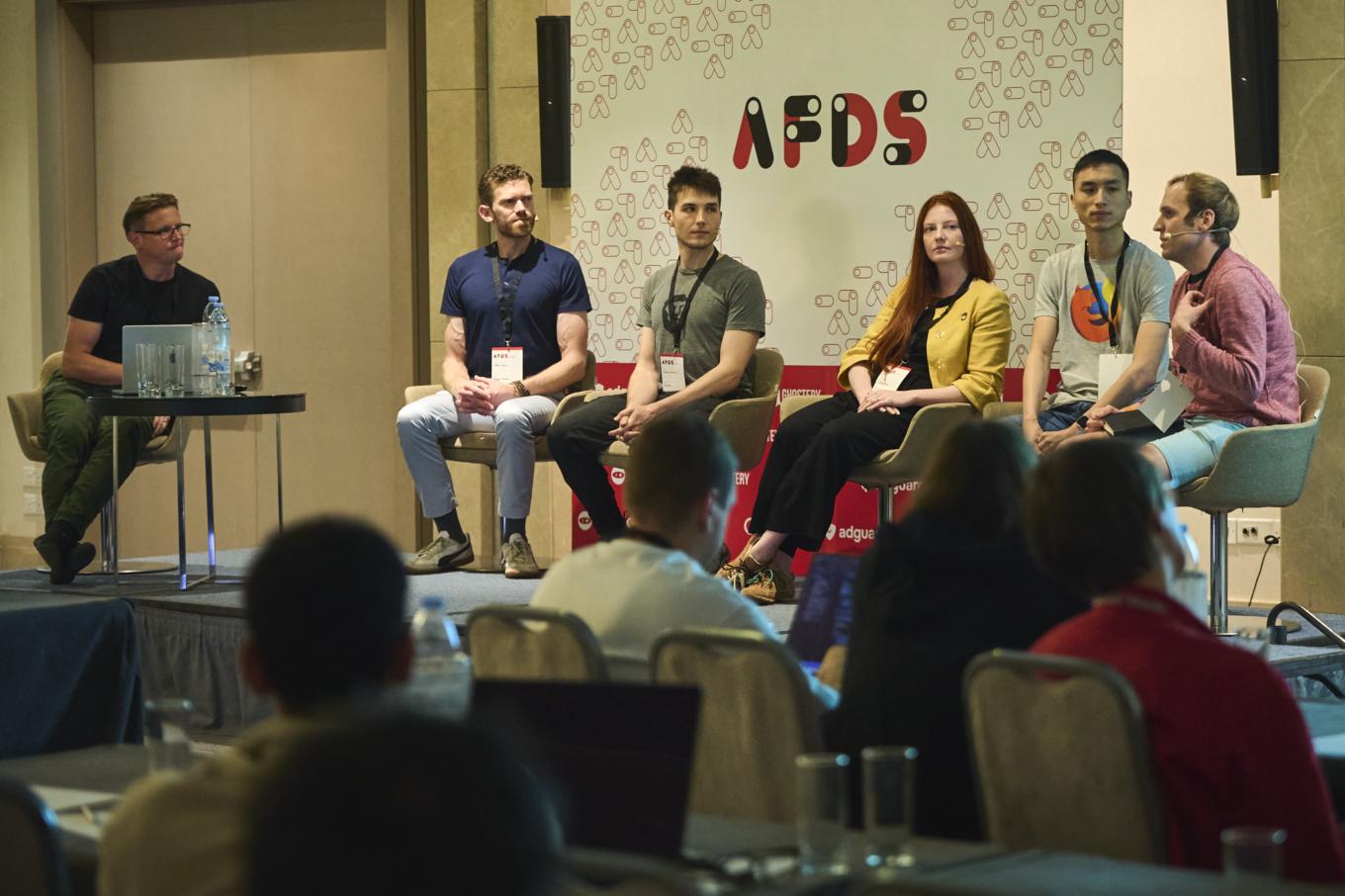

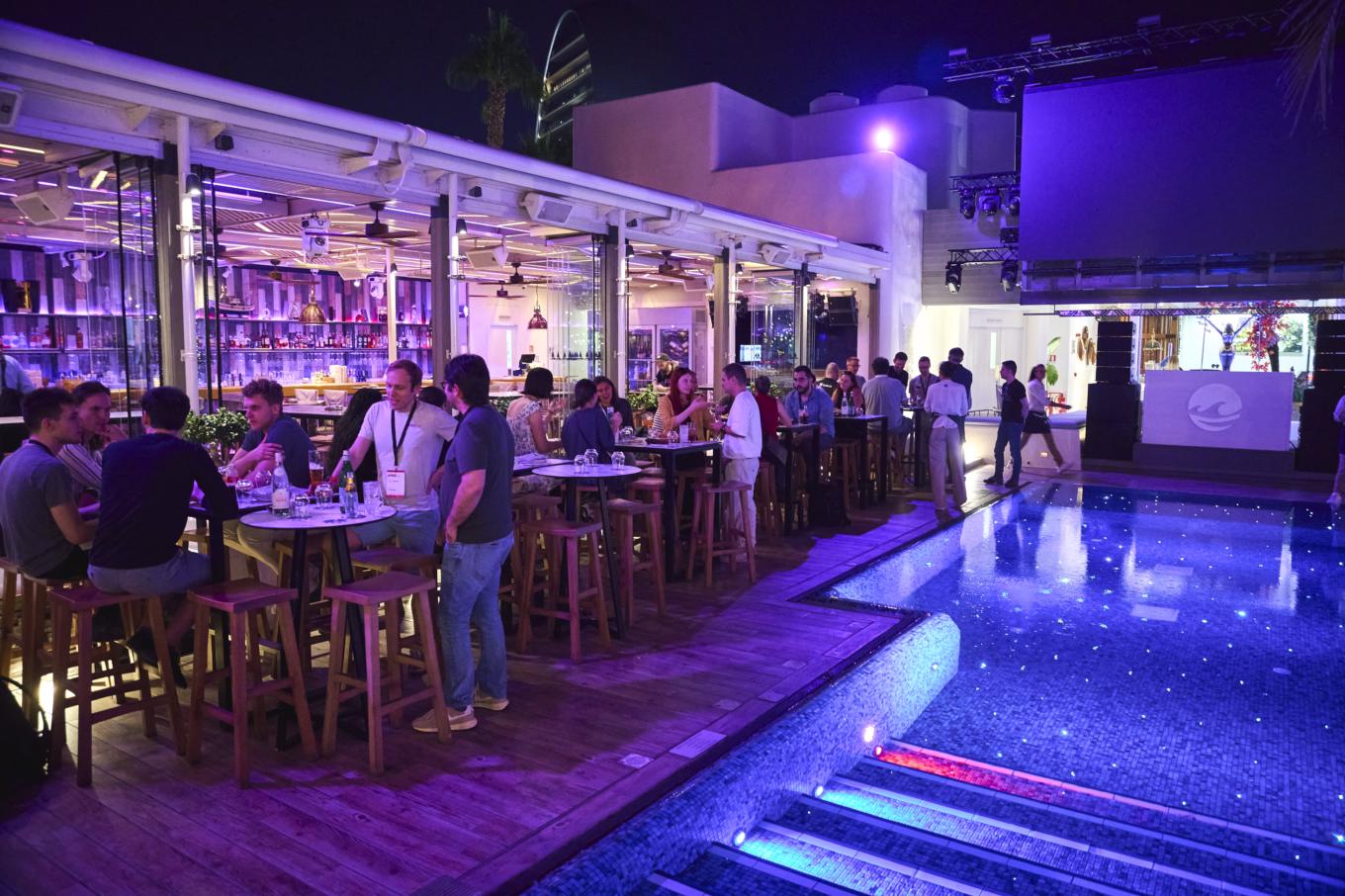
This year, AI was the star of many conversations (naturally). Different sides of the community are using it in various ways — from workflow tests to ad-blocking improvements to new browser functionalities, and more. One of the best parts was how diverse our talks were: some highly technical and packed with specifics, some on the lighter side… and some, despite staying on topic, you could nearly mistake for a stand-up session!
We were lucky to have such truly outstanding speakers, both long-time summit regulars and newcomers who brought fresh perspectives.
And if you’d like to know more about the speakers and the specifics of their talks, follow us along as we walk through each presentation one by one.
AdGuard speakers at AFDS
Let’s start by taking a closer look at the presentations from the speakers representing AdGuard.
System-wide ad blocking on Apple Devices
Andrey Meshkov, Founder, Owner and CTO of AdGuard:
Apple has recently introduced a new framework for system-wide URL filtering. Unlike traditional DNS filtering, it can filter full URLs while still preserving user privacy. Naturally, we at AdGuard were eager to be among the first adopters.
In this talk, I’ll walk you through how this new framework works, explain how it can be leveraged by ad blockers, and share our experience implementing it in our products.
Join Andrey as he walks you through Apple’s new privacy-preserving system-wide URL filtering framework and how AdGuard has already implemented it.
There’s also a text version of this presentation — you can read the article based on it here.
Light-side UX: how AdGuard communicates privacy
Sofia Orlova, UX writer at AdGuard:
"Privacy and ad-blocking tools involve complex technologies but are used by people with varying levels of expertise and different linguistic backgrounds. The challenge is to communicate clearly, without confusing users or oversimplifying. I’ll explain how we align language with user context, build layered interactions, and adapt terminology across platforms and audiences. Real examples will show how consistent communication supports both usability and user trust."
Watch as Sofia outlines how AdGuard approaches UX writing and interface design to make privacy accessible:
Inside AGLint v4: A “developer – contributor – user” perspective on linting adblock filters
Elizaveta Egorova, developer at AdGuard and filter list maintainer/contributor to the project and Dávid Tóta, developer at AdGuard and main developer of AGLint:
In this talk, we'll explore the evolution of AGLint, a powerful linting[1] tool designed specifically for adblock filter lists. AGLint v4 introduces a fully rearchitected linter engine, a faster and more flexible AST walker[2], improved parser support, a robust new code fixer API, and a redesigned linter rule interface that greatly improves extensibility. This talk brings together the voices of a developer and a filter maintainer, giving a complete view of AGLint's evolution. Contributor and end user perspectives will also offer valuable insights into how the tool performs in real-world workflows.
[1] Linting is the process of automatically checking your code for potential problems, such as syntax errors, bugs or suspicious constructs, style or formatting issues, deviations from coding standards. A linter is the tool that performs this check.
[2] AST walker – component in a linter that can “walk through” an AST (Abstract Syntax Tree) in a more adaptable, powerful way
Watch Elizaveta and Dávid presenting the major technical changes in v4, sharing the motivations behind the rewrite and the key architectural decisions that shaped the new engine, and reflecting on using AGLint in practice:
Beyond filter lists: using LLMs to rethink ad blocking
Maxim Topciu, Browser Extensions Team Lead at AdGuard:
For years, ad blocking has relied on filter lists. This talk explores how Large Language Models (LLMs) can help us rethink this foundation, moving beyond simple rules to blocking ads based on their meaning and appearance. I will share my ongoing experiments and cover:
- Semantic ad-blocking: How LLMs can enable a new class of filter rules, moving from keyword matching (
:contains()) to true semantic understanding (:contains-meaning()) with embeddings.- Multimodal detection: I'll demonstrate how LLMs analyze both text and images together for more robust detection of visual and native advertising.
- Automating annoyances: A look at how LLMs can go beyond ad blocking to handle related annoyances, like automatically navigating and rejecting cookie consent forms.
I’ll conclude with a picture of a practical future of this LLM-driven approach, comparing specialized models against the powerful, general-purpose LLMs being built directly into our browsers.
Join Maxim on a journey through how filtering works today, past machine-learning attempts, his own experiments, and where this approach is headed next:
There’s also a text version of this presentation — you can read the article based on it here.
Browser panel
The browser panel is one of the key sessions at AFDS, bringing together experts from leading browsers to discuss the future of web privacy, content control, and the challenges ahead. This year’s topics include lessons from Manifest V3, cross-browser API alignment through WECG, the relationship between built-in privacy features and third-party blockers, and how privacy tools must evolve in an AI-driven browsing world.
Watch the discussion featuring Devlin Cronin (Technical Lead and Manager at Google), Anton Lazarev (Senior Adblock Research Engineer at Brave), Tina Chenska (QA Engineer at Opera), Rob Wu (Browser Engineer at Mozilla), Sam Macbeth (Privacy Engineer at DuckDuckGo) and moderated by Krzysztof Modras (Director of Engineering and Product at Ghostery).
Filter panel
Another highlight of the summit, filter panel is a dedicated discussion session focused on everything related to filter lists — the rulesets used by ad blockers and content blockers.
This year’s panel dives into the state of filtering: the impact of Manifest V3 and the decline of MV2, how MV3 has changed real-world workflows, and where it still needs improvement. Speakers discuss the shift toward network- and DNS-level filtering, the growing issue of filter-list bloat and how to measure list effectiveness, as well as strategies for handling breakages and keeping the web usable.
Don’t miss this discussion with Ryan Brown (FanboyNZ) – prominent EasyList maintainer, Peter Lowe – filter list author with 27+ (!) years experience, Dávid Tóta – Hufilter maintainer, software developer at AdGuard, Elizaveta Egorova – software developer and maintainer of AdGuard filters, and Sam Macbeth – privacy engineer at DuckDuckGo. Moderated by Andrey Meshkov, CTO & Founder of AdGuard.
More AFDS presentations
Of course, there were many other exciting presentations from the participants — let’s take a look at them!
Ad blockers’ perspective
Watch the talks from our co-hosts and fellow ad blockers.
GhosteryTrackerDB
Philipp Claßen, Director of Data Engineering at Ghostery, told us about TrackerDB – an open-source database that identifies trackers and their owners from URLs/requests. The talk explains how it works, how to use it in other projects, and how everyone can contribute.
How do we know it's working? Proving ad blockers’ production health
Aga Czyzewska, Engineering Lead in Extensions Host Team at eyeo, explained how eyeo monitors the health and reliability of its ad-blocking extension in production, collects privacy-preserving crash data. She also shared some real examples of how those systems help them keep the extension reliable.
Porting desktop Adblock Plus to mobile Safari
Toni Feliu, Software Development Engineer in Test at eyeo, walked us through migration of the AdBlock Plus for Safari to Manifest V3: why ABP for Safari transitioned from legacy Safari content blockers to Manifest V3, the challenges faced during the migration, and lessons learned for iOS implementation.
Browsers’ perspective
And here we have exciting updates from the browsers' representatives.
What’s new in Chrome
A summit’s classics! A multi-presenter update from the Chrome team covering what has changed in Chrome over the past year. This talk is by Oliver Dunk, Developer Relations Engineer at Google and Devlin Cronin, Technical Lead and Manager at Google.
From manual rules to AI automation: scaling cookie popup protection at DuckDuckGo
DuckDuckGo joined us for the first time! Maxim Tsoy, Senior Software Engineer, explains how DuckDuckGo moved from manual rules to an AI-driven system that automatically handles cookie banners at scale, achieving rapid coverage growth with minimal maintenance.
Agents need ad blocking, too
Anton Lazarev, Staff Adblock Engineer at Brave, gives insights at Brave's work pushing ad blocking into the AI era: how filter lists will continue to remain relevant, how they'll become cybernetically enhanced, and a sneak peek at their next evolution for fully headless browsing. “If you outsource the dirty work of looking at websites to your agentic browser, do you even need an adblocker at all?“
Enhancing ad blocker quality assurance using AI
Tina Chenska, QA Engineer at Opera, explains how AI is transforming ad-blocker testing in Opera — from spotting visual page changes to automating test-scenario discovery. She covers practical integration methods, common pitfalls, and lessons learned, showing how AI can boost accuracy, speed, and overall testing efficiency.
Filterlist maintainers perspective
The OGs of ad filtering share their stories and insights — from decades of blocklist maintenance to cutting-edge tooling.
Tales from blocklist maintenance
Peter Lowe, DNS Abuse Ambassador at FIRST and long-time filter list pioneer, delivers the first-ever ad-blocking stand-up, packed with anecdotes from 27 years of blocklist maintenance experience.
Automating ad commits
Ryan Brown, filterlist author at Brave shares what he is currently working on, namely tooling to automate and improve coverage in Easylist using NWSS.js.
Antivirus’ perspective
Malwarebytes are back this year with more insights to share.
Beyond the surface: uncovering hidden threats in online ads
Mohamed Elgendi, Senior Software Engineer at Malwarebytes explains how malicious code can lurk inside ad images (invisible to the naked eye). He demonstrates how attackers use steganography to bypass defenses — and how modern ad security can fight back.
Academia’s perspective
It’s great that the summit brings together not only people from various companies but also researchers, academics, and independent experts, and it’s truly great to see them join us and present their work — let’s have a look at their presentations.
Covert web-to-app tracking via localhost on Android
Aniketh Girish, PhD student at IMDEA Networks presents his research showing that Android apps and web pages can secretly communicate via localhost, breaking isolation. The talk covers how it works, privacy risks, measurements, industry responses, and recommendations for platform-level defenses, highlighting the need to rethink localhost permissions, IPC trust models, and cross-context auditing to prevent similar abuses in the future.
Stealthy fingerprinting users with personalized blocking rules
Saiid El Hajj Chehade, PhD Candidate from EPFL, reveals how users who enable extra, aggressive filter lists may actually become easier to track. He then demonstrates four attacks that can identify active filter lists and offers recommendations to defend against this form of fingerprinting.
Filtering bad ads using LLM-assisted adblocking
Ritik Roongta, PhD Student at New York University, explains why blanket ad blocking breaks sites while ad tracking endangers users. He highlights that current standards focus on aesthetics, not harmful content, and outlines the plan to improve these standards by using LLMs to evaluate ad images and hold ad exchanges accountable.
Local frames: exploiting inherited origins to bypass content blockers
Anton Lazarev, Brave, was presenting on behalf of Alisha Ukani, Phd student at UC San Diego, and shared her study showing how many popular web security and privacy tools mishandle local iframes. This oversight leaves users exposed to fingerprinting, tracking, and data exfiltration. Though the tools fail in different ways, the root cause is the same: legacy web features interacting unpredictably with modern browser privacy boundaries.
Advertising world’s perspective
It’s great that people from the other side of the industry come to the summit — it’s always interesting to hear a different point of view and learn about the challenges they face.
The creator economy's false choice: privacy vs. supporting art
Henry Fisher, Founder and CEO of Techlore, highlighted the paradox of creators relying on surveillance-based ads while advocating for privacy. He explored ways to build sustainable creator models that respect user privacy.
The impact of ad filtering on performance marketing in 2025 and 2026
Aleksei Terekhov, CMO at MitGo, examines how ad-filtering tools negatively and positively affect the performance marketing industry and what challenges both sides face, how some companies lobby for their interests in this area, while others lose millions of dollars in revenue.
Collaborative paths to privacy enhancing advertising
Leigh Freund, President & CEO at The NAI and Alex Cone, Group Product Manager, Chrome at Google, discuss practical ways to build privacy-enhancing digital advertising that supports publishers and advertisers while empowering consumers. They cover global policy strategies, real-world privacy-tech efforts, and collaborative opportunities to redesign the ad ecosystem with privacy built in from the start.
Conclusion
Ad-Filtering Dev Summit is unique among other similar developer conferences. A common thread running through the feedback we collected from the speakers is that AFDS stands out as a highly technical and genuinely valuable conference — not just a platform for networking, but a place where people meaningfully gain and exchange knowledge.
People who work on similar challenges get to discuss the latest developments, share feedback, and sometimes even find solutions in real time. It’s inspiring to see Q&A sessions turn into practical advice exchanges, with conversations that could honestly continue forever. AFDS is both highly international and surprisingly intimate, and we’re proud to be part of it.
For us, the Ad-Filtering Dev Summit has always been about strengthening the community and bringing people together face to face — and this year, as organizers, it was truly inspiring to welcome everyone back. AFDS creates the connections and feedback that help all of us push the boundaries of ad filtering and privacy.
– Andrey Meshkov, AdGuard CTO and Founder
We want to say a huge THANK YOU to all the speakers for their amazing presentations — and thank you to everyone who traveled all the way to Cyprus to join us.
Big thanks to our sponsors who made the summit possible – eyeo, Ghostery, and Google!
And thanks to the Cyprus weather — some of us even managed to swim in the Mediterranean in October! Hope to see everyone next year. Let’s see where the next one takes us!





















































