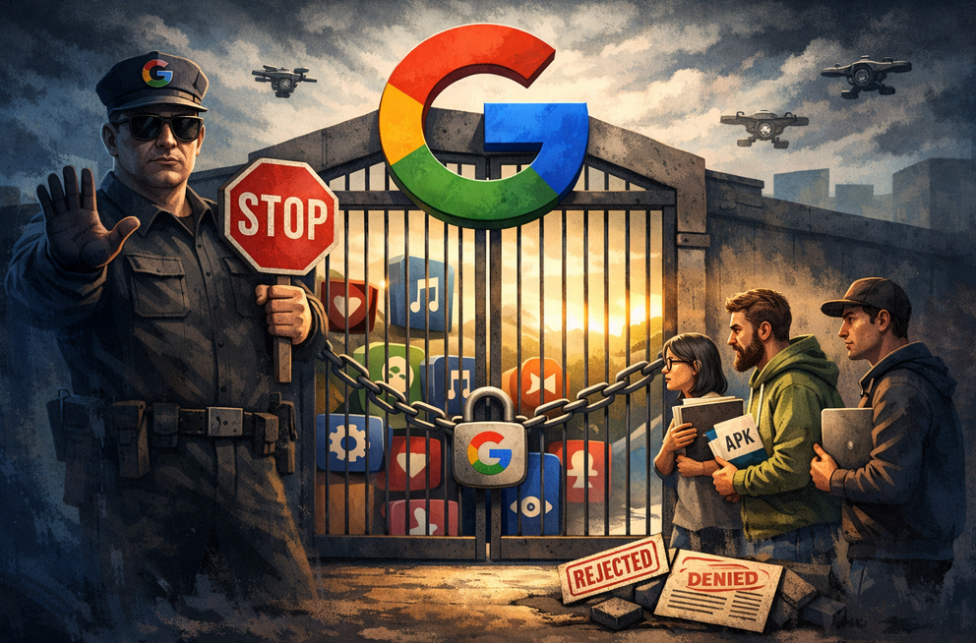
AdGuard is proud to be among the signatories of a newly published open letter opposing Google’s upcoming developer verification policy. The campaign was spearheaded by F-Droid, which launched it last year and has been rallying support ever since.
YouTube comes up with a new way to strike at the users of ad blockers — now by hiding the comment and descriptions of all videos. How will ad blockers respond?
Andrey Meshkov, Co-Founder and CTO of AdGuard, sat down with Henry Fisher from TechLore to talk about the past, the present, and the future of ad blocking in general and the AdGuard’s role in it.
When searching for “brew macos”, a sponsored result (supposedly verified by Google) leads to an official ClaudeAI page containing user-generated instructions that appear to distribute malware.
Anthropic, an OpenAI rival best known for its Claude chatbot, has seized on the ad debate — and the way it chose to do so says a lot about how intransigent the AI arms race has become.
The ads recently promised by OpenAI have arrived in ChatGPT, both in beta Android app and the web app. Let’s see what they look like and if AdGuard will be able to block them.
In this new edition of TechTok, we’re tackling two very different questions. One is incredibly broad in scope, while the other is much narrower. But what ties them together is that the answers to both may seem more straightforward than they actually are.
Not long after AdGuard Mini’s debut, here comes its first improvement. Now, you can manually set the app’s theme to light, dark, or system. We also added a dark version of the app's Dock icon for a better appearance in dark mode.
Bodite prvi, ki bo prejel najnovejše novice o spletni zasebnosti in zaviranju oglasov, izdajah izdelkov AdGuard, prihajajočih razprodajah, darilih in več
Prenos AdGuarda
Za namestitev AdGuarda kliknite gumb, označen s puščico
Izberite 'Odpri' in kliknite na 'Vredu', nato pa počakajte, da se datoteka prenese. V odprtem oknu povlecite ikono AdGuarda in jo spustite v mapo 'Aplikacije'. Hvala, ker ste izbrali AdGuard!
Izberite 'Odpri' in kliknite na 'Vredu', nato pa počakajte, da se datoteka prenese. V odprtem oknu kliknite na 'Namesti'. Hvala, ker ste izbrali AdGuard!
Namestite AdGuard na svojo mobilno napravo
Nameščanje
AdGuard za Android je na voljo v naslednjih trgovinah z aplikacijami:
AdGuard ni mogoče objaviti v Googlu Play. Za več podrobnosti, oglejte si naš blog. Če uporabljate Google Play, sledite tem navodilom za ročno namestitev AdGuarda za Android.
1. Dovoli prenos
Če vaš brskalnik prikaže opozorilo, dovolite prenos adguard.apk.
Dovoljenja za namestitev
Če namestitve iz vašega brskalnika niso dovoljene, boste prejeli obvestilo. V tem obvestilu pritisnite Nastavitve → Dovoli iz tega vira.
Opomba za uporabnike Samsung z One UI 6 (Android 14) in novejšimi
Na nekaterih napravah Samsung lahko funkcija Avtomatski blokator prepreči namestitev APK. Da namestite aplikacijo:
Odprite nastavitve naprave.
Pojdite v Varnost in zasebnost.
Drsite navzdol in tapnite Avtomatski blokator.
Onemogočite nastavitev.
To funkcijo lahko ponovno omogočite po namestitvi.
2. Namestitev aplikacije
V pojavni pogovornem oknu tapnite Namesti.
3. Zaženite aplikacijo
Počakajte, da se namestitev konča, in tapnite Odpri. Vse je končano!
Preglejte za prenos
Uporabite kateri koli razpoložljivi bralnik QR kod v vaši napravi
Preglejte za prenos
Uporabite kateri koli razpoložljivi bralnik QR kod v vaši napravi
Prenesete starejšo različico AdGuard?
Ta različica operacijskega sistema ni podprta. Zanjo lahko namestite starejšo različico programa AdGuard, vendar ne bo posodobljena