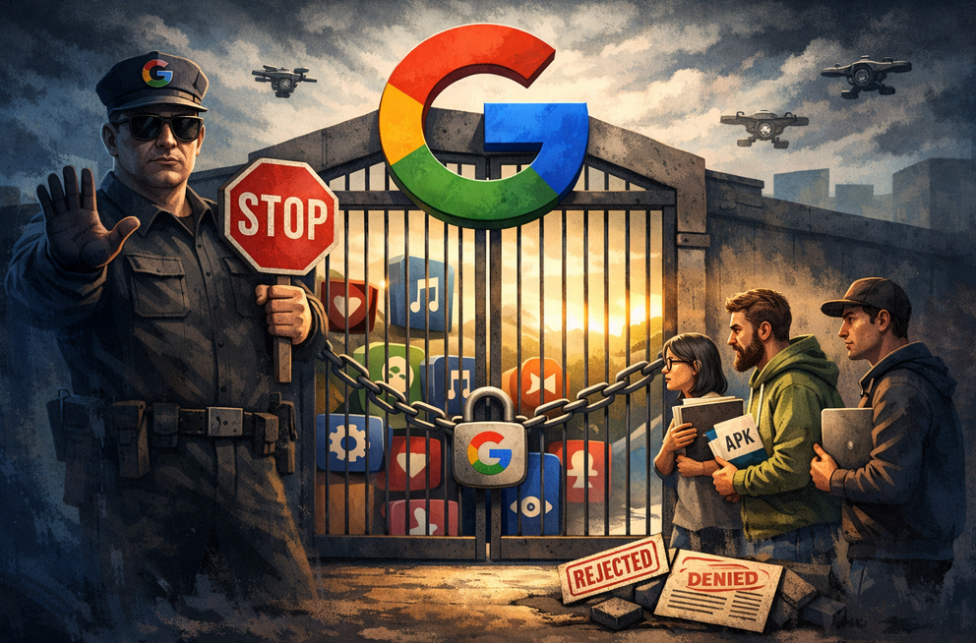
AdGuard is proud to be among the signatories of a newly published open letter opposing Google’s upcoming developer verification policy. The campaign was spearheaded by F-Droid, which launched it last year and has been rallying support ever since.
YouTube comes up with a new way to strike at the users of ad blockers — now by hiding the comment and descriptions of all videos. How will ad blockers respond?
Andrey Meshkov, Co-Founder and CTO of AdGuard, sat down with Henry Fisher from TechLore to talk about the past, the present, and the future of ad blocking in general and the AdGuard’s role in it.
When searching for “brew macos”, a sponsored result (supposedly verified by Google) leads to an official ClaudeAI page containing user-generated instructions that appear to distribute malware.
Anthropic, an OpenAI rival best known for its Claude chatbot, has seized on the ad debate — and the way it chose to do so says a lot about how intransigent the AI arms race has become.
The ads recently promised by OpenAI have arrived in ChatGPT, both in beta Android app and the web app. Let’s see what they look like and if AdGuard will be able to block them.
In this new edition of TechTok, we’re tackling two very different questions. One is incredibly broad in scope, while the other is much narrower. But what ties them together is that the answers to both may seem more straightforward than they actually are.
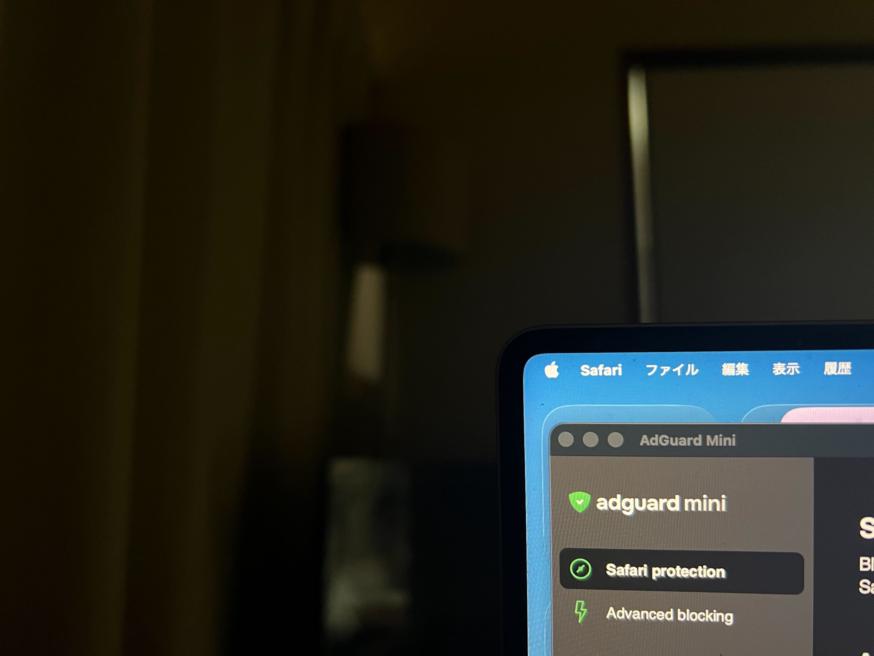
Not long after AdGuard Mini’s debut, here comes its first improvement. Now, you can manually set the app’s theme to light, dark, or system. We also added a dark version of the app's Dock icon for a better appearance in dark mode.
Çevrimiçi gizlilik ve reklam engelleme, AdGuard ürün sürümlerini, yaklaşan indirimleri, çekilişleri ve daha fazlasıyla ilgili en son haberleri ilk alan siz olun
AdGuard, Google Play'de yayınlanamaz. Daha fazla ayrıntı için blogumuza göz atın. Google Play kullanıyorsanız, Android için AdGuard'ı elle yüklemek için bu talimatları izleyin.
1. İndirmeye izin ver
Tarayıcınız bir uyarı görüntülerse, adguard.apk dosyasını indirmeye izin verin.
Yükleme izinleri
Tarayıcınızdan yüklemelere izin verilmiyorsa, bir bildirim alırsınız. Bu bildirimde, Ayarlar → Bu kaynaktan izin ver öğesine dokunun.
One UI 6 (Android 14) ve daha yenisine sahip Samsung kullanıcıları için not
Bazı Samsung cihazlarında, Otomatik Engelleyici özelliği APK yüklemelerini engelleyebilir. Uygulamayı yüklemek için:
Cihaz ayarlarınızı açın.
Güvenlik ve gizlilik öğesine gidin.
Aşağı kaydırın ve Otomatik Engelleyici öğesine dokunun.
Ayarı devre dışı bırakın.
Yüklemeden sonra bu özelliği tekrar etkinleştirebilirsiniz.
2. Uygulamayı yükle
Açılan uyarıda, Yükle öğesine dokunun.
3. Uygulamayı başlat
Yüklemenin tamamlanmasını bekleyin ve Aç öğesine dokunun. Hepsi tamam!
İndirmek için tara
Cihazınızda bulunan herhangi bir QR kod okuyucuyu kullanın
İndirmek için tara
Cihazınızda bulunan herhangi bir QR kod okuyucuyu kullanın
Daha eski bir AdGuard sürümü indirilsin mi?
Bu işletim sistemi sürümü desteklenmiyor. AdGuard'ın eski bir sürümünü kullanabilirsiniz ancak güncelleme almayacaktır
Programı indirerek Lisans sözleşmesi şartlarını kabul etmiş olursunuz