Blocco dei fastidi
Questo articolo descrive AdGuard per Windows v8.0, un blocca-inserzioni completo che protegge il tuo dispositivo a livello di sistema. Questo è una versione beta ancora in fase di sviluppo. Per provarlo, scarica la versione beta di AdGuard per Windows.
I filtri anti-fastidi sono progettati per migliorare l'usabilità del sito web bloccando gli elementi non pubblicitari che distraggono o interferiscono con l'interazione con il sito o il consumo di contenuti. Questi elementi includono finestre modali, moduli interattivi, notifiche e richieste di consenso ai cookie, striscioni per app mobile e vari elementi.
Questi filtri possono contenere regole non adatte a tutti gli utenti. Certe volte è consigliato disabilitarli. The decisions to add rules to this filter are made by filter developers on a rule-by-rule basis.
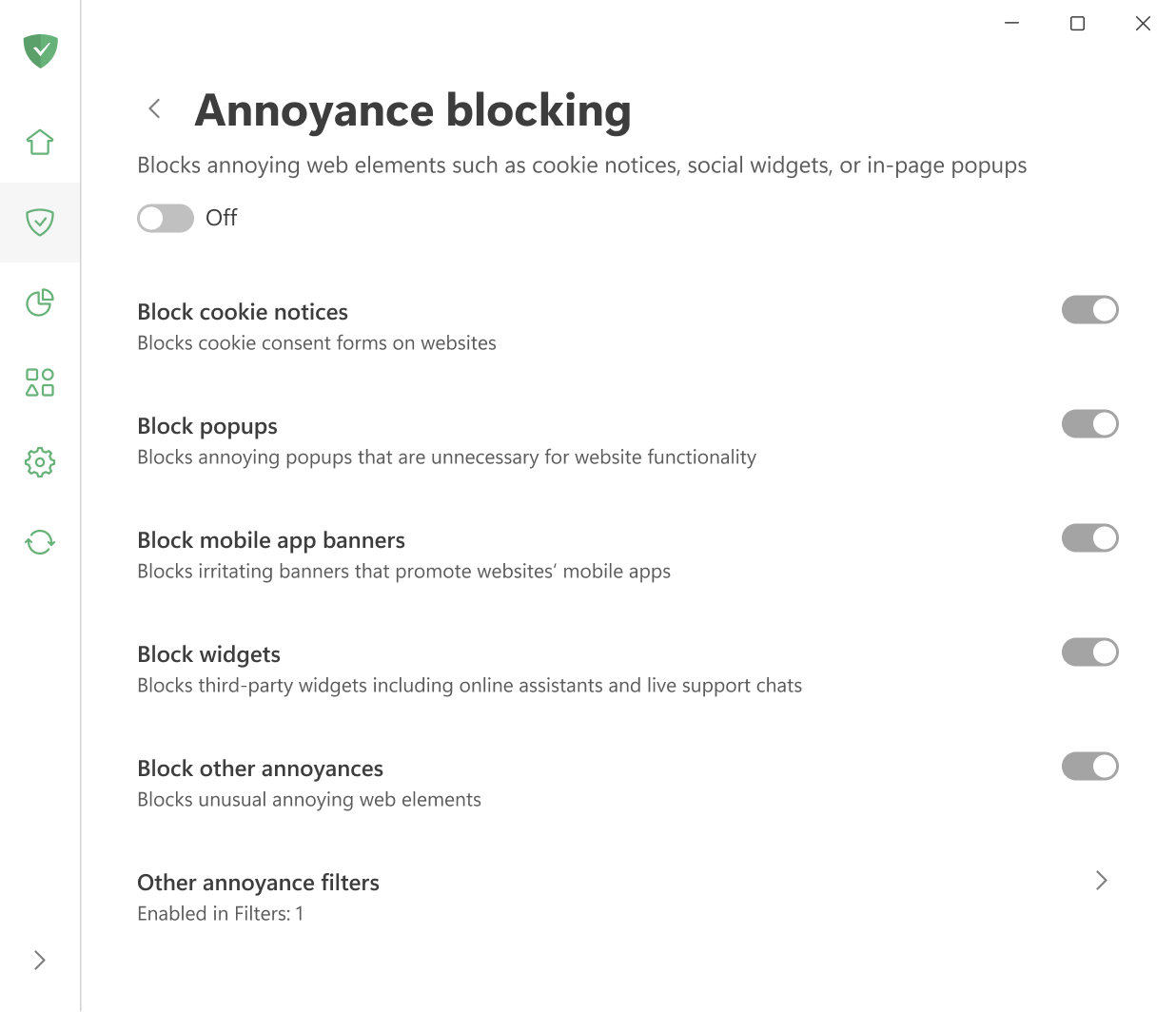
Blocca gli avvisi sui cookie rimuove gli striscioni di consenso ai cookie nelle pagine web.
Blocca gli banner delle app mobile rimuove gli striscioni che promuovono le app mobile nei siti web.
Blocca altri fastidi rimuove gli elementi che non rientrano nelle categorie popolari di scocciature.
Blocca comparse rimuove ogni tipo di comparsa non necessaria per le operazioni dei siti web.
Blocca widget rimuove assistenti in rete, chat di assistenza dal vivo e strumenti simili.