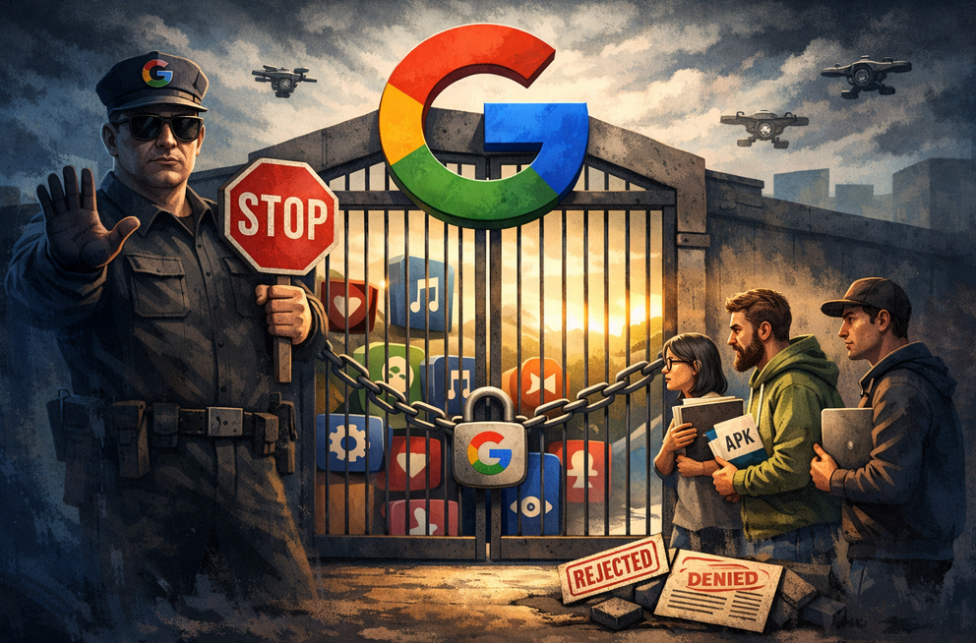
AdGuard is proud to be among the signatories of a newly published open letter opposing Google’s upcoming developer verification policy. The campaign was spearheaded by F-Droid, which launched it last year and has been rallying support ever since.
YouTube comes up with a new way to strike at the users of ad blockers — now by hiding the comment and descriptions of all videos. How will ad blockers respond?
Andrey Meshkov, Co-Founder and CTO of AdGuard, sat down with Henry Fisher from TechLore to talk about the past, the present, and the future of ad blocking in general and the AdGuard’s role in it.
When searching for “brew macos”, a sponsored result (supposedly verified by Google) leads to an official ClaudeAI page containing user-generated instructions that appear to distribute malware.
Anthropic, an OpenAI rival best known for its Claude chatbot, has seized on the ad debate — and the way it chose to do so says a lot about how intransigent the AI arms race has become.
The ads recently promised by OpenAI have arrived in ChatGPT, both in beta Android app and the web app. Let’s see what they look like and if AdGuard will be able to block them.
In this new edition of TechTok, we’re tackling two very different questions. One is incredibly broad in scope, while the other is much narrower. But what ties them together is that the answers to both may seem more straightforward than they actually are.
Not long after AdGuard Mini’s debut, here comes its first improvement. Now, you can manually set the app’s theme to light, dark, or system. We also added a dark version of the app's Dock icon for a better appearance in dark mode.
Спампоўка AdGuard
Каб усталяваць AdGuard, пстрыкніце файл, пазначаны стрэлкай
Выберыце «Адкрыць» і націсніце «ОК», затым дачакайцеся спампоўкі файла. У акне, якое адкрылася, перацягніце значок AdGuard у папку «Праграмы». Дзякуй, што выбралі AdGuard!
Выберыце «Адкрыць» і націсніце «ОК», затым дачакайцеся спампоўкі файла. У акне, якое адкрылася, націсніце «Усталяваць». Дзякуй, што выбралі AdGuard!
Усталюйце AdGuard на мабільную прыладу
Усталяванне
AdGuard для Android доступны ў наступных крамплях праграм:
AdGuard не можа быць апублікаваны ў Google Play. Дзля дадзеных падрабязнасцяў, загледжвайце наш блог. Калі вы карыстаецеся Google Play, датрымлівайцеся гэх інструкцый для ручнай усталёўкі AdGuard для Android.
1. Дазволіць загрузку
Калі ваш браўзер адлюстроўвае папярэджанне, дазвольце загрузку adguard.apk.
Дазволы на ўстаноўку
Калі ўстаноўка з вашага браўзера забаронена, вы атрымаеце апавяшчэнне. У гэтым апавяшчэнні націсніце Настройкі → Дазволіць з гэтай крыніцы.
Заўвага для карыстальнікаў Samsung з One UI 6 (Android 14) і больш познімі версіямі
На некаторых прыладах Samsung функцыянальнасць Аўтаматычнага блакавання можа перашкаджаць усталёўцы APK. Каб усталяваць прыкладанне:
Адкрыйце наладкі вашай прылады.
Перайдзіце ў Бяспеку і прыватнасць.
Пракруціце ўніз і націсніце Аўтаматычнае блакаванне.
Адключыце наладу.
Вы можаце зноў уключыць гэтую функцыянальнасць пасля ўсталёўкі.
2. Усталюйце праграму
У ўсплываючым дыялогу націсніце Устанавіць.
3. Запусціце прыкладанне
Дачакайцеся завяршэння ўстаноўкі і націсніце Адкрыць. Гатова!
Сканіраванне для загрузкі
Выкарыстоўвайце любы счытвальнік QR-кодаў, даступны на вашай прыладзе
Сканіраванне для загрузкі
Выкарыстоўвайце любы счытвальнік QR-кодаў, даступны на вашай прыладзе
Спампаваць старую версію AdGuard?
Гэтая версія аперацыйнай сістэмы не падтрымліваецца. Для яе можна ўсталяваць больш старую версію AdGuard, але яна не будзе абнаўляцца