AdGuard for Android is a powerful app that blocks ads and protects your privacy. But why it's not available on the Google Play Store? Read on to find out.
EU resists Meta’s ads, Google offers data options, fails to block lawsuit, TikTok app (allegedly) takes biometrics, India passes privacy law, California targets connected cars.
Apple has made cross-site tracking less easier by forcing app store developers to confirm to new rules on device fingerprinting. Find out what it means for you.
Meta faces ad targeting ban in Norway due to the lack of explicit user consent for data collection. This could have far reaching consequences for Meta, up to ceasing EU operations.
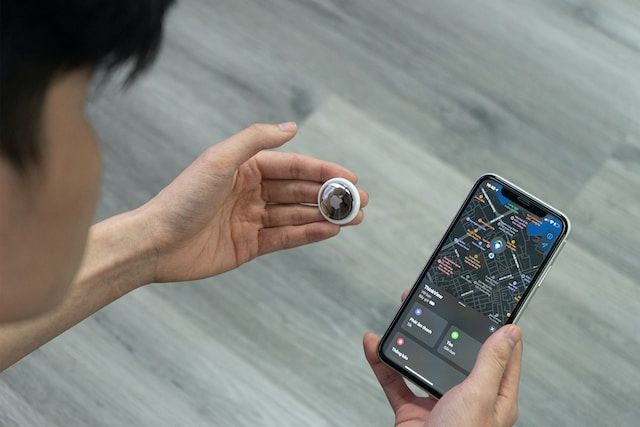
Apple is investigated over tracking, OpenAI dumps its AI-generated text detector, Meta and Google data grab alarms hospitals, OpenAI boss’s side gig raises privacy issues, while Google and Apple join forces to stop AirTag stalking.
This release includes some design changes, such as new tray icons. We have also updated the WFP and TDI drivers to make the app more compatible with other software.
As AI more and more penetrates our lives, the ad industry couldn't stay aside. Google, Meta, and Amazon have all joined the race to provide the best tools for creating AI-generated ads.
AdGuard-download er startet
Klik på den af pilen angivet knap for at starte installationen.
Vælg "Åbn" og klik på "OK". Afvent at filen downloades. I det åbnede vindue, træk AdGuard-ikonet til "Apps"-mappen. Tak fordi du valgte AdGuard!
Vælg "Åbn" og klik på "OK". Afvent at filen downloades. I det åbnede vindue, klik på "Installér". Tak fordi du valgte AdGuard!
Installér også AdGuard til mobilenheder
Installation
AdGuard til Android er tilgængelig i flg. app-butikker:
AdGuard kan ikke udgives via Google Play. For yderligere detaljer, tjek vores blog. Bruger man Google Play, følg da denne vejledning for at installere AdGuard til Android manuelt.
1. Tillad download
Viser webbrowseren en advarsel, tillad download af adguard.apk.
Installationstilladelser
Er installationer fra webbrowseren ikke tilladt, vises en notifikation. I denne trykkes på Indstillinger → Tillad fra denne kilde.
Note til Samsung-brugere med One UI 6 (Android 14) og nyere
På visse Samsung-enheder kan funktionen Auto Blocker forhindre APK-installationer. For at installeres appen:
Åbn enhedsindstillingerne.
Gå til Sikkerhed og fortrolighed.
Rul ned og tryk på Auto Blocker.
Deaktivér indstillingen.
Denne funktion kan genaktiveres efter installationen.
2. Installér appen
Tryk i dialogboksen på Installér.
3. Start appen
Afvent, at installationen færdiggøres, og tryk på Åbn. Færdig!
Skan for at downloade
Brug en hvilken som helst QR-kodelæser fra enheden
Skan for at downloade
Brug en hvilken som helst QR-kodelæser fra enheden
Download en ældre AdGuard-version?
Denne OS-version understøttes ikke. En ældre AdGuard-version kan bruges, men den vil ikke modtage opdateringer
Ved at downloade programmet accepterer du betingelserne i Licensaftalen