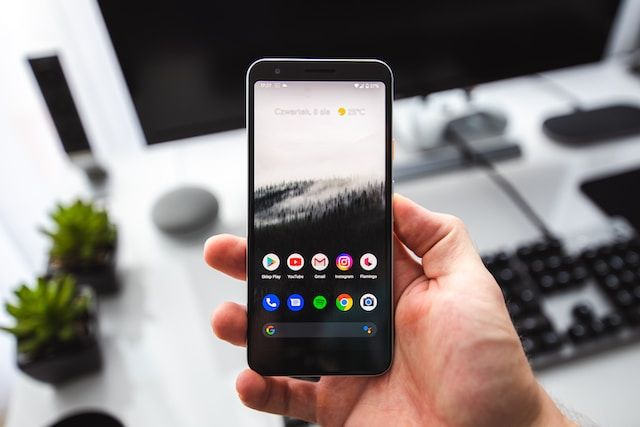
We've reworked the YouTube player to support all video formats, including live streams and shorts. We've also made it easier for you to access Apps Management.
A group of Google engineers has proposed a new Web API that threatens to uproot the work of apps and browsers if they interfere with its ad business. Will the open Web survive?
A mass surveillance system affects billions of people, tracks you, and assigns you a "reputation score" based on your phone usage. That score then determines your access to services. Sounds intrusive and a little dystopian, doesn't it? But here it is.
Uncover the truth about Meta's Threads app. From data collection to privacy concerns and its absence in the EU, in this comprehensive guide we discusses it all.
Google’s AI chatbot arrives in the EU, Shutterstock feeds OpenAI’s data hunger, tax sites spill personal data, the EU and US try a new data deal, and Google’s cookie alternative faces French scrutiny.
As the EU law is set to loosen Google and Apple’s grip on the app store market, Meta is eager to join the fray. For better or worse? Read on to find out.
The AdGuardian is a biweekly newsletter that will bring you the latest news and our expert commentary about ad blocking, privacy protection, AI, and similar topics.
Assistant is a tool that gives you quick access to the settings of recently used apps and websites. With just a few taps, you can disable filtering for an app or website or check their statistics. Read how to use it.
AI has been widely used in applications to streamline and improve their work — but what about ad blocking? We tested an AI-powered ad blocker and come to you with the results.
Thanks to system-wide tracking protection, AdGuard now can block in-app trackers that discreetly collect user data. Also the app supports DNS-over-HTTP/3.
AdGuard-download er startet
Klik på den af pilen angivet knap for at starte installationen.
Vælg "Åbn" og klik på "OK". Afvent at filen downloades. I det åbnede vindue, træk AdGuard-ikonet til "Apps"-mappen. Tak fordi du valgte AdGuard!
Vælg "Åbn" og klik på "OK". Afvent at filen downloades. I det åbnede vindue, klik på "Installér". Tak fordi du valgte AdGuard!
Installér også AdGuard til mobilenheder
Installation
AdGuard til Android er tilgængelig i flg. app-butikker:
AdGuard kan ikke udgives via Google Play. For yderligere detaljer, tjek vores blog. Bruger man Google Play, følg da denne vejledning for at installere AdGuard til Android manuelt.
1. Tillad download
Viser webbrowseren en advarsel, tillad download af adguard.apk.
Installationstilladelser
Er installationer fra webbrowseren ikke tilladt, vises en notifikation. I denne trykkes på Indstillinger → Tillad fra denne kilde.
Note til Samsung-brugere med One UI 6 (Android 14) og nyere
På visse Samsung-enheder kan funktionen Auto Blocker forhindre APK-installationer. For at installeres appen:
Åbn enhedsindstillingerne.
Gå til Sikkerhed og fortrolighed.
Rul ned og tryk på Auto Blocker.
Deaktivér indstillingen.
Denne funktion kan genaktiveres efter installationen.
2. Installér appen
Tryk i dialogboksen på Installér.
3. Start appen
Afvent, at installationen færdiggøres, og tryk på Åbn. Færdig!
Skan for at downloade
Brug en hvilken som helst QR-kodelæser fra enheden
Skan for at downloade
Brug en hvilken som helst QR-kodelæser fra enheden
Download en ældre AdGuard-version?
Denne OS-version understøttes ikke. En ældre AdGuard-version kan bruges, men den vil ikke modtage opdateringer
Ved at downloade programmet accepterer du betingelserne i Licensaftalen