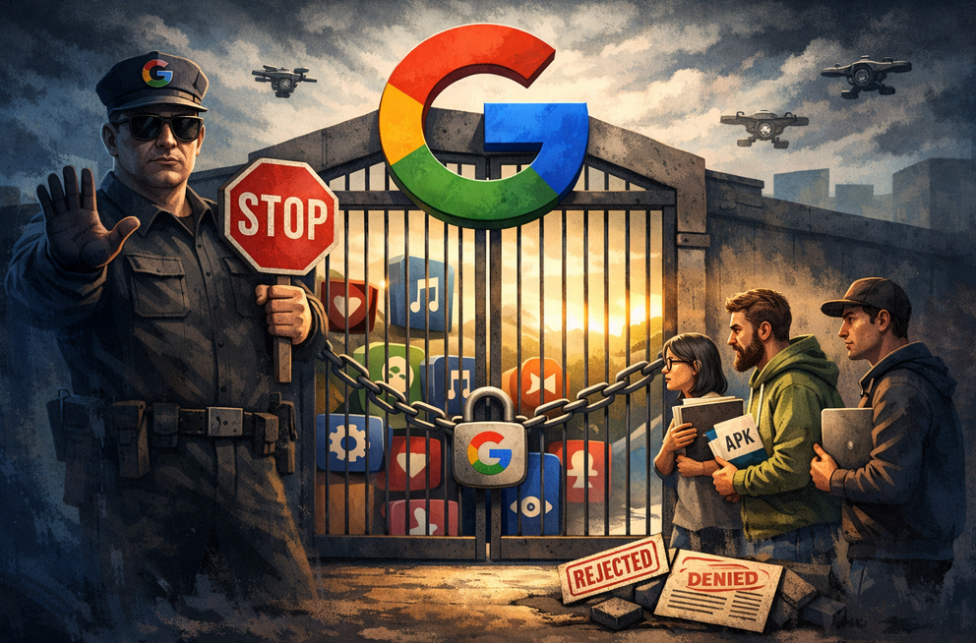
AdGuard is proud to be among the signatories of a newly published open letter opposing Google’s upcoming developer verification policy. The campaign was spearheaded by F-Droid, which launched it last year and has been rallying support ever since.
YouTube comes up with a new way to strike at the users of ad blockers — now by hiding the comment and descriptions of all videos. How will ad blockers respond?
Andrey Meshkov, Co-Founder and CTO of AdGuard, sat down with Henry Fisher from TechLore to talk about the past, the present, and the future of ad blocking in general and the AdGuard’s role in it.
When searching for “brew macos”, a sponsored result (supposedly verified by Google) leads to an official ClaudeAI page containing user-generated instructions that appear to distribute malware.
Anthropic, an OpenAI rival best known for its Claude chatbot, has seized on the ad debate — and the way it chose to do so says a lot about how intransigent the AI arms race has become.
The ads recently promised by OpenAI have arrived in ChatGPT, both in beta Android app and the web app. Let’s see what they look like and if AdGuard will be able to block them.
In this new edition of TechTok, we’re tackling two very different questions. One is incredibly broad in scope, while the other is much narrower. But what ties them together is that the answers to both may seem more straightforward than they actually are.
Not long after AdGuard Mini’s debut, here comes its first improvement. Now, you can manually set the app’s theme to light, dark, or system. We also added a dark version of the app's Dock icon for a better appearance in dark mode.
Rozpoczęto pobieranie AdGuard
Kliknij przycisk wskazany strzałką, aby rozpocząć instalację
Wybierz „Otwórz” i kliknij „OK”. Poczekaj aż plik zostanie pobrany. W otwartym oknie, przeciągnij ikonę AdGuard do folderu „Aplikacje”. Dziękujemy za wybrania AdGuard!
Wybierz „Otrwórz” i kliknij „OK”. Poczekaj aż plik zostanie pobrany. W otwartym kliknij „Instaluj”. Dziękujemy za wybrania AdGuard!
Zainstaluj również AdGuard dla urządzeń mobilnych
Instalacja
AdGuard na Androida jest dostępny w następujących sklepach z aplikacjami:
AdGuard nie może być opublikowany w Google Play. Aby uzyskać więcej informacji, sprawdź nasz blog. Jeśli korzystasz z Google Play, postępuj zgodnie z tymi instrukcjami, aby ręcznie zainstalować AdGuard na Androida.
1. Pozwól na pobranie
Jeśli Twoja przeglądarka wyświetli uwaga, pozwól na pobranie adguard.apk.
Uprawnienia do instalacji
Jeśli instalacje z przeglądarki nie są dozwolone, zostanie wyświetlone powiadomienie. W tym powiadomieniu dotknij Ustawienia → Zezwalaj z tego źródła.
Uwaga dla użytkowników Samsunga z One UI 6 (Android 14) i nowszymi
Na niektórych urządzeniach Samsung funkcja automatycznego blokowania może uniemożliwiać instalację APK. Aby zainstalować aplikację:
Otwórz ustawienia urządzenia.
Przejdź do Bezpieczeństwo i prywatność.
Przewiń w dół i dotknij Automatyczne blokowanie.
Wyłącz to ustawienie.
Możesz ponownie włączyć tę funkcję po instalacji.
2. Zainstaluj aplikację
W oknie dialogowym, kliknij Zainstaluj.
3. Uruchom aplikację
Poczekaj na zakończenie instalacji i kliknij Otwórz. Gotowe!
Skanuj, aby pobrać
Użyj dowolnego czytnika kodów QR dostępnego w Twoim urządzeniu
Skanuj, aby pobrać
Użyj dowolnego czytnika kodów QR dostępnego w Twoim urządzeniu
Pobrać starszą wersję AdGuard?
Ta wersja systemu operacyjnego nie jest obsługiwana. Można dla niej zainstalować starszą wersję AdGuard, ale nie będzie ona aktualizowana