AdGuard 7.0 for Windows beta: new design and more
We don't post about new betas in Blog every day, and not because there aren't enough of them. Usually, most users won't be interested in beta updates, but this time is different. We receive questions about the new AdGuard for Windows version literally every day. That's understandable — the last update was back in October 2018. More than half a year ago!
This fact, combined with the high number of changes in the new beta, justifies writing an article about it. Let's have a look at the first AdGuard 7.0 beta!
What's new
Several big changes we need to talk about: new UI, CoreLibs update, automatic crash reports. Dozens more that didn't make it to the article but contribute to the update too. Let's get straight into the action by discussing the elephant in the room: the new UI design.
New looks
Oh yes. It's almost a tradition now — with every major update we redesign the UI of our app. We want to believe that this is not a change for the sake of change, and we actually make AdGuard look better with every redesign. If nothing else, we added a dark theme! See for yourself:
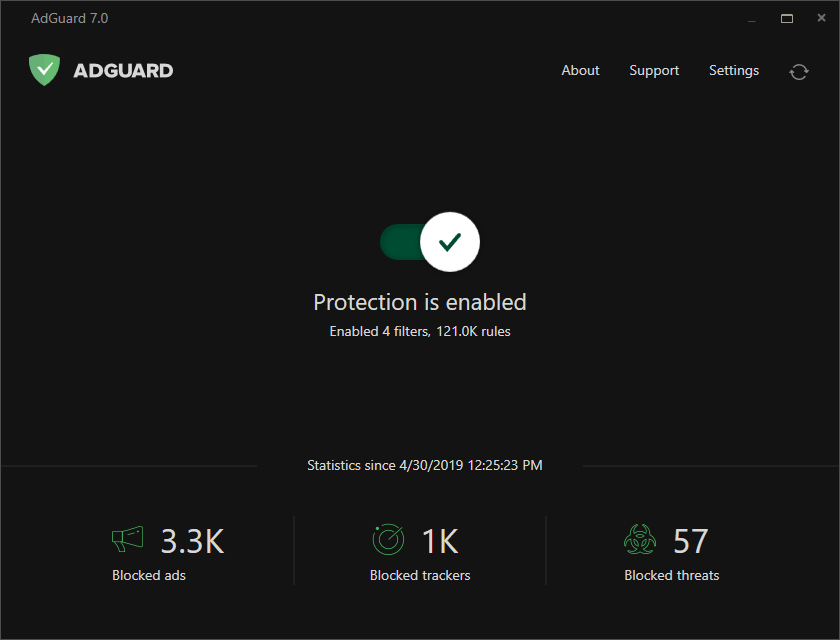
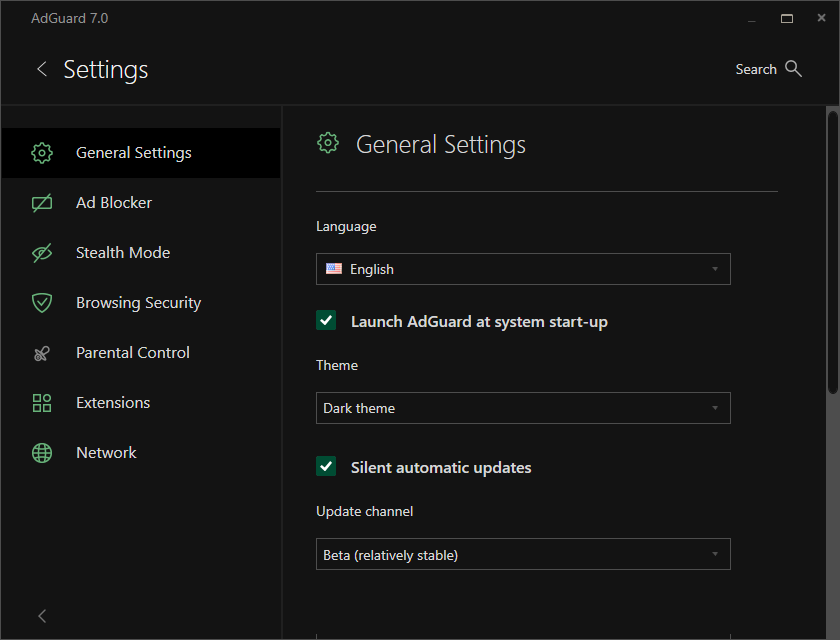
Turn to the dark side... or not. It's up to you, really
Of course, it is optional, just like with AdGuard for Android. The default theme is still the light one:
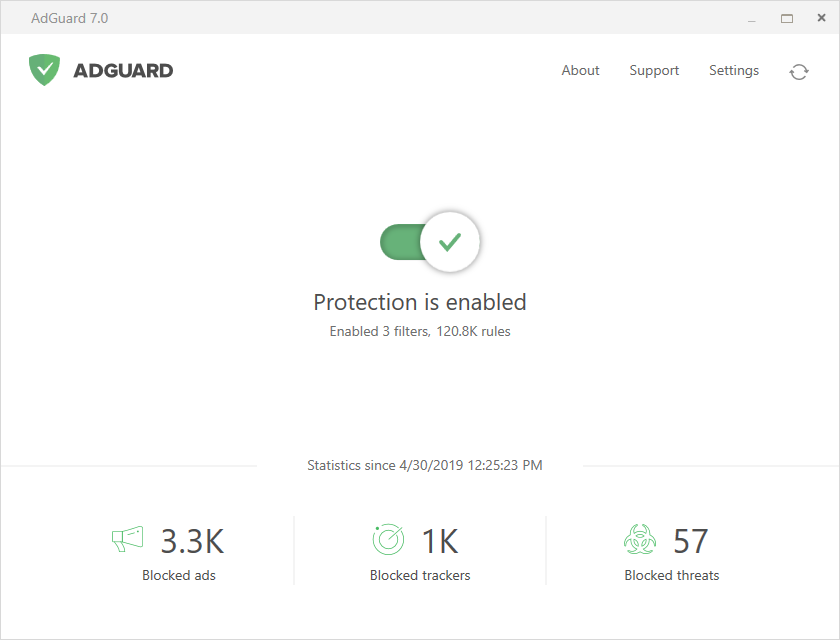
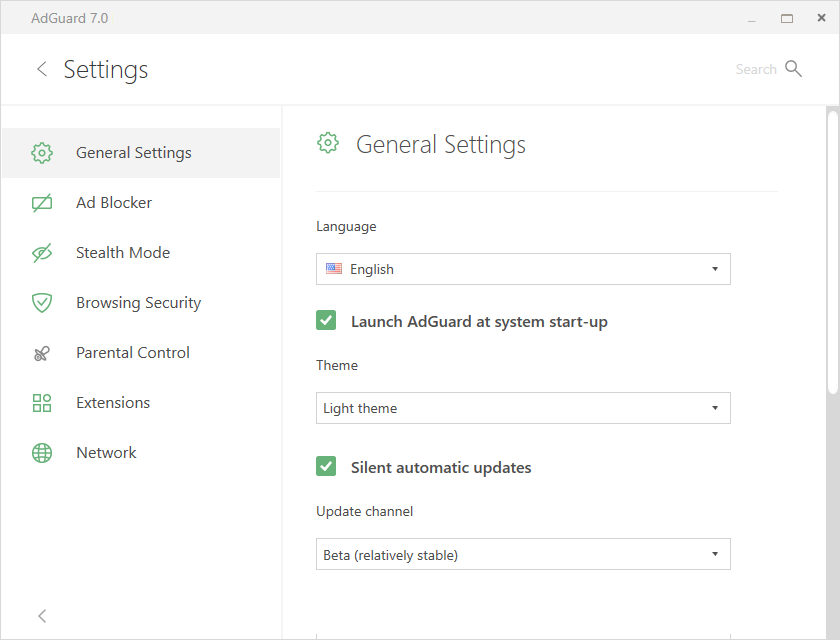
The classic color scheme is here to stay
Not only the visual style has changed, but also the layout of the main screen and the menus. Less complicated, less intimidating for new users, but more informative and functional at the same time. Or at least that's how we see it :)
The installation wizard follows the trend and gets a redesign too. It only makes sense, because it's the first thing new users see when they start their acquaintance with AdGuard, and it better be good!
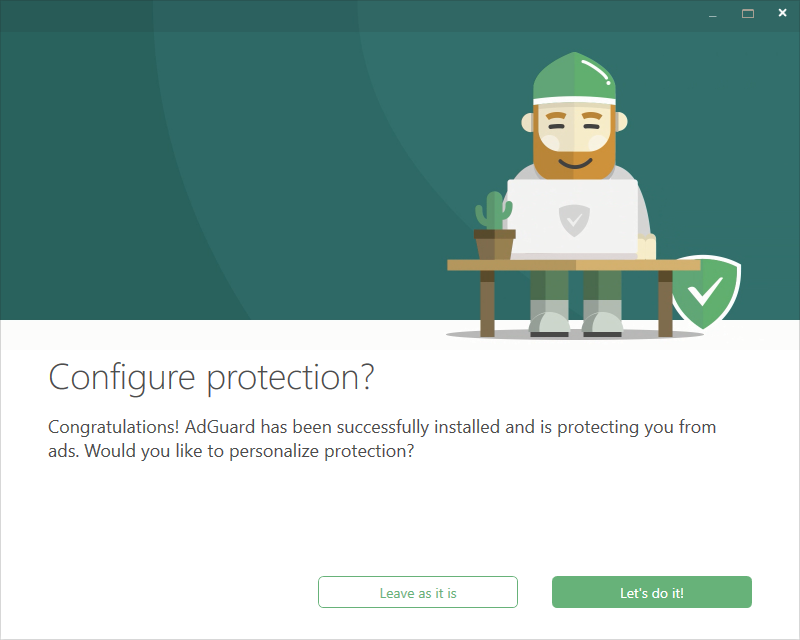
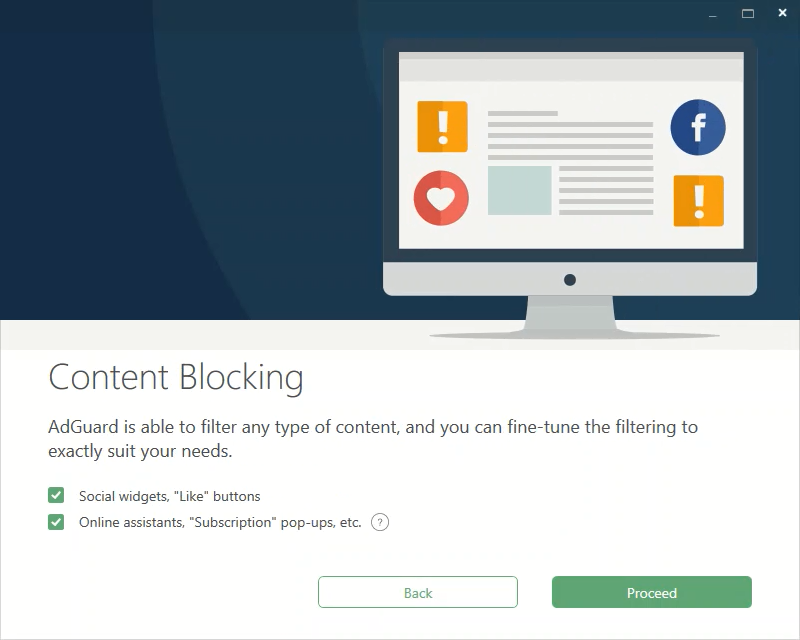
Installation wizard introduces you to main AG features
Screenshots don't do it justice — the wizard has animations, you'll see it for yourself if you install AdGuard 7.0 from scratch.
Ok, you get it, AdGuard for Windows will look differently in v7.0. Hope you like it better this way :) Now let's talk about other things.
CoreLibs update
Everybody knows what CoreLibs is by this point, but we'll remind anyway: it is a filtering engine that drives the whole process of ad blocking in most AdGuard products, AdGuard for Windows included. And with every new version of CL these products become better: the quality of ad blocking increases, they work faster and become more stable. Too bad we can't show this on a screenshot — you'll have to actually go and update AdGuard.
This beta of AdGuard 7.0 for Windows features the most recent of CoreLibs version, which means this is as good as it gets. Well, at least until the next CoreLibs update :)
Automatic crash reports
Sometimes apps crash, no matter how well you test them before releasing, and this is even more true for betas. Reasons can be very different, and so are solutions. To be able to investigate every crash individually and find a proper fix, we added integration with an automatic crash report system. If AdGuard crashes, upon the next launch you'll be asked if you want to send a crash report.
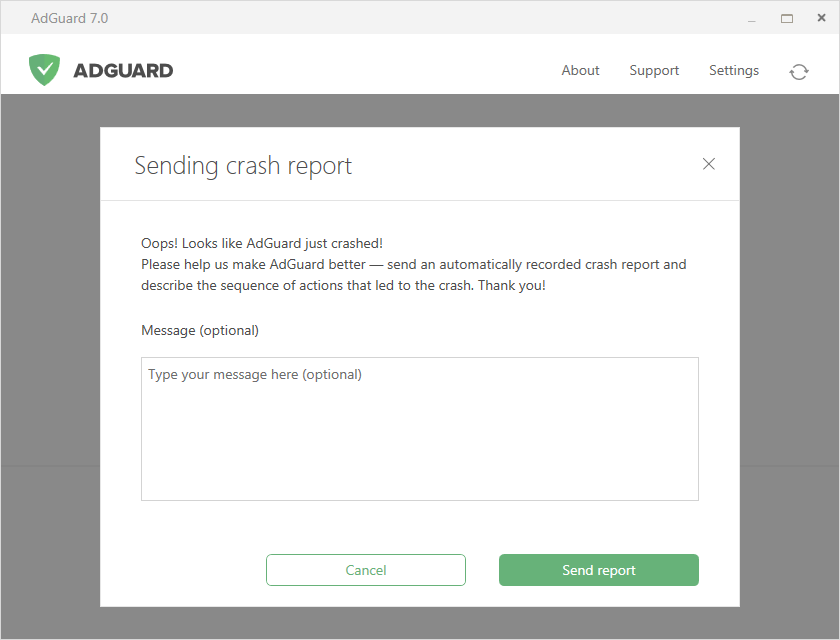
The crash report is ready to be sent, it only requires your permission
Nothing will ever be sent without your consent, and if you want to know what exactly is in the report, you can check out our Privacy Policy. We'll appreciate each and every report, as it will help us greatly in making AdGuard for Windows more stable.
How to update
Not everyone is familiar with the beta update channel, so let me quickly explain where you can get the new toy. First of all — you can download the beta installer directly from our website. Scroll down and click the "Download Beta" button.
While there, you may also consider giving Nightly version a shot. Nightly to beta is roughly what beta is to release version — even more frequently updated, but less stable.
The other option is for users who already have AdGuard up and running. Go to General Settings and switch the update channel to "Beta", then check the app for updates. As simple as that.
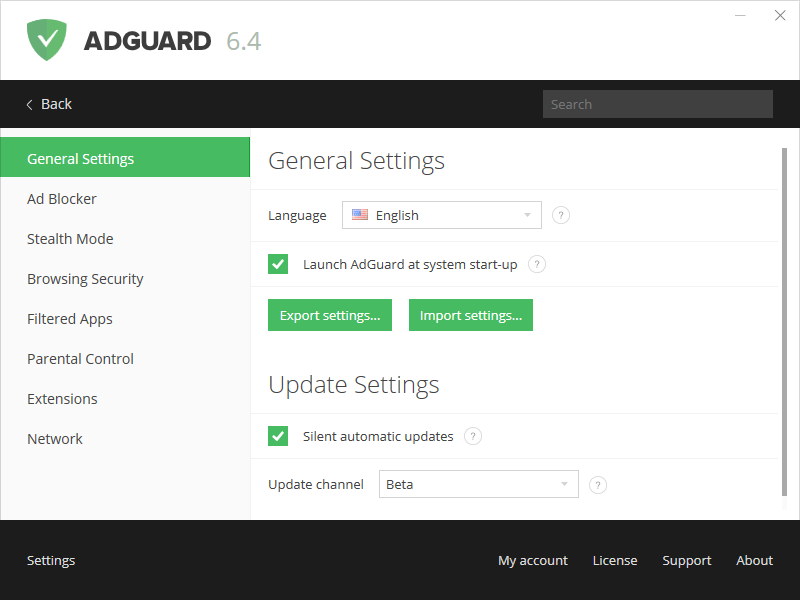
Switch to Beta update channel to get the new version
You can download the beta installer from GitHub as well. It is also the place to go to find the complete changelog — obviously, there's much much more new stuff than what was mentioned in this article.
Whether you want to jump right in or wait for the official release, we hope that at the very least this article will sate your curiosity in regard to AdGuard for Windows. Stay tuned, as more updates are coming, and something very special will be announced at the end of the month!


















































