Filter
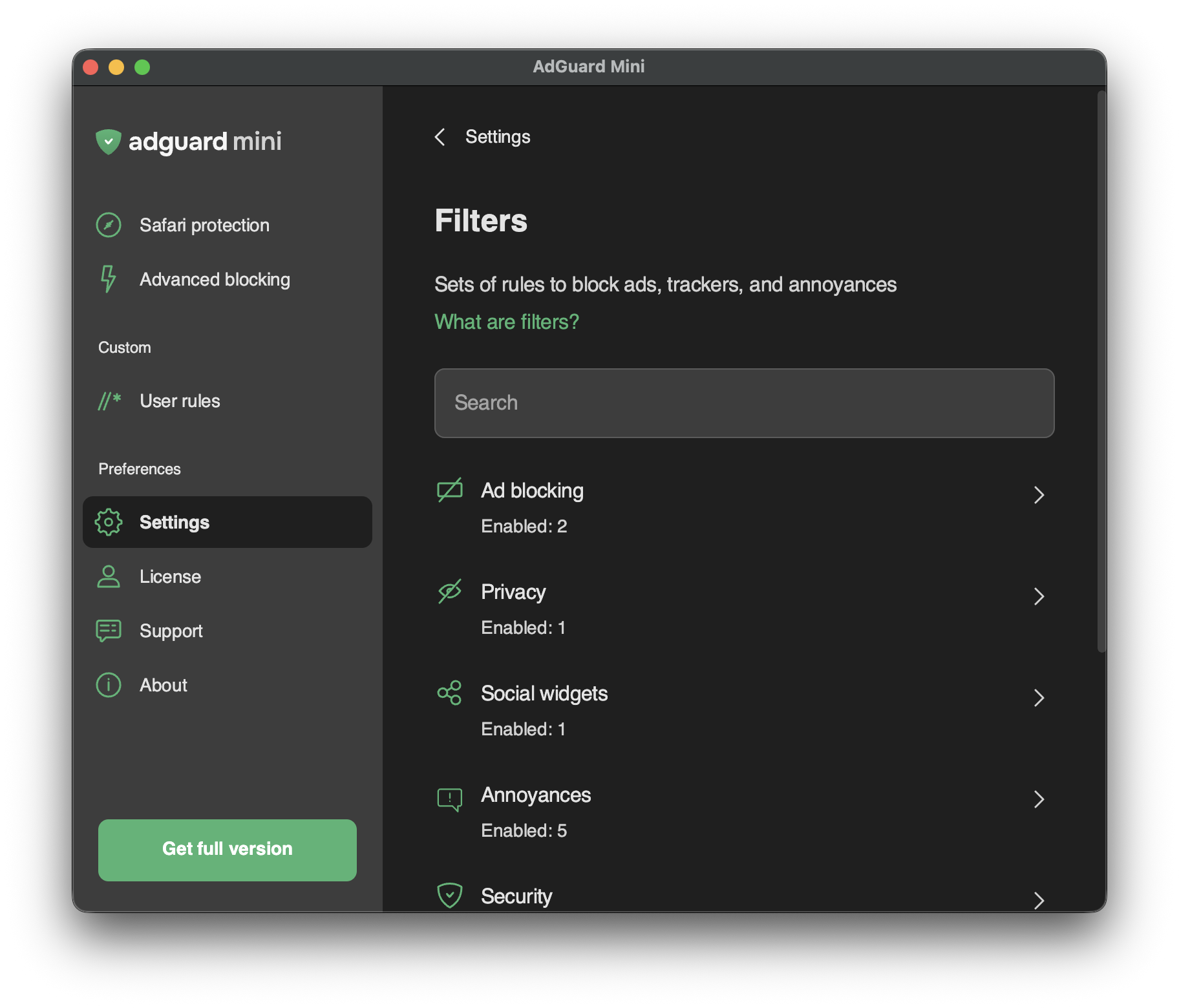
Unter Einstellungen → Filter können Sie einzelne Filter oder ganze Filterkategorien aktivieren.
Filter sind das Rückgrat der Werbeblockierung und im Grunde das, was das Internet sauber hält. Ein Filter ist eine Liste von Regeln, die in einer speziellen Syntax geschrieben sind. Nach diesen Regeln können Inhaltsblocker den Webverkehr filtern und Werbung oder Anfragen an bösartige Websites blockieren.
Die Filter sind in acht thematischen Kategorien zusammengefasst: Werbeblockierung, Datenschutz, soziale Widgets, Belästigungen, Sicherheit, sprachspezifische Filter, benutzerdefinierte und sonstige Filter.
Erfahren Sie mehr über AdGuard-Filter oder Werbefilterung im Allgemeinen.
Änderungen an den Filtern werden auch unter Einstellungen → Safari-Erweiterungen angezeigt.
Benutzerdefinierte Filter
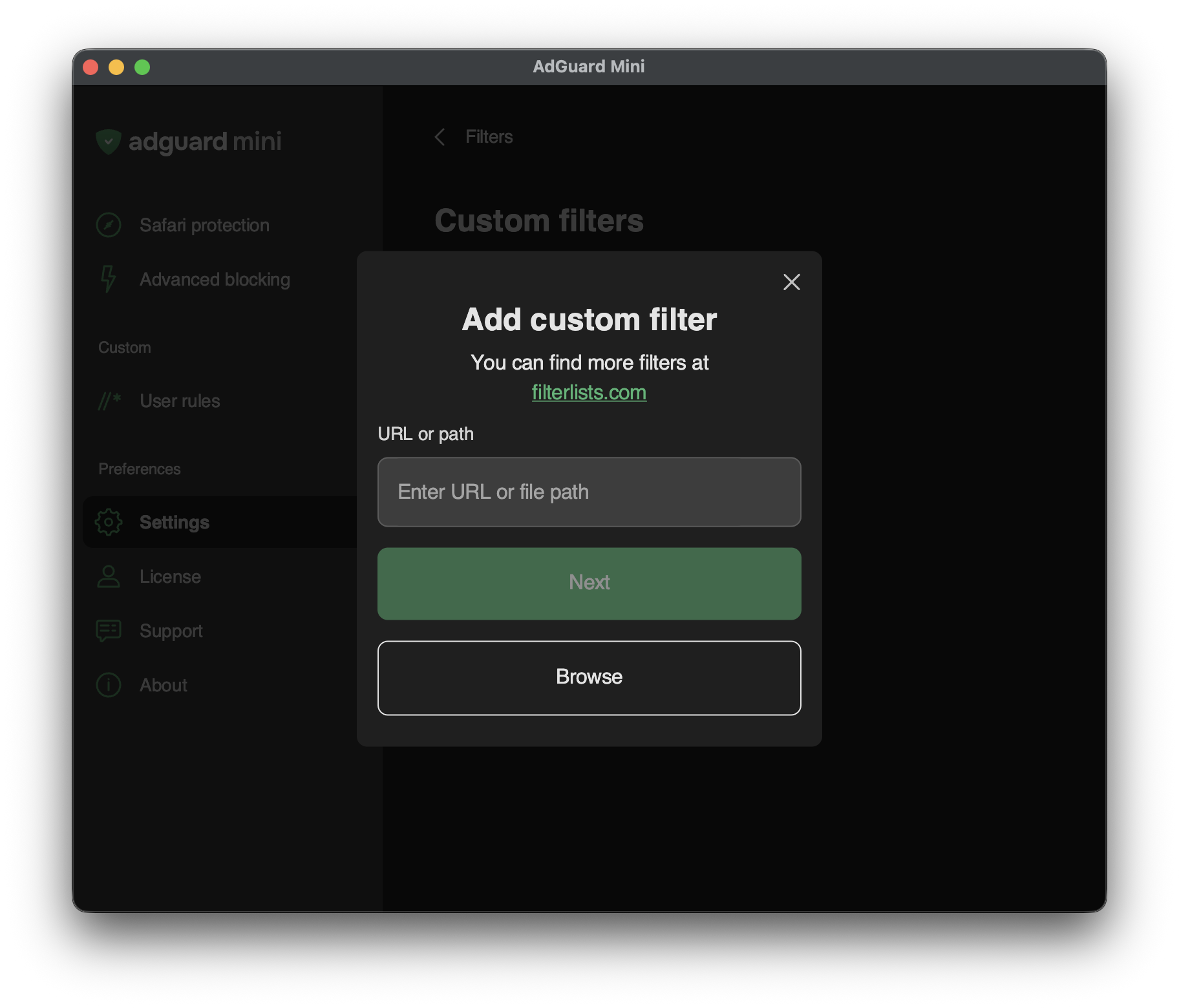
Um einen benutzerdefinierten Filter hinzuzufügen, gehen Sie zu Einstellungen → Filter → Benutzerdefinierte Filter und geben Sie eine URL oder einen lokalen Dateipfad in das entsprechende Feld ein.
Sie können viele Filter auf filterlists.com finden.