フィルタ
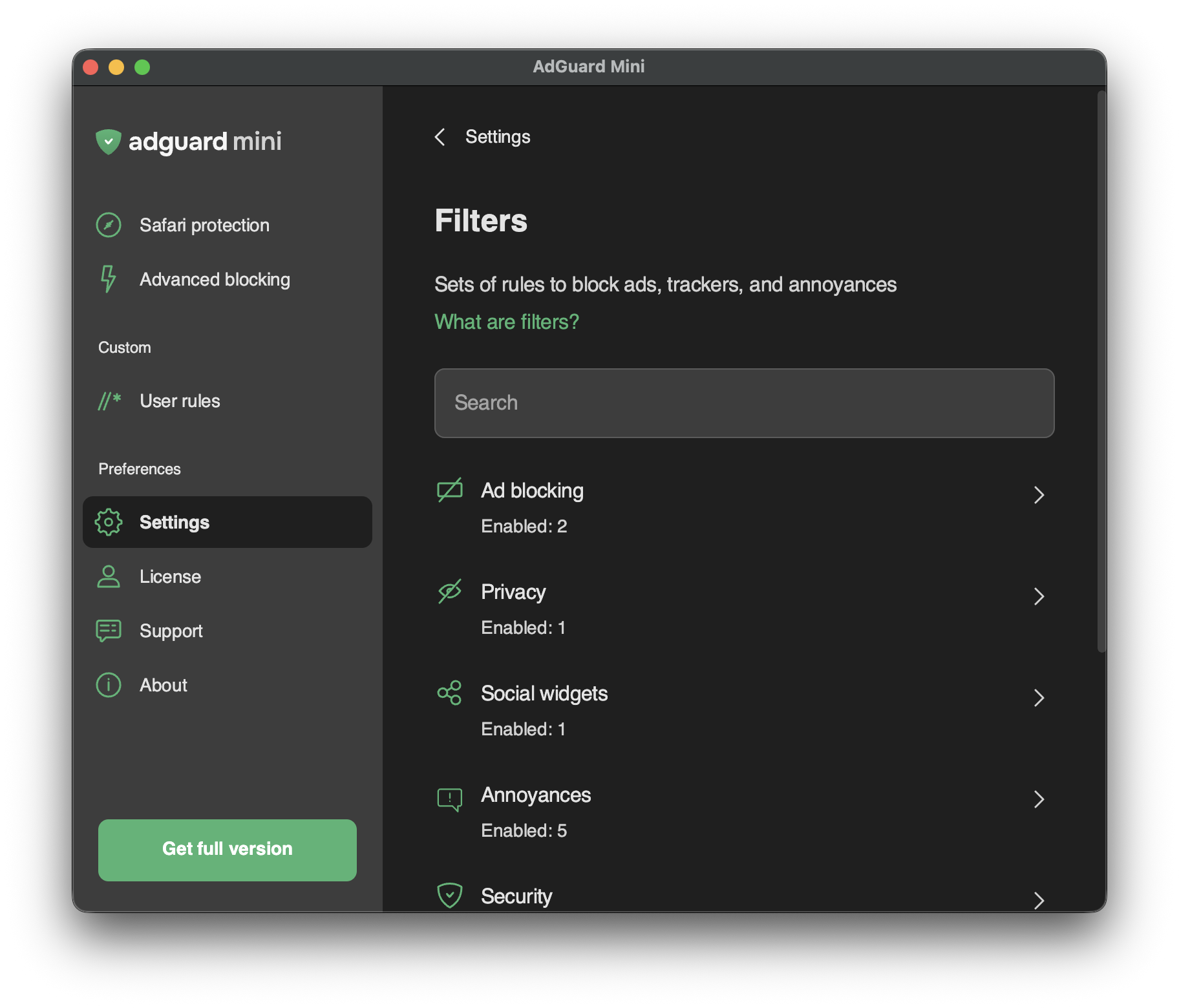
In Settings → Filters, you can enable separate filters or whole categories of filters.
Filters are the backbone of ad blocking and basically it’s what keeps the Internet clean. フィルタとは、特別な構文で書かれたルールのリストです。 これらのルールに従って、コンテンツブロッカーはウェブトラフィックをフィルタリングし、広告や悪質なウェブサイトへのリクエストをブロックすることができるようになります。
Filters are combined into eight thematic categories: Ad Blocking, Privacy, Social widgets, Annoyances, Security, Language-specific filters, Custom, and Other filters.
AdGuardフィルタについてはこちら、広告フィルタリング全般についてはこちらでもっと読むことができます。
Changes in Filters are also reflected in Settings → Safari extensions.
カスタムフィルタ
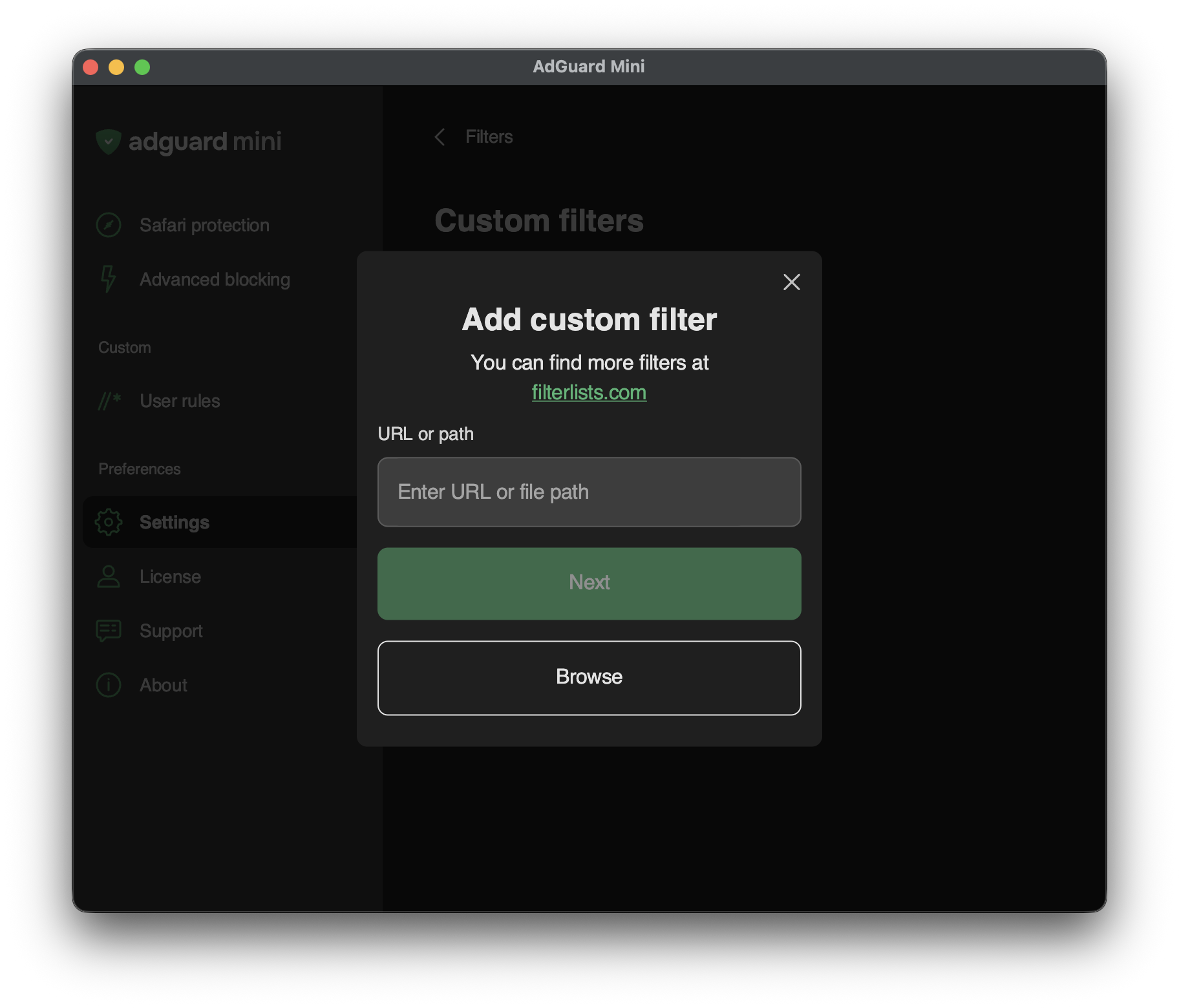
To add a custom filter, go to Settings → Filters → Custom filters and enter a URL or a local file path in the relevant field.
You can find a lot of filters at filterlists.com.