Filtering doesn’t stop when AdGuard Mini is disabled
info
This article is about AdGuard Mini for Mac, which safeguards only your Safari browser. To protect your Mac entirely, download the AdGuard app
If filtering doesn’t stop when AdGuard Mini for Mac is disabled, it may be because content blockers take too long to update.
対処法
- Safariを開きます。
- 左上のメニューで「Safari」をクリックします。
- 「環境設定…」→「拡張機能」をクリックします。
- Clear the checkboxes for AdGuard Mini’s extensions: Custom, General, Other, Privacy, Security, Social, and AdGuard for Safari.
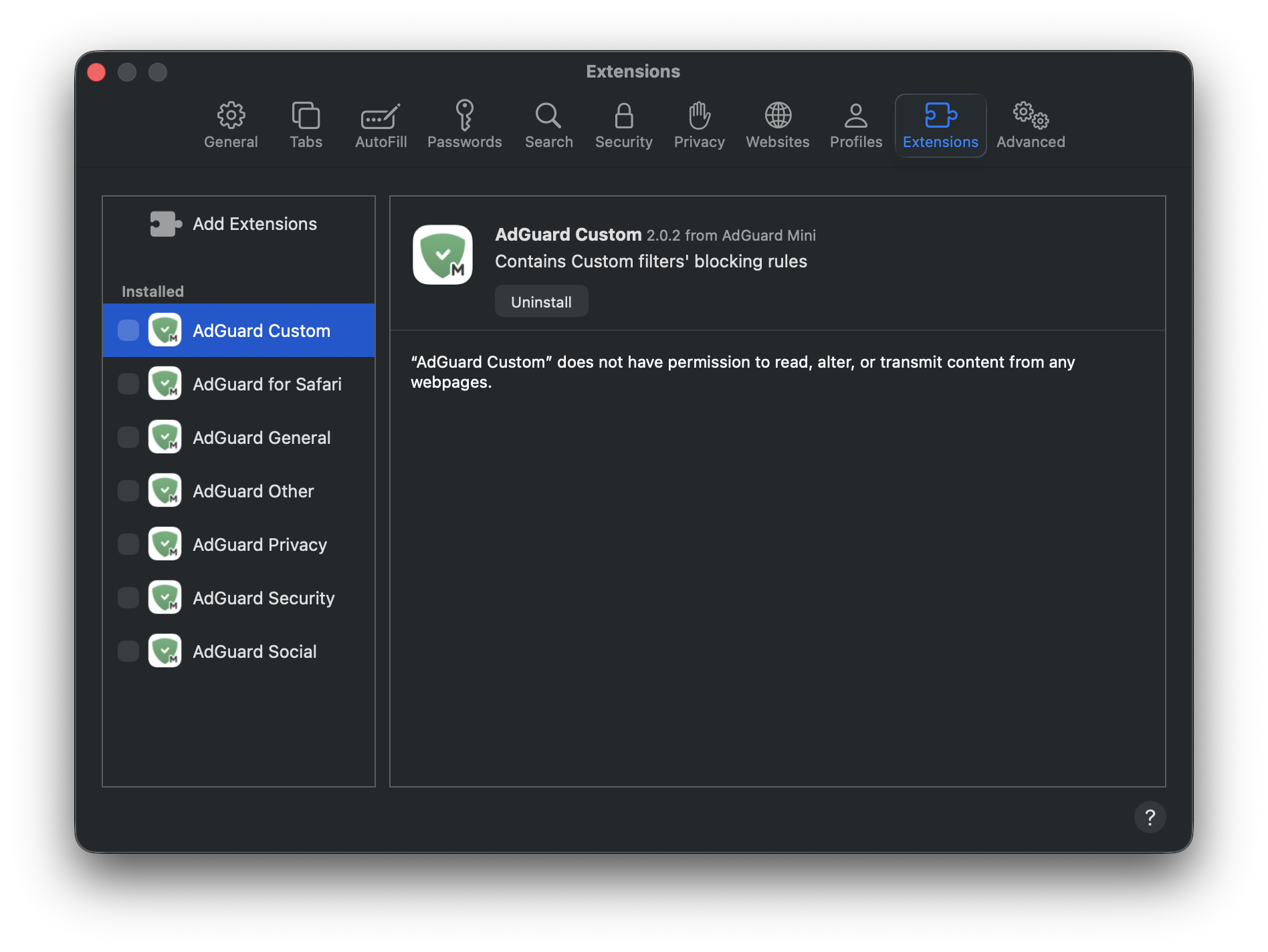
- Safari を再起動します。
- Return to Safari → Settings... → Extensions and re-enable the AdGuard extensions.
Now everything should work as intended: filtering is on when AdGuard Mini is enabled, and filtering is off when it is disabled.