Parental control
This article describes AdGuard for Windows v8.0, a comprehensive ad blocker that protects your device at the system level. This is a beta release that is still under development. To try it, download the beta version of AdGuard for Windows.
There are several websites that children shouldn’t be able to access. Parental control helps you solve this problem.
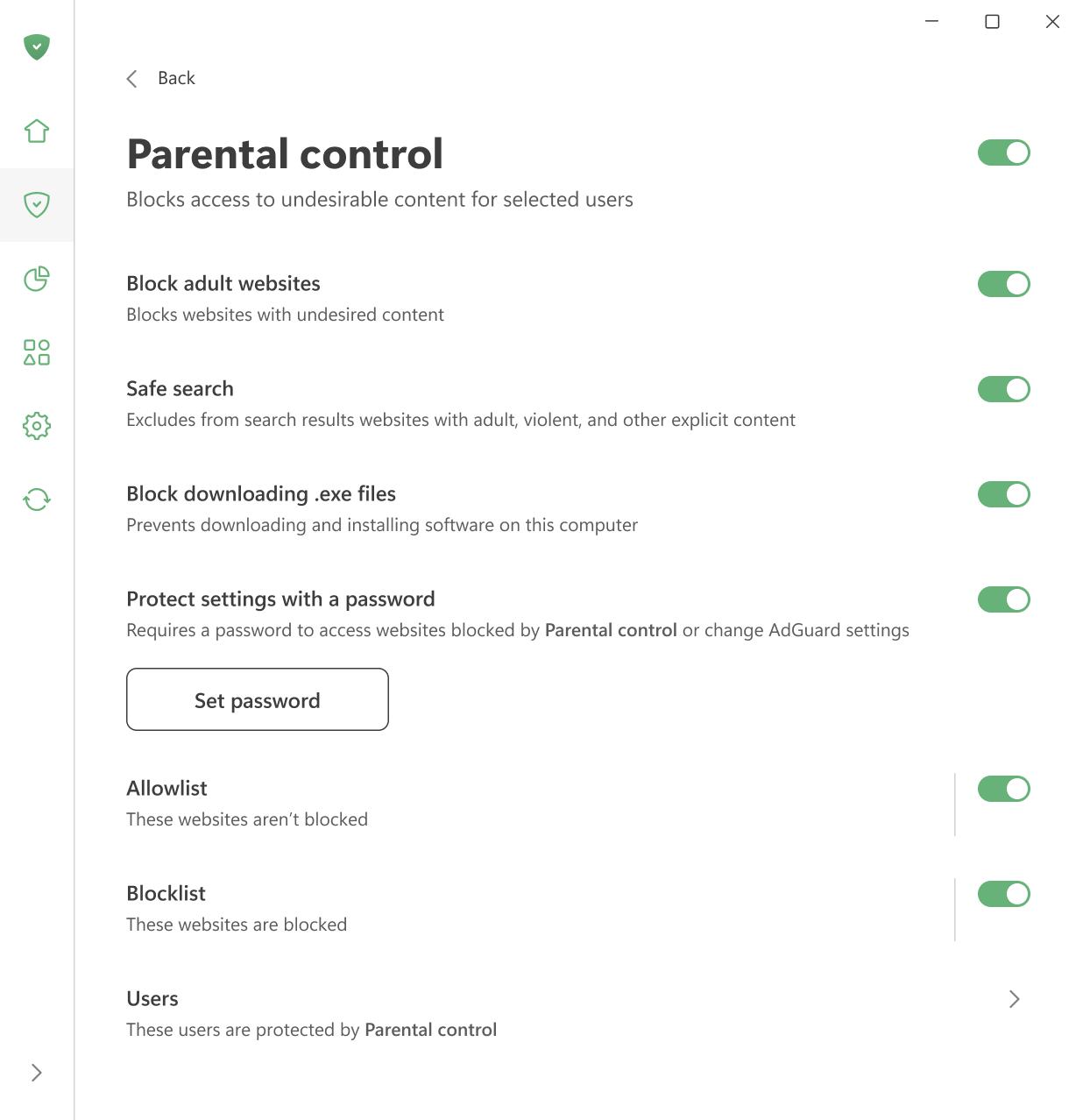
When Parental control is enabled, AdGuard scans the content of webpages and blocks those that may be harmful or inappropriate for children. This includes adult images and text, crude language, violence, and drug-related content.
You can also turn on Safe search to remove inappropriate links from search results.
To prevent children from downloading unwanted programs, enable the Block downloading exe.files option. This option blocks them from downloading and installing software.
You can manage the Blocklist and the Allowlist to decide which websites should be blocked and which should be allowed.
Finally, you can protect these settings with a password and choose which user accounts they apply to.