Filtering doesn’t stop when AdGuard Mini is disabled
info
This article is about AdGuard Mini for Mac, which safeguards only your Safari browser. To protect your Mac entirely, download the AdGuard app
If filtering doesn’t stop when AdGuard Mini for Mac is disabled, it may be because content blockers take too long to update.
수정 방법
- Safari를 엽니다.
- 왼쪽 상단 메뉴에서 Safari를 클릭합니다.
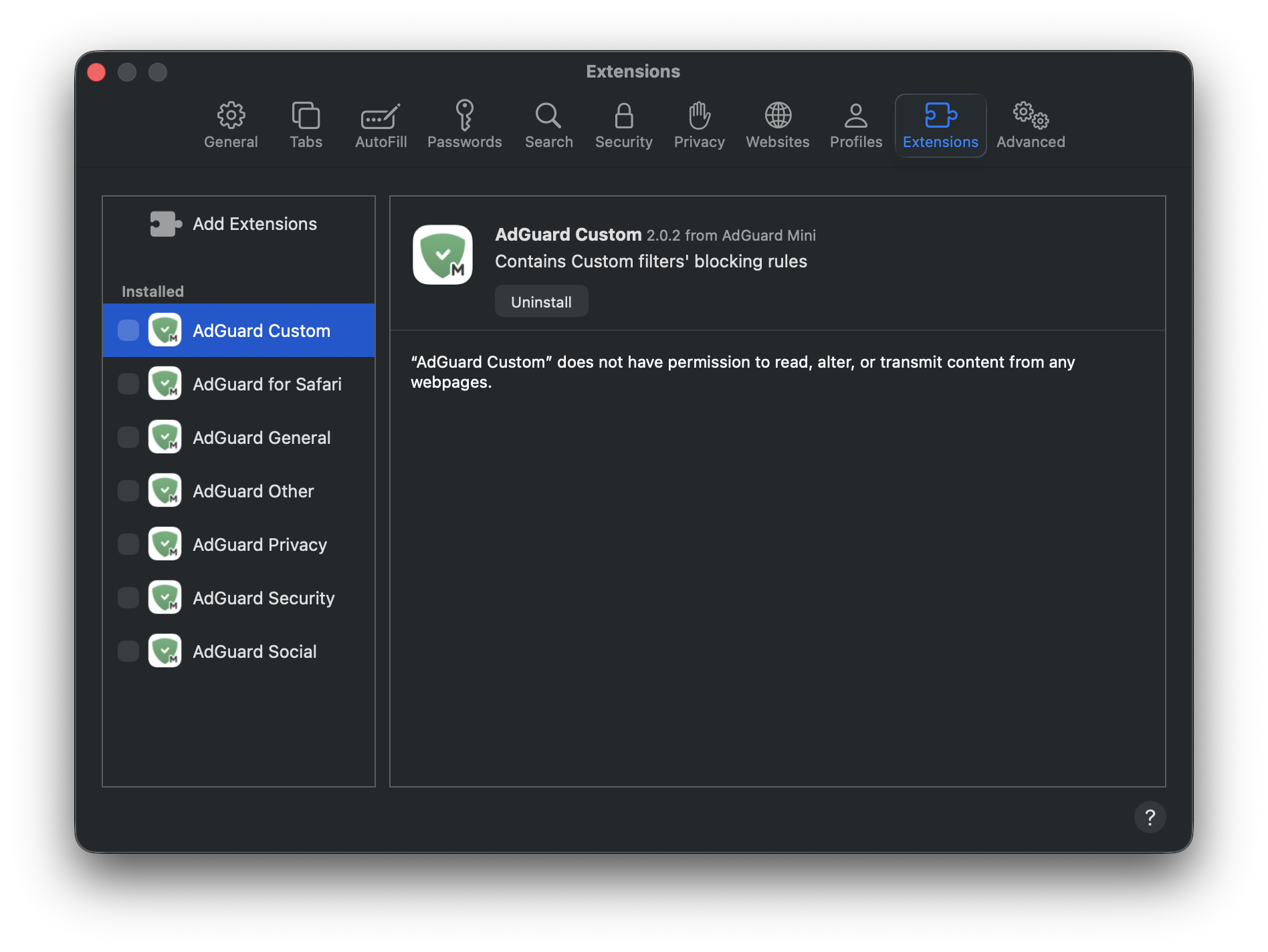
- 설정… → 확장 프로그램을 클릭합니다.
- Clear the checkboxes for AdGuard Mini’s extensions: Custom, General, Other, Privacy, Security, Social, and AdGuard for Safari.
- Safari를 재시작합니다.
- Return to Safari → Settings... → Extensions and re-enable the AdGuard extensions.
Now everything should work as intended: filtering is on when AdGuard Mini is enabled, and filtering is off when it is disabled.