AdGuard Mini doesn’t work in private tabs on macOS Sonoma
info
This article is about AdGuard Mini for Mac, which safeguards only your Safari browser. To protect your Mac entirely, download the AdGuard app
수정 방법
- Safari를 엽니다.
- 왼쪽 상단 메뉴에서 Safari를 클릭합니다.
- 설정… → 확장 프로그램을 클릭합니다.
- 모든 AdGuard 확장 프로그램에 대해 비공개 브라우징에서 허용을 선택합니다.
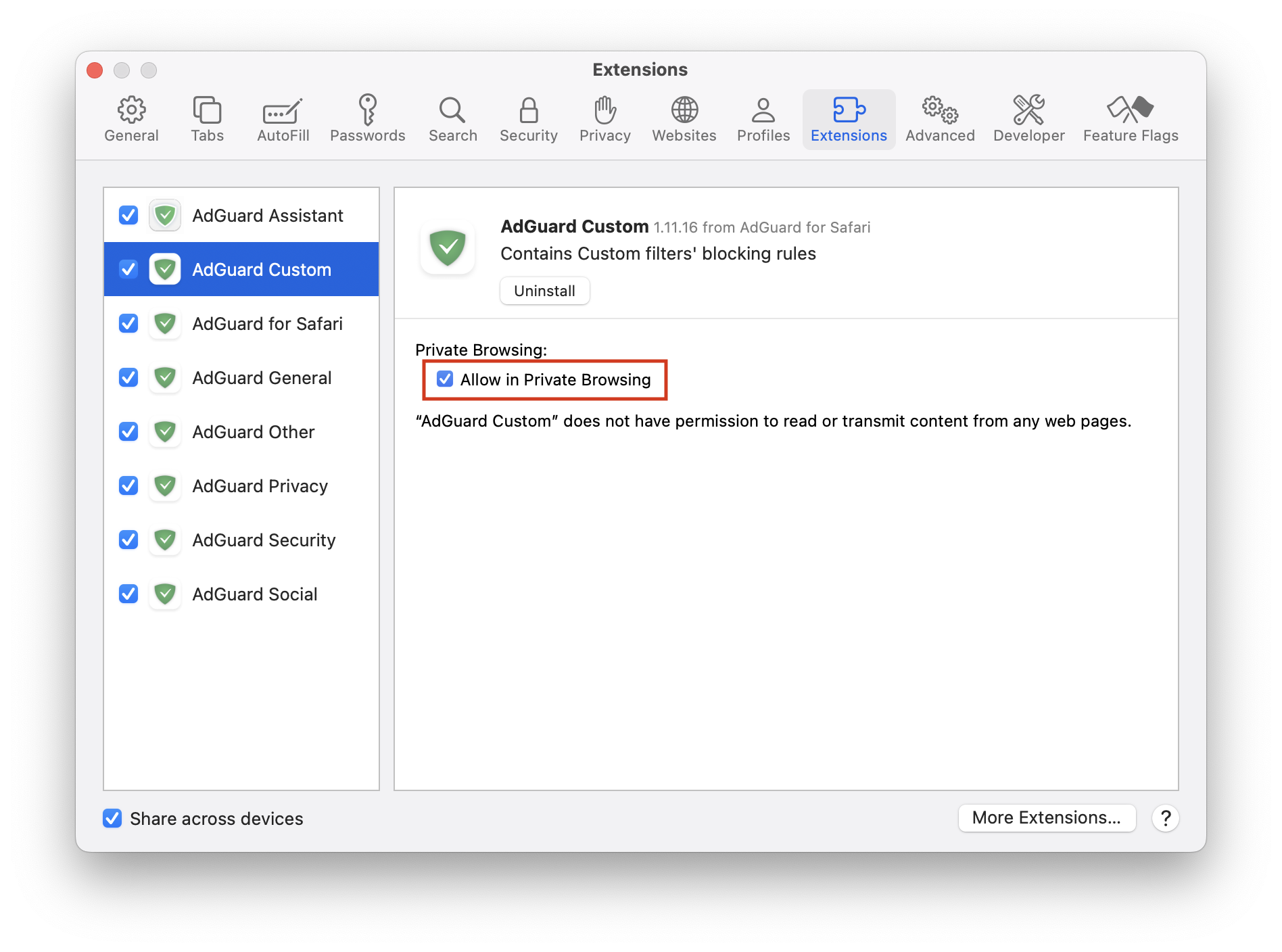
그래도 도움이 되지 않고 광고가 차단되지 않는다면 지원팀(support@adguard.com)으로 문의하세요.
If you only have problems with a specific page or website, you can report it directly from the browser: click the AdGuard Mini icon next to the Safari search bar, and then click Report an issue.