Final Episode 2021: AdGuard sums up the year
- Main protagonist of 2021
- A little AdGuard magic
- Bye-bye ads in Safari
- The end is near
- New version AdGuard Home
- Reinventing DNS
- Long live the content
- Dear Santa...
- In conclusion
You know those episodes in TV shows that are made up of bits and pieces of the previous series. Most often, this format is used at the end of the season, to recall with the audience the brightest moments of the show and dive into nostalgia, to the accompaniment of a very touching tune. So, make yourselves comfortable, put the new Adele album in the background, and let's take a retrospective look at the past year together.
Main protagonist of 2021

AdGuard VPN is probably the product of the year: the January release of AdGuard VPN for Windows (alpha) triggered a massive chain of AdGuard VPN releases for all of our products. They’ve been appearing one after another right out of the oven — alphas, betas, and the long-awaited full versions! During this year, AdGuard VPN has made a significant evolutionary leap and earned its place on the market. What made it possible? Let's dwell on it in more detail.
Unique AdGuard VPN protocol. In short, we've developed the AdGuard VPN protocol so that you don't have to choose between speed and security. And also so that you can use both of our applications — AdGuard VPN and AdGuard Ad Blocker — at the same time. And in general, to browse the Internet without the threat of being detected. If you are interested in this, be sure to read the detailed article on how the AdGuard VPN protocol works.
Lists of exclusions. AdGuard VPN will work only where you need it: on all sites except those specified in the list, or only on the specified sites. And just like that, we've explained how the two AdGuard VPN modes — Regular and Selective (respectively) — work. Believe us, setting up the modes is as easy as telling you about them.
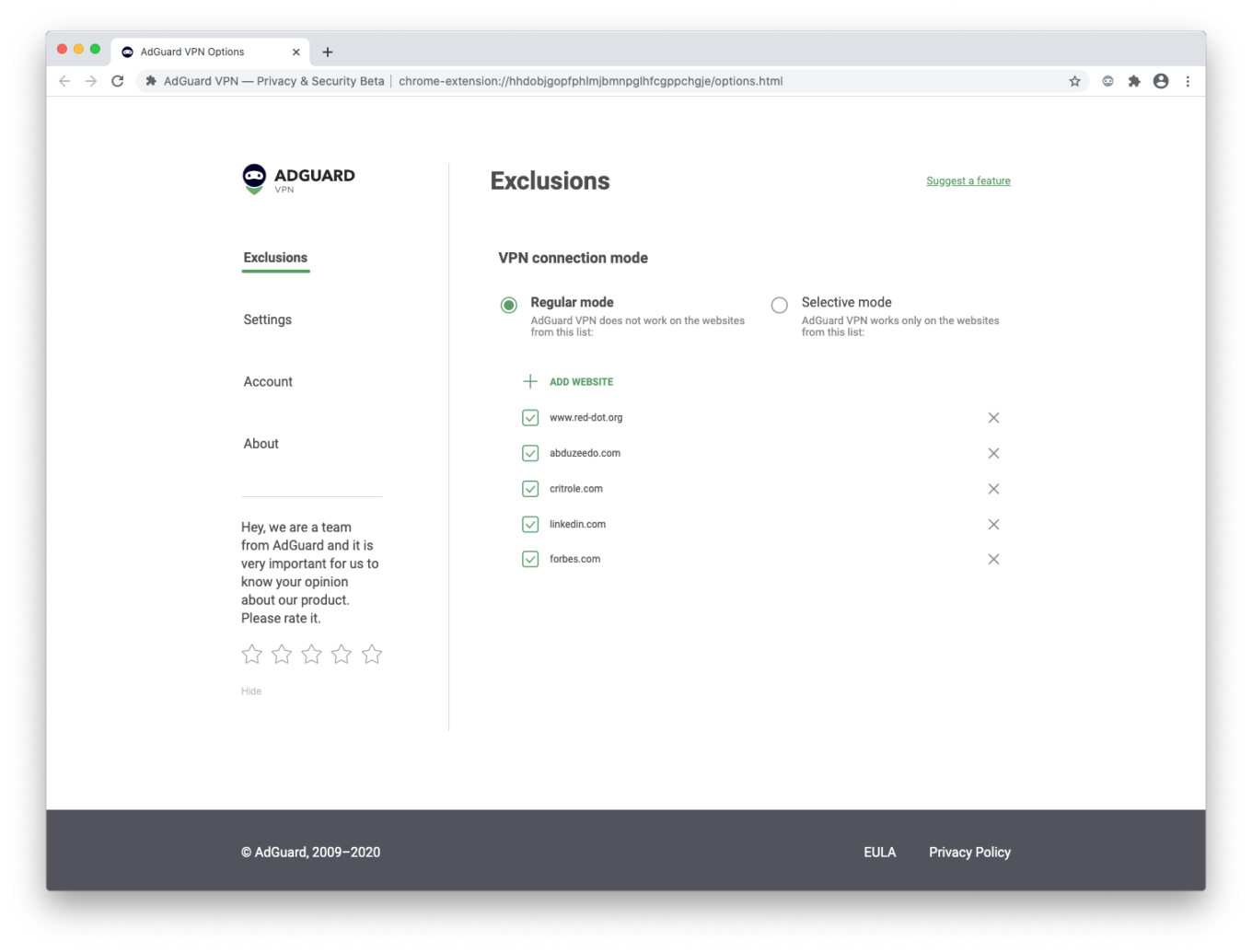
According to the laws of the genre, it's time for us to switch to the next part of the previous series. You can read about all of AdGuard VPN's goodies in this article. But wait, there's more!
Next year, AdGuard VPN is in for something big! A total redesign — and much, much more! So stay tuned, and download the app for your device to be among the first to see the update.
A little AdGuard magic
Moving on! We've been working hard all year to improve AdGuard Ad Blocker apps for Android and iOS, for Windows and Mac, fixing all sorts of bugs, adding important features and, as usual, updating CoreLibs and DNSLibs. But each product had its significant updates:
There were three updates of AdGuard for Windows this year. The most notable changes: we expanded the available DNS settings, introduced compatibility with AdGuard VPN, and updated the Browsing Security module. Of course, we've saved the biggest changes for version 8.0, which will be released next year.
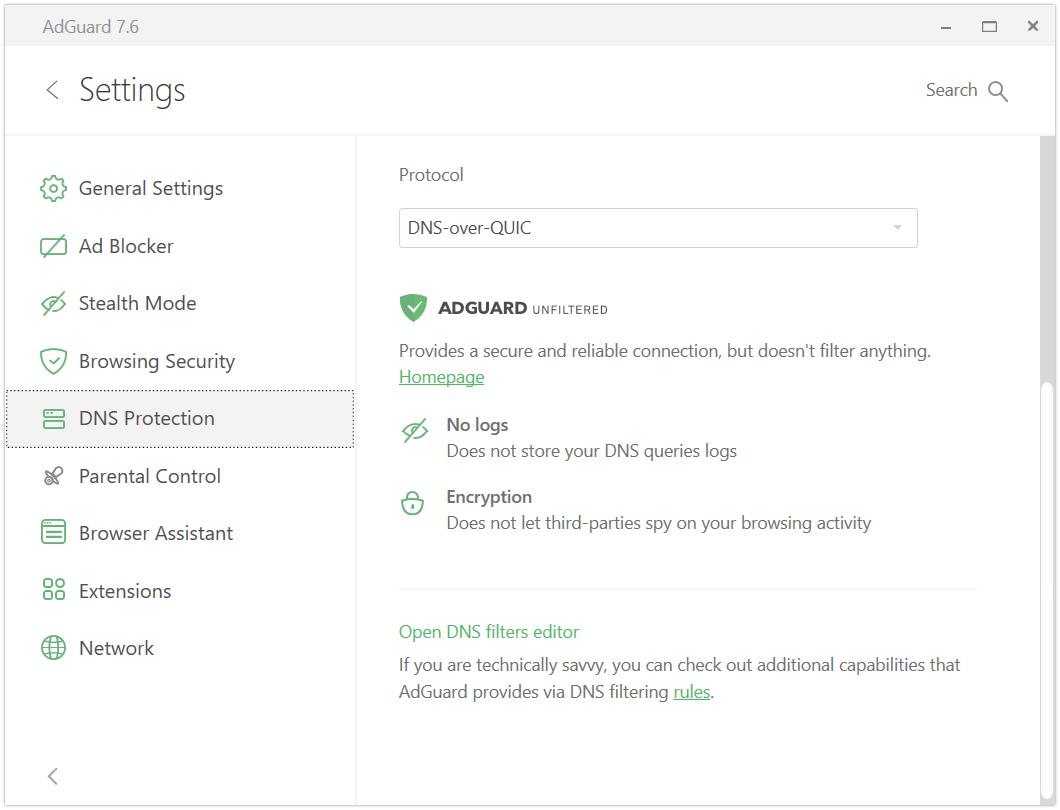
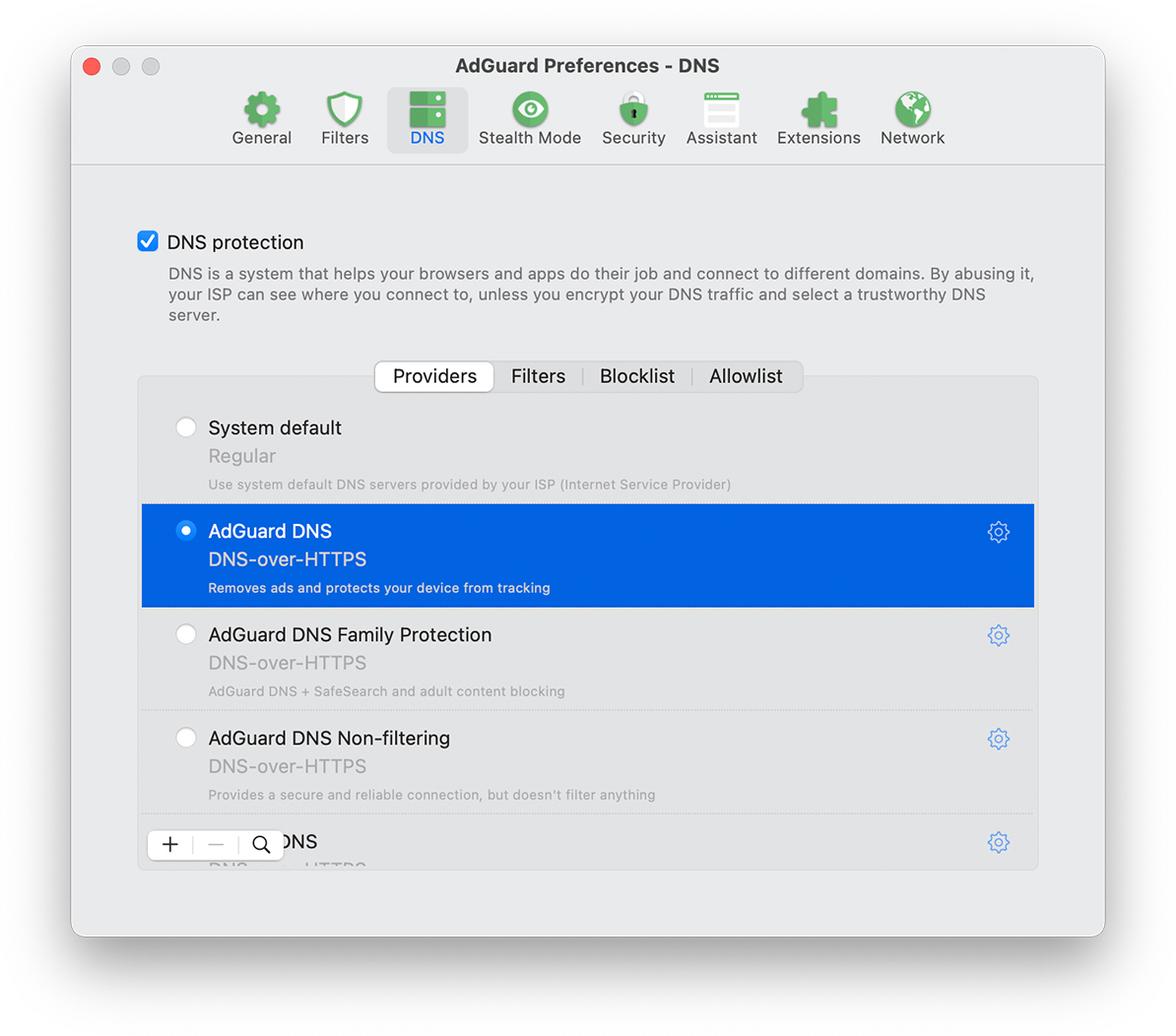
All of the major changes to our Mac app happened towards the end of the year. Of course, we can't skip the extremely popular DNS filtering feature that's now present in all major AdGuard products. We've also finally added native support for Apple Silicon! The Browsing Security module has undergone the same changes as in the Windows version.
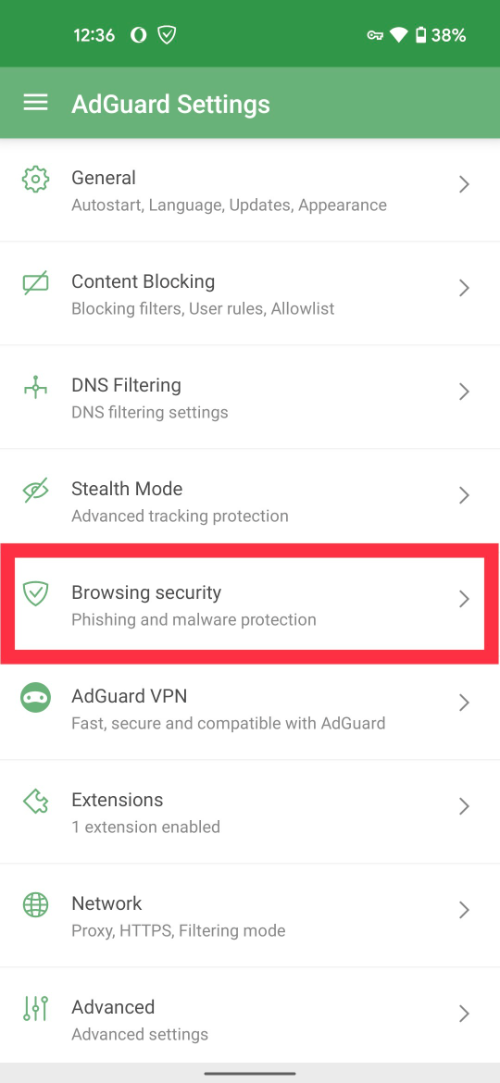
This year has been an extremely busy year for Android apps, though most of the work is happening behind the scenes — you'll see the fruits of it very soon in version 4.0. This year we've brought you Android 12 compatibility support, the already-familiar Browsing Security update, and a lot of other changes under the hood.
AdGuard for iOS has been in the spotlight all year long, though not always for the right reasons. But there was some good news: we added native DNS support, low-level settings, and a whole new Advanced Protection module. This is a very important topic and we'll talk about it separately.
Bye-bye ads in Safari
In the spring of 2021, we received a large number of complaints about missed YouTube ads on iOS devices. Importantly, the complaints were specific to watching YouTube in Safari. As it turned out, YouTube had then began to use a new algorithm to show ads to logged-in users, loading ad clips almost as well as regular videos. And that had a negative impact on the quality of ad blocking.
Of course, we immediately started looking for a solution to the problem and found two at once: one was, frankly speaking, unsuccessful, but it was better than nothing; the second one was actually quite nice — a shortcut to block ads on YouTube in Safari. Then events began to unfold even more peculiarly!
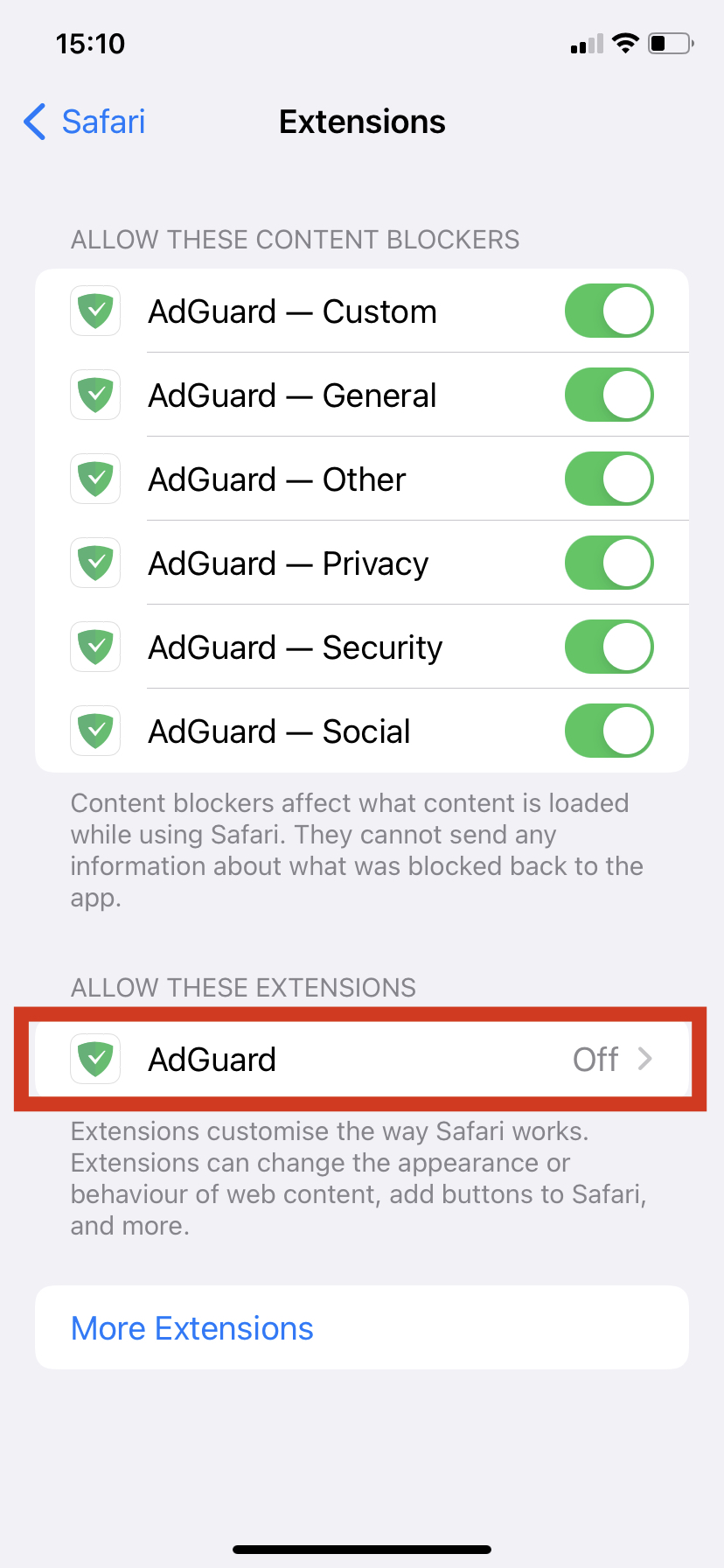
In June, we learned that Apple was planning to add support for Safari Browser Extensions on mobile devices. We became so excited about this news that we couldn't wait for the day X to implement more advanced ad filtering rules in AdGuard for iOS, which was impossible before. And now finally with version 4.3 in the App Store (which was released a mere week ago, on December 24th) we've unveiled the new Advanced Protection module.
Read about how to run Advanced Protection on your device, and how much it will benefit you, in this article.
The end is near
We've already survived several apocalypses — the one the Mayans predicted and the beginning of the pandemic — but another one is coming, the release of Manifest V3 by Google. In January 2022, it won't be possible to add new extensions to the Chrome Web Store that still use Manifest V2. And after January 2023, such extensions will no longer work, even if they were added there previously.
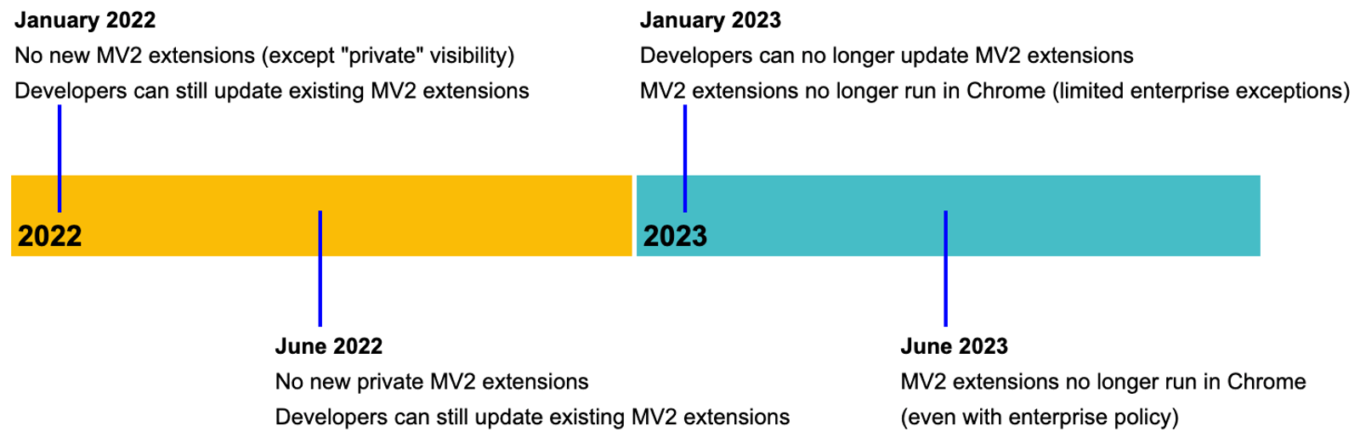
What is Manifest V3, and why don't we like it? In a nutshell, Manifest V3 is the name of a new extensions’ API for Chrome, according to the official sources, created to "make extensions safer and more productive". In fact, almost all browser extensions as you know them today will be affected in one way or another: the luckier ones will "only" experience certain problems, others will be severely disrupted, and some will literally cease to exist.
What should you do if you don't want to say goodbye to either Google Chrome or the extensions? You can download a special beta version of AdGuard for Chrome, but it will turn into a pumpkin and become useless for Chromium-based browser users after January 2023. However, you can still expect us to release a new extension that will comply with Manifest V3. Certainly, the quality of ad blocking will decrease, but not dramatically. We will, as always, do our best to give you the cleanest version of the Internet.
The good news is that all the benefits of the AdGuard Browser Extension for Chrome will remain available to users of other browsers. And if you use the AdGuard desktop or mobile app, all of this information is not for you at all! The above is of no concern to you and you have nothing to worry about.
New version of AdGuard Home
We introduced AdGuard Home v0.107 just about a week ago. This release was really hot, despite its very humble version number. In total, we've been working on it for eight months! Many things have changed significantly in AdGuard Home, but keep in mind that you'll need quite a bit of technical knowledge to figure it all out.
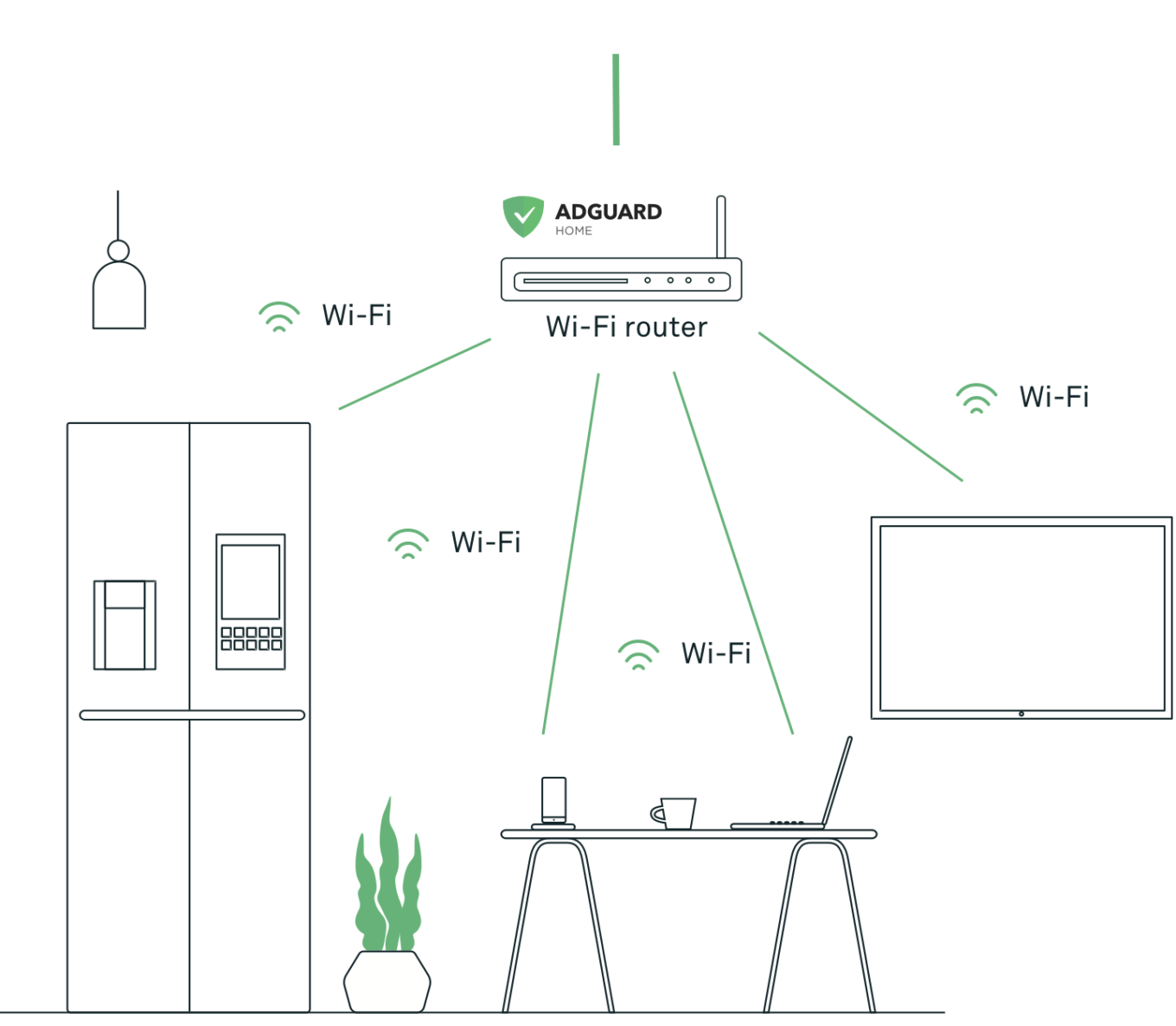
All the information on v0.107 is available on GitHub, so you can head over there for more details. Let's just highlight the fact that you no longer have to use Rosetta or other similar solutions to set up AdGuard Home on a Mac with the M1 chip! Yep, we've implemented native support for Apple Silicon.
Reinventing DNS
We do love AdGuard DNS and fondly observe its achievements. It has grown a lot since 2016: now it has 14 server locations worldwide, processes more than 500 billion DNS requests per month, and supports the cutting-edge DNS-over-QUIC protocol (AdGuard is one of the very few such resolvers in the world). Also, it was one of the first to adopt the European Resolver Policy (ERP).
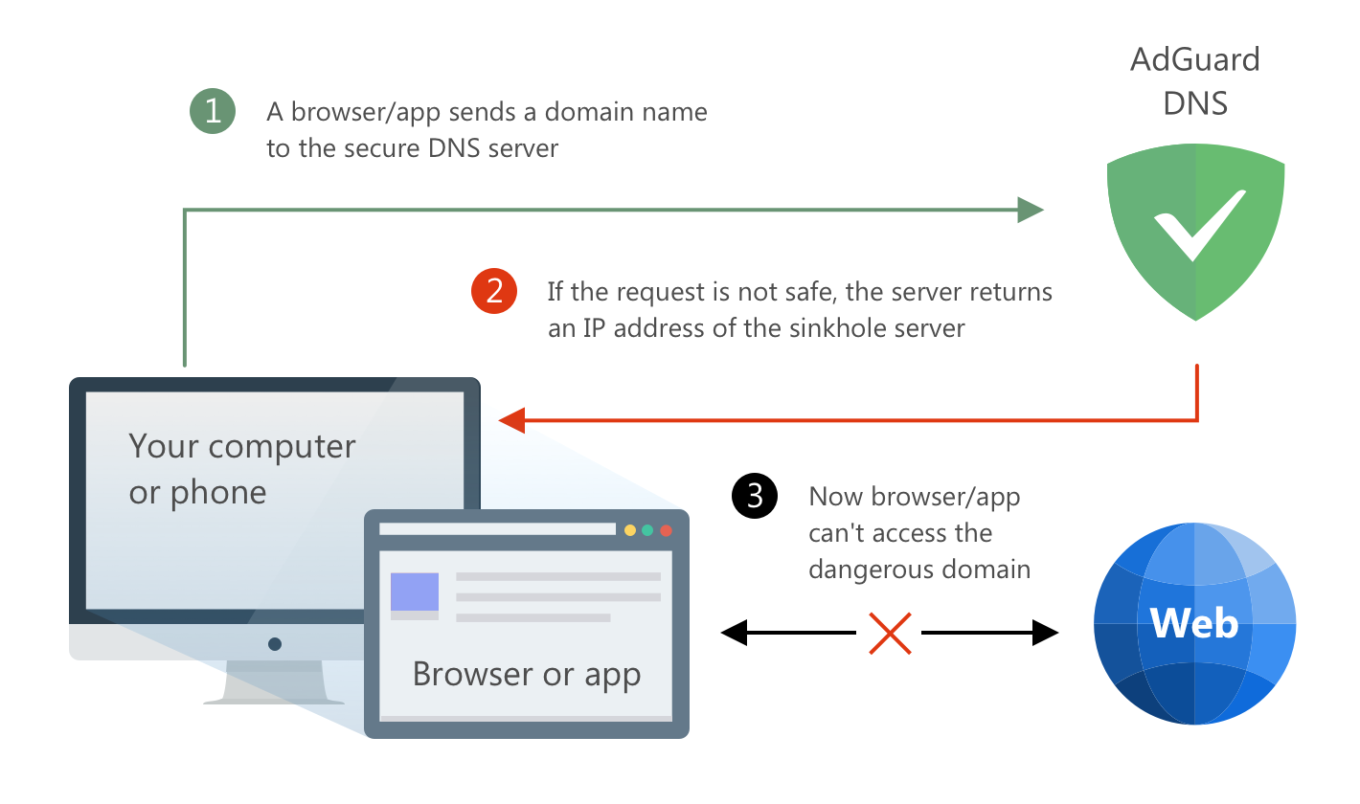
There is more to come: we are about to take another step forward. Very soon you'll be able to create your own AdGuard DNS server. And yes, it will be all yours, so you can configure it however you like. Block and unblock domains, add block lists, view statistics for requests, restrict children's access to adult content, and more. We're launching a new service at the beginning of next year, and we can keep you up to date if you drop a request on our website. As for now, you can already check out the screenshots of the coming private AdGuard DNS interface.
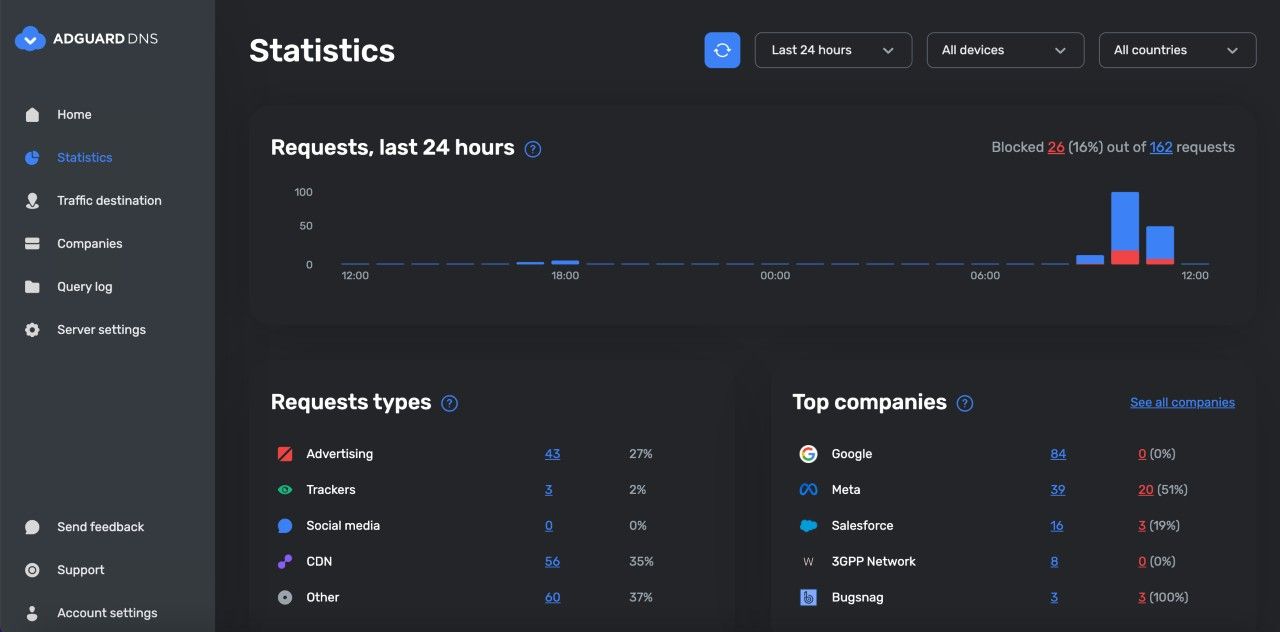
Why did we even bother with developing and launching AdGuard DNS? Our biggest dream is to create the perfect ad blocker that would give users access to a "better Internet" without intrusive ads and trackers, not limited by a browser window. And AdGuard DNS gets us somewhat closer to that goal.
Read the last section and still don't have a clue what DNS is all about? Not a problem! Andrey Meshkov, co-founder and CTO of AdGuard, explained what DNS filtering is and how to use DNS to block ads at Ad Blocker Dev Summit 2021. You can find the video of his report on YouTube and the text version in our blog.
Long live the content
This year we focused on blog articles not directly related to AdGuard products. We wrote a lot about online privacy issues and industry news. And to keep you in the loop, we've even reanimated our regular news digest!
We may be biased, but we truly believe that all the articles that have appeared in the blog over the last year are good. But there are some that we want to highlight in particular!
Industry news
AdGuard Supports Zoom Popularity by Blocking Ads There. Zoom rolled out a pilot advertising program for Basic (i.e. free) users. We are really disappointed because we consider this decision completely wrong for the company that greatly helped the world through the pandemiс and had sky-high sales in 2020. What are we going to do? Read the article!
There's no such thing as a free lunch: 21 million user data leaked from 3 Android VPNs. Early in the year databases with the credentials of 21 million users were sold on a popular hacker forum. The data was stolen from three VPN services for Android — SuperVPN, GeckoVPN, and ChatVPN. We've figured out what happened and why such leaks are dangerous.
Anything you pay for can and will be used against you. When smart TVs get too smart. Smart TVs are supposed to be the strictly better versions of the old-fashioned "dumb" ones. But it's not as simple: sometimes "smart" does not equal "good".
Facebook the Blind Kingmaker: how and why Big Tech "helps" you choose your president. Social media algorithms impact a lot of your choices, from a show to watch to a person to vote for. And it’s unclear how exactly they do that and in whose interests. What can you do to guard the freedom of your mind?
Online privacy issues
Why data matters: our manifest. Everybody will tell you again and again: "your private data is very important!" But why exactly? We will answer this question once and for all so that you don't have any doubts!
The basic principles of digital hygiene. As a company that puts the protection of users' personal data at its core, we cannot rest easy reading the news about how another corporation or hacker collects this data on a massive scale, sells it or misuses it for other improper purposes. So we've made a kind of checklist for you to protect your online privacy. Please use it.
Tech giants implement homomorphic encryption. Tech giants are once again infringing on the users’ privacy. A new era in ad targeting is coming. Such companies as Alphabet, Facebook, Microsoft, and IBM arel testing a new encryption technology. Why does this mean for the user? Read in the article.
Dear Santa, we've been nice this year
Not only did we think about the development of our products, but also about the public good. For instance, we created an AdGuard URL tracking filter with all the most popular tracking parameters, including the notorious Google FLoC. In our products, this filter is actually already "built into" the Stealth Mode module, but you can remove tracking parameters using the filter directly. For more information, see this article.
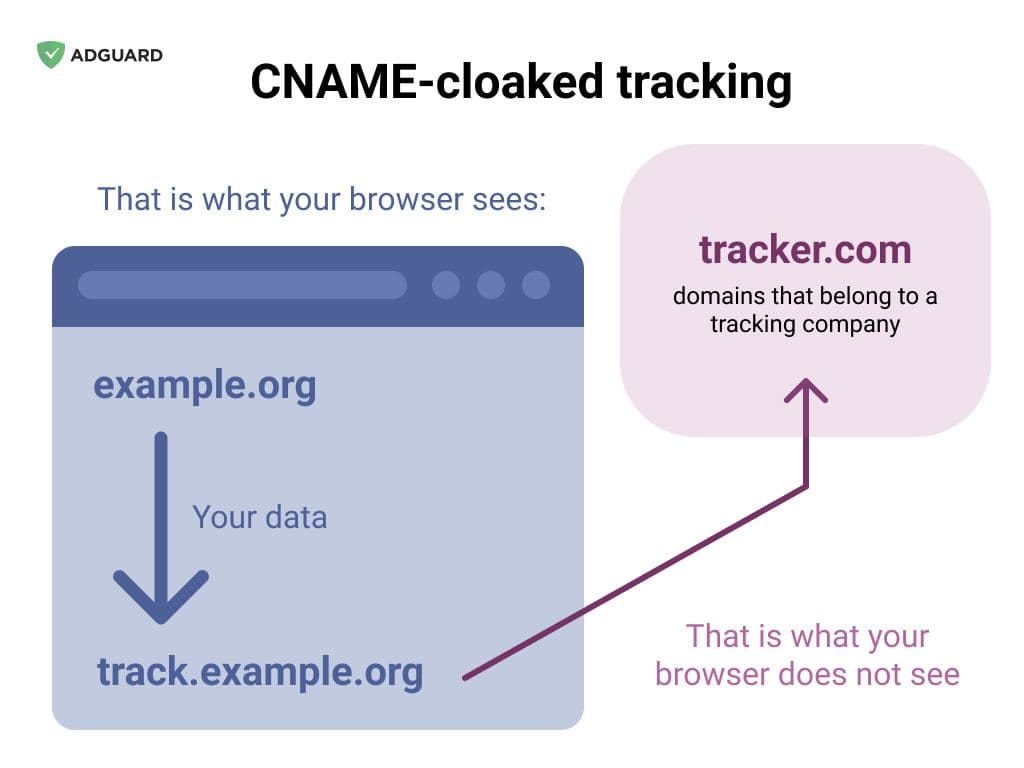
We also went on the Google rampage for hidden CNAME trackers, and thanks to our own DNS service and independent content blocking tools in browsers, we found these trackers and blocked them. After that, we made a full list of all known CNAME trackers — it's included in the Tracking Protection filter. Find out more in this article.
In conclusion
This year was a tough one, but overall calmer than the previous one. It has brought us many great accomplishments and just as many challenges. And we're thankful for the experience, and thankful to you for being there for us all these 365 days. We'd like to express our gratitude to you, to the users of our apps and extensions, and to all the volunteers who make invaluable contributions to AdGuard products.
Stay happy and healthy in 2022, take care of yourself and your loved ones, and we at AdGuard will take care of your online safety. See you next year!




















































