User rules
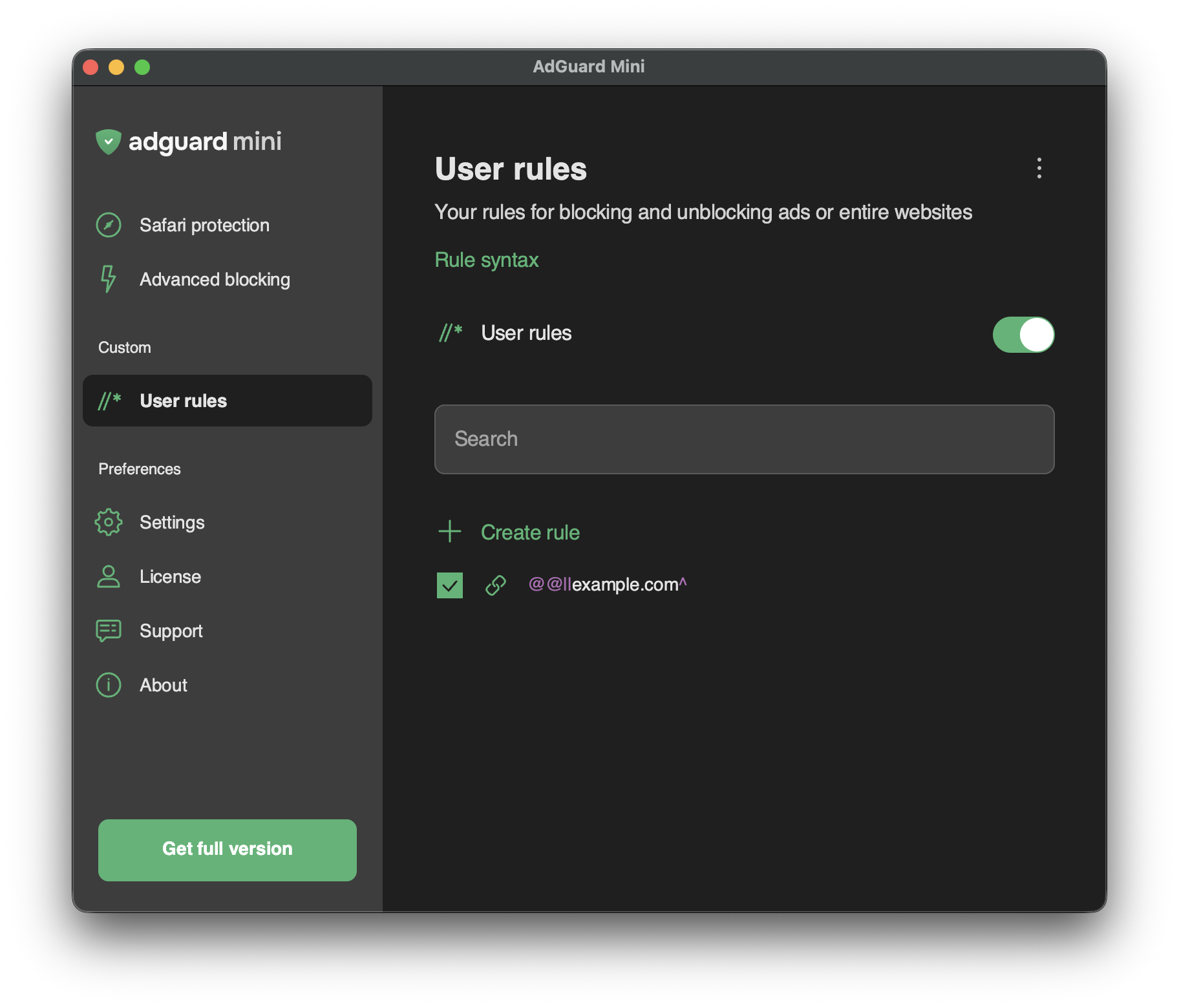
User rules can be used to customize ad blocking when you want something personal: exclude a website from filtering, unblock requests, or allow scripts on a certain webpage. They can be added manually, imported, or created automatically when you block an element on the page.
To add your own filtering rules, use a special syntax.
Rule constructor
We understand that writing filtering rules yourself is not every user’s cup of tea. That’s why you can just click Create rule to use a rule constructor: choose what you want to do, click through a few options, and you’re done. Block images, videos, scripts, or any other elements you’d rather not see on a page.
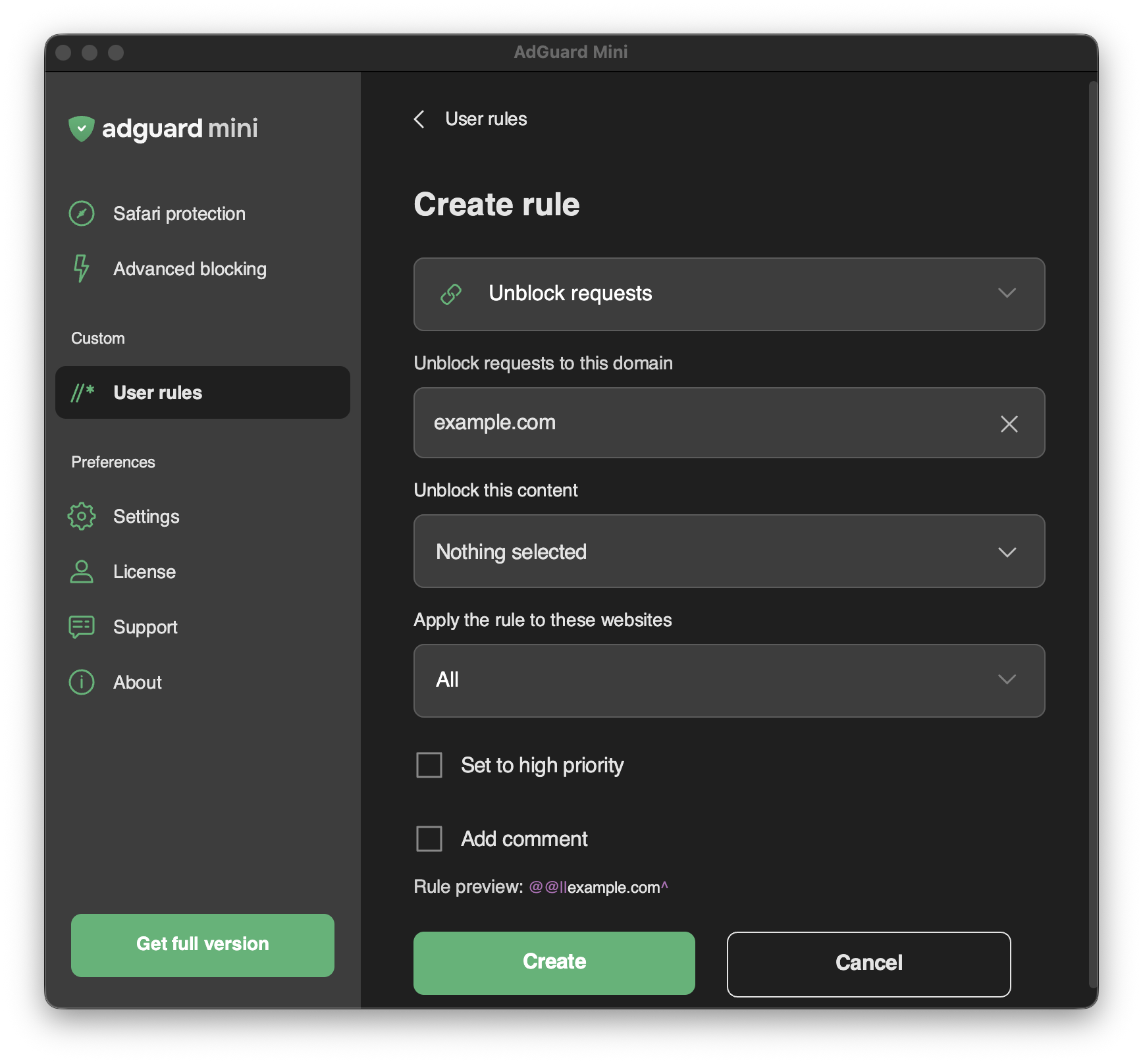
Here’s an example of a tricky case — a cookie popup that resists filtering. Find it in the page code, then open User rules and create a rule to block it: