Settings
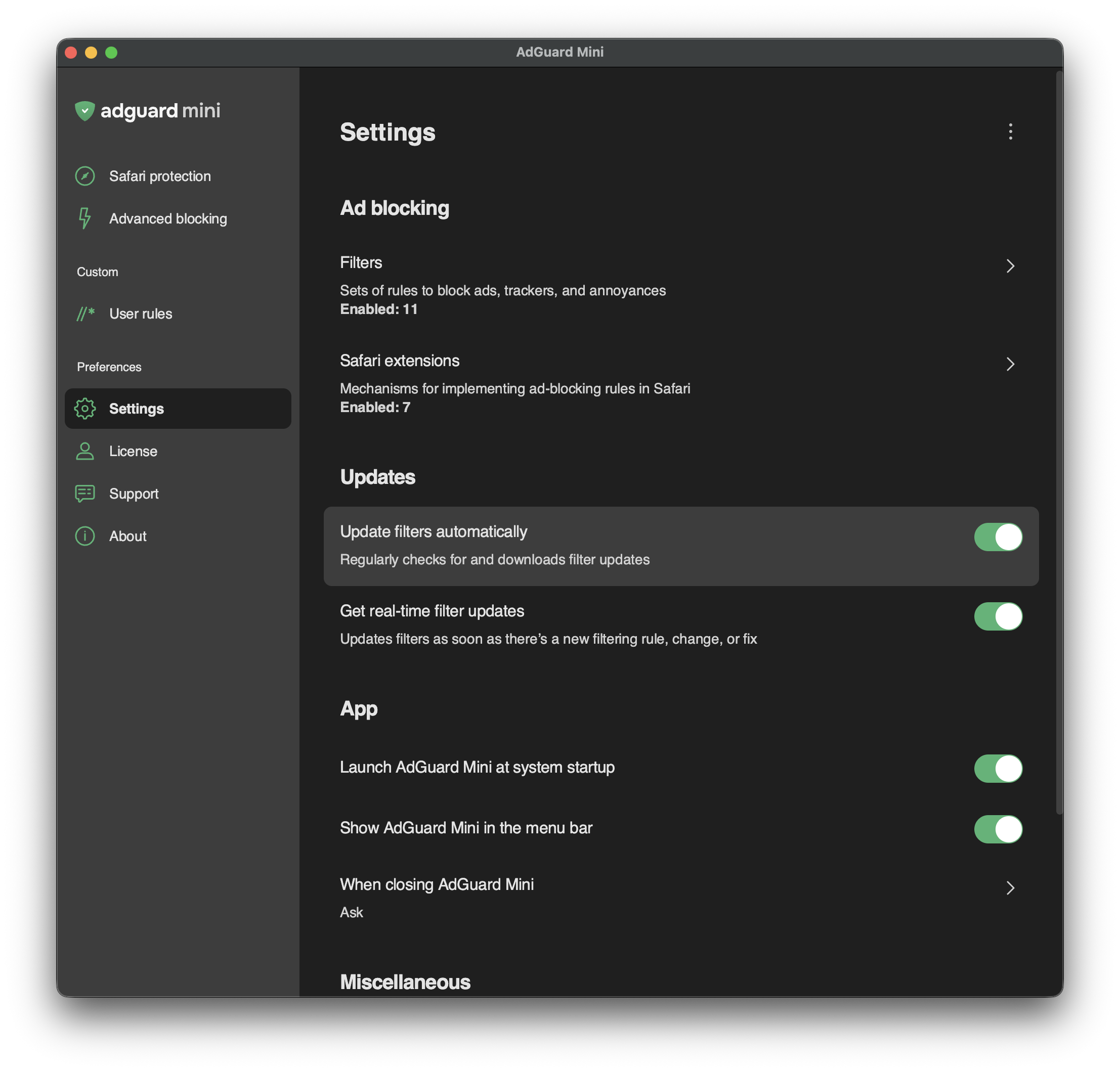
In Settings, you can set up basic things like filters, filter updates, launching AdGuard at system startup, and so on. You can also choose whether to show the AdGuard icon in the menu bar.
The main two sections are:
Different filters that allow you to customize your ad blocking experience
Info on the current state of content blockers — how many rules and filters are enabled for each of them
At the bottom of the Settings screen, you can find options that come in handy when communicating with our support team: Debug logging and Export logs.