Gestión de aplicaciones
This article describes AdGuard for Windows v8.0, a comprehensive ad blocker that protects your device at the system level. This is a beta release that is still under development. To try it, download the beta version of AdGuard for Windows.
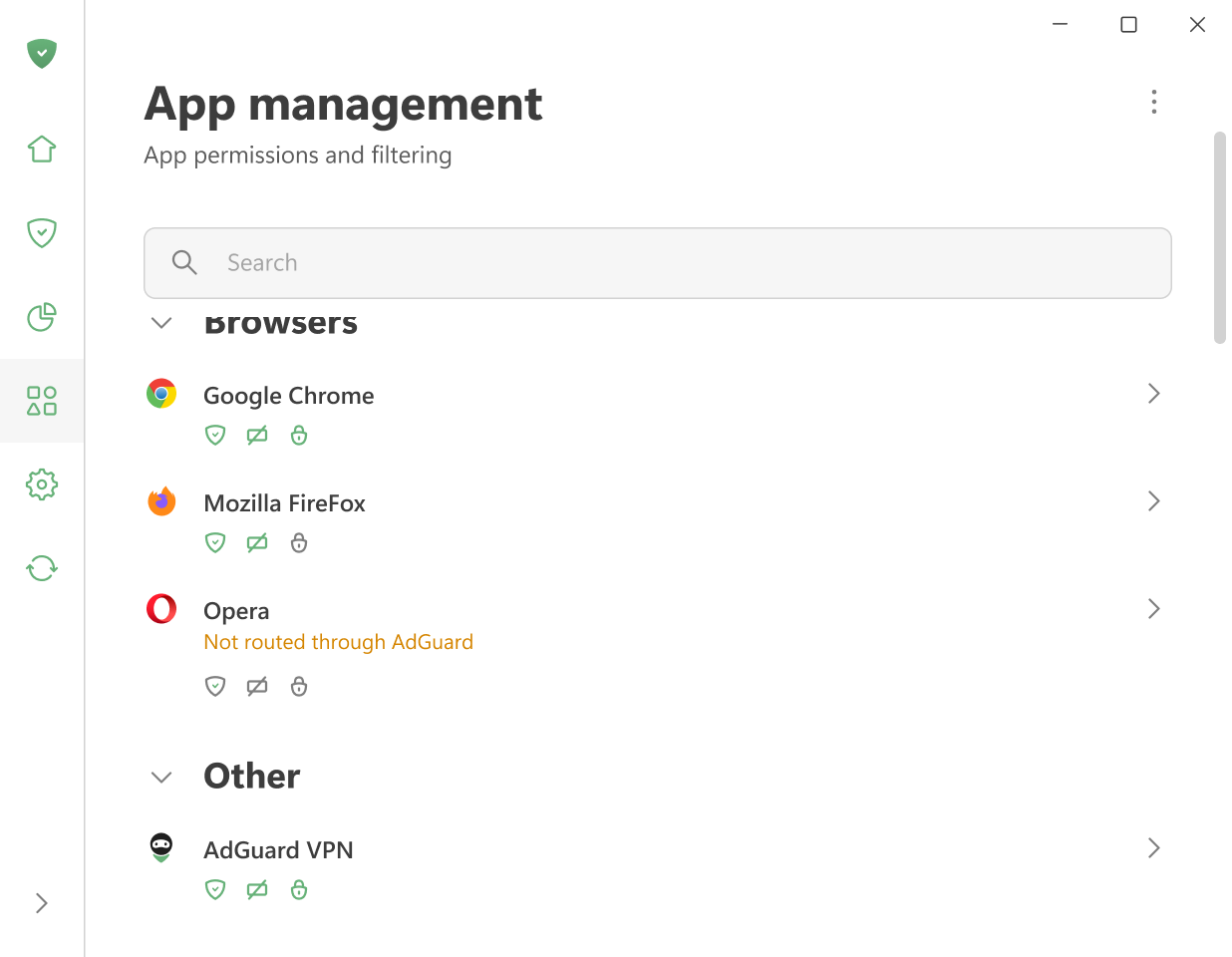
In the App management section, you can manage routing and filtering settings for all apps installed on your device.
Once AdGuard detects that an app has gone online, it is automatically added to App management, and its traffic is routed through AdGuard.
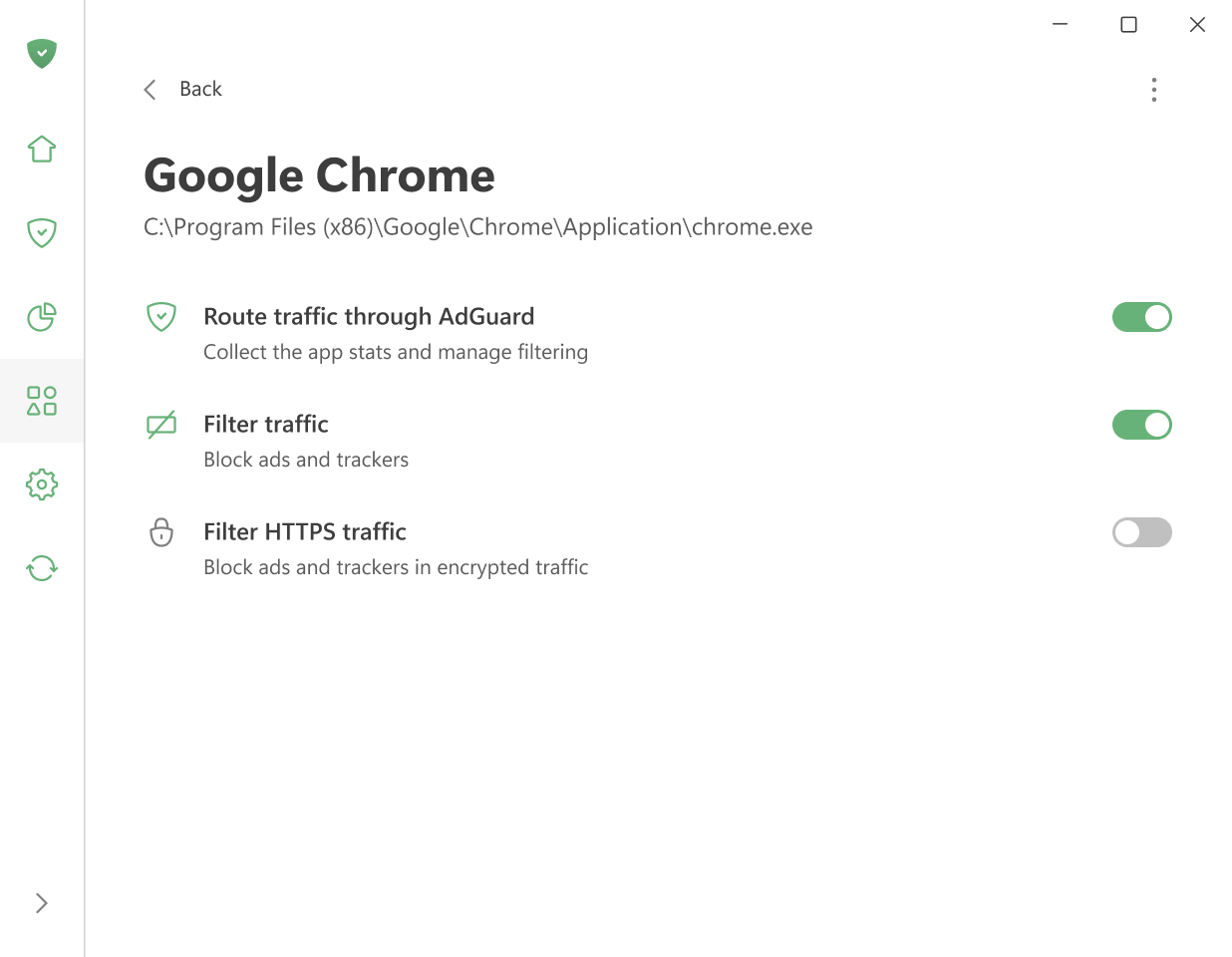
By default, AdGuard filters all traffic, but you can choose what to exclude.
AdGuard also filters HTTPS traffic, as most websites today use HTTPS. This is especially important for blocking ads on sites like youtube.com, facebook.com, and x.com, where it is impossible to remove ads without HTTPS filtering.
When routing and filtering are enabled for an app, the icons below each app will appear green.
You can leave the settings as they are, disable both filtering and routing, or fine-tune them manually for each app. You can also access the app’s stats.
Aplicaciones “libres de problemas” y “problemáticas”
La mayoría de las apps funcionan correctamente cuando se filtran. Some apps are considered “problematic” and may not work correctly when routed through AdGuard. You may see a warning like this when trying to route or filter all apps:
To ensure the proper operation of all apps installed on your device, we recommend routing only problem-free apps through AdGuard.