Filtros
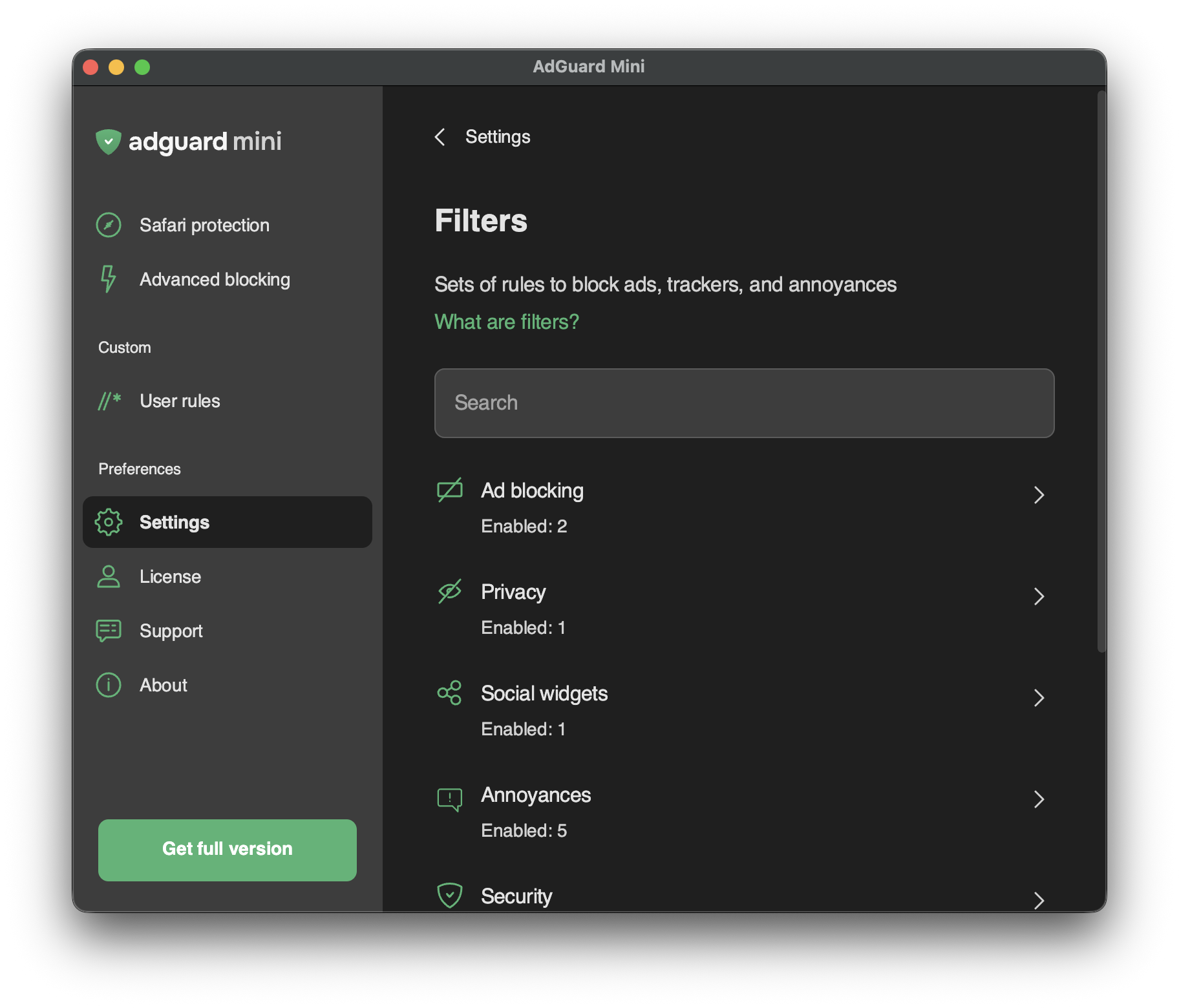
In Settings → Filters, you can enable separate filters or whole categories of filters.
Filters are the backbone of ad blocking and basically it’s what keeps the Internet clean. Un filtro es una lista de reglas escritas con una sintaxis especial. Siguiendo estas reglas, los bloqueadores de contenido pueden filtrar el tráfico web, bloqueando anuncios o solicitudes a sitios web maliciosos.
Filters are combined into eight thematic categories: Ad Blocking, Privacy, Social widgets, Annoyances, Security, Language-specific filters, Custom, and Other filters.
Obtén más información sobre filtros AdGuard o filtrado de anuncios en general.
Changes in Filters are also reflected in Settings → Safari extensions.
Filtros personalizados
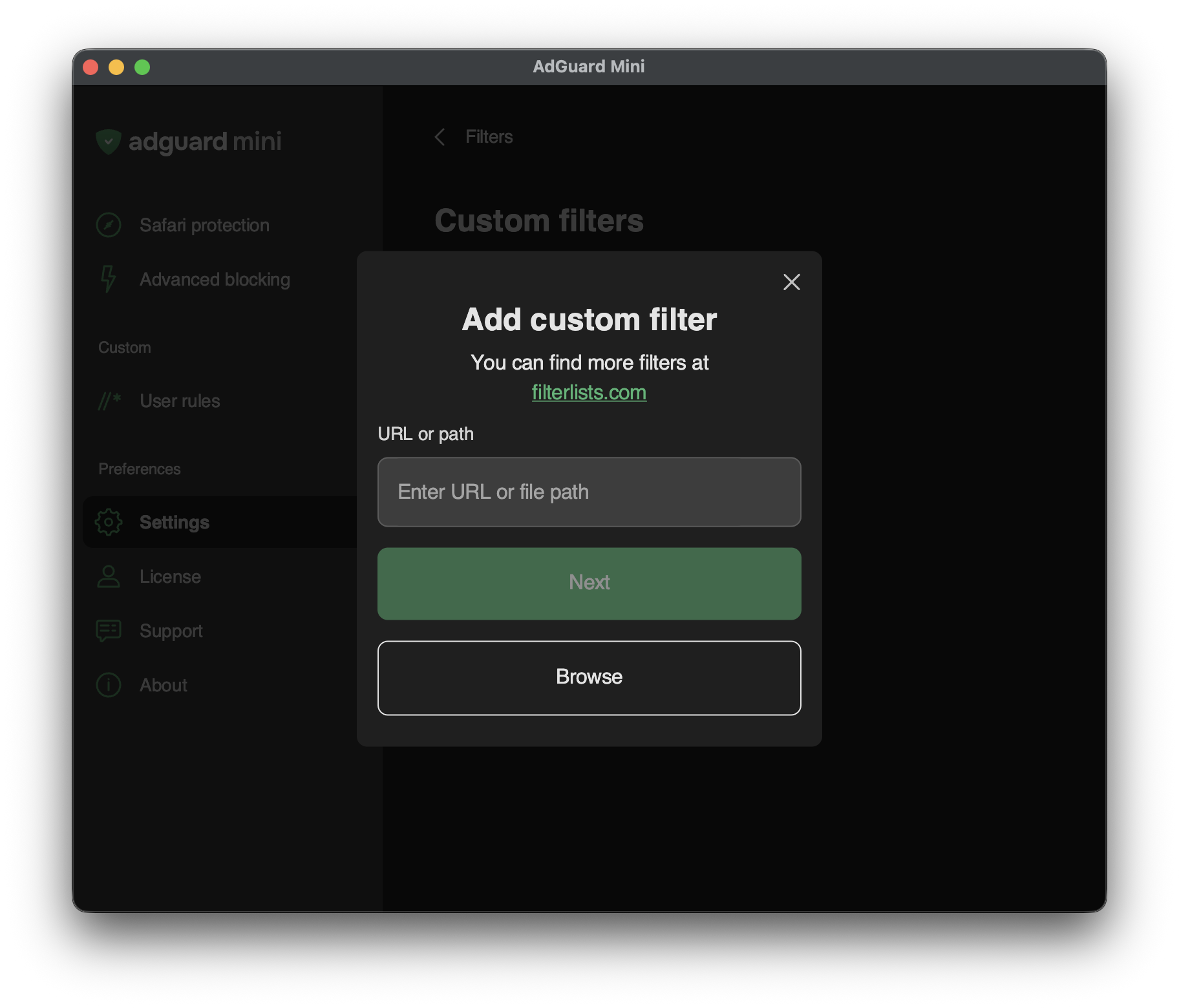
To add a custom filter, go to Settings → Filters → Custom filters and enter a URL or a local file path in the relevant field.
You can find a lot of filters at filterlists.com.