Filtri
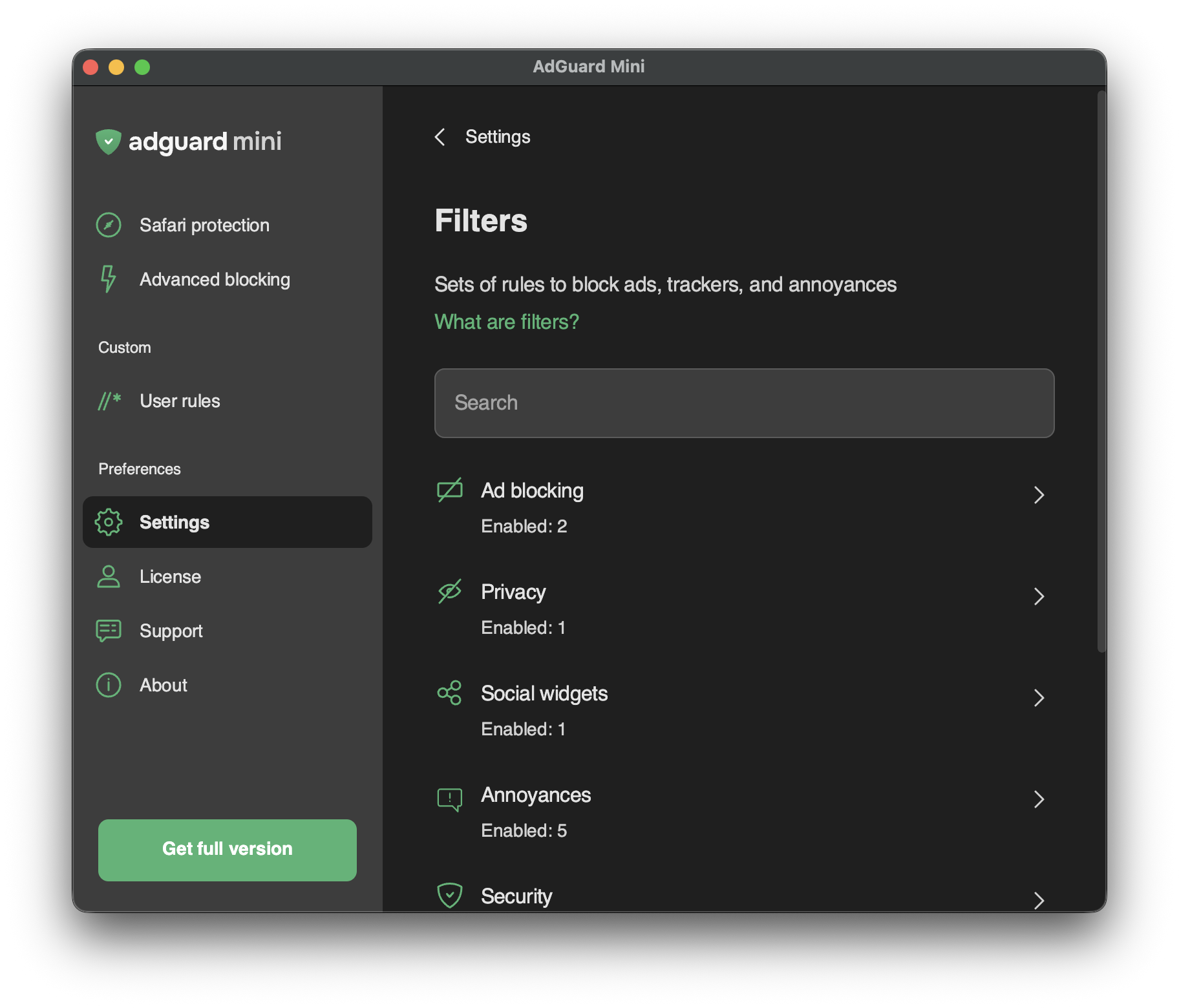
In Impostazioni → Filtri, puoi abilitare filtri separati o intere categorie di filtri.
I filtri sono la spina dorsale del bloccaggio delle inserzioni e fondamentalmente sono ciò che mantiene pulita la rete globale. Un filtro è un elenco di regole scritte in una sintassi speciale. Seguendo tali regole, il blocco dei contenuti può filtrare il traffico web: bloccare gli annunci o le richieste ai siti web dannosi.
I filtri sono combinati in otto categorie tematiche: Blocco inserzioni, Riservatezza, Elementi sociali, Scocciature, Sicurezza, Filtri specifici per lingua, Personale e Altri filtri.
Leggi di più sui filtri di AdGuard o sul filtraggio degli annunci in generale.
Le modifiche ai Filtri sono visibili anche in Impostazioni → Estensioni Safari.
Filtri personalizzati
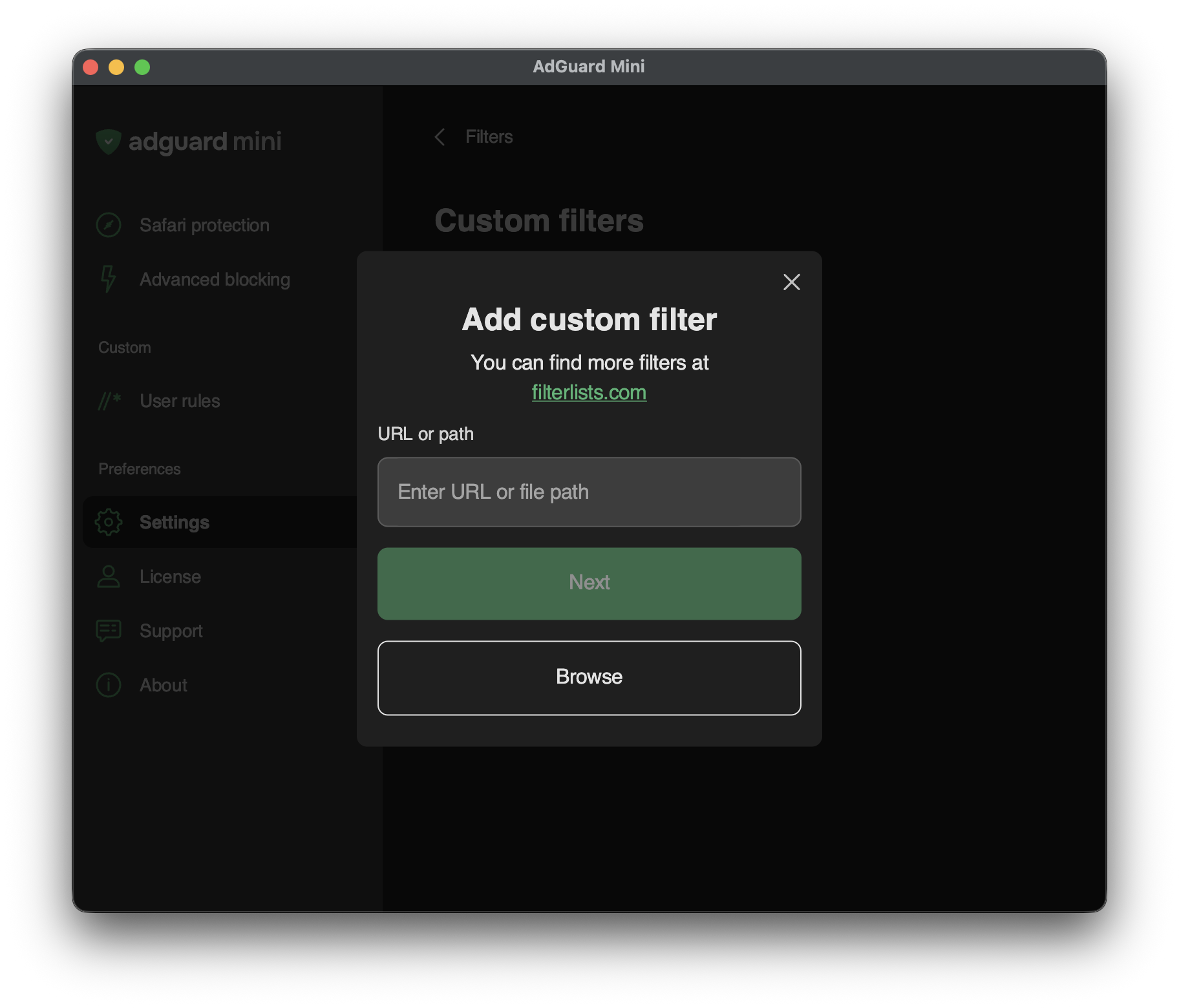
Per aggiungere un filtro personale, vai in Impostazioni → Filtri → Filtri personali e inserisci un URL o un percorso locale di file nel campo rilevante.
Puoi trovare molti filtri in filterlists.com.