필터
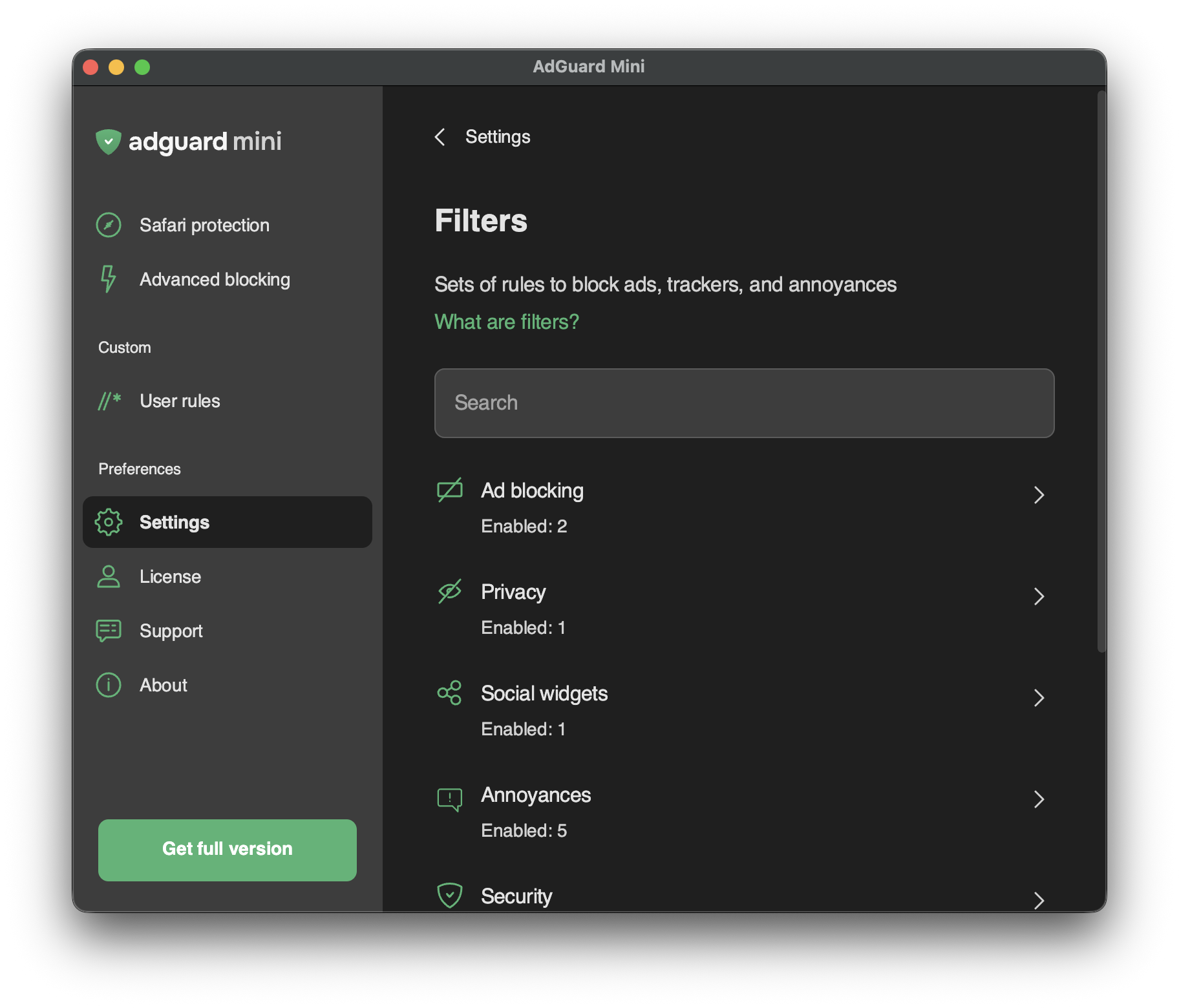
In Settings → Filters, you can enable separate filters or whole categories of filters.
Filters are the backbone of ad blocking and basically it’s what keeps the Internet clean. 필터는 특별한 구문으로 작성된 규칙 목록입니다. 콘텐츠 차단기는 이러한 규칙을 사용하여 광고 또는 위험한 사이트에 대한 요청을 차단합니다.
Filters are combined into eight thematic categories: Ad Blocking, Privacy, Social widgets, Annoyances, Security, Language-specific filters, Custom, and Other filters.
AdGuard 필터 또는 광고 필터링 전반에 대해 자세히 알아보세요.
Changes in Filters are also reflected in Settings → Safari extensions.
사용자 정의 필터
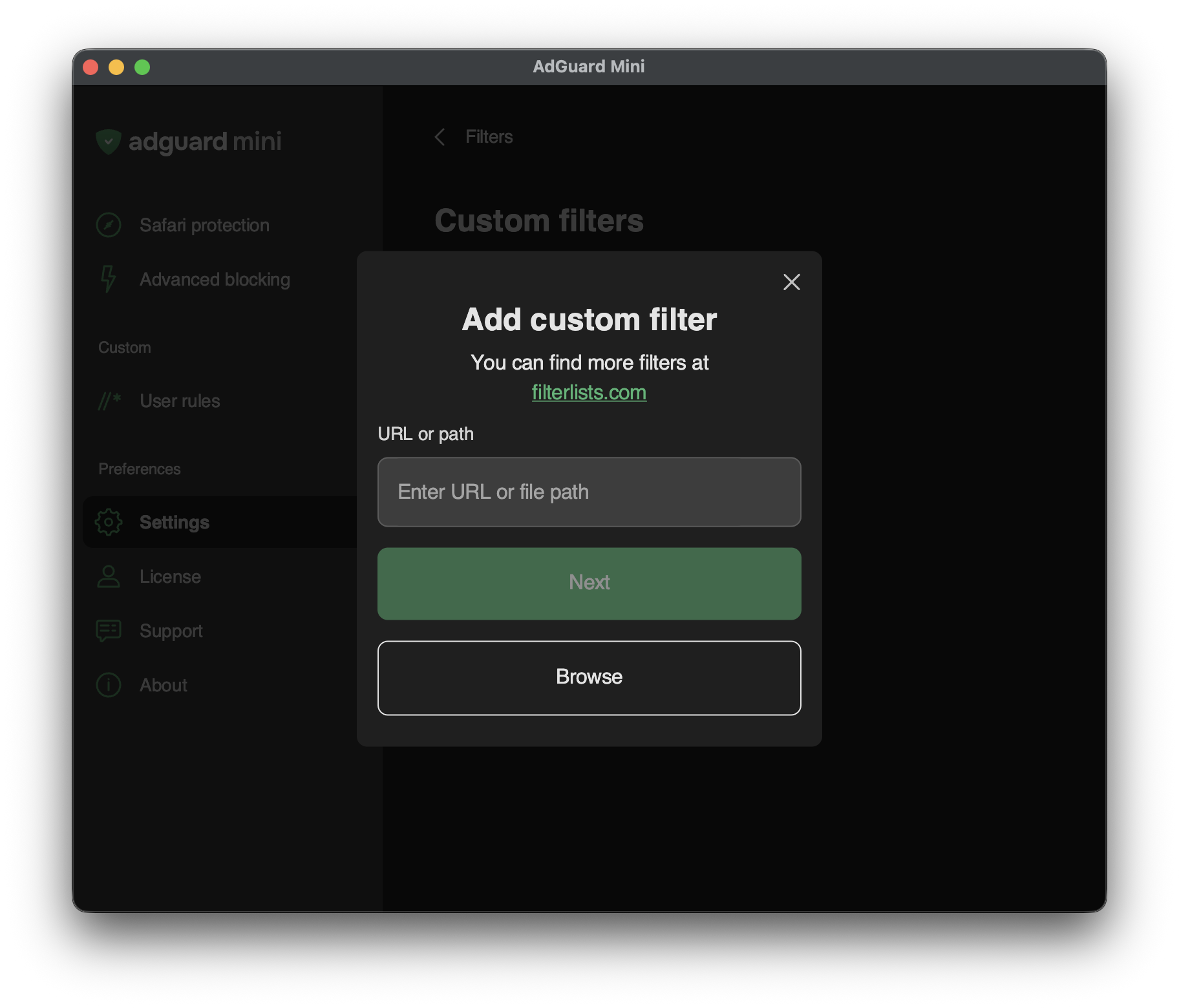
To add a custom filter, go to Settings → Filters → Custom filters and enter a URL or a local file path in the relevant field.
You can find a lot of filters at filterlists.com.