Filtry
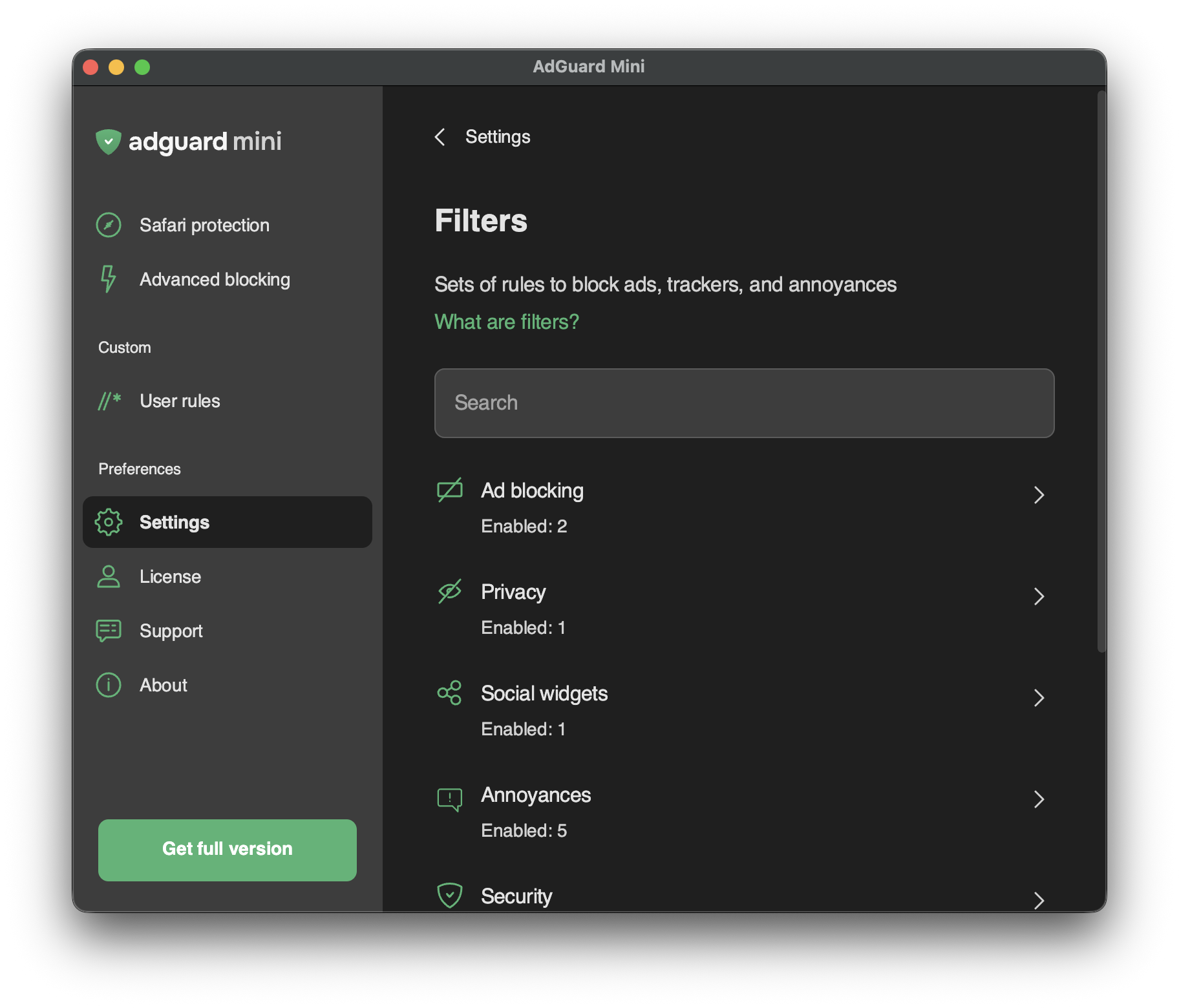
V sekci Nastavení → Filtry můžete povolit jednotlivé filtry nebo celé kategorie filtrů.
Filtry jsou základem blokování reklam a v podstatě udržují internet čistý. Filtr je seznam pravidel zapsaný ve speciální syntaxi. Podle těchto pravidel mohou blokátory obsahu filtrovat provoz webu: blokovat reklamy nebo požadavky na škodlivé webové stránky.
Filtry jsou sdruženy do osmi tematických kategorií: Blokování reklam, Ochrana soukromí, Widgety sociálních sítí, Obtěžování, Zabezpečení, Jazykově specifické filtry, Vlastní a Ostatní filtry.
Přečtěte si více o AdGuard filtrech nebo obecném filtrování reklam.
Změny v Filtrech se projeví také v Nastavení → Rozšíření Safari.
Vlastní filtry
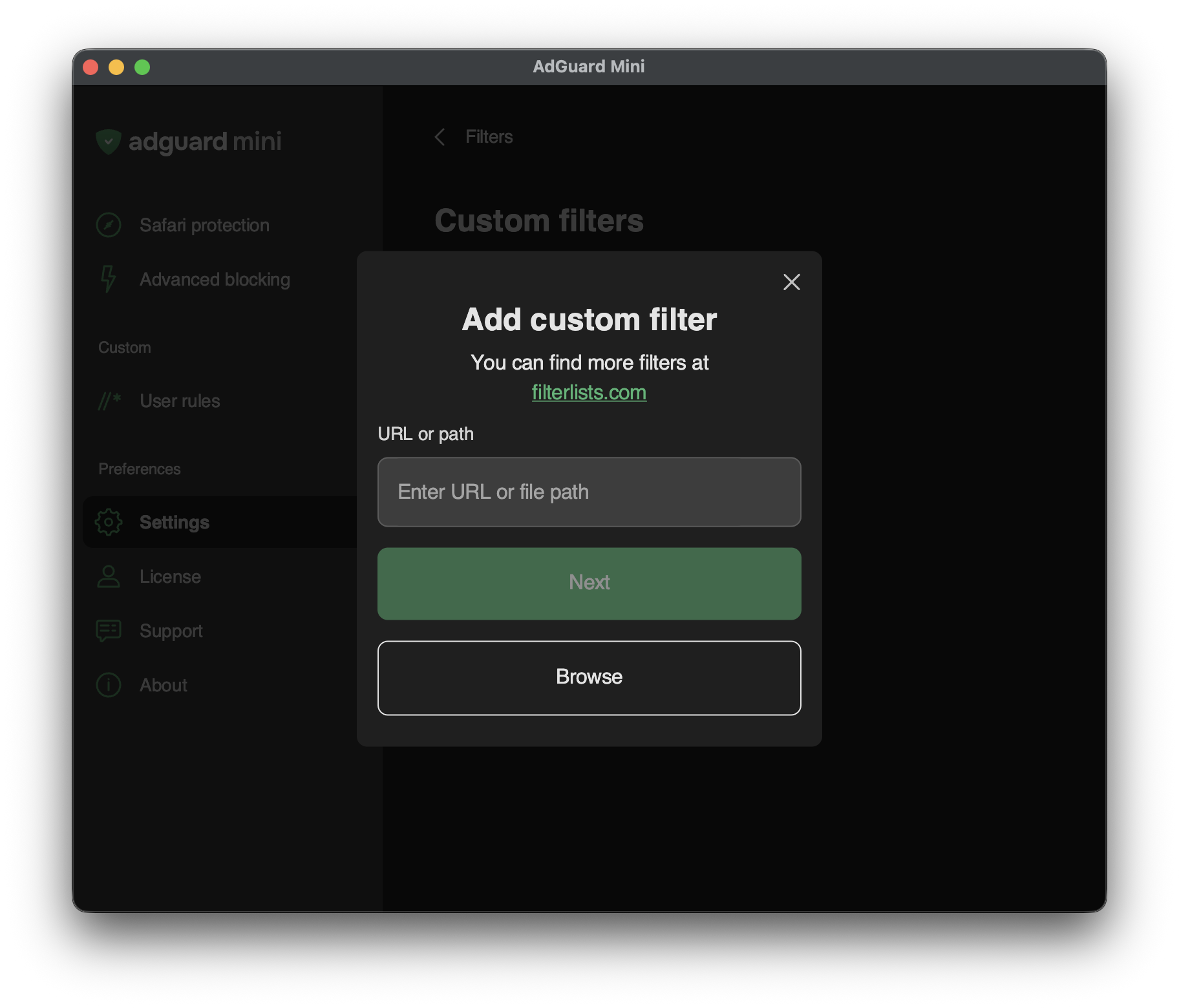
Chcete-li přidat vlastní filtr, přejděte do Nastavení → Filtry → Vlastní filtry a do příslušného pole zadejte URL nebo cestu k lokálnímu souboru.
Další filtry najdete na filterlists.com.