AdGuard for Windows v8
This article describes AdGuard for Windows v8.0, a comprehensive ad blocker that protects your device at the system level. This is a beta release that is still under development. To try it, download the beta version of AdGuard for Windows.
AdGuard para Windows es una herramienta fácil de usar que bloquea molestos banners, ventanas emergentes, anuncios de vídeo y rastreadores. But that’s not all: it helps you save traffic, load web pages faster, and protect your computer from undesirable and potentially malicious websites. AdGuard también te protege de los sitios web de phishing y mantiene a tus hijos alejados de contenidos inapropiados.

On the Home screen, you’ll find a toggle to enable or disable AdGuard protection, as well as icons for Ad blocking, Tracking protection, DNS protection, and Annoyance blocking. Main settings can be accessed through the left-side menu.
Protection
Settings to configure Ad blocking, Tracking protection, DNS protection, Annoyances blocking, Browsing security, Parental control, and Extensions.
Statistics
Detailed information about blocked ads, trackers, and data usage.
App management
Settings to customize traffic filtering and routing for each app and browser.
Settings
Options to select language and theme, view legal documents, check license information, and contact support. Advanced settings and network settings also live there.
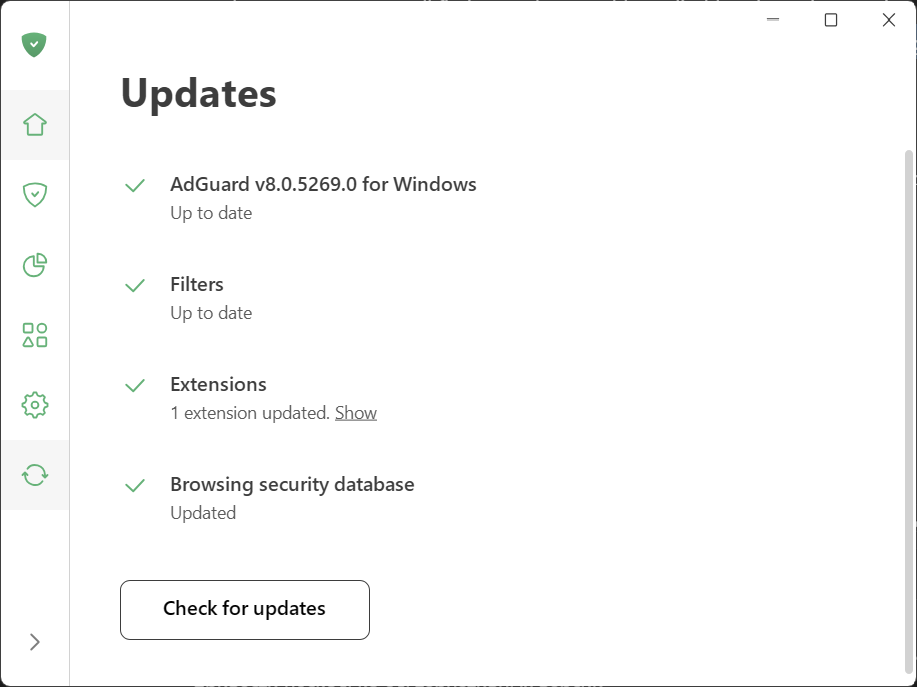
Click Check for updates to see whether your app version, filters, and extensions are up to date.