Filtros
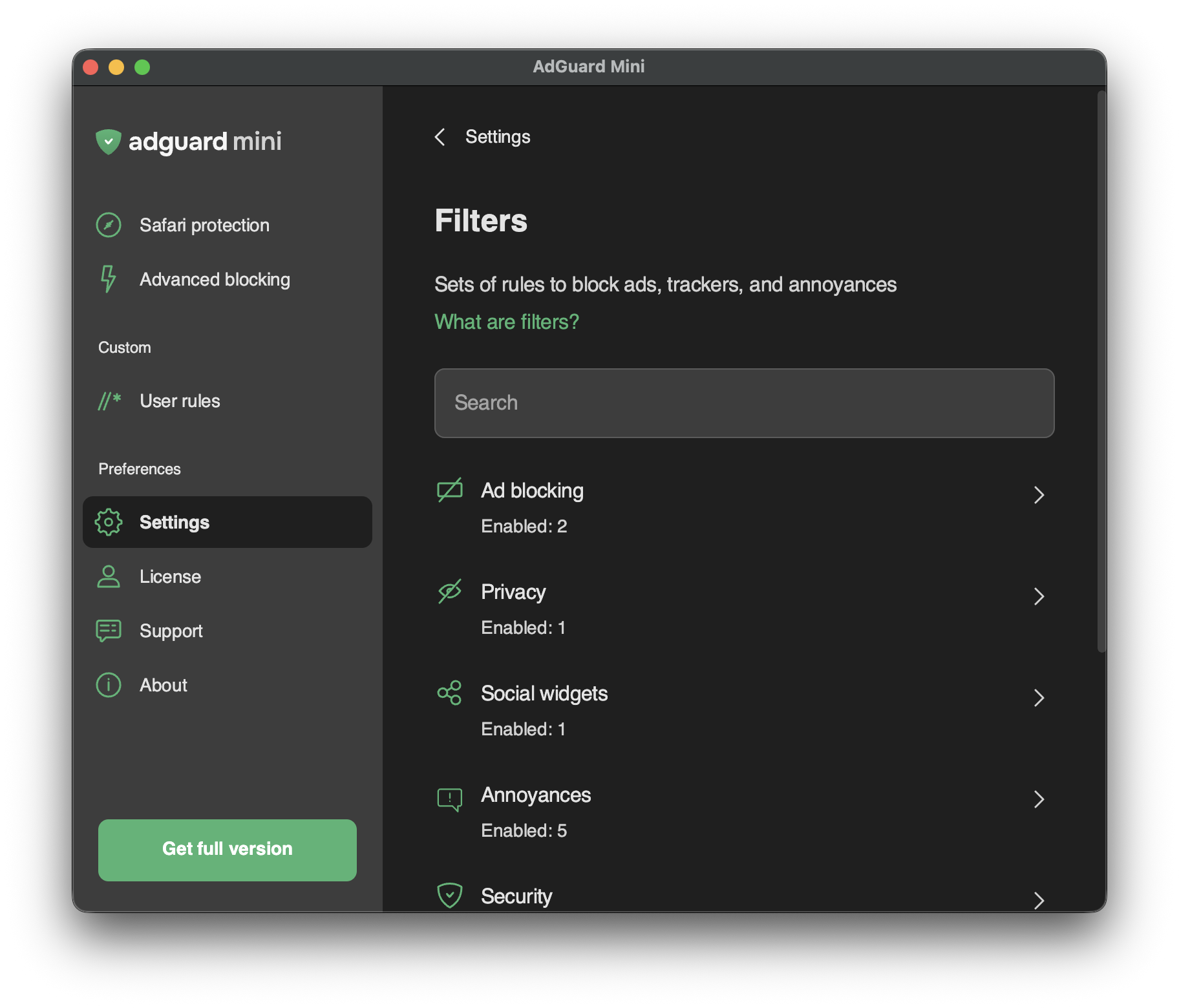
In Settings → Filters, you can enable separate filters or whole categories of filters.
Filters are the backbone of ad blocking and basically it’s what keeps the Internet clean. Um filtro é uma lista de regras escritas em uma sintaxe especial. Seguindo essas regras, os bloqueadores de conteúdo podem filtrar o tráfego da web: bloqueam anúncios ou solicitações de sites maliciosos.
Filters are combined into eight thematic categories: Ad Blocking, Privacy, Social widgets, Annoyances, Security, Language-specific filters, Custom, and Other filters.
Leia mais sobre os filtros AdGuard ou a filtragem de anúncios em geral.
Changes in Filters are also reflected in Settings → Safari extensions.
Filtros personalizados
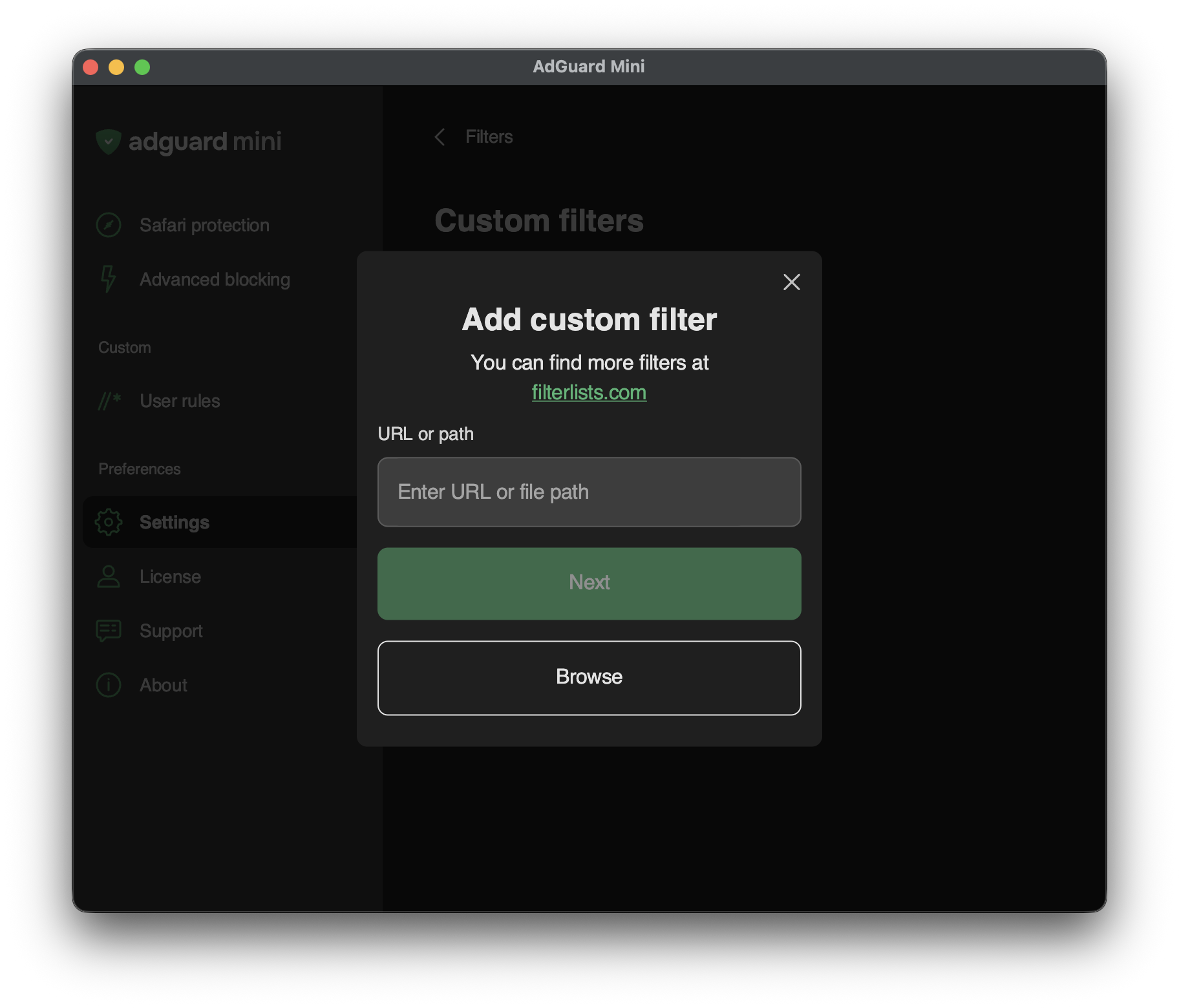
To add a custom filter, go to Settings → Filters → Custom filters and enter a URL or a local file path in the relevant field.
You can find a lot of filters at filterlists.com.